Nearly 60% of financial pros spend over 10 hours weekly on manual reconciliation. This task is both time-wasting and error-prone. It shows the need for better ways to handle financial data.
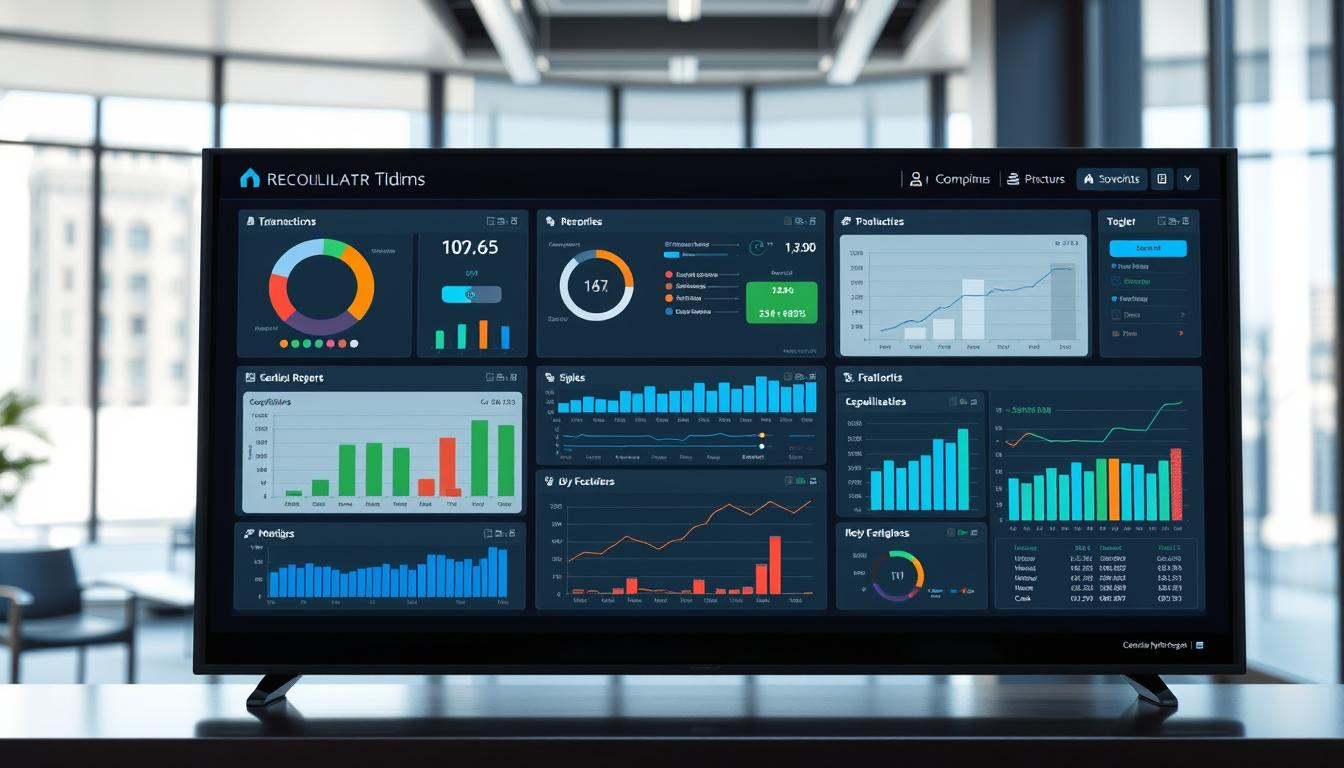
The manual process is not just hard work but also risky. It makes companies open to mistakes and fraud. Using automated reconciliation can cut down on time, reduce errors, and boost financial trust.
With automated software, companies can make their financial work smoother. They can also make better choices with data they can trust.
Key Takeaways
- Manual reconciliation is time-consuming and error-prone.
- Reconciliation automation enhances financial integrity.
- Automated reconciliation software improves accuracy and reduces discrepancies.
- Streamlined financial operations enable better decision-making.
- Enterprises can significantly reduce time spent on reconciliation tasks.
The Growing Importance of Financial Reconciliation for Enterprises
Financial transactions are getting more complex. This makes financial reconciliation very important for businesses. It ensures that financial data is accurate and trustworthy. This is key for making smart business choices.
Manual reconciliation takes a lot of time and can have mistakes. It's hard when dealing with many bank accounts or financial systems. The costs of manual reconciliation are hidden but big, including time and resources to fix errors.
The Hidden Costs of Manual Reconciliation Processes
Manual reconciliation has big hidden costs. These include:
- More labor costs because it takes a lot of time
- More chance of errors leading to financial losses
- Less productivity as staff do manual work instead of strategic tasks
- Higher risks in audits and compliance because manual processes are harder to track
How Automation Addresses Key Finance Department Challenges
Reconciliation automation solves big problems for finance departments. It:
- Reduces time and resources needed for reconciliations
- Makes financial data more accurate and reliable
- Improves visibility and control over financial processes
- Allows finance staff to do more strategic work
Using an automated reconciliation solution makes financial processes better. It reduces errors and helps make better business decisions.
What is Automated Reconciliation Software and Its Core Functionality
Automated reconciliation software has changed how businesses manage their finances. It automates the process of comparing financial records. This ensures accuracy and highlights any issues, making financial work smoother.
The Evolution from Spreadsheets to Intelligent Automation
Before, people used spreadsheets to reconcile finances. This was slow and often led to mistakes. Now, automated software has made a big difference.
- Automated data import from various sources
- Advanced matching algorithms to identify transactions
- Real-time discrepancy detection and notification
This new technology cuts down on manual work. It lets finance teams work on more important tasks.
How Modern Reconciliation Solutions Transform Financial Operations
Modern solutions change financial work in many ways:
- They make financial records more accurate with automated systems.
- They save time, boosting productivity.
- They offer quick insights into financial data, helping with decisions.
Automated reconciliation software is more than a tool. It's a key asset for keeping finances strong and operations running smoothly.
Key Benefits of Implementing Reconciliation Automation Tools
Companies are now using reconciliation automation tools to make their financial work easier. By using automated solutions, they can improve how they manage money.
Significant Time and Resource Savings
One big advantage of using these tools is saving a lot of time and resources. Automated software can handle transactions much quicker than people can. This lets employees work on more important tasks.
- Reduced manual labor
- Faster transaction processing
- Improved productivity
Enhanced Accuracy and Error Reduction
These tools also cut down on mistakes made by people. They make sure transactions are matched correctly. This leads to fewer errors and more accurate financial records.
Improved Compliance and Audit Readiness
Reconciliation tools also help with following rules and being ready for audits. They keep a detailed record of all transactions. This is very helpful for showing that a company follows financial laws.
Using reconciliation automation tools brings many benefits. These include better financial accuracy, lower costs, and better compliance. As the world of finance keeps changing, using these tools is key for businesses to stay ahead.
Essential Features to Look for in Automated Reconciliation Software
Choosing the right automated reconciliation software is key for accurate and efficient financial data processing. Look for advanced features that make the software effective. These features can greatly improve how well the software works.
Intelligent Matching Algorithms and Capabilities
Effective automated reconciliation software uses smart matching algorithms. These algorithms help match transactions from different sources without much human help. They can handle complex tasks, like fuzzy matching, to boost accuracy.
Exception Handling and Workflow Management
Good exception handling and workflow management are vital. They ensure any issues found during reconciliation are fixed quickly. The software should manage exceptions well, track progress, and keep a record of past issues. This keeps the workflow smooth and issues resolved fast.
Comprehensive Reporting and Analytics
Having detailed reports and analytics is key. The software should provide reports on reconciliation status, exceptions, and efficiency. Advanced analytics help spot trends and areas for improvement, helping to better financial operations.
Integration Capabilities with Enterprise Systems
Seamless integration with existing systems is essential. The software should work well with financial systems, ERP solutions, and other platforms. This ensures data moves smoothly and the reconciliation process is fully automated. It reduces errors and boosts efficiency.
By focusing on these key features, companies can find software that meets their needs now and grows with them. This ensures success in financial data reconciliation over the long term.
Types of Automated Reconciliation Solutions for Different Enterprise Needs
There are many automated reconciliation solutions out there. Each one is made for different business needs. This variety is because every business has its own financial needs.
Automated Bank Reconciliation Software
Automated bank reconciliation software makes it easier to match bank statements with a company's financial records. It's great for businesses wanting to save time and reduce errors. It also helps make financial reports more accurate.
Some key features of this software are:
- Automated transaction matching
- Real-time reconciliation
- Exception handling and reporting
Balance Sheet Reconciliation Tools
Balance sheet reconciliation tools are vital for keeping financial statements accurate. They help match and verify transactions for accounts like accounts payable and inventory. This makes sure everything adds up right.
Using these tools can bring many benefits, such as:
- Improved financial statement accuracy
- Reduced risk of financial misstatements
- Enhanced compliance with financial regulations
Transaction Matching and Verification Systems
Transaction matching and verification systems are key for finding and fixing financial transaction errors. They use smart algorithms to compare transactions and spot any issues. This makes it easier to keep everything in order.
Some main benefits of these systems are:
- High-speed transaction processing
- Enhanced accuracy in transaction matching
- Streamlined exception handling processes
Knowing about the different automated reconciliation solutions helps businesses choose the right one. This leads to better financial management and health.
Assessing Your Enterprise's Specific Reconciliation Requirements
Choosing the right automated reconciliation software is key. You need to look at many factors that affect your finances.
Evaluating Transaction Volume and Complexity
Transaction volume and complexity are important. If you handle a lot of transactions, you need software that can keep up.
- Check how many transactions you do every day or month.
- Look at how complex your transactions are. This includes things like different currencies or complex financial products.
- Think about how your current processes handle these transactions.
Identifying Current Process Bottlenecks and Pain Points
It's important to know what's not working in your current processes. Look for bottlenecks and where manual steps slow things down.
- See how much time you spend on manual tasks.
- Find out where mistakes happen during reconciliation.
- Think about how these issues affect your financial reports and compliance.
Determining Technical and Integration Requirements
Your new software needs to work well with your current systems. Look at what technical setup is needed for integration.
- Check what technical setup is needed for the software.
- See if you need APIs or other tools for integration.
- Think about if the solution can grow with your business.
By looking at these factors, you can find the right reconciliation solution. This could be for banks or balance sheet reconciliation software. It helps make your financial operations more efficient, accurate, and compliant.
Related: How Reconciliation Automation Can Save Your Finance Team Time and Money
Cloud-Based vs. On-Premise Automated Reconciliation Software
Automated reconciliation software is key for today's businesses. There are two main types: cloud-based and on-premise. The right choice depends on your needs, like how much you need to grow, how secure your data must be, and how much control you want over your IT setup.
Advantages of Cloud-Based Reconciliation Solutions
Cloud-based solutions are great because they grow with you. They can handle more transactions as your business grows. Plus, you can access them from anywhere, which is perfect for companies with many locations or fast growth.
- Reduced upfront costs due to subscription-based models
- Automatic software updates and maintenance
- Enhanced collaboration across different departments
When On-Premise Deployment Makes Sense
On-premise solutions give you total control over your data and IT. This is best for companies with very sensitive data or those in strict regulatory fields.
On-premise has its own set of benefits:
- Higher upfront costs for hardware and software
- Greater control over data security and compliance
- More complex implementation and maintenance
Security and Data Protection Considerations
Security is a top priority for any reconciliation software. Whether it's cloud-based or on-premise, you need to think about data encryption, access controls, and following laws like GDPR and SOX.
For cloud-based options, check the provider's security:
- Data center security and certifications
- Network security protocols
- Compliance with industry standards
For on-premise, make sure you have the right IT team to keep everything safe.
Key Criteria for Evaluating Reconciliation Software Vendors
When choosing reconciliation software, it's important to look at certain key criteria. The right tools can really help your financial operations. But, picking the wrong vendor can cause problems and even break rules.
Scalability and Performance Benchmarks
It's key to check if the software can grow with your business. Look at these things:
- How many transactions it can handle
- How fast it processes data
- If it can keep up with financial changes
Performance benchmarks show how well the software works under different loads.
Security Features and Compliance Certifications
Security is very important when handling financial data. Look for vendors with strong security and compliance, like:
- SOC 2 compliance
- Data encryption
- Regular security checks
These ensure your data is safe and the solution meets industry standards.
Vendor Reputation and Customer Support Services
The vendor's reputation and support are key for a smooth setup and use of the software. Think about:
- What other customers say
- How fast and helpful the support is
- If they offer training and resources
A good vendor with strong support can make your software success more likely.
Total Cost of Ownership Analysis
Lastly, do a total cost of ownership analysis. This includes:
- Costs for setting it up
- Costs for ongoing support and updates
- Costs for customizing or integrating
Knowing the total cost helps you make a better choice for your reconciliation solution.
Related: Top Reconciliation Software for Small Businesses: Affordable, Automated, Accurate
Implementation Best Practices for Reconciliation Automation Success
To get the most out of reconciliation automation, companies need a smart plan. Automated tools can really boost financial work, but they only work well if set up right.
Developing a Phased Implementation Strategy
Starting slow is key to using reconciliation tools well. This method helps companies:
- Check how their financial checks are doing now
- Find what needs fixing and focus on those first
- Start using the new software bit by bit
- Keep an eye on how it's going and tweak as needed
Going slow lets companies keep their financial work running smoothly while they switch to new tools.
Training and Change Management Approaches
Good training and handling change are vital for success. Companies should:
- Make detailed training for finance teams
- Share how the new software helps
- Keep helping with answers and support
By putting effort into training and change, companies can make sure their team gets the most from new tools.
Measuring ROI and Performance Improvements
To see if reconciliation automation is working, companies need to track key areas. This includes:
- Watching how much time and work it saves
- Checking if there are fewer mistakes
- Seeing how it affects financial reports and rules
By looking at these numbers often, companies can make their automation even better.
Conclusion: Making an Informed Decision for Your Enterprise's Financial Operations
Choosing the right automated reconciliation software is key for enterprises. It helps streamline financial operations and boosts accuracy. Understanding the importance of financial reconciliation and the benefits of automation is essential.
Reconciliation automation cuts down on manual errors and improves compliance. It also gives real-time insights into financial data. When looking at software, consider features like intelligent matching algorithms and integration with existing systems.
Implementing the right reconciliation automation can save a lot of time and resources. It also improves financial accuracy and enhances overall operations. As enterprises face complex financial challenges, using automated reconciliation software is a smart move towards financial success.
Related: Essential Features of Automated Reconciliation Systems for Fast-Growing Businesses