Payout Management Software That Runs the Full Payout Process

Let Kosh AI Take a Payout From Request to Approval to Bank Transfer, With Status Visible the Whole Way

  • Routes Payout Requests Through the Right Approval Path Automatically
  • Schedules Payouts to Match Vendor, Payroll, and Seller Cycles
  • Tracks Every Payout From Request to Confirmed Bank Transfer
  • Covers Vendors, Payroll, and Marketplace Seller Payouts in One System
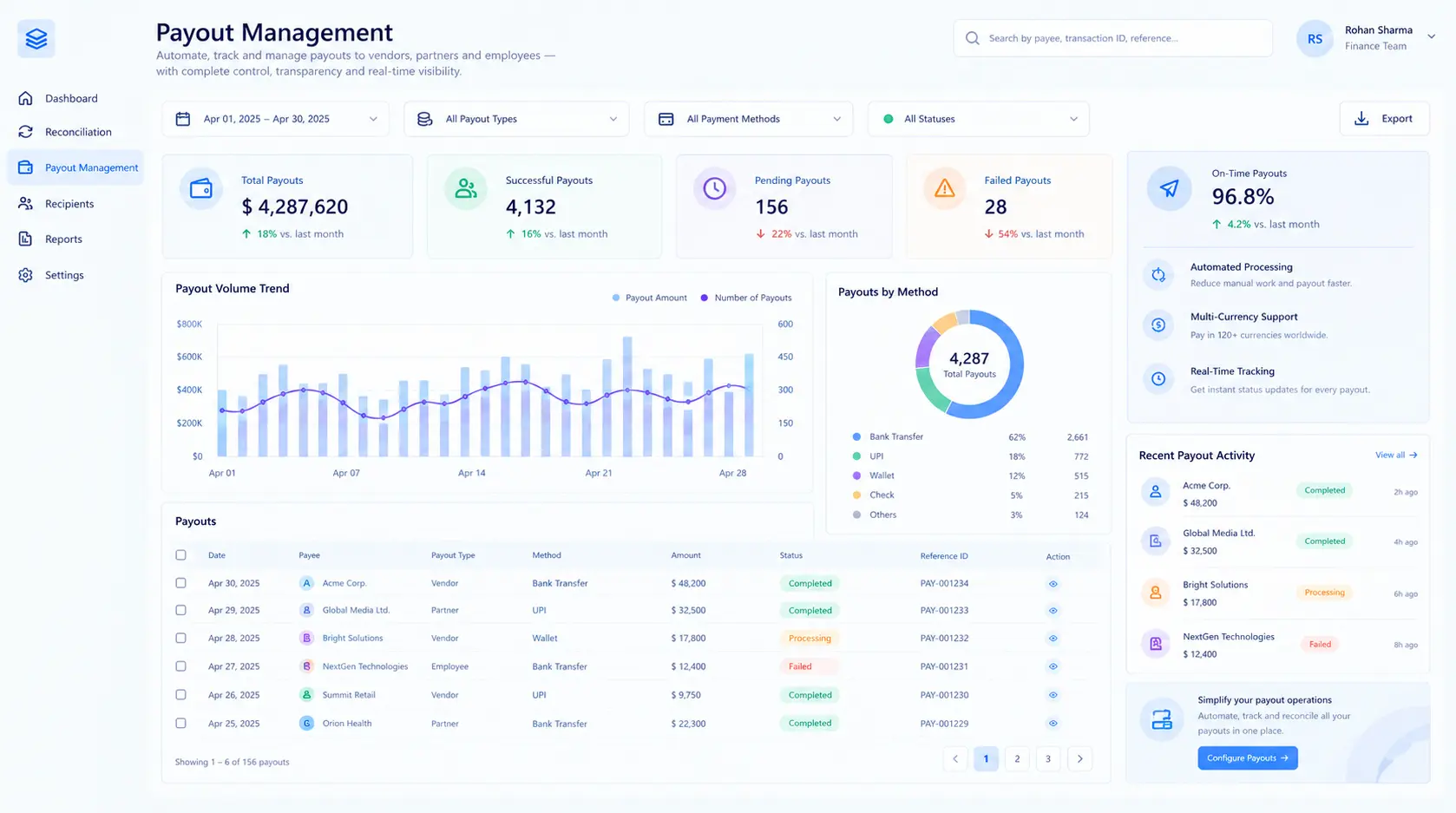
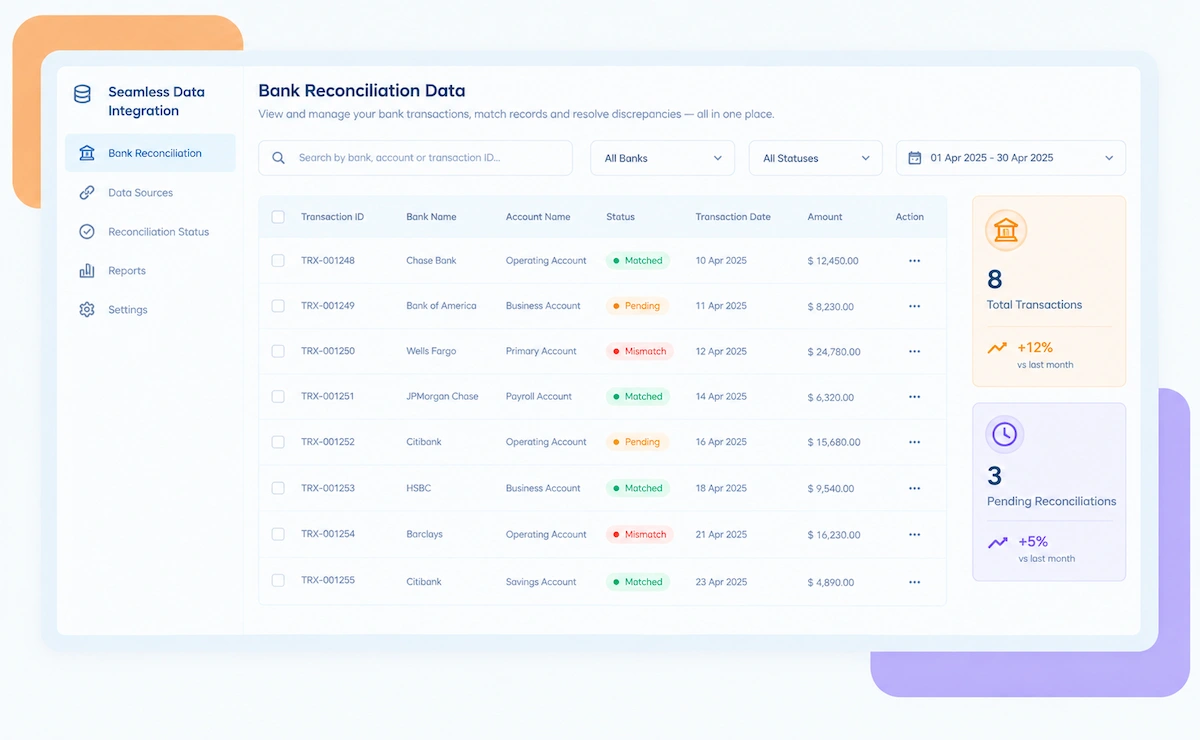
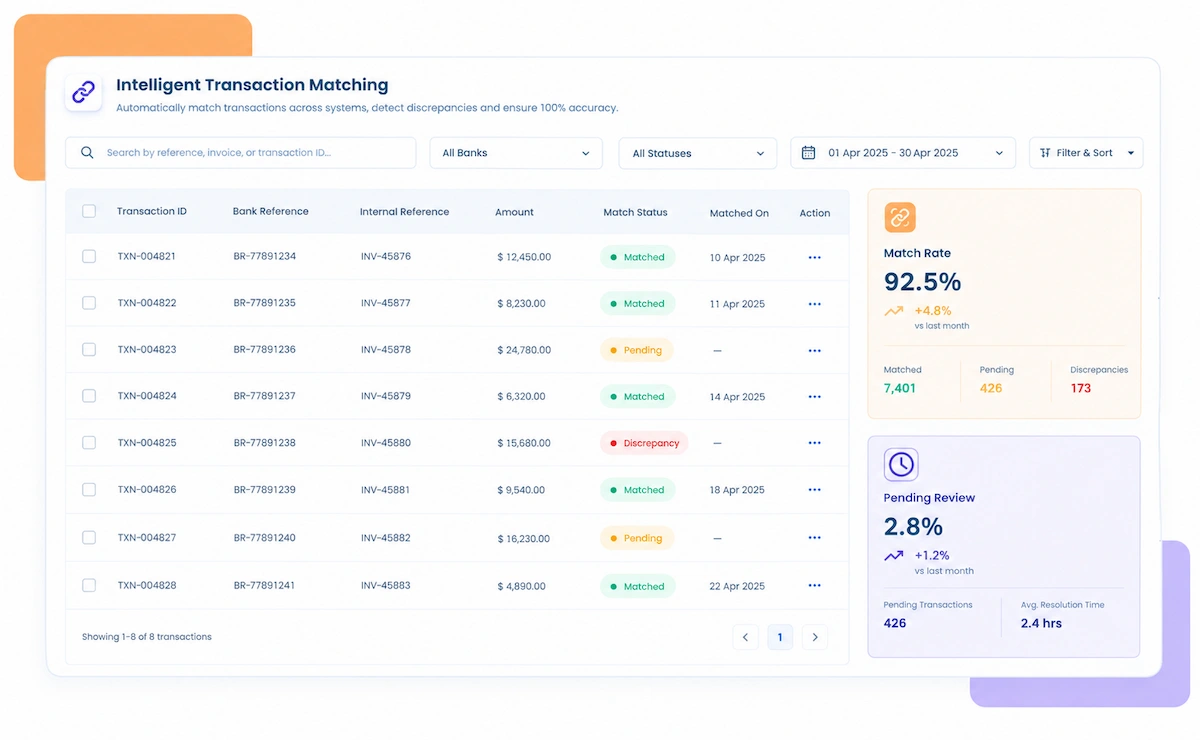
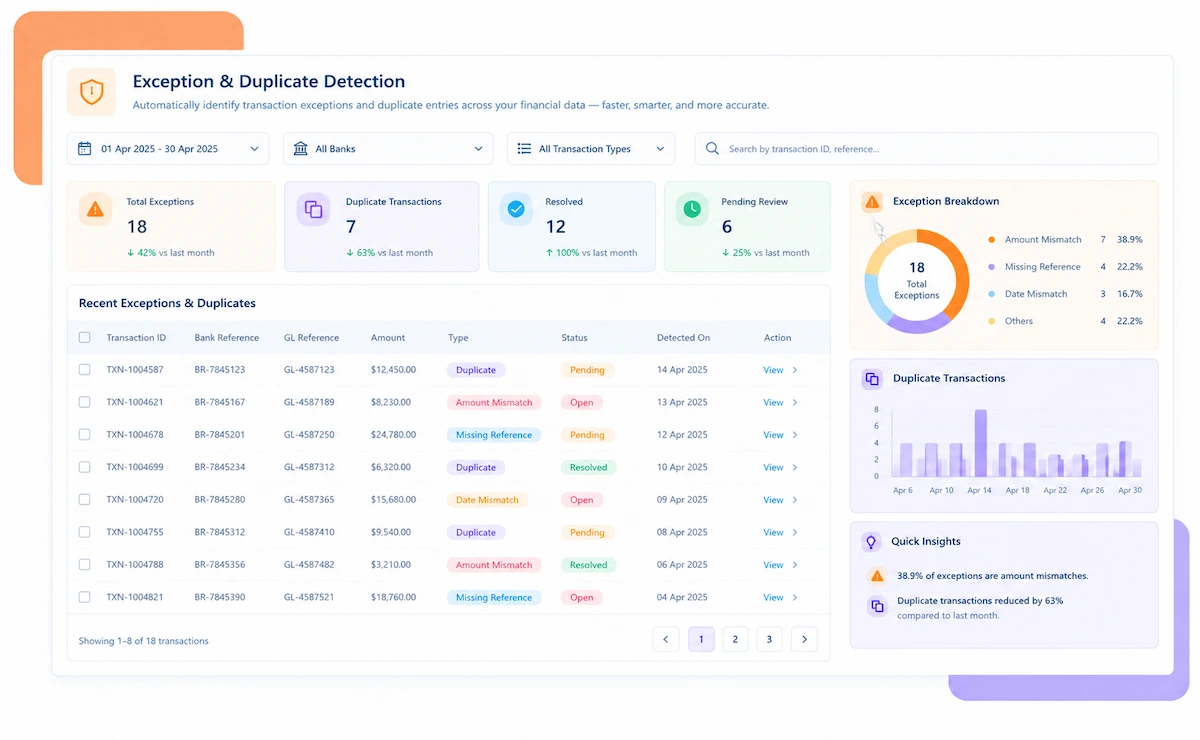
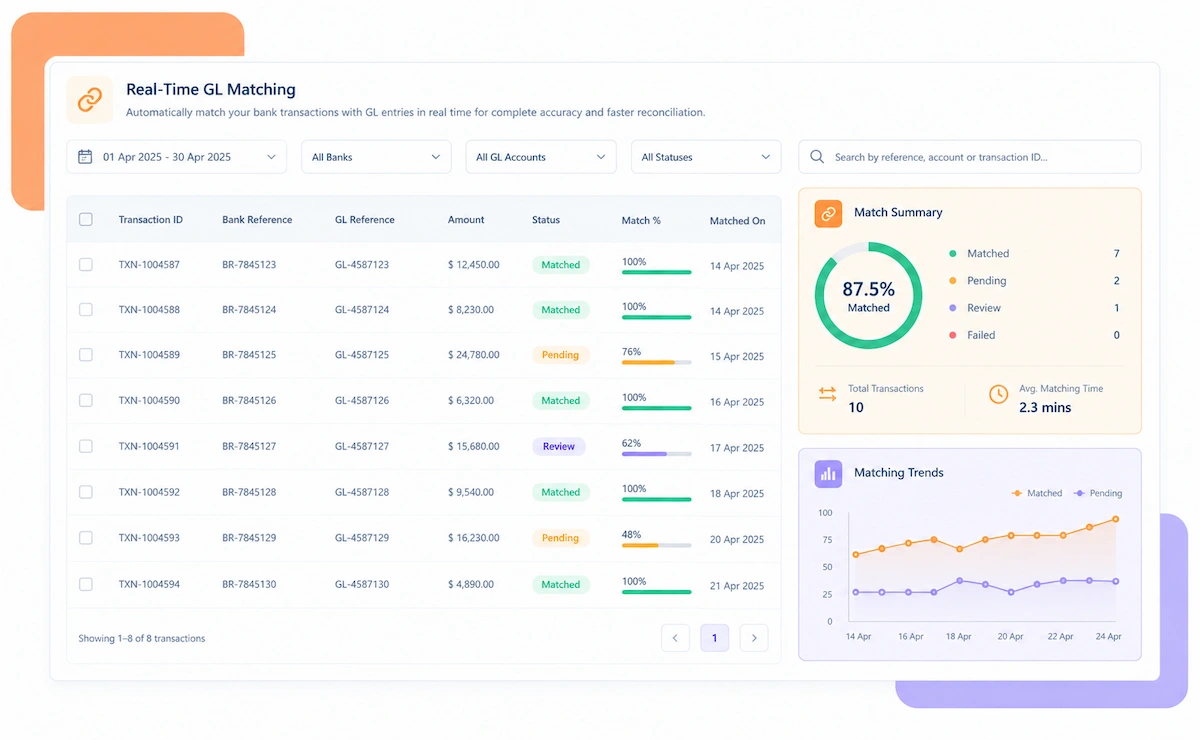
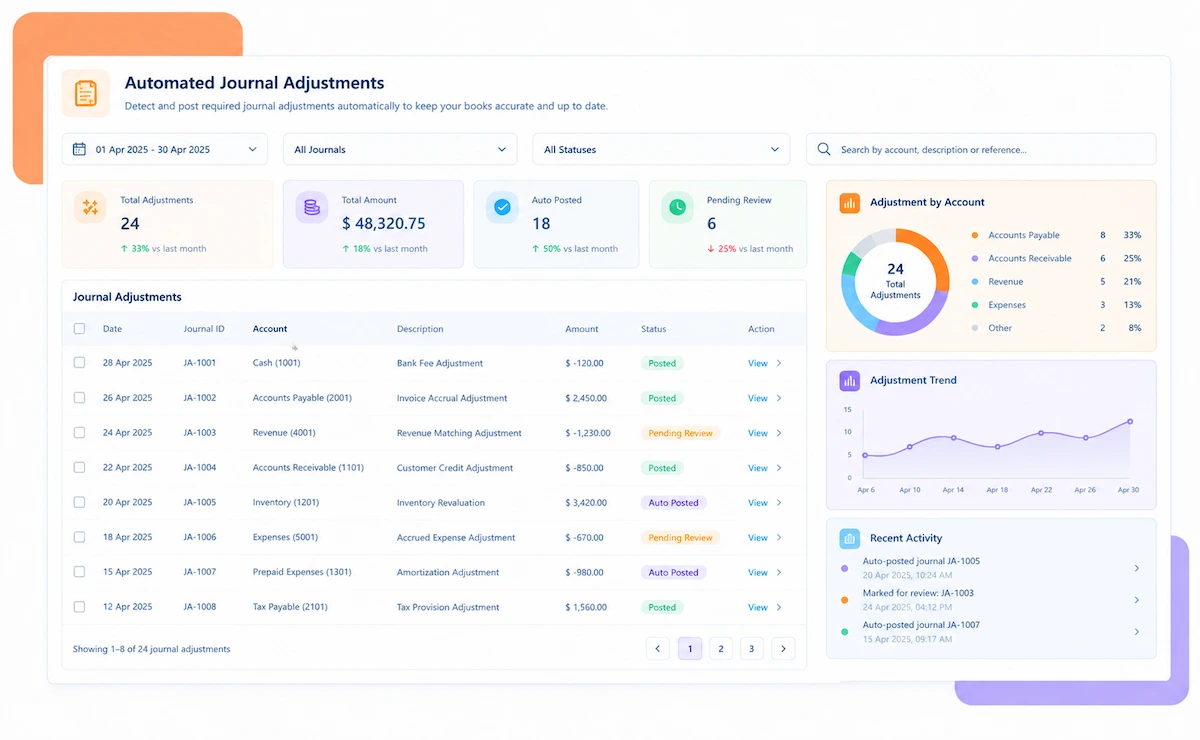
Kosh AI Payout Management Software Dashboard

NEW 2026 Payout Management Platform

Payout Management Software Built for Teams Running Payouts Across Vendors, Payroll, and Sellers

See every payout's status from request to bank transfer, with approvals routed automatically and scheduling that matches how each payout type actually needs to run.

How Payout Management Software Runs the Full Payout Process

A payout rarely moves in one step. It gets requested, approved by someone, scheduled against a cutoff, and finally sent, and most finance teams track that journey across email threads and spreadsheets. Kosh AI runs the whole process in one system, from request to confirmed transfer.

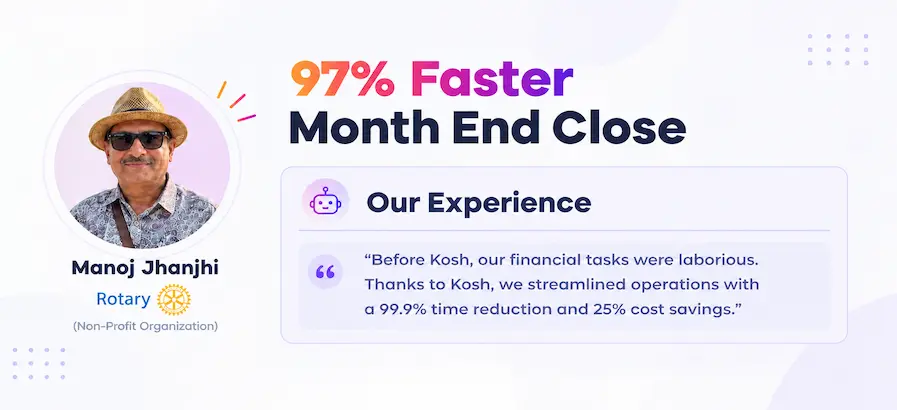
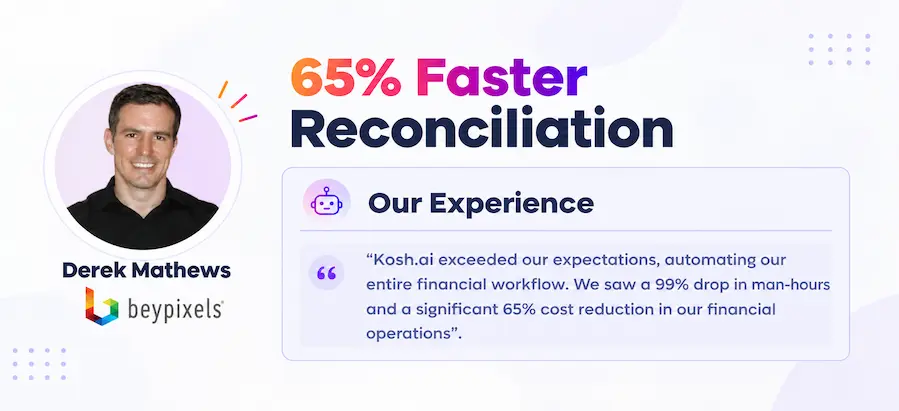
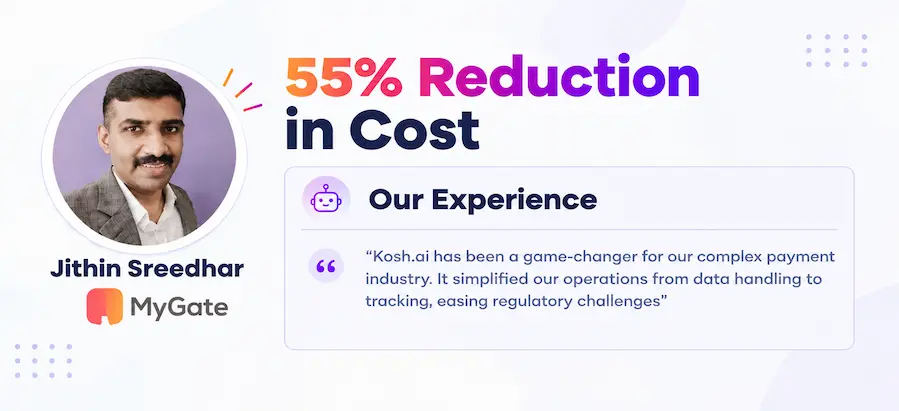
Proven Results From Automated Payout Management

Konica Minolta Business Solutions, U.S.A., Inc.
Ring Container
Conference Direct

How Payout Management Software Works in Four Steps

You don't need to change your approval policy or how often you pay vendors, staff, or sellers. Kosh AI reads what's already there and runs the process from request to transfer.

  • From Any Requester: Kosh AI accepts payout requests from the teams or systems that generate them.
  • No Manual Routing: There's no need to manually decide and email the right approver each time.
  • Policy-Based Approval Paths: Requests are routed automatically based on amount, type, and your approval policy.
  • Visible Immediately: Requesters can see where their request stands without asking.
  • Done in Context: Approvers see exactly what they need to approve a payout, without digging for supporting detail.
  • Scheduled to the Right Cutoff: Approved payouts are scheduled against the cutoff that matches their type.
  • Handles the Edge Cases: Urgent payouts, batch changes, and last-minute edits are still handled correctly.
  • Escalates When Stalled: A payout stuck waiting on approval triggers an automatic escalation.
  • Sent on Schedule: Scheduled payouts are sent through your banking or payment rails automatically.
  • Confirmed on Completion: Each payout's status updates to confirmed once the transfer actually clears.
  • Sorted by Urgency: Delayed or failed payouts are flagged and surfaced for immediate attention.
  • Resolved Before Recipients Notice: Issues are caught and fixed before a vendor, employee, or seller has to ask.
  • Status Tracked Automatically: Payout status across every recipient type is calculated without manual tallying.
  • Reports for Any Audience: Pull a summary for finance leadership or a full detail file for an audit.
  • A Trail for Every Payout: Request, approval, and transfer detail stay attached to every payout.
  • Policy Confidence at a Glance: Always know which payout types are running smoothly and which need attention.

Payout Management That Fits How You Pay People

No two businesses run payouts the same way. Kosh AI fits the recipient types you pay, the industry you work in, and how your finance team is structured.

Vendor Payouts

Vendor payments are scheduled against payment terms and routed through the right approval path.

Payroll Payouts

Payroll runs on its own schedule and approval policy, separate from vendor and seller payouts.

Marketplace Seller Payouts

Seller payouts are batched and scheduled against marketplace payout cycles automatically.

Refund Payouts

Customer refund payouts are tracked through the same approval and status system as other payout types.

Marketplaces & Ecommerce

High-volume seller payouts are batched and tracked without a manual payout run each cycle.

Manufacturing & Distribution

Vendor payouts across many suppliers are scheduled against varying payment terms automatically.

Professional Services

Contractor and vendor payouts are routed through approval without a manual email chain.

Software & SaaS

Partner and affiliate payouts are tracked alongside vendor and payroll payouts in one system.

Payout Management at Scale

Kosh AI centralizes payout approval and processing for large finance teams, giving real-time visibility across every recipient type.

  • Process payouts across thousands of vendors, employees, and sellers in one system.
  • Spot delayed or failed payouts with 15+ ML-driven risk models.
  • Keep a fully documented history behind every payout decision.
  • Payout Management for Growing Finance Teams

    Kosh AI gives smaller finance teams automated payout routing and tracking without the headcount a manual process usually needs.

  • Replace email-based approval chains with automatic routing.
  • Handle a growing recipient base without adding staff.
  • Go live in weeks with ready-made banking and ERP connectors.
  • The Business Impact of Automated Payout Management

    Running payouts through email approvals and manual scheduling ties up your finance team every cycle, and a stuck approval is easy to miss until someone asks why they haven't been paid. Kosh AI takes that load off your team and keeps every payout moving.

    1

    Get Payouts Approved Faster

    Automatic routing means requests reach the right approver immediately, without a manual handoff.

    2

    Never Miss a Payout Cutoff

    Scheduling against the correct cutoff for each payout type keeps vendors, staff, and sellers paid on time.

    3

    Answer Status Questions Instantly

    One status across the full payout lifecycle means finance doesn't check three systems for an answer.

    4

    Reduce Payout Errors and Delays

    Automated scheduling and transfer confirmation catch issues before a recipient has to follow up.

    5

    Handle Every Payout Type in One Place

    Vendors, payroll, and sellers are managed through the same system instead of separate tools.

    6

    Maintain a Complete Record for Every Payout

    Every payout keeps its full approval and transfer trail attached, so audits move faster.

    The Results of Automating Payout Management

    60%Faster Payout Approval Cycles
    80%Of Payouts Processed Without Manual Follow-Up
    90%Fewer Missed Payout Cutoffs

    Integrate Seamlessly with Your Existing ERP Systems

    Kosh AI connects directly with all major banks and ERPs, enabling real-time data sync for faster, more accurate reconciliations—no manual uploads, no delays.

    Why Automated Payout Management Beats Spreadsheets and Email

    An email approval chain breaks down the moment an approver is out of office or a payout needs to move faster than usual. Kosh AI is built for how payouts actually need to flow.

    Smart routing icon

    Policy-Aware Routing for Faster Approvals

    Kosh AI routes each payout to the right approver based on policy, not whoever happens to be available.

    Exception handling icon

    Turn Stuck Payouts Into Actionable Exceptions

    A delayed payout comes with its full status and the step it's stuck at, not just a question mark.

    Learning system icon

    Improve Scheduling Accuracy With Every Cycle

    Every resolved delay feeds back into how Kosh AI schedules that payout type going forward.

    Flexible matching icon

    Handle Any Mix of Vendors, Payroll, and Sellers

    From a handful of vendors to thousands of marketplace sellers, Kosh AI handles the approval and scheduling logic each one needs.

    What Is Payout Management Software?

    Payout management software runs the full payout process from request to confirmed bank transfer, routing each request through the right approval path and scheduling it against the cutoff that matches its type. It handles vendor payments, payroll, marketplace seller payouts, and refunds within the same system, so finance isn't tracking approvals over email and scheduling transfers in a separate spreadsheet. Kosh AI takes it further by escalating stalled approvals automatically, batching payouts intelligently, and confirming every transfer against the bank before marking it complete. The result is a payout process that moves on schedule, with status visible to everyone who needs it.

    Payout management dashboard illustration

    Manual vs. Automated Payout Management: What Changes?

    Here's what actually changes when payout management moves off email and spreadsheets and onto software built for the full payout lifecycle.

    What You're Comparing Automated Payout Management Doing It Manually
    Routing Payout RequestsRequests are routed to the right approver automatically based on policy.Someone manually decides and emails the right approver each time.
    Tracking Approval StatusOne status is visible across the full payout lifecycle.Status is tracked across email threads and separate spreadsheets.
    Scheduling PayoutsPayouts are scheduled automatically against the correct cutoff for their type.Cutoffs are tracked manually, and a missed one means a late payout.
    Handling Multiple Payout TypesVendors, payroll, and sellers are managed in one system.Each payout type usually needs its own process and tracking method.
    Catching Stuck ApprovalsStalled approvals trigger an automatic escalation.A stuck approval often goes unnoticed until the recipient asks why they haven't been paid.
    Scaling With Recipient VolumeA growing number of vendors, employees, or sellers doesn't require more manual processing staff.More recipients usually means more hours spent processing payouts every cycle.

    See the Value of Payout Management Automation Automation

    Set up Kosh AI, start routing and processing payouts automatically, and stop chasing stuck approvals over email.

    Schedule a Quick Demo
    Loreal Touchless

    What Makes Payout Approvals So Easy to Lose Track Of

    A payout looks simple from the outside: someone requests it, someone approves it, and it gets paid. In practice, that approval usually travels through an email thread, a chat message, or a shared spreadsheet, and any one of those can stall without anyone noticing until the recipient asks why they haven't been paid. Payout management software exists because tracking that journey informally stops being reliable the moment a business pays more than a handful of vendors, employees, or sellers.

    The case for using it goes beyond convenience. A stuck approval has real consequences: a vendor relationship strained by a late payment, a marketplace seller who stops trusting the payout schedule, a payroll run that slips past when it matters most. Each of these is avoidable with clear routing and automatic escalation, but a manual process relies on someone remembering to follow up, which isn't a reliable system once volume grows.

    There's also a visibility problem that's specific to payouts. A requester wants to know where their payout stands without having to ask finance directly, and finance wants to know the same thing without checking three different tools. Payout management software gives both sides that visibility by default, which matters more the more recipient types and payout volume a business handles.

    Who Actually Needs Payout Management Software

    It's not only for businesses with a dedicated payments team. Here's who tends to benefit most.

    Finance team icon

    For Finance and Accounts Payable Teams

    Anyone routing payout approvals benefits from automatic routing instead of manual email handoffs.

    Marketplace icon

    For Marketplaces and Platforms Paying Sellers

    High seller counts make manual payout scheduling impractical to sustain reliably.

    Multi-vendor icon

    For Businesses Paying Many Vendors

    Different payment terms across vendors are exactly the kind of scheduling complexity automation handles well.

    Payroll icon

    For Teams Running Frequent Payroll Cycles

    Payroll's strict timing makes automatic scheduling and escalation especially valuable.

    Approval chain icon

    For Businesses With Multi-Level Approval Policies

    Policy-based routing matters most once payouts need more than one person's sign-off.

    Finance leadership icon

    For Finance Leaders Who Need Payout Visibility

    Knowing exactly where every payout stands matters for cash planning and vendor relationships alike.

    Payout Management Software: An Honest Assessment

    No tool is a perfect fit for every payout process. Here's an honest look at what payout management software gets right, and what's worth planning around before you adopt it.

    • Faster Approvals: Automatic routing gets requests to the right approver without a manual handoff.
    • Fewer Missed Cutoffs: Payouts are scheduled against the correct cutoff for their type automatically.
    • One Status for Every Payout: Requesters and finance both see the same up-to-date status without checking multiple tools.
    • Scales With Recipient Volume: A growing number of vendors, employees, or sellers doesn't require more manual processing staff.
    • Full Payout Trail: Every payout keeps its request, approval, and transfer record attached for audits.
    • Upfront Policy Setup: Approval rules and routing logic need to be configured correctly before automation runs smoothly.
    • Banking Integration Work: Connecting payment rails and banking systems takes initial setup effort.
    • Change Management: Teams used to email-based approvals need time to trust an automated routing system.
    • Not a Fix for Cash Shortfalls: Software can schedule a payout correctly, but it won't create cash that isn't available.
    • Ongoing Policy Maintenance: Approval rules need occasional review as organizational structure and spending limits change.

    Payout Management Software FAQs

    What is payout management software?

    Payout management software runs the full payout process from request to confirmed bank transfer, routing approvals and scheduling payouts automatically. Kosh AI does this across vendors, payroll, and marketplace seller payouts in one system.

    How does payout management software work?

    It routes each payout request to the right approver based on policy, schedules approved payouts against the correct cutoff, and confirms the transfer once it clears. Status is visible across the full process without checking multiple systems.

    Why is payout management software important for finance teams?

    Manual approval chains over email are easy to lose track of, and a stuck approval often goes unnoticed until the recipient asks about it. Payout management software catches that before it becomes a relationship issue.

    What types of payouts can this software handle?

    In practice, any payout type benefits, but vendor payments, payroll, marketplace seller payouts, and refunds are the most common. Kosh AI supports all of these payout types in one system.

    How is payout management different from payout reconciliation?

    Payout management handles the process of requesting, approving, scheduling, and sending a payout. Payout reconciliation checks that a payout already sent matches the ledger and bank records. Kosh AI supports both, since they solve different problems in the same payout lifecycle.

    Can payout management software connect to my banking and ERP systems?

    Yes, most payout management software is built to connect to banking and payment rails alongside ERPs. Kosh AI connects to major banks and platforms, alongside SAP, Oracle, NetSuite, and QuickBooks, so payouts can be sent without manual processing.

    Does payout management software replace the need for a finance team?

    No, but it takes most of the manual routing and scheduling work off their plate. Kosh AI handles routine approval routing and processing automatically, so your finance team can focus on policy decisions and genuine exceptions.

    What happens when a payout approval stalls?

    It triggers an automatic escalation to the next approver or a designated backup, with the payout's full context already attached. From there, it's resolved instead of sitting unnoticed until the recipient follows up.

    How long does it take to set up payout management software?

    Most businesses can have core approval routing and scheduling running automatically within a few weeks, since the software connects to banking and ERP systems you already use. Kosh AI follows a similar timeline, with complex, multi-recipient-type rollouts typically taking 2 to 3 months to fully configure.

    How do I choose the right payout management software for my business?

    Start with how many payout types and approval levels you manage today. From there, compare options on approval routing flexibility, banking connectivity, and how clearly status is tracked end to end. Kosh AI is built around exactly that checklist, but it applies to any software you're comparing.

    Ready to Automate Payout Management?

    Book a demo and watch Kosh AI route and process your own vendor, payroll, and seller payouts.

    Book a Demo