Let Kosh AI Import Every Bank Statement, Whatever the Format, and Match Each Line to Your Ledger Automatically
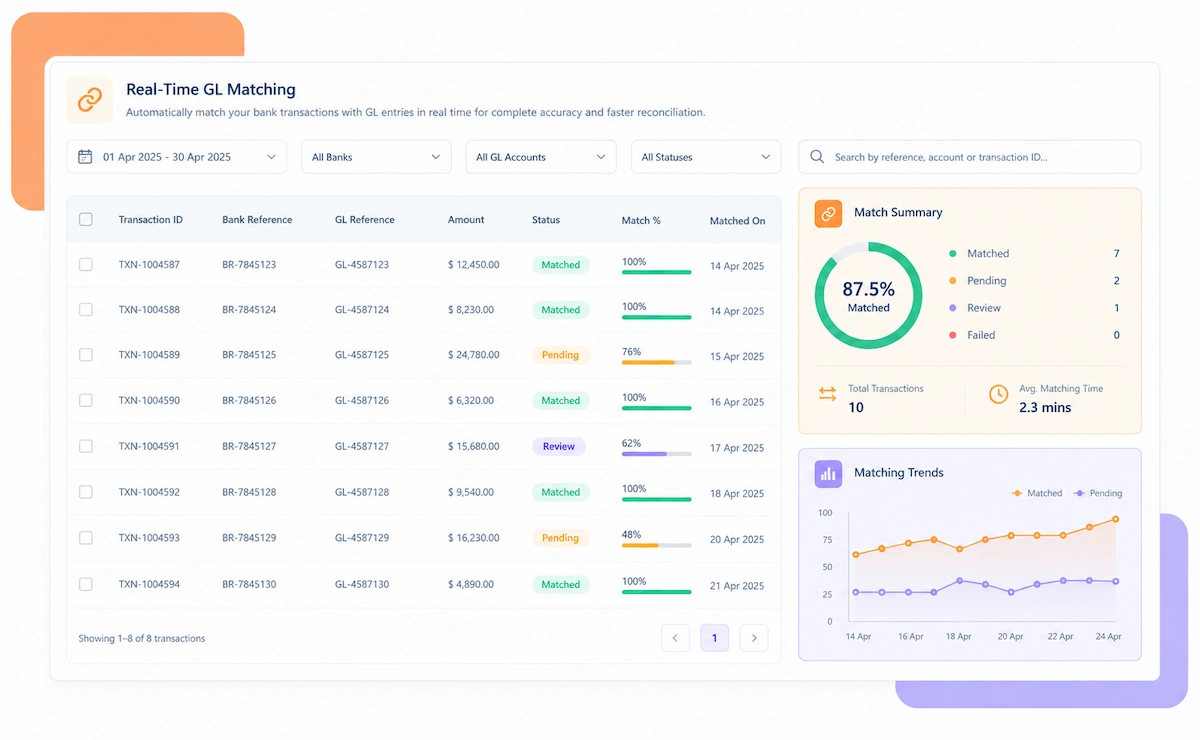
A business with accounts at several banks ends up with statements in several different formats, each needing its own import process before reconciliation can even start. Most finance teams still convert and match these by hand, one bank at a time. Kosh AI reads every format directly and matches statement lines to the ledger automatically.
You don't need to ask your banks to change their statement format or standardize across accounts. Kosh AI reads what each bank already sends and handles the matching from there.
No two businesses bank the same way. Kosh AI fits the number of banks you work with, the industry you operate in, and how your finance team is structured.
Structured statement feeds from banks are imported and matched automatically without manual parsing.
CSV exports from online banking portals are read and matched in the same system as structured feeds.
Statements only available as PDFs are extracted and reconciled without manual retyping.
Foreign currency bank statements are reconciled against the ledger in their original currency and converted value.
Multiple operating accounts across regions are reconciled together without a manual consolidation step.
Bank fees and interest on operating accounts are isolated automatically from genuine cash discrepancies.
High-volume daily deposits across accounts are matched to the ledger without manual line-by-line review.
Client trust and operating accounts are reconciled separately but reviewed from the same dashboard.
Kosh AI centralizes statement-to-ledger reconciliation for large finance teams, giving treasury real-time visibility across every bank.
Kosh AI gives smaller finance teams automated statement matching without the headcount a manual process usually needs.
Reconciling statements from several banks by hand means downloading and reformatting files from each one before matching even starts. Kosh AI takes that load off your team and gives you a consolidated cash picture every time.
Every statement format is read directly, removing the manual conversion step most teams still do today.
Unmatched lines are flagged the moment a statement imports, not discovered weeks later.
Balances across every bank and currency roll up automatically, without a manual consolidation spreadsheet.
Routine fees and interest are categorized automatically, so genuine exceptions don't get lost among them.
Multiple banks are reconciled in parallel instead of one at a time.
Every reconciled statement keeps its original line-level detail attached, so audits move faster.
Kosh AI connects directly with all major banks and ERPs, enabling real-time data sync for faster, more accurate reconciliations—no manual uploads, no delays.


A shared spreadsheet breaks down the moment a new bank account is added or a bank changes its statement format without notice. Kosh AI is built for how multi-bank finance teams actually operate.
Kosh AI reads each bank's statement format directly, so there's no manual conversion step before matching starts.
An unidentified deposit comes with a likely source and amount pattern attached, not just a line on a statement.
Every resolved exception feeds back into how Kosh AI matches that bank account's statements going forward.
From a single domestic account to dozens of banks across currencies, Kosh AI handles the reconciliation logic each one needs.
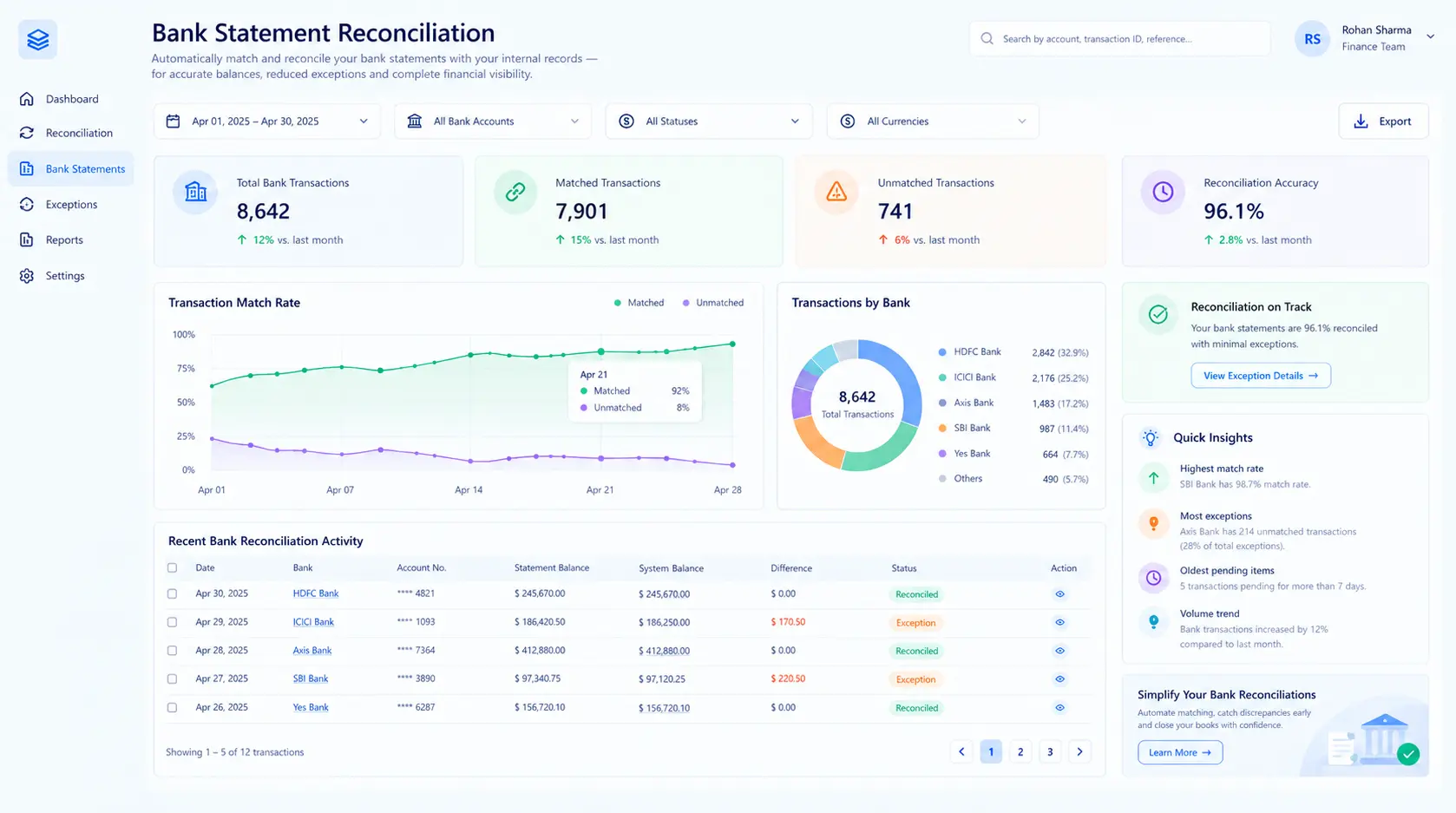
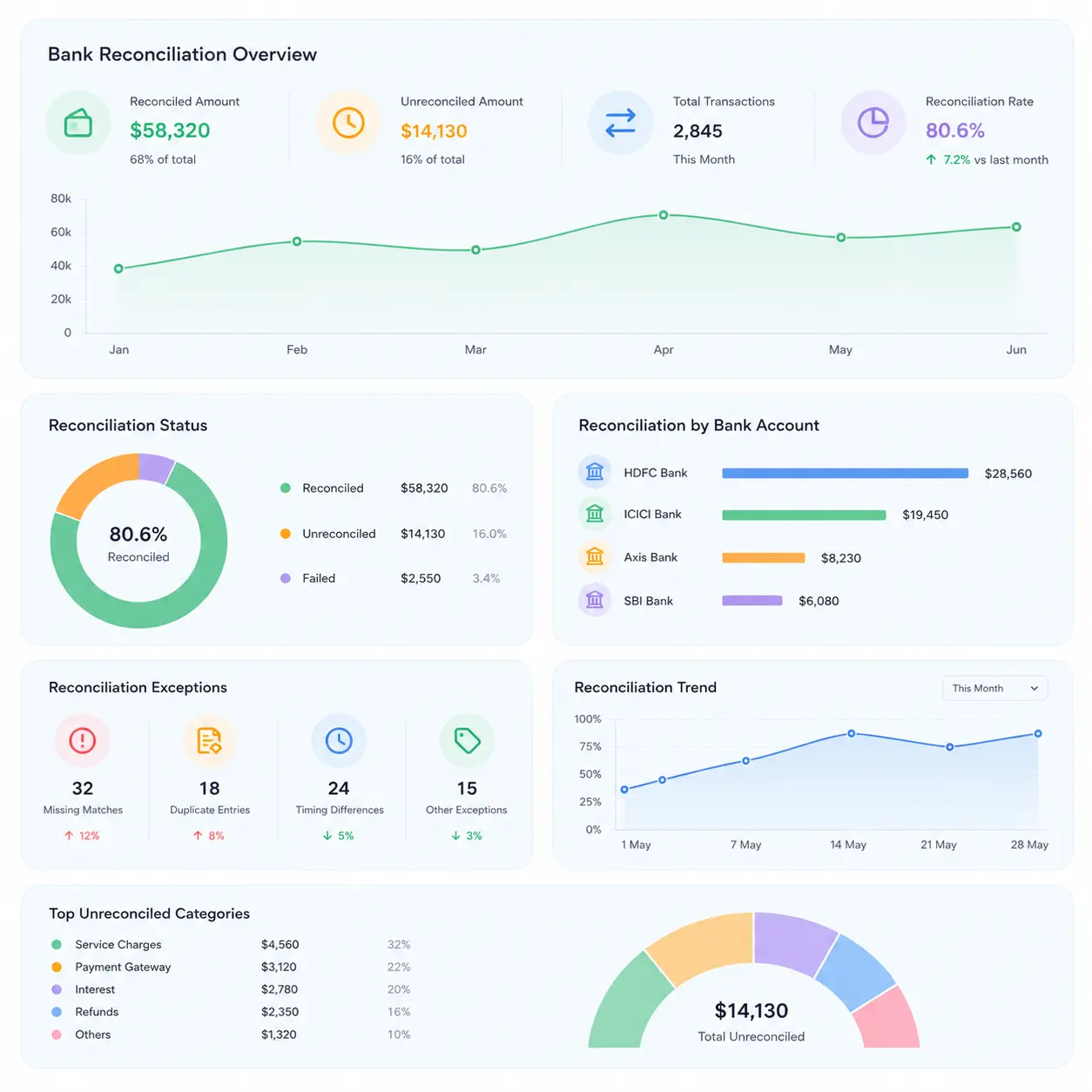
Bank statement reconciliation software imports bank statements in whatever format each bank provides and matches every line against the corresponding entry in your general ledger, confirming your recorded cash position actually matches what the bank shows. It reads structured feeds like MT940 and BAI2 alongside CSV exports and PDF statements, so your finance team isn't manually reformatting files from every bank before reconciliation can even start. Kosh AI takes it further by isolating routine bank fees and interest from genuine discrepancies, consolidating multiple bank accounts and currencies into one view, and keeping the original statement line attached to every match. The result is a reconciliation process that scales with however many banks your business works with.

Here's what actually changes when bank statement reconciliation moves off spreadsheets and onto software built for multi-bank, multi-format statements.
| What You're Comparing | Automated Bank Statement Reconciliation | Doing It Manually |
|---|---|---|
| Reading Statement Formats | MT940, BAI2, CSV, and PDF statements are read directly without reformatting. | Someone converts each bank's statement format into a usable spreadsheet layout first. |
| Matching Statement Lines | Every line is matched to its ledger entry automatically. | Statement lines are matched to the ledger one row at a time, often in a separate file per bank. |
| Separating Fees From Discrepancies | Routine bank fees and interest are categorized automatically. | Fees and interest are easy to mistake for genuine reconciliation gaps under deadline pressure. |
| Consolidating Multiple Banks | Cash position across every bank and currency is consolidated automatically. | Consolidating balances across banks usually means a separate manual rollup each period. |
| Catching Unidentified Deposits | Unmatched lines are flagged the moment a statement imports. | Unidentified deposits can sit unresolved for weeks before anyone notices. |
| Scaling With Bank Relationships | Adding a new bank account doesn't require more manual reconciliation staff. | Each new bank relationship usually adds its own manual reconciliation process. |
Set up Kosh AI, start matching statements from every bank automatically, and close your books without reformatting a single file.
Schedule a Quick DemoA business banking with just one institution can usually manage statement reconciliation with a reasonably simple process. The moment a second or third bank enters the picture, each with its own statement format, export schedule, and quirks, that process stops scaling cleanly. One bank sends a structured MT940 feed, another only offers a CSV download, and a third still mails a PDF statement that has to be read line by line. Bank statement reconciliation software exists because converting and matching all of that by hand becomes a real time cost the moment it spans more than one bank relationship.
The case for using it goes beyond convenience. A statement that isn't reconciled promptly can hide a real problem: an unidentified deposit that turns out to be a customer payment nobody applied, a bank fee that's crept up without anyone noticing, a transfer between your own accounts that's been recorded twice. Each of these distorts your cash position in a way that compounds the longer it goes unresolved, and a manual process under deadline pressure tends to catch the obvious discrepancies while missing the subtler ones.
There's also a control angle that matters more as a business grows. Treasury and finance leadership need a consolidated, accurate cash position to make real decisions, and that's hard to trust when each bank account is reconciled separately, by different people, on different schedules. Bank statement reconciliation software keeps that picture consistent across every account, which is exactly what's needed once banking relationships multiply.
It's not only for businesses banking with a dozen institutions. Here's who tends to benefit most.
Anyone responsible for an accurate cash position benefits from statements that reconcile consistently across every bank.
Each additional bank relationship adds its own statement format and reconciliation workload, which is exactly where automation pays off.
Reconciling statements across currencies and regions is repetitive work that automation handles reliably.
A high daily transaction count makes manual line-by-line statement matching impractical to sustain accurately.
Manually retyping statement lines from a PDF is exactly the repetitive work automation removes.
Consolidated, accurate cash visibility across every account matters for real-time decision-making.
No tool is a perfect fit for every banking setup. Here's an honest look at what bank statement reconciliation software gets right, and what's worth planning around before you adopt it.
Bank statement reconciliation software imports bank statements in whatever format each bank provides and matches every line against the corresponding entry in your general ledger. Kosh AI does this automatically, across structured feeds, CSV exports, and PDF statements.
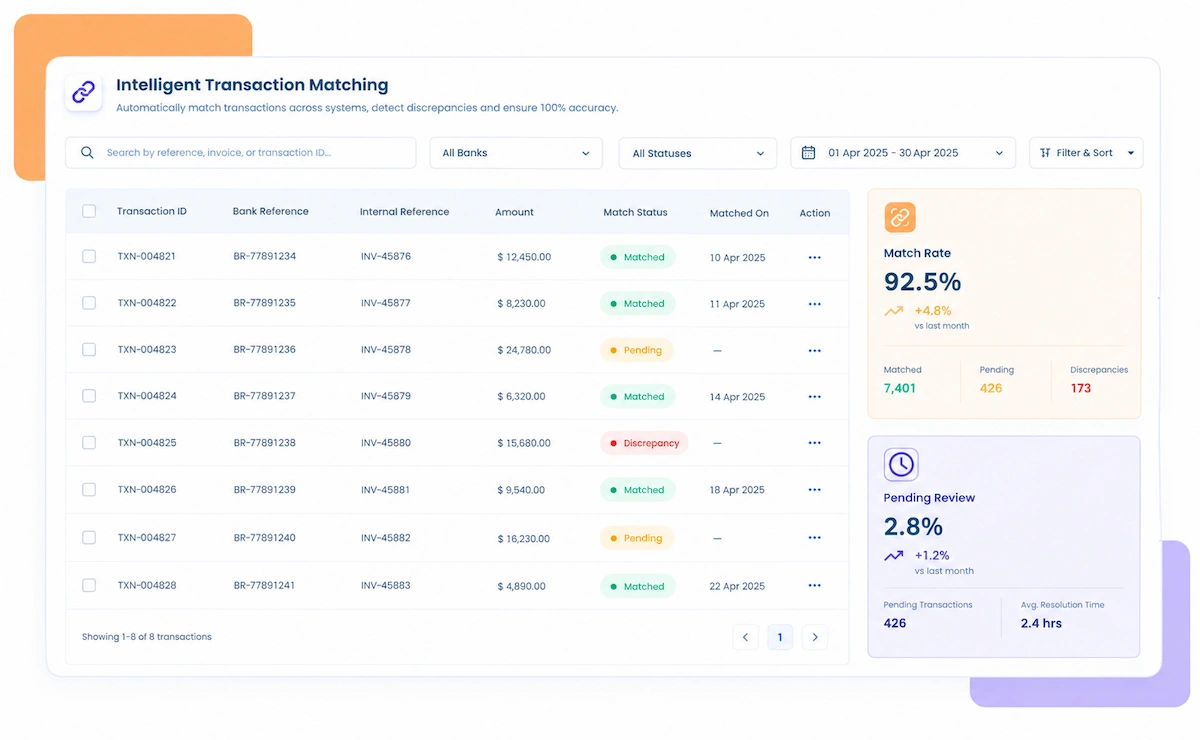
It reads statement files directly in formats like MT940, BAI2, CSV, and PDF, then matches each line to your ledger. Routine bank fees and interest are recognized automatically, and anything unmatched is flagged for review.
An unidentified deposit or an unrecorded bank fee can distort your cash position until it's caught. Bank statement reconciliation software catches these as statements import, which matters for accurate cash visibility and faster closes.
In practice, any format a bank provides can usually be handled, but MT940, BAI2, CSV, and PDF are the most common. Kosh AI supports all of these formats without requiring manual conversion first.
Bank statement reconciliation matches bank statement lines against the ledger to confirm cash is recorded correctly. Account reconciliation checks balance sheet accounts more broadly, which can include non-cash accounts too. Kosh AI supports both under one system.
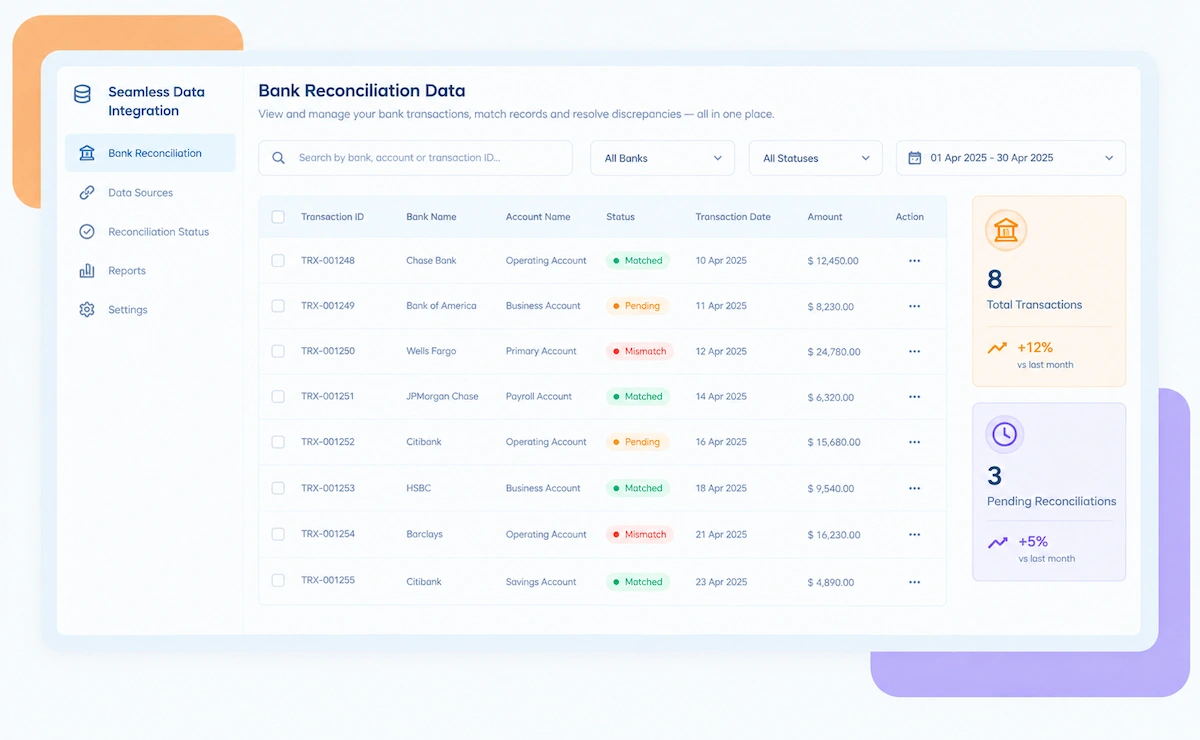
Yes, that's one of its core strengths. Kosh AI connects to statement feeds and portals across multiple banks and currencies, consolidating them into one reconciliation view instead of treating each bank as a separate project.

No, but it takes most of the manual statement-matching work off their plate. Kosh AI handles routine matching automatically, so your treasury or finance team can focus on genuine exceptions and cash planning.
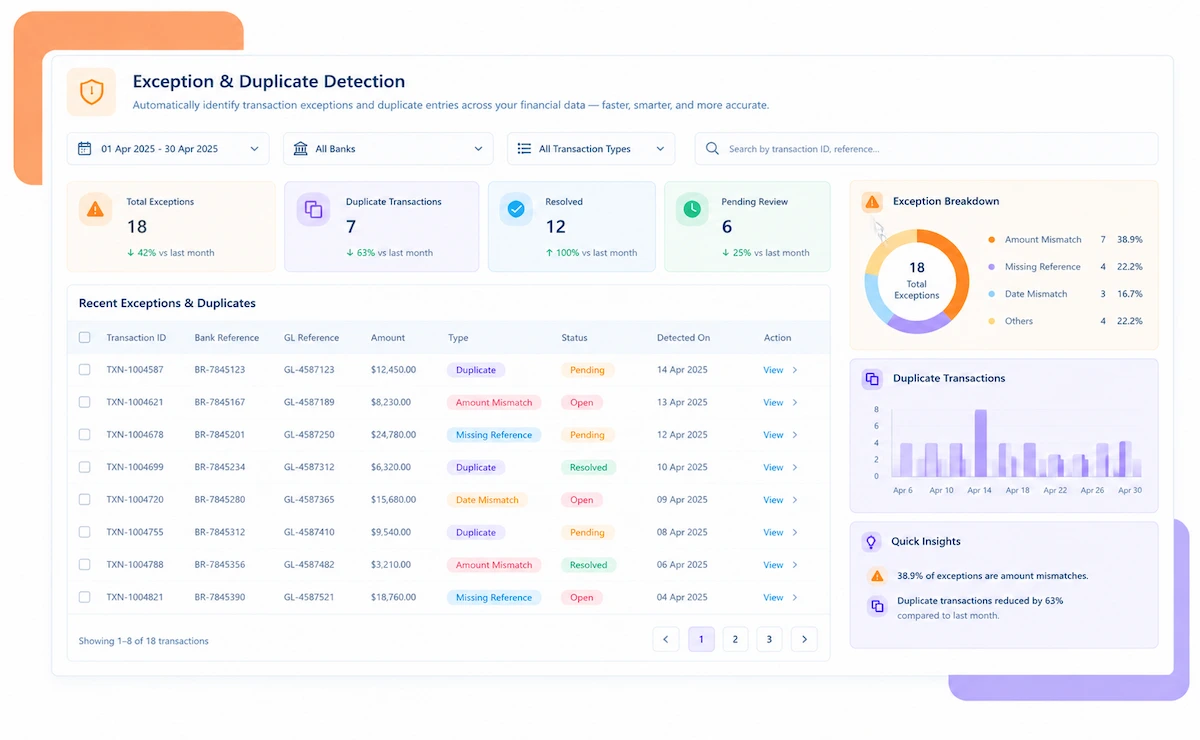
It gets flagged as an exception immediately, usually with a likely source based on amount and pattern already attached. From there, it's routed for review with the original statement line pulled up, instead of sitting unresolved until the next close.
Most businesses can have their main bank accounts reconciling automatically within a few weeks, since the software connects to statement feeds you already receive. Kosh AI follows a similar timeline, with many-bank, multi-currency rollouts typically taking 2 to 4 months to fully configure.

Start with how many banks and statement formats you deal with today and how much of that matching is still manual. From there, compare options on format support, multi-bank consolidation, and how clearly fees and discrepancies are separated. Kosh AI is built around exactly that checklist, but it applies to any software you're comparing.
Book a demo and watch Kosh AI reconcile your own bank statement data, in whatever format it arrives.
Book a Demo