
How Does Accounting Reconciliation Software Improve Financial Accuracy?
Kosh.ai
January 28, 2026
Imagine running your business with blindfolds on. You think you know where your money is, but you can't be completely sure. Small errors, like a missed invoice or a duplicated transaction, slowly creep in. Over time, these tiny mistakes can snowball into major financial problems, leading to bad decisions, cash flow issues, and even regulatory trouble. For decades, finance teams have fought this battle manually, spending countless hours comparing statements and spreadsheets. But today, there is a powerful solution that acts like a super-powered spotlight for your finances: accounting reconciliation software.
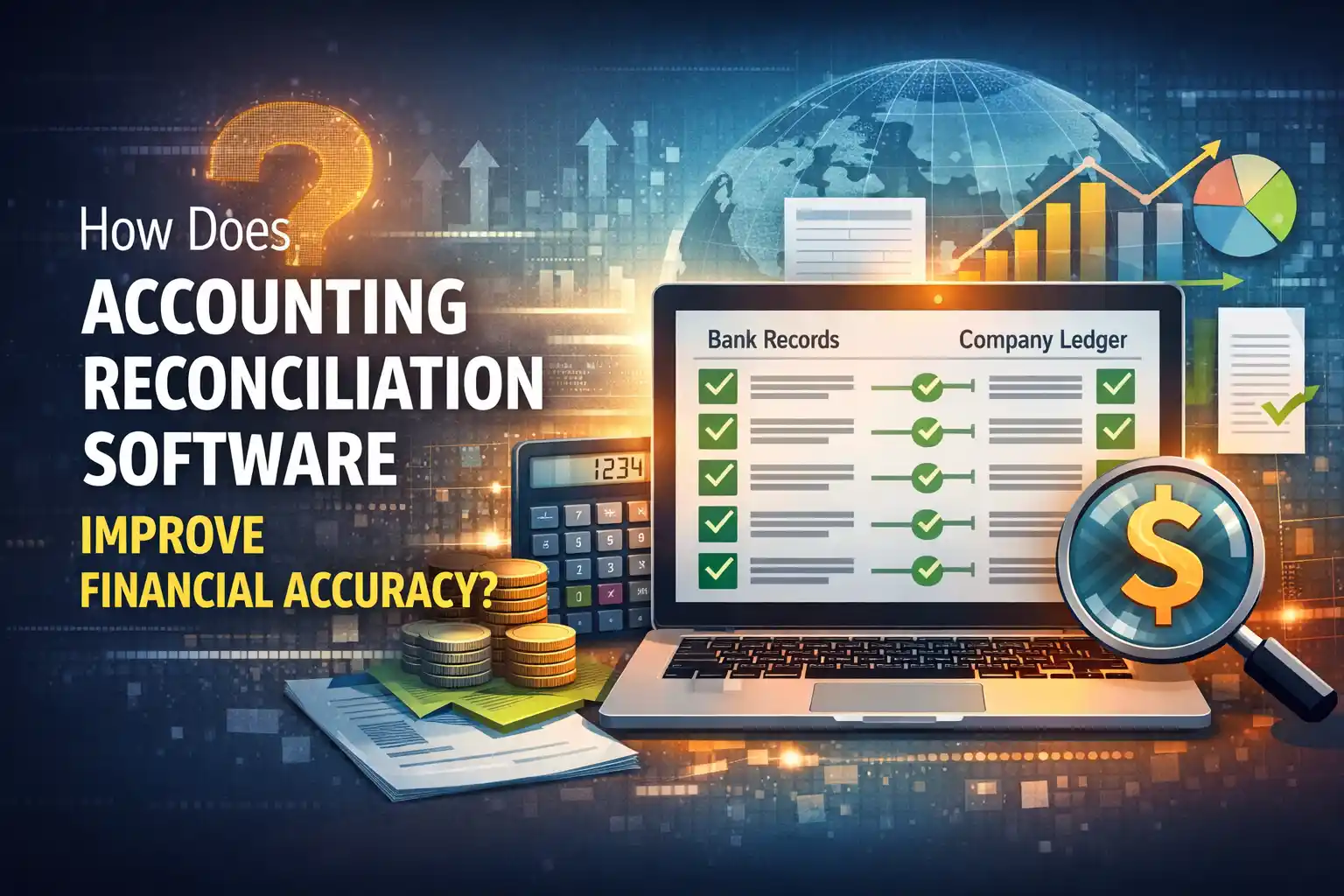
This technology is transforming how businesses ensure their financial records are perfect. In this blog, we’ll explore exactly how this software works and, most importantly, how it drastically improves the accuracy of your financial data, giving you confidence and control.
What is Financial Reconciliation, and Why is Accuracy So Crucial?
At its heart, financial reconciliation is the process of comparing two sets of records to ensure they match. The most common example is bank reconciliation—comparing your company’s internal ledger of transactions with the monthly statement from your bank. This process also applies to credit cards, vendor accounts, and internal balances between departments.
Financial accuracy isn't just a nice-to-have; it's the bedrock of every healthy business. Accurate books mean you can trust your profit numbers, understand your true cash position, make smart investments, and report correctly to tax authorities and investors. Inaccurate data, on the other hand, is like building a house on sand. According to a survey by Sage, 37% of businesses cite human error as the biggest challenge in accounting, often stemming from manual data entry and reconciliation.
The High Cost of Manual Reconciliation
When teams rely on spreadsheets and paper statements, the process is painfully slow and prone to mistakes. A study by APQC found that top-performing organizations spend less than half the time on financial reconciliation than their peers, largely due to better processes and technology. Manual work leads to:
- Time Drain: Finance staff waste dozens of hours each month on repetitive matching.
- Error Prone: Even the most careful person can miss a digit or overlook a transaction.
- Lack of Visibility: It’s hard to see the status of reconciliations in real-time.
- Audit Headaches: Providing a clear audit trail becomes a scramble during year-end reviews.
The Game Changer: Introducing Accounting Reconciliation Software
Accounting reconciliation software is a specialized tool designed to automate and streamline the entire reconciliation process. Think of it as a brilliant, tireless assistant that never sleeps. It connects directly to your bank feeds, ERP system (like QuickBooks, Xero, or SAP), and other data sources, importing transactions automatically. Then, using pre-set rules and sophisticated algorithms, it matches transactions between sources, flagging only the items that need human attention.
This shift from manual to automated is profound. It’s not just about doing the same job faster; it’s about doing a better, more accurate job altogether. This is why many businesses are now investing in reconciliation automation tools to secure their financial foundations.
How Does Reconciliation Software Specifically Boost Accuracy?
The improvement in financial accuracy comes from several key features of a modern reconciliation solution. Let's break down the mechanisms.
1. It Eliminates Human Error in Data Entry and Matching
The most direct way the software improves accuracy is by removing the risk of simple human mistakes. Manual data entry from a PDF statement into a spreadsheet is a classic source of errors. Automated reconciliation software pulls data electronically, ensuring perfect transcription every single time. Its matching engine then compares thousands of transactions in minutes with 100% precision against your rules, something no human can sustainably achieve.
2. It Ensures Completeness with Continuous Matching
Manual reconciliation is often a monthly "batch" process. Transactions that occur after the statement date can be forgotten. Many automated reconciliation systems work in near real-time. As new transactions flow in from your bank or sales platform, the system continuously attempts to match them. This means your books are always up-to-date, and you have a real-time view of your true cash position, not a snapshot from two weeks ago.
3. It Provides a Clear, Unchangeable Audit Trail
Accuracy isn't just about the numbers being right today; it's about being able to prove they were right tomorrow. Balance sheet reconciliation software automatically logs every action. Who approved a match? When was a discrepancy reviewed? What note did they add? All this information is timestamped and stored securely. This immaculate audit trail is invaluable for internal reviews and external audits, dramatically reducing compliance risk and preparation time.
4. It Uses Smart Rules and Machine Learning to Handle Complexity
Simple transactions are easy, but what about partial payments, batch deposits, or bank fees? Advanced reconciliation software allows you to create sophisticated matching rules (e.g., match by date, amount, and reference number, or handle one-to-many matches). Some systems even use machine learning to study your historical matches and suggest rules, constantly improving their own accuracy over time.
5. It Centralizes Everything, Creating a Single Source of Truth
In a manual world, reconciliation data is scattered—some in email, some in spreadsheets on a desktop, some in a physical folder. A centralized automated account reconciliation platform stores all data, rules, histories, and documents in one secure, cloud-based location. This means everyone is working from the same, accurate information, eliminating version control nightmares and ensuring consistency across the team.
6. It Flags Discrepances Immediately for Faster Resolution
Instead of finding an error weeks later during a frantic month-end close, automated bank reconciliation software highlights mismatches and exceptions the moment they appear. This allows your team to investigate and resolve issues immediately, when the details are still fresh. Faster resolution leads to more accurate books at any given moment.
Tangible Benefits Beyond Pure Accuracy
While accuracy is the core benefit, the ripple effects of using a reconciliation software for banks and businesses are significant:
- Massive Time Savings: According to anecdotal reports from providers, finance teams can reduce reconciliation time by up to 80-90%. This frees staff to focus on analysis, forecasting, and strategic tasks.
- Faster Financial Close: The month-end close process accelerates dramatically because the reconciliation bottleneck is removed. Some companies report cutting their close time by several days.
- Improved Fraud Detection: Automated systems are excellent at spotting anomalies—like a duplicate transaction or a payment to an unfamiliar vendor—that might slip past a weary human eye.
- Enhanced Security: Cloud-based platforms offer bank-level security, encryption, and controlled user access, which is often more secure than sensitive financial data sitting in unsecured spreadsheets.
- Scalability: The software can handle a doubling or tripling of transaction volume without needing to hire more staff, supporting business growth seamlessly.
Also Read: What Are the Key Advantages of Using Automated Bank Reconciliation Software?
Choosing the Right Tool: What to Look For
Not all reconciliation automation platforms are the same. When evaluating a software for bank reconciliation or broader use, consider these features:
- Integration: Does it connect easily to your existing accounting software, banks, and payment platforms?
- Customization: Can you build matching rules that fit your unique business transactions?
- User-Friendliness: Is the interface intuitive for your team to learn and use?
- Reporting & Dashboards: Does it provide clear visibility into the status of all reconciliations and any outstanding issues?
- Scalability and Support: Will it grow with you, and does the vendor offer reliable customer support?
Conclusion: Accuracy as a Strategic Advantage
In today's fast-paced business environment, financial accuracy is non-negotiable. Relying on manual processes is a growing risk that consumes valuable resources and opens the door to costly errors. Accounting reconciliation software is no longer a luxury for large corporations; it's an essential tool for any business that values the integrity of its financial data.
By automating the repetitive, error-prone parts of reconciliation, this technology does more than just improve accuracy—it builds a foundation of trust. It gives business leaders the confidence to make decisions based on perfect data, ensures compliance with ease, and empowers finance teams to become strategic partners in growth. Investing in a robust automated reconciliation software system is ultimately an investment in the clarity, security, and future of your entire business.
Also Read: Can Reconciliation Automation Tools Handle Multi-Currency Transactions?
Frequently Asked Questions
1. Is accounting reconciliation software only for large businesses?
No, not at all. While large enterprises benefit greatly, cloud-based solutions have made this technology affordable and practical for small and medium-sized businesses (SMBs). Any business that deals with multiple transactions monthly can gain significant time savings and accuracy improvements.
2. How secure is my financial data in the cloud with such software?
Reputable automated reconciliation software providers prioritize security above all. They use enterprise-grade encryption (both for data in transit and at rest), operate in secure data centers, and comply with strict international standards like SOC 2. Your data is often more secure in their systems than in a local spreadsheet.
3. Can the software handle reconciliations beyond just bank statements?
Absolutely. A comprehensive reconciliation software can handle various types, including credit card statements, accounts receivable and payable, inter-company transactions, and ledger-to-ledger reconciliations, making it a versatile tool for the entire finance function.
4. How long does it typically take to implement this software?
Implementation time varies but is often surprisingly quick for cloud solutions. Many companies can be up and running with basic bank reconciliation automation within a few weeks. The timeline depends on the complexity of your integrations and the process of setting up your initial matching rules.
5. What happens to transactions the software can't match?
The software flags these as exceptions and presents them in a clear dashboard for your team to review. It provides all relevant details (amounts, dates, references) to help your staff investigate and resolve the mismatch quickly, learning from the action to improve future rules.
6. Will using this software eliminate the need for my accounting staff?
No, it transforms their role rather than replacing them. The software eliminates the tedious, repetitive tasks. This allows your finance professionals to focus on higher-value work like analyzing the resolved exceptions, investigating trends, improving financial controls, and contributing to strategic business planning.
Ready to get started?
Contact us now
Contact us now
* By clicking on Contact Us you are agreeing to our Terms & Conditions and Privacy policy.











