
Reconciliation Automation: The Future of Finance Operations
Kosh.ai
December 12, 2025
Imagine you’re a finance professional at the end of the month. Your desk is buried under piles of bank statements, spreadsheets, and ledger printouts. You’re manually comparing thousands of rows of data, line by line, hunting for mismatches. Your eyes are tired, the clock is ticking, and the pressure to close the books is immense. This tedious, error-prone ritual is familiar to many. But what if there was a smarter way?
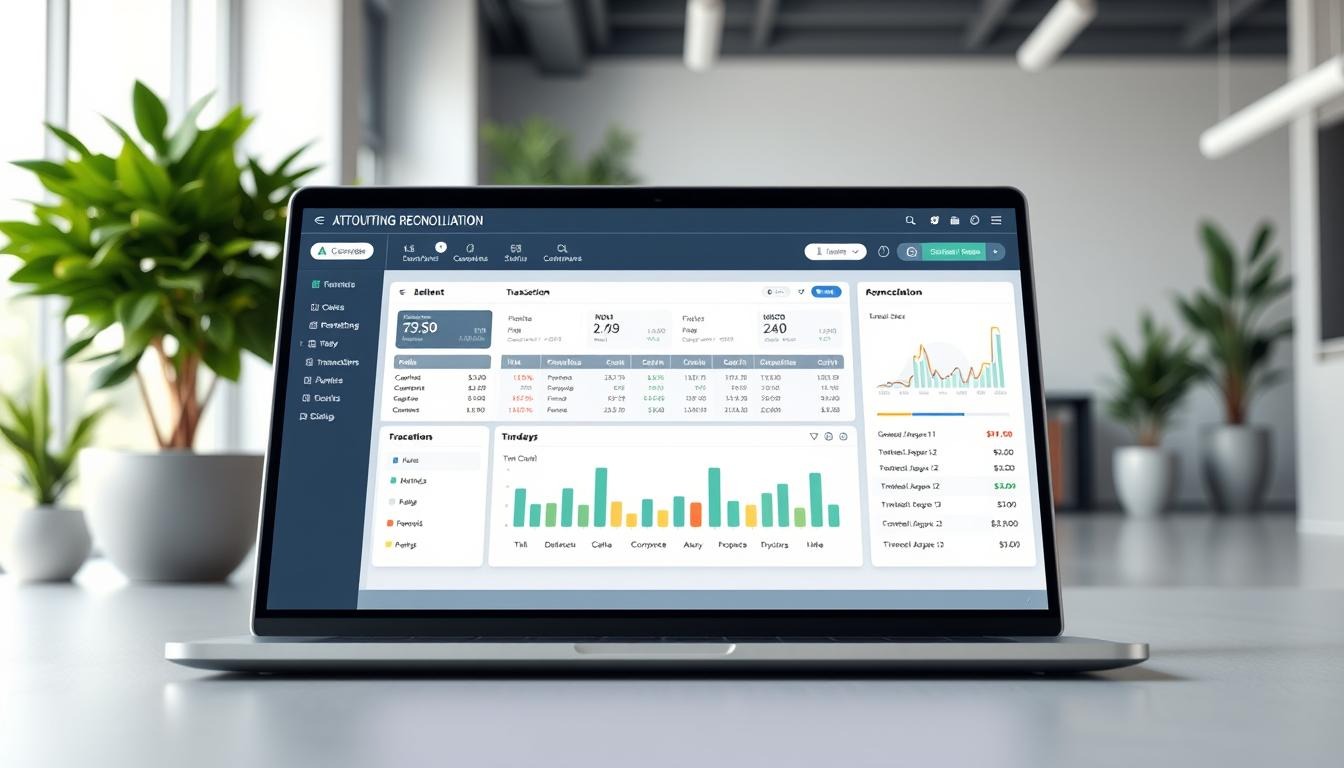
Welcome to the world of reconciliation automation—a transformative shift that is turning a painful chore into a seamless, efficient, and strategic process. This isn't just a minor upgrade; it’s the future of finance operations. In simple terms, it’s about using smart software to automatically compare different sets of financial data, find discrepancies, and resolve them with minimal human effort.
In this blog, we’ll explore why this shift is happening now, how it works, and the incredible benefits it brings to businesses of all sizes. Let’s dive in.
Why Manual Reconciliation is Holding Your Business Back
Before we look at the solution, it's important to understand the problem. For decades, finance teams have relied on manual methods for bank reconciliation and account reconciliation. This process is fundamental—it ensures the money you think you have (in your accounting records) matches the money you actually have (in your bank statements).
However, doing this manually is full of challenges.
First, it’s incredibly time-consuming. A survey by CEBR (Centre for Economics and Business Research) found that mid-sized companies can spend over 300 hours a year just on bank reconciliation. That’s nearly two months of work for one person, wasted on a repetitive task.
Second, humans make mistakes. When you’re dealing with hundreds of transactions, it’s easy to miss a decimal point or transpose numbers. These errors can lead to inaccurate financial reports, which can hurt decision-making.
Third, it slows everything down. The monthly financial close—a critical reporting period—is often delayed because reconciliation is a bottleneck. This means executives don't get timely information about the company's health.
Finally, it’s a poor use of talent. Your skilled finance staff should be analyzing data, forecasting trends, and advising on strategy—not acting as data entry clerks.
Clearly, the old way isn’t working. This is where reconciliation automation comes to the rescue.
What Exactly is Reconciliation Automation?
In simple terms, think of reconciliation automation as a super-smart, ultra-reliable digital assistant for your finance team. It’s a type of reconciliation solution—a specialized software designed to handle the heavy lifting of comparing data.
Here’s how a typical automated reconciliation system works:
- Connection: The software for bank reconciliation securely connects to all your data sources. This includes your bank accounts, payment gateways (like PayPal or Stripe), your internal ERP or accounting software (like QuickBooks or SAP), and credit card processors.
- Data Import: It automatically imports all the transaction data from these different places into one central platform.
- Matching: Using pre-set rules (e.g., match by transaction ID, date, and amount), the automated reconciliation software scans millions of records in minutes, pairing off transactions that agree.
- Exception Handling: Any transactions that don’t match are flagged as exceptions. The reconciliation automation tools often suggest reasons for the discrepancy (like a missing fee or a timing difference) and can even propose solutions.
- Reporting & Closure: Finally, it generates detailed audit trails, reports, and journals. This allows your team to quickly review exceptions, make decisions, and sign off on the reconciled accounts in record time.
This entire automated reconciliation process transforms a task that took days into one that takes hours or even minutes.
Key Features of Modern Reconciliation Software
When looking for a reconciliation software solution, you’ll want it to have these powerful features:
- Rule-Based & AI-Powered Matching: Beyond simple rules, the best accounting reconciliation software uses machine learning to improve its matching accuracy over time, learning from your team’s decisions.
- Real-Time Processing: Instead of waiting for the month-end, you can reconcile daily or even in real-time. This gives you a constantly accurate view of your cash position.
- Cloud-Based Access: Being cloud-based means your team can access the automated bank reconciliation software from anywhere, and it updates seamlessly.
- Strong Security & Audit Trail: These tools provide a complete, unchangeable log of every action, which is a dream come true for auditors and compliance officers.
- Seamless Integrations: Good accounts reconciliation software plugs directly into the other tools you already use, creating a smooth workflow.
Also Read: Automated Reconciliation: Boost Accuracy in Financial Workflows
The Tangible Benefits: More Than Just Speed
Adopting a bank reconciliation automation system isn’t just about working faster. It delivers a cascade of benefits that improve your entire finance function.
1. Unmatched Accuracy and Reduced Risk
Manual data entry is the number one source of errors. Automated account reconciliation removes this risk. According to IBM, human error in manual data tasks costs businesses billions annually. By automating, you virtually eliminate typos and missed entries, ensuring your balance sheet reconciliation is flawless. This protects you from financial losses, fraud, and poor strategic choices based on bad data.
2. Massive Gains in Efficiency and Productivity
This is the most obvious benefit. What used to take days now takes hours. A case study by BlackLine, a leading provider, showed that one company reduced its reconciliation time by 90%. This frees up your finance team to focus on value-added work like data analysis, cost optimization, and business partnership.
3. Faster Financial Close
The financial close is a race against the calendar. Reconciliation automation tools are the ultimate accelerator. Since reconciliation is often the longest step, automating it can slash days off your close cycle. This means leadership gets critical financial information faster, allowing for more agile business responses.
4. Improved Visibility and Control
With a centralized automated reconciliation system, you have a single dashboard showing the status of all reconciliations—which are complete, which have exceptions, and what the cash position is in real-time. This level of control and visibility was almost impossible with manual spreadsheets scattered across different computers.
5. Enhanced Compliance and a Clear Audit Trail
For banks and regulated industries, reconciliation software for banks is a compliance necessity. Automation creates a perfect, digital paper trail. Every match, every exception handled, and every approval is recorded. Auditors can be given secure access to review this trail, making the audit process smoother, faster, and less disruptive.
6. Cost Savings
While there’s an investment in the reconciliation solution, the return is significant. You save on labor costs, reduce the cost of errors, avoid potential fraud losses, and improve cash flow management by having real-time accurate data.
The Future is Automated: What’s Next?
The technology behind reconciliation automation is not standing still. Here are two key trends shaping its future:
- The Rise of AI and Machine Learning: Future automated reconciliation software will move beyond fixed rules. AI will be able to handle complex, non-matching transactions by analyzing patterns and historical decisions. It will predict cash flow issues and provide deeper analytical insights, becoming a true financial co-pilot.
- Holistic Financial Operations Platforms: Reconciliation software won’t be a standalone tool. It will be one module within a larger, integrated finance platform that includes tasks like accounts payable automation, fraud detection, and predictive analytics. This creates a single source of truth for all financial operations.
Getting Started with Your Automation Journey
Transitioning to an automated reconciliation process might seem daunting, but it can be broken down into simple steps:
- Identify Your Pain Points: Which reconciliations take the longest? Which have the most errors? Start there.
- Research and Select a Tool: Look for a reconciliation software that fits your business size, industry, and integrates with your current systems. Many offer free trials.
- Start with a Pilot: Don’t try to automate everything at once. Choose one high-volume account or process to automate first. Learn from this pilot project.
- Train Your Team: Involve your finance team from the start. Show them how the tool will make their jobs more interesting and strategic, not replace them.
- Scale and Expand: Once you’ve seen success in your pilot, gradually expand the automation to other accounts and processes.
Conclusion
In conclusion, reconciliation automation is much more than a tech trend. It is a fundamental upgrade to the core of finance operations. By removing the friction of manual work, it unlocks accuracy, speed, and strategic insight. The future of finance is not about working harder; it’s about working smarter with the right reconciliation solution. The question for your business is not if you should automate, but when you will start.
Also Read: Reconciliation Automation: Improve Efficiency in Finance Operations
Frequently Asked Questions (FAQs)
1. Is reconciliation automation only for large enterprises?
No, not at all. While large companies were early adopters, cloud-based reconciliation automation tools are now scalable and affordable for small and medium-sized businesses (SMBs). The efficiency gains are valuable for any business dealing with more than a handful of transactions.
2. Will automation replace my finance team?
Absolutely not. Automation replaces tedious tasks, not people. It elevates the role of your finance professionals. Instead of doing manual data matching, they will oversee the process, analyze the exceptions, investigate complex discrepancies, and use the newfound time for strategic analysis and business advising.
3. How secure is cloud-based reconciliation software?
Reputable providers invest heavily in security, often far more than a single company could. Look for software with certifications like SOC 1 & SOC 2, ISO 27001, and that uses bank-level encryption (both in transit and at rest). Your data in a professional cloud service is often more secure than on a local office server.
4. How long does it take to implement an automated reconciliation system?
Implementation time can vary. For a straightforward automated bank reconciliation process using cloud software, you could be up and running in a few weeks. More complex implementations across multiple entities or legacy systems may take a few months. Many vendors offer implementation support to ensure a smooth transition.
5. Can it handle complex transactions or exceptions?
Yes. Modern automated reconciliation software is built to handle complexity. It uses flexible rule sets and, increasingly, AI to tackle challenging matches. For transactions it can’t resolve automatically, it flags them clearly for human review with all relevant context, making the exception-handling process much faster.
6. What’s the return on investment (ROI) for such software?
ROI is typically seen in three areas: Time Savings (reducing reconciliation work by 70-90%), Error Reduction (saving costs associated with corrections and fraud), and Improved Decision-Making (from faster, accurate financial closes). Most businesses find the payback period is surprisingly short, often within the first year.
Ready to get started?
Contact us now
Contact us now
* By clicking on Contact Us you are agreeing to our Terms & Conditions and Privacy policy.











