Refund Reconciliation Software That Matches the Original Charge

Let Kosh AI Match Every Refund to Its Original Transaction and Confirm the Right Amount Actually Went Out

  • Matches Every Refund to the Original Charge It Reverses
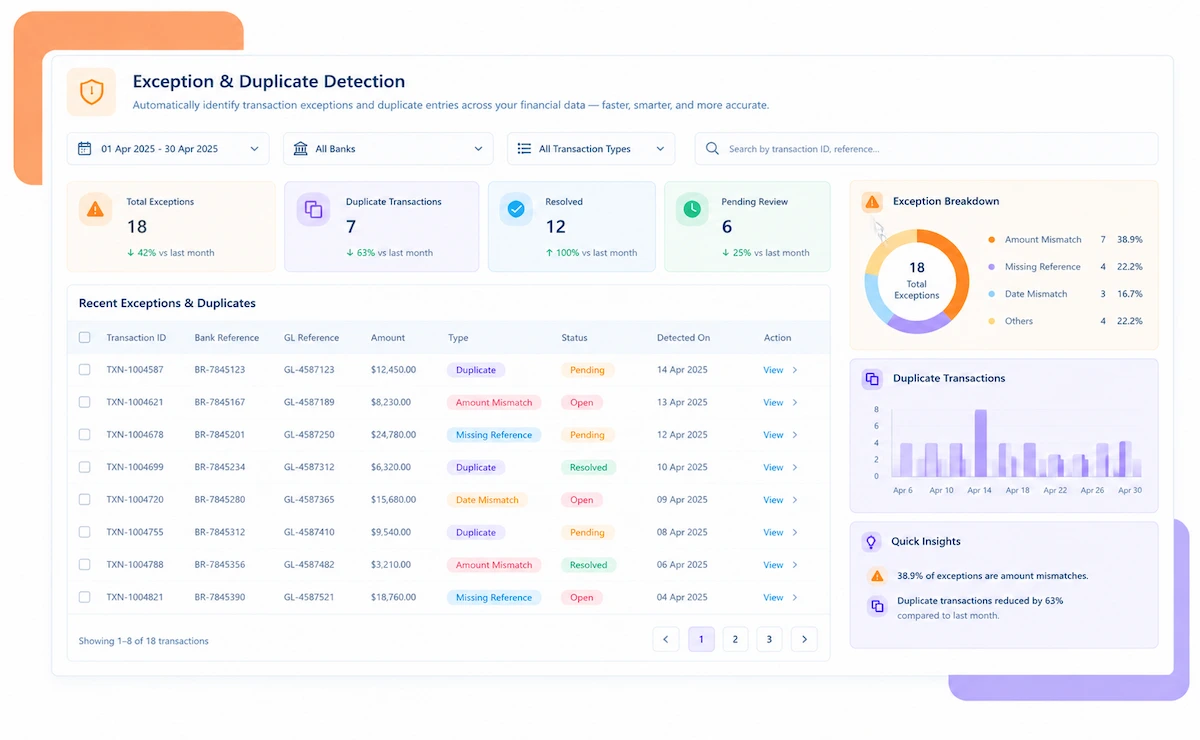
  • Flags Duplicate Refunds Before a Second One Goes Out
  • Confirms Refund Amounts and Timing Against the Original Transaction
  • Catches Refunds Marked Issued That Never Actually Processed
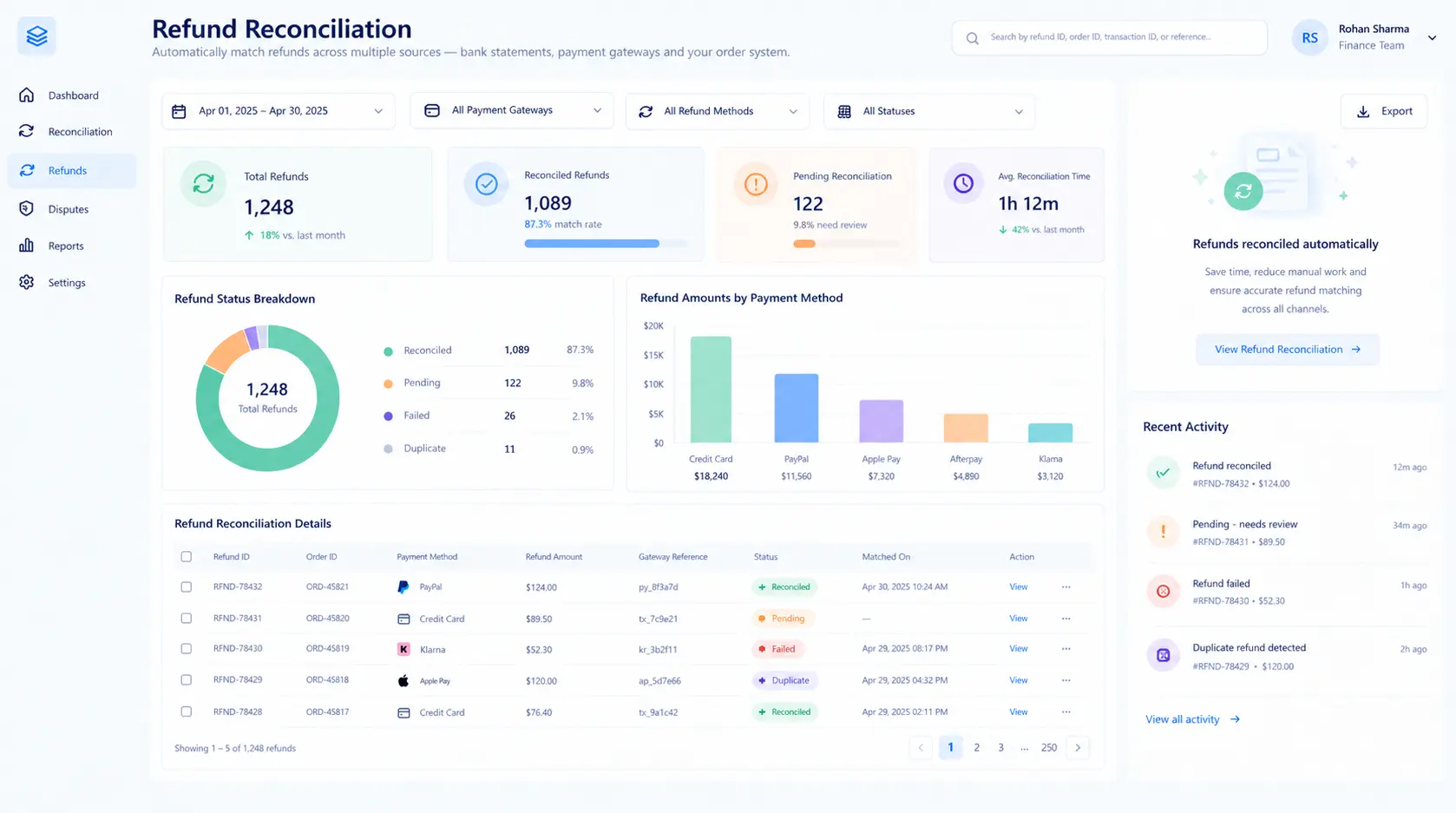
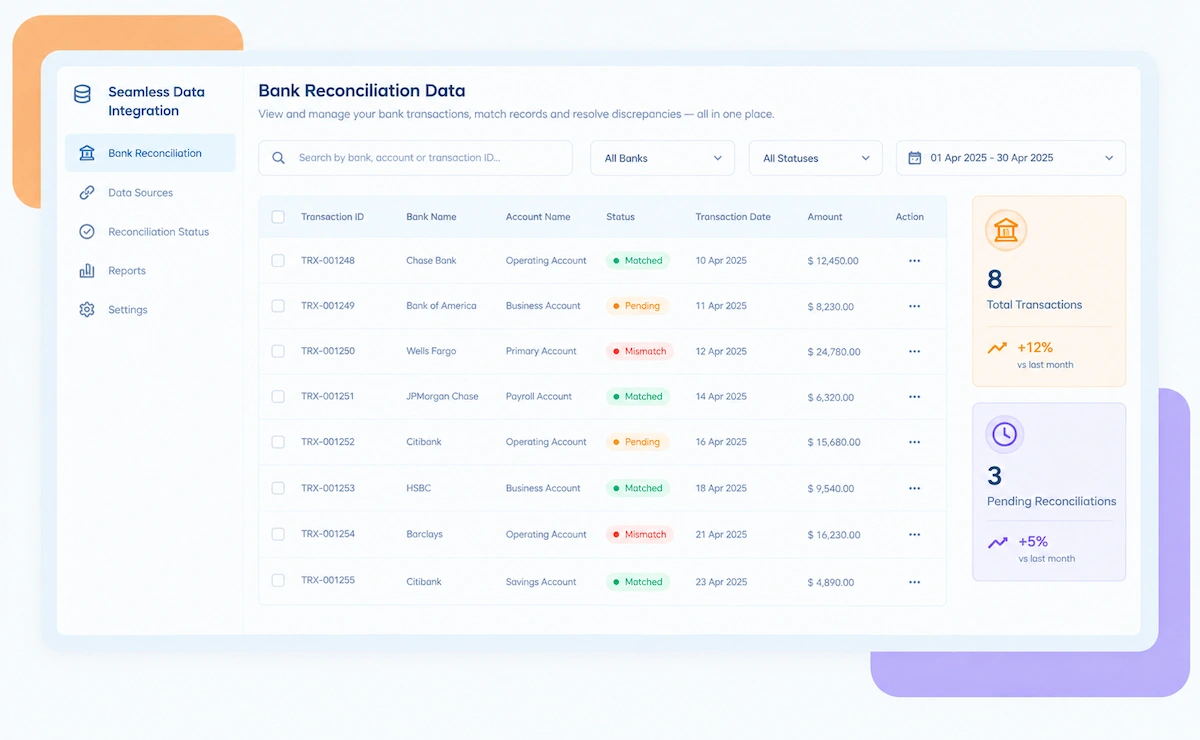
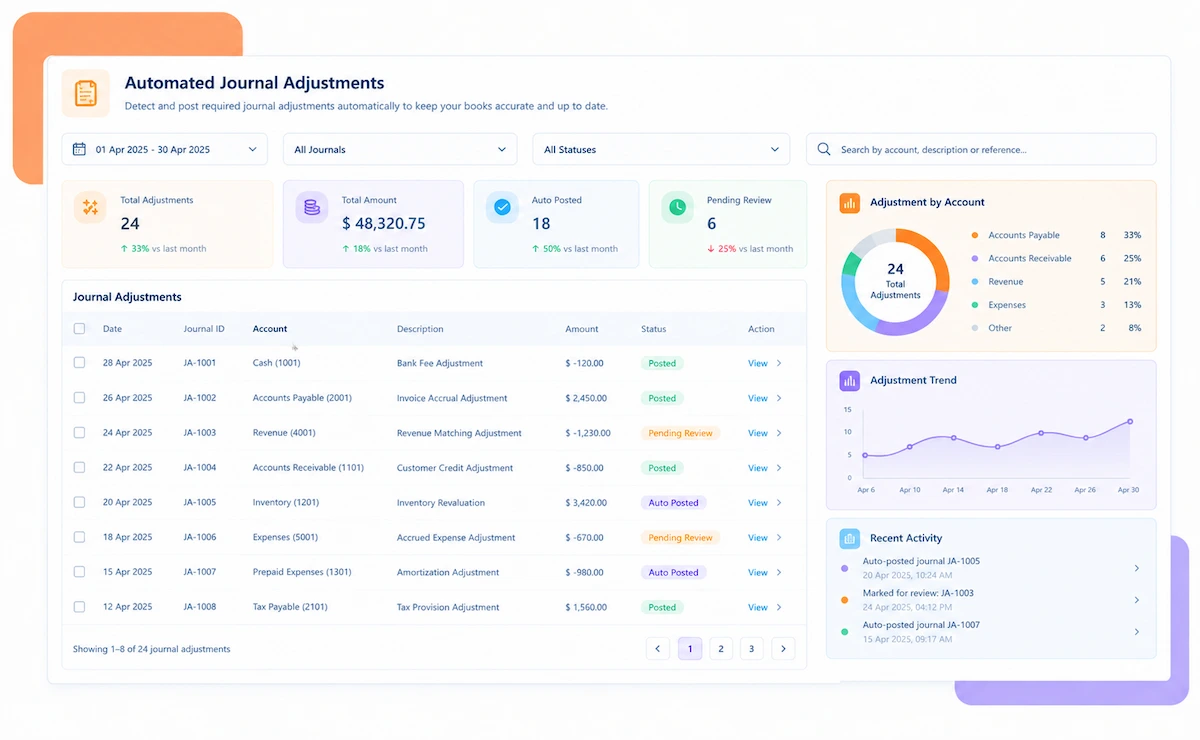
Kosh AI Refund Reconciliation Software Dashboard

NEW 2026 Refund Reconciliation Tool

Refund Reconciliation Software Built for Finance Teams Who Can't Afford a Duplicate or Missed Refund

See which refunds actually processed, which are stuck mid-gateway, and which original transactions still have no refund despite being marked as issued.

How Refund Reconciliation Software Matches Issued and Processed Refunds
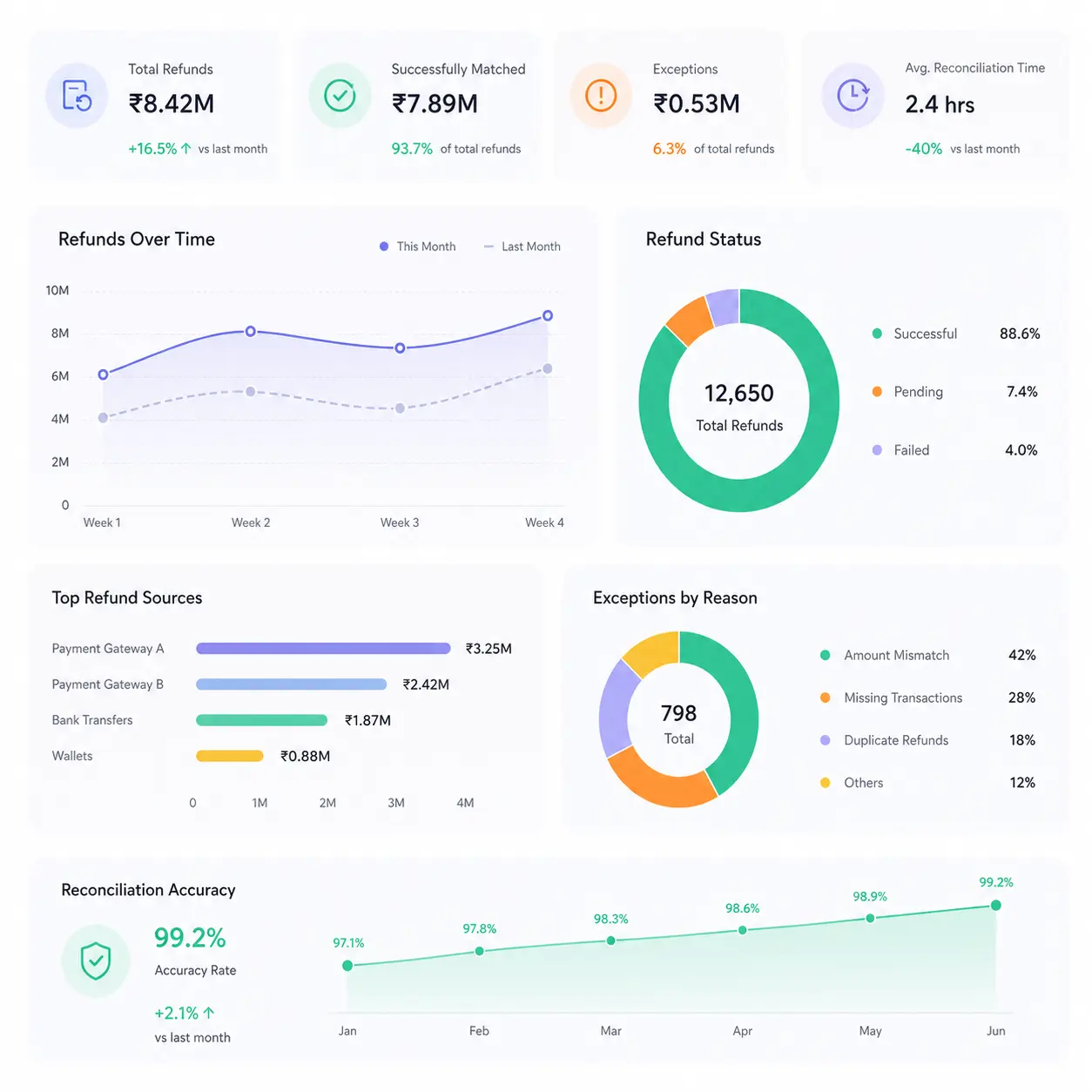
A refund can be approved in your support system, submitted to a gateway, and still never actually debit your account, and most finance teams only find out when a customer complains a second time. Kosh AI pulls your refund requests, gateway records, and bank activity into one place and checks every step of that chain.

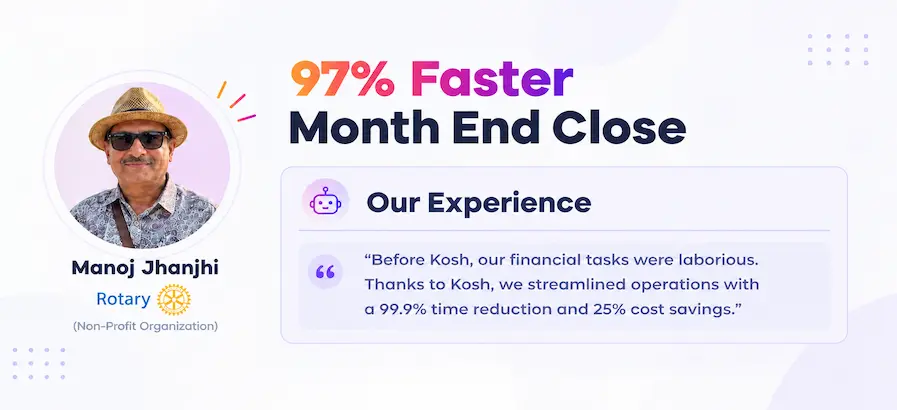
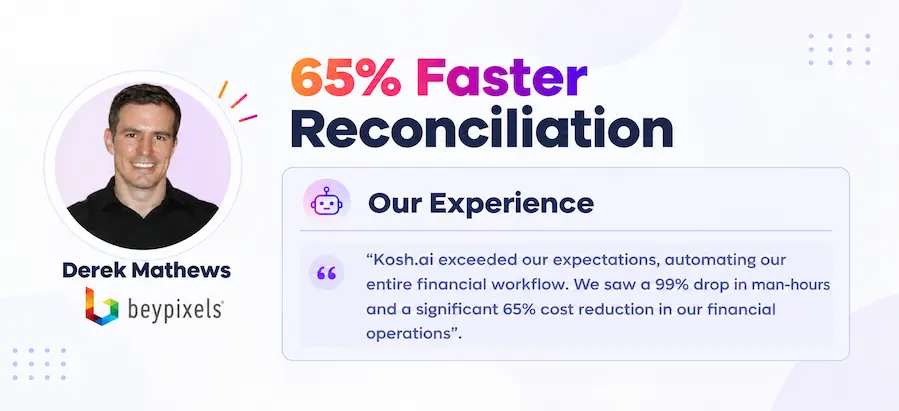
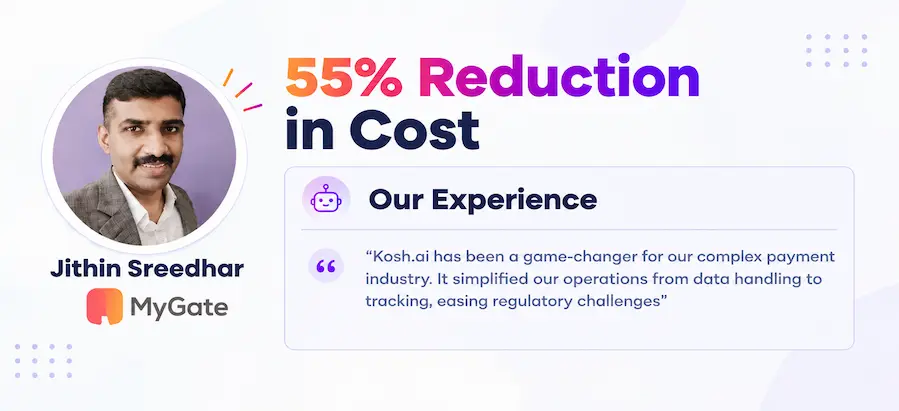
Proven Results From Automated Refund Reconciliation

Konica Minolta Business Solutions, U.S.A., Inc.
Ring Container
Conference Direct

How Refund Reconciliation Software Works in Four Steps

You don't need to change how your support team approves refunds or which gateway processes them. Kosh AI reads what's already there and handles the matching, the duplicate checks, and the reporting.

  • From Your Support Tool and Gateways: Kosh AI pulls refund requests and the original transactions they reverse into one place.
  • No Manual Exports: There's no need to download a refund list and an original transaction list separately.
  • Every Method Together: Card, UPI, wallet, and bank transfer refunds all show up against their originals in one view.
  • Ready as Refunds Post: New refund activity is available to match the moment a gateway or bank confirms it.
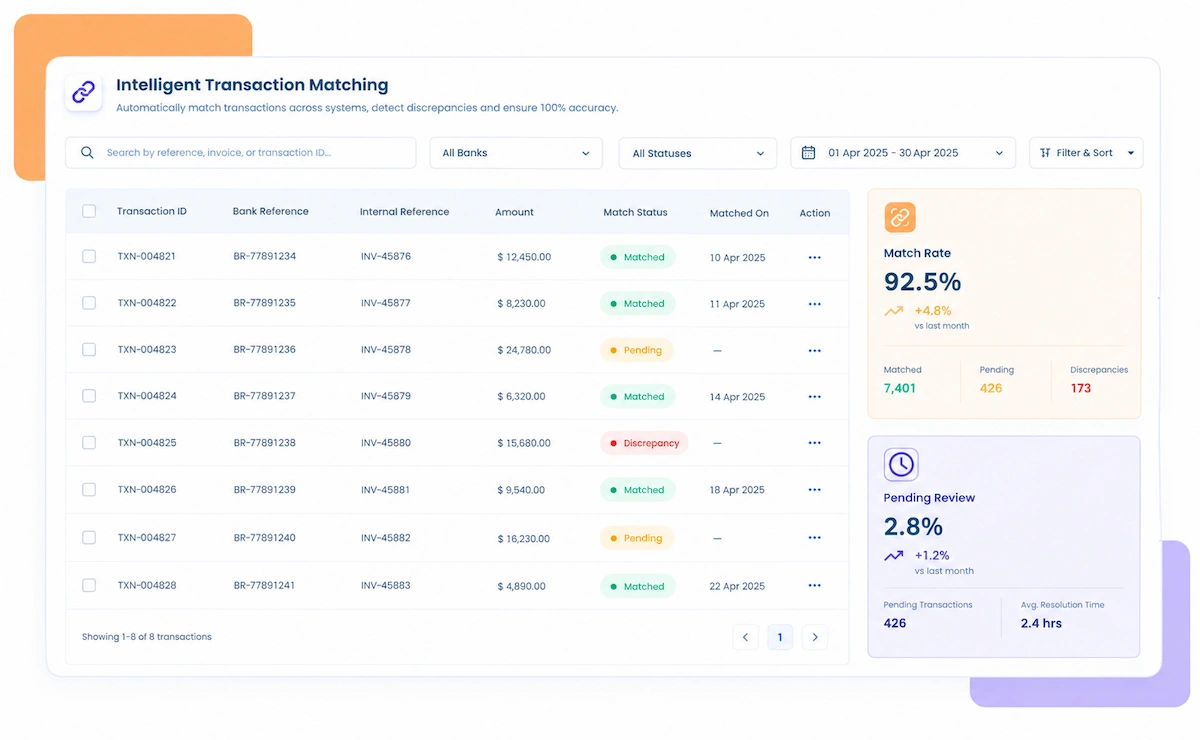
  • Done Automatically: Kosh AI links each refund to its original transaction and checks it against any prior refunds on that same charge.
  • Amount and Timing Verified: Refund amounts are checked against the original charge and your refund policy window.
  • Handles Partial Refunds: Multiple partial refunds against one transaction are tracked against the remaining refundable balance.
  • Improves With Use: Matching accuracy gets sharper the longer Kosh AI works with your refund patterns.
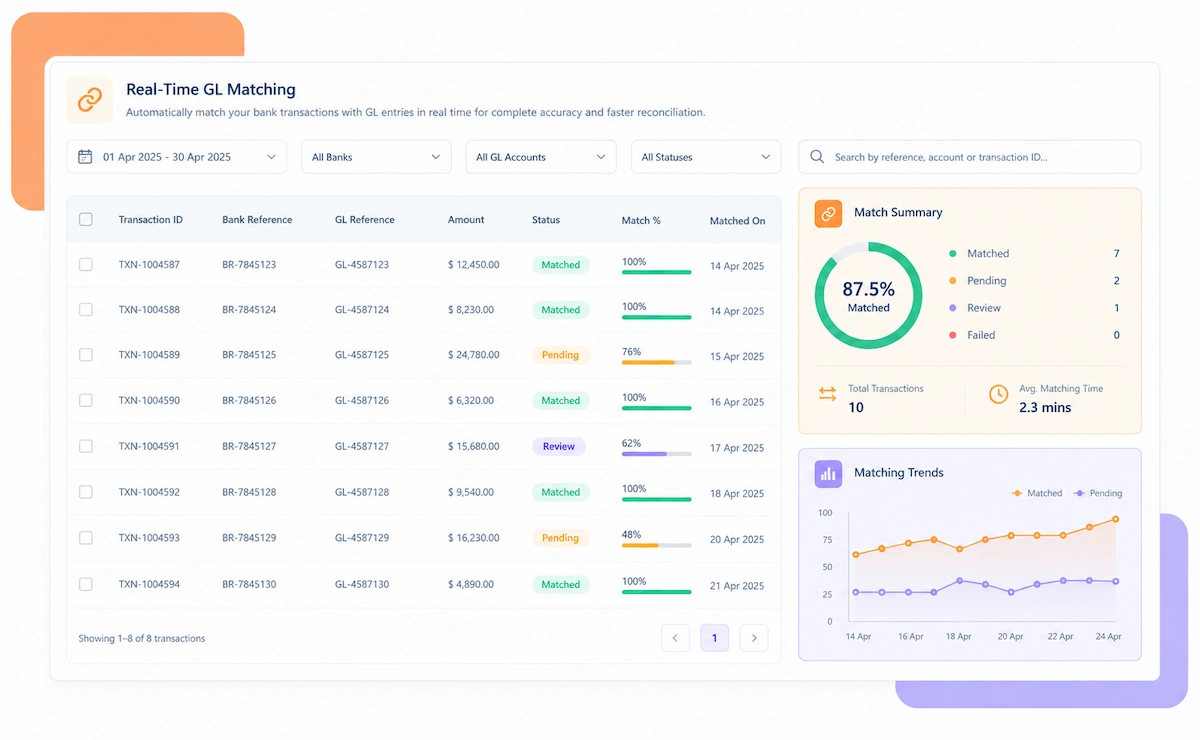
  • Carried Through to the Bank: Matched refunds are confirmed against the actual gateway and bank debit, not just a status flag.
  • Stuck Refunds Flagged: A refund marked complete but not actually debited is surfaced within the same reconciliation cycle.
  • Sorted by Size and Age: The refunds most likely to need attention rise to the top of the review list.
  • Resolved Before a Customer Follows Up: Stuck refunds are cleared before a customer complaint escalates further.
  • Status Tracked Automatically: Refund reconciliation status is calculated without manual tallying.
  • Reports for Any Audience: Pull a summary for the finance lead or a full detail file for a customer service escalation.
  • A Trail for Every Refund: Original transaction and refund detail stay attached to every reconciled record.
  • Refund Policy Confidence: Always know which refund types are processing cleanly and which need attention.

Refund Reconciliation That Fits How You Handle Returns

No two businesses issue refunds the same way. Kosh AI fits the refund volume you handle, the industry you work in, and how your finance team is structured.

Full Refunds

Full refunds are matched exactly against the original charge, with any variance flagged immediately.

Partial Refunds

Partial refunds are tracked against the remaining refundable balance across multiple requests.

Return-Driven Refunds

Refunds tied to product returns are matched against the return confirmation before processing.

Goodwill and Service Refunds

Refunds issued outside the standard return flow are tracked with their own approval trail.

Retail & Ecommerce

High return volumes are reconciled against refunds without a manual customer service review each week.

Travel & Hospitality

Cancellation-driven refunds across multiple booking partners are reconciled in one system.

Subscription & Media

Refunds tied to cancellations and downgrades are matched against the original billing event.

Healthcare

Refunds tied to billing adjustments are reconciled with records clean enough for compliance review.

Refund Reconciliation at Scale

Kosh AI centralizes refund-to-original matching for high-volume businesses, giving finance real-time visibility across every refund.

  • Reconcile millions of refunds against original transactions in one system.
  • Spot stuck and duplicate refunds with 15+ ML-driven risk models.
  • Keep a fully documented trail behind every refund decision.
  • Refund Reconciliation for Growing Businesses

    Kosh AI gives smaller finance teams automated refund matching without the headcount a manual process usually needs.

  • Replace spreadsheet-based refund checks with automatic reconciliation.
  • Handle growing return volume without adding staff.
  • Go live in weeks with ready-made gateway and support tool connectors.
  • The Business Impact of Automated Refund Reconciliation

    Reconciling refunds against original transactions by hand means checking multiple systems every time a customer asks where their money went. Kosh AI takes that load off your team and gives you a refund trail you can trust.

    1

    Prevent Duplicate Refunds Before They Go Out

    Every refund request is checked against prior refunds on the same transaction, catching duplicates before processing.

    2

    Catch Stuck Refunds Before Customers Escalate

    A refund marked complete but not actually debited is flagged within the same cycle, not after a second complaint.

    3

    Reduce Time Spent on Refund Status Questions

    Support and finance teams can see a refund's true status instantly instead of checking three systems.

    4

    Keep Refund Spend Accurate and Explainable

    Every refund stays linked to its original transaction, so refund totals are easy to justify in reporting.

    5

    Enforce Refund Policy Automatically

    Refund amounts and timing are checked against your policy window without manual review of every request.

    6

    Maintain a Complete Record for Every Refund

    Every reconciled refund keeps its supporting detail attached, so disputes and audits move faster.

    The Results of Automating Refund Reconciliation

    60%Faster Refund Reconciliation
    80%Of Refunds Matched Without Help
    90%Fewer Duplicate Refund Incidents

    Integrate Seamlessly with Your Existing ERP Systems

    Kosh AI connects directly with all major banks and ERPs, enabling real-time data sync for faster, more accurate reconciliations—no manual uploads, no delays.

    What Makes Refund Reconciliation Different From Standard Payment Matching

    A refund isn't just a payment in reverse. It has to tie back to a specific original transaction, respect a refundable balance, and actually clear through a gateway and bank, which is where refund reconciliation needs logic a generic matching tool doesn't have.

    Original transaction icon

    Every Refund Needs a Verified Original

    A refund with no clear original transaction is exactly the kind of gap that leads to duplicate or fraudulent refund requests.

    Partial refund icon

    Partial Refunds Can Stack Across Multiple Requests

    Tracking a refundable balance correctly requires knowing every prior partial refund against the same transaction.

    Status gap icon

    Issued Status Doesn't Always Mean Processed
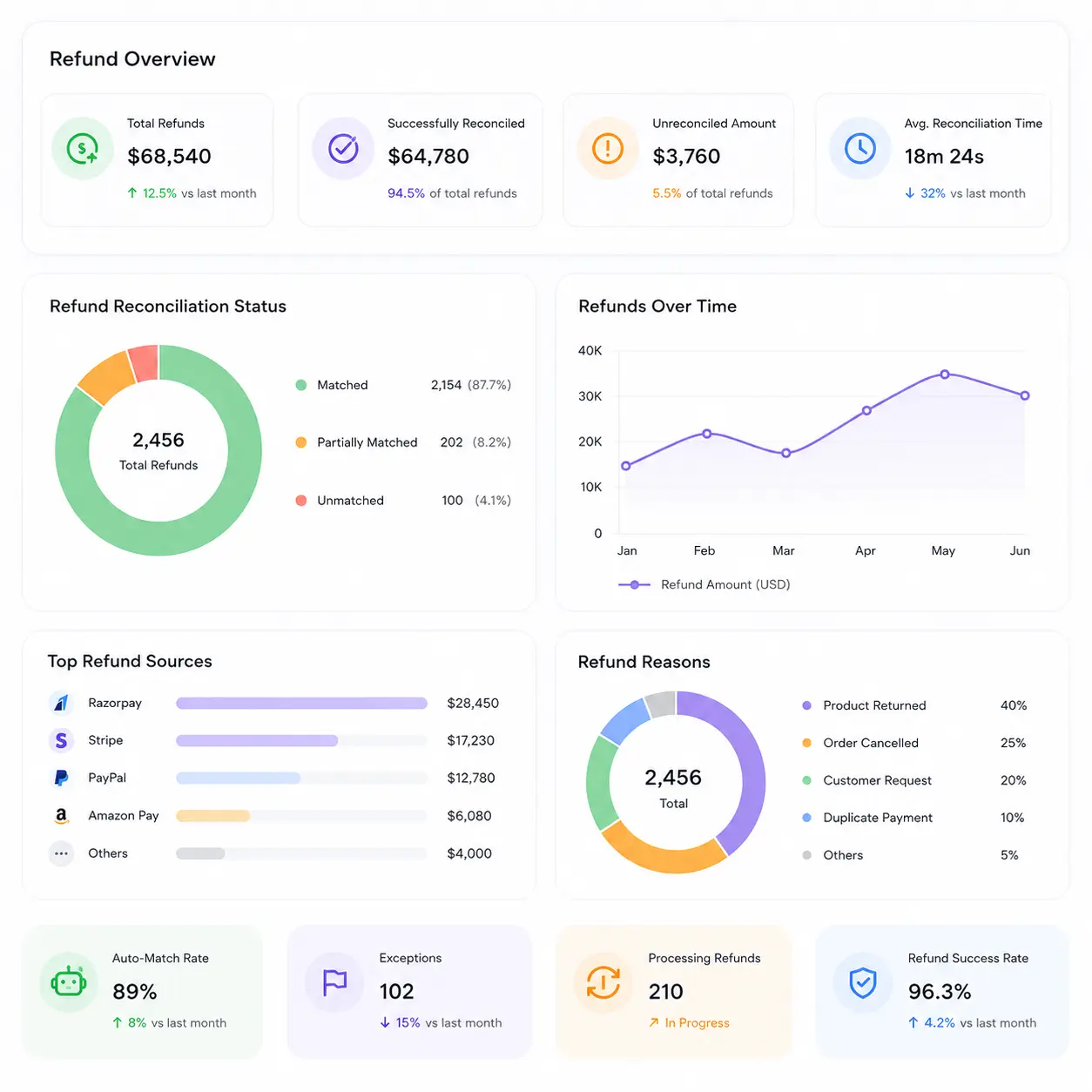
    A refund can show as complete in a support tool while still being stuck or rejected at the gateway or bank.

    Policy window icon

    Refund Policy Windows Need Enforcement, Not Just Tracking

    A refund outside the allowed time window needs a different approval path than a routine, in-policy refund.

    Why Automated Refund Reconciliation Beats Spreadsheets

    A shared spreadsheet breaks down the moment a refund is issued twice by two different people, or a gateway silently fails to process one. Kosh AI is built for how refunds actually move through your systems.

    Smart matching icon

    Transaction-Aware Matching for More Accurate Reconciliation

    Kosh AI links every refund to its original transaction automatically, not a lookup someone has to do by hand.

    Exception handling icon

    Turn Refund Gaps Into Actionable Exceptions

    A stuck or duplicate refund comes with the original transaction and gateway status attached, not just a status flag.

    Learning system icon

    Improve Matching Accuracy With Every Refund Cycle

    Every resolved exception feeds back into how Kosh AI reconciles that gateway's refunds going forward.

    Flexible matching icon

    Handle Any Refund Policy or Gateway Mix

    From simple full refunds to complex partial and multi-gateway refunds, Kosh AI handles the reconciliation logic each one needs.

    What Is Refund Reconciliation Software?

    Refund reconciliation software matches every refund a business issues against the original transaction it reverses, confirming the amount, timing, and that the refund actually cleared through the gateway and bank. It pulls refund requests from your support or order system and processing data from your payment gateways, so your finance team sees the full picture without checking three separate systems for a single refund's status. Kosh AI takes it further by catching duplicate refund attempts before they're processed, tracking partial refunds against the remaining refundable balance, and confirming refunds all the way to the actual bank debit. The result is a refund process your finance team can trust, even at high volume.

    Refund reconciliation dashboard illustration

    Why 'Issued' Doesn't Always Mean a Refund Processed
    A support agent marking a refund as issued is a status update, not proof the money actually moved. Between that status update and the funds actually landing back with the customer, the request has to pass through a payment gateway, sometimes a card network, and finally a bank, and any one of those steps can fail silently. Without reconciliation, the first sign of trouble is usually a customer calling back to ask where their refund is, weeks after being told it was already sent.

    This is a bigger risk than it looks at first glance. A business issuing a modest volume of refunds can often track them informally and still catch most problems. Once volume grows, or refunds start flowing through more than one gateway, informal tracking misses genuine gaps: a refund that's duplicated because two support agents processed the same request, a partial refund that pushes the total above what was actually charged, a refund that's approved internally but never actually submitted to the gateway. Refund reconciliation software exists specifically to catch the difference between a refund being marked done and a refund being done.

    Refund status gap illustration

    Manual vs. Automated Refund Reconciliation: What Changes?

    Here's what actually changes when refund reconciliation moves off spreadsheets and onto software built for the full refund chain.

    What You're Comparing Automated Refund Reconciliation Doing It Manually
    Preventing Duplicate RefundsEvery refund request is checked against prior refunds on the same transaction automatically.Duplicate refunds often go unnoticed until a customer or auditor flags the double payment.
    Confirming Refunds Actually ProcessedRefunds are confirmed against the real gateway and bank debit, not just a status flag.A refund marked complete in one system may still be stuck or failed elsewhere.
    Tracking Partial RefundsPartial refunds are tracked against the remaining refundable balance automatically.Multiple partial refunds against one transaction are easy to lose track of manually.
    Enforcing Refund PolicyRefund timing and amounts are checked against policy automatically.Policy exceptions are often caught only after the refund has already been issued.
    Resolving Customer Refund QuestionsTrue refund status is visible instantly across every system involved.Answering a refund status question means checking three different systems by hand.
    Scaling With Refund VolumeA growing refund volume doesn't require more manual reconciliation staff.More refunds usually means more hours spent tracing status across gateways.

    See the Value of Refund Reconciliation Automation

    Set up Kosh AI, start matching every refund to its original transaction automatically, and stop finding out about stuck refunds from a customer complaint.

    Schedule a Quick Demo
    Loreal Touchless

    Refund Reconciliation Software: An Honest Assessment

    No tool is a perfect fit for every refund process. Here's an honest look at what refund reconciliation software gets right, and what's worth planning around before you adopt it.

    • Prevents Duplicate Refunds: Every request is checked against prior refunds on the same transaction before it's processed.
    • Catches Stuck Refunds Early: A refund marked complete but not actually debited is flagged within the same reconciliation cycle.
    • Enforces Refund Policy Automatically: Amount and timing checks against your policy window happen without manual review of every request.
    • Scales With Refund Volume: Higher return or cancellation volume doesn't require a proportional increase in reconciliation staff.
    • Full Refund Trail: Every match keeps the original transaction and refund detail attached for disputes or audits.
    • Upfront Gateway Integration: Connecting support tools, gateways, and banks takes real effort before reconciliation runs smoothly.
    • Data Quality Matters: Refunds without a clear link to their original transaction are harder to reconcile automatically.
    • Change Management: Support and finance teams used to informal tracking need time to trust automated matching.
    • Not a Fix for Gateway Failures: Software can flag a stuck refund, but it won't fix the underlying gateway issue causing it.
    • Ongoing Policy Maintenance: Refund policy rules need occasional review as return and cancellation terms change.

    Refund Reconciliation Software FAQs

    What is refund reconciliation software?

    Refund reconciliation software matches every refund a business issues against the original transaction it reverses, confirming the amount, timing, and that the refund actually cleared. Kosh AI does this automatically, catching duplicates and stuck refunds along the way.

    How does refund reconciliation software work?

    It pulls refund requests from your support or order system and processing data from your payment gateways, then matches each refund to its original transaction and confirms it actually debited. Duplicate or stuck refunds are flagged automatically for review.

    Why is refund reconciliation software important for finance teams?

    Without reconciliation, duplicate refunds and refunds that are marked complete but never actually processed often go unnoticed until a customer complains. Refund reconciliation software catches both before they become disputes or financial losses.

    Can refund reconciliation software prevent duplicate refunds?

    Yes, that's one of its core functions. Every new refund request is checked against prior refunds on the same original transaction, and Kosh AI flags a potential duplicate before it's processed rather than after.

    How is refund reconciliation different from chargeback reconciliation?

    Refund reconciliation covers refunds a business chooses to issue, usually for returns or service issues. Chargeback reconciliation covers disputes forced by a customer's bank or card network. Kosh AI supports both, since each follows a different process and timeline.

    Can refund reconciliation software connect to my gateways and support tools?

    Yes, most refund reconciliation software is built to pull data from common payment gateways and support or order management tools. Kosh AI connects to leading gateways and platforms alongside ERPs like SAP, Oracle, NetSuite, and QuickBooks, so data flows in without manual exports.

    Does refund reconciliation software replace the need for a finance or support team?

    No, but it takes most of the manual status-checking work off their plate. Kosh AI handles routine refund matching automatically, so your team can focus on genuine exceptions and customer communication.

    What happens when a refund is marked complete but hasn't actually processed?

    It gets flagged as a stuck refund within the same reconciliation cycle, with the original transaction and gateway status already attached. From there, it's routed for follow-up instead of surfacing only when the customer calls back.

    How long does it take to set up refund reconciliation software?

    Most businesses can have core refund reconciliation running automatically within a few weeks, since the software connects to gateways and support tools you already use. Kosh AI follows a similar timeline, with high-volume, multi-gateway rollouts typically taking 2 to 3 months to fully configure.

    How do I choose the right refund reconciliation software for my business?

    Start with how many refunds you issue and how often duplicate or stuck refunds have caused problems in the past. From there, compare options on gateway connectivity, duplicate detection, and how clearly they confirm a refund actually processed. Kosh AI is built around exactly that checklist, but it applies to any software you're comparing.

    Ready to Automate Refund Reconciliation?

    Book a demo and watch Kosh AI reconcile your own refund and settlement data.

    Book a Demo