Transaction Matching Software for Matching Any Two Data Sources

Let Kosh AI Apply Configurable Matching Rules While Your Team Builds the Logic, Not the Queries

  • Matches Records Across Any Two or More Data Sources
  • Supports One-to-One, One-to-Many, and Many-to-Many Matching
  • Lets Teams Configure Matching Rules Without Writing Code
  • Scales to Millions of Records Without Slowing Down
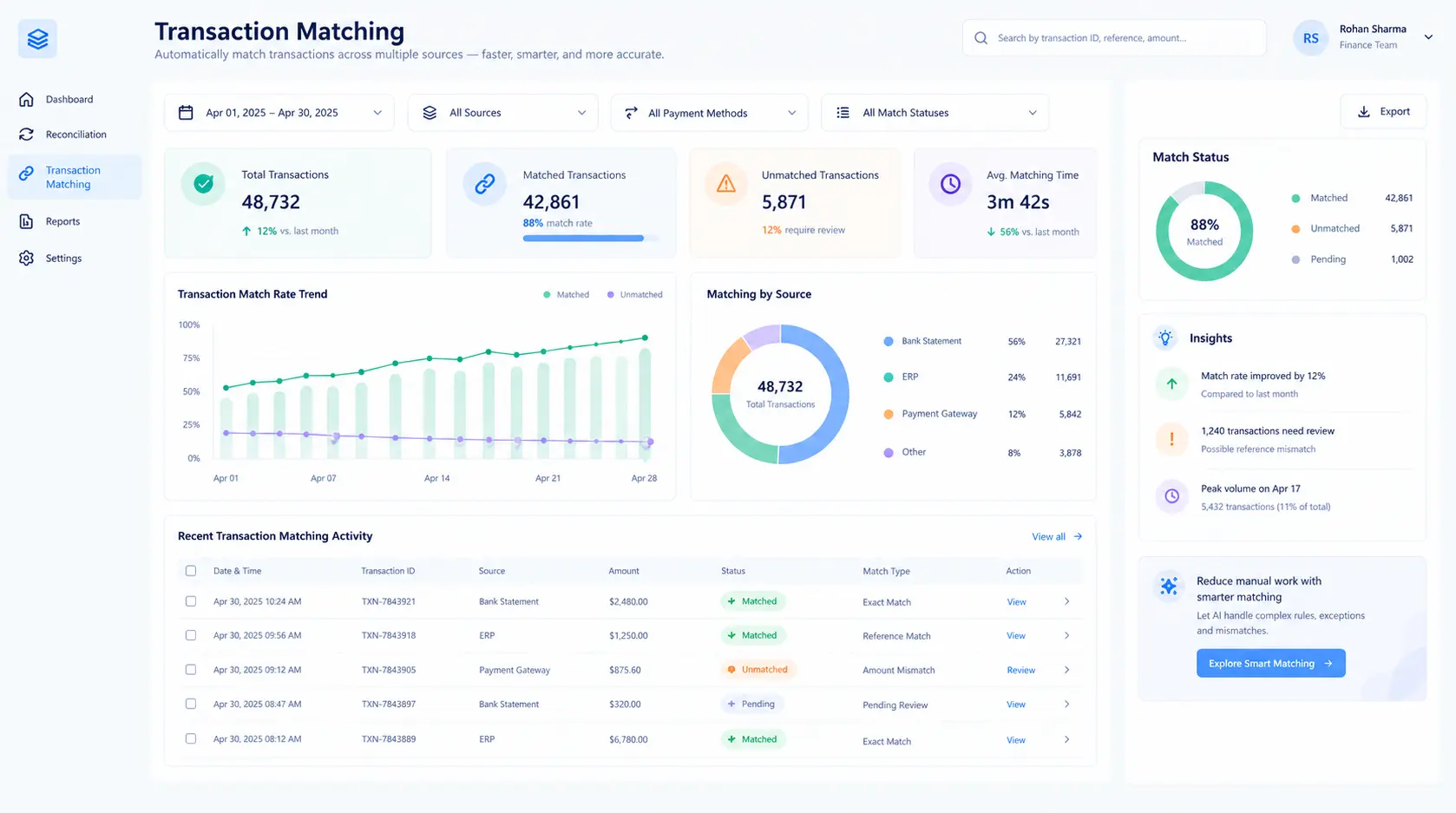
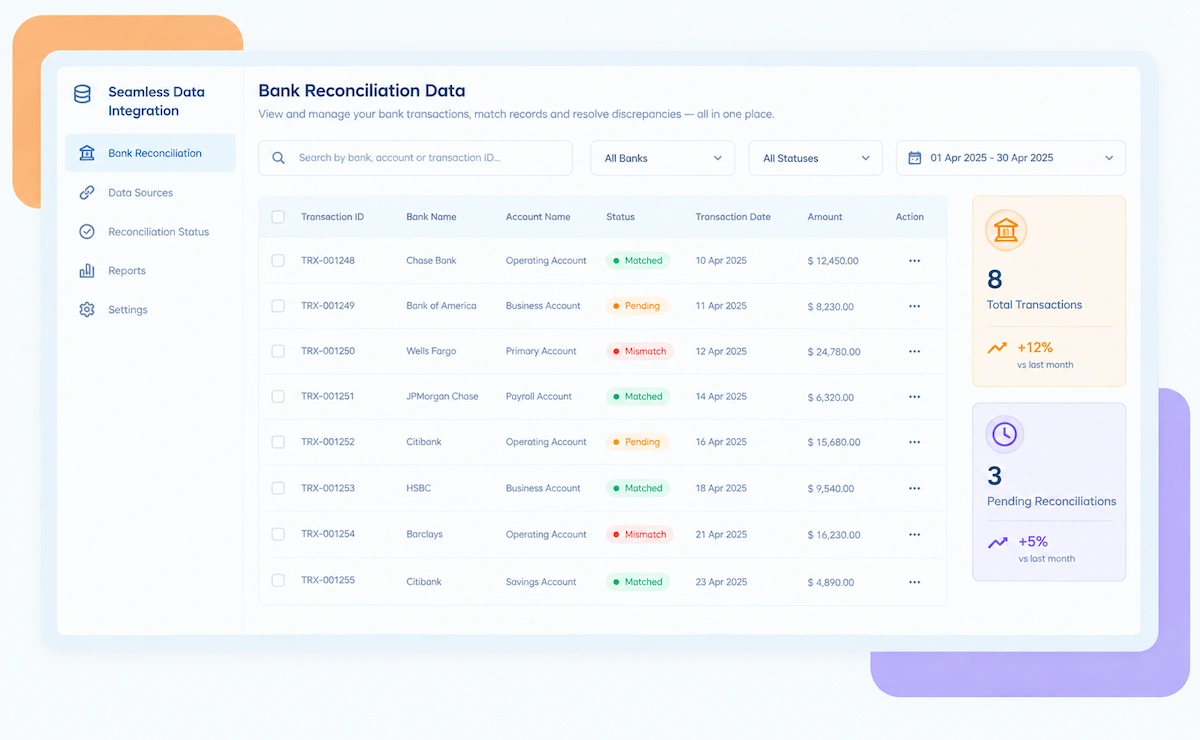
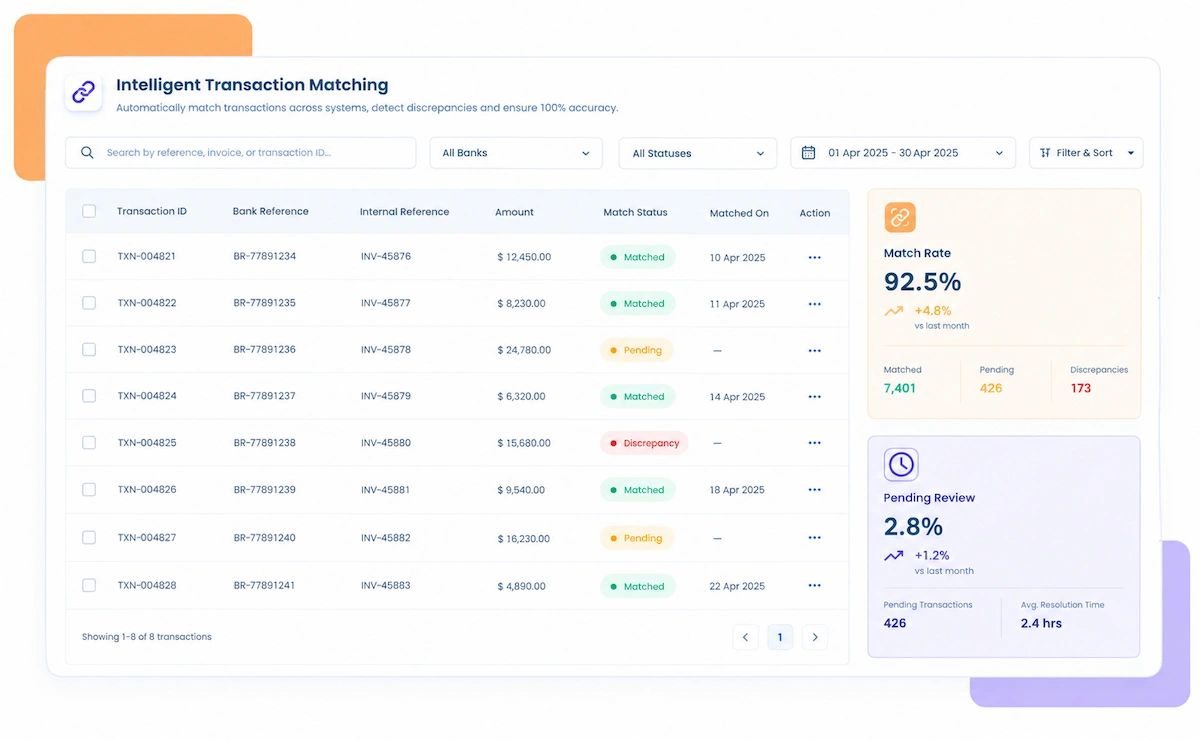
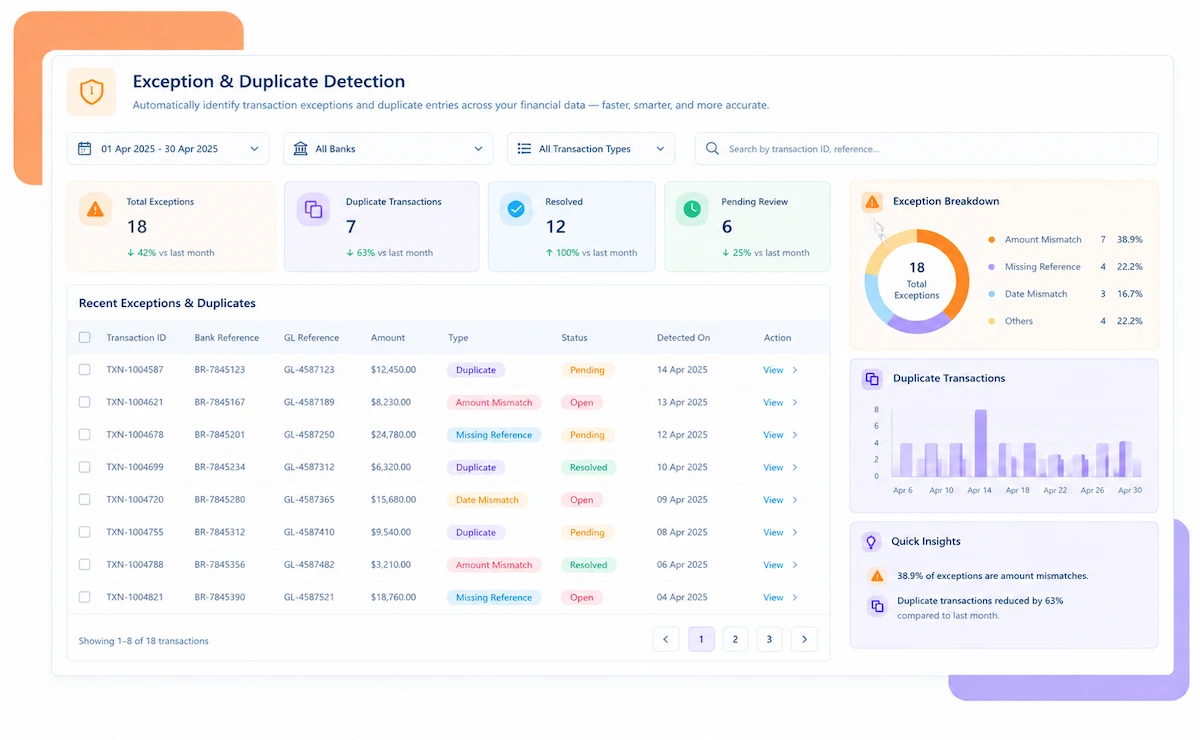
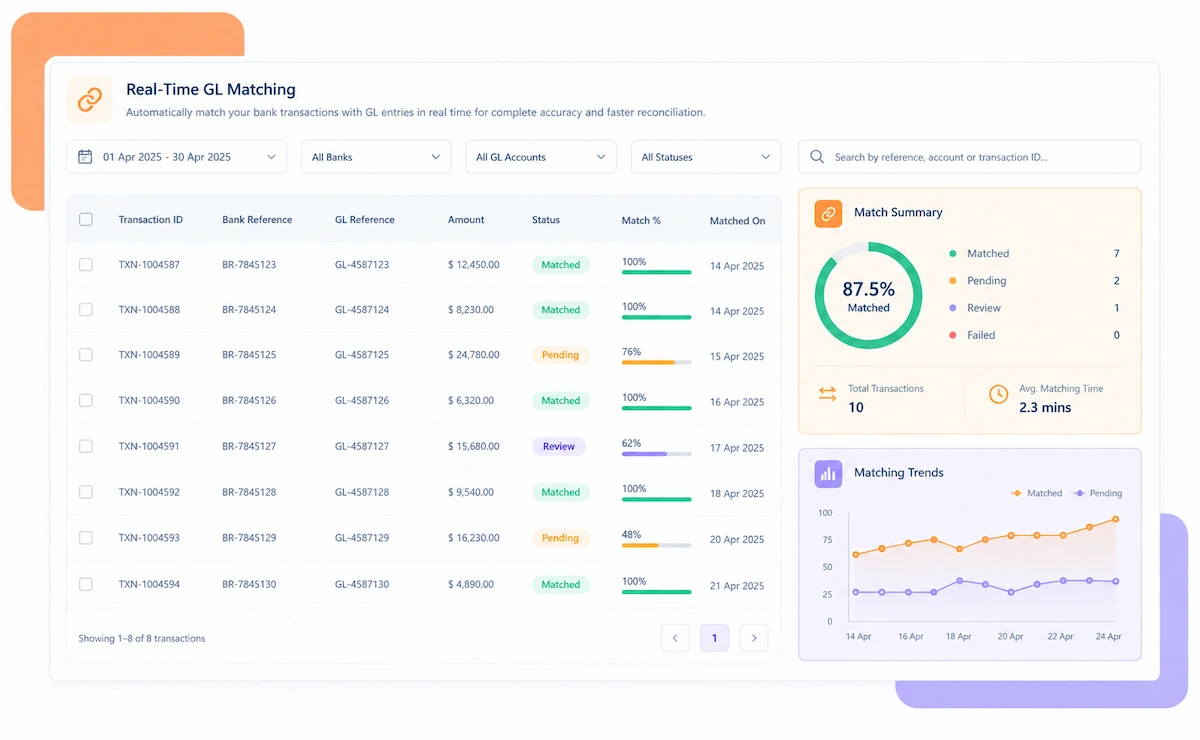
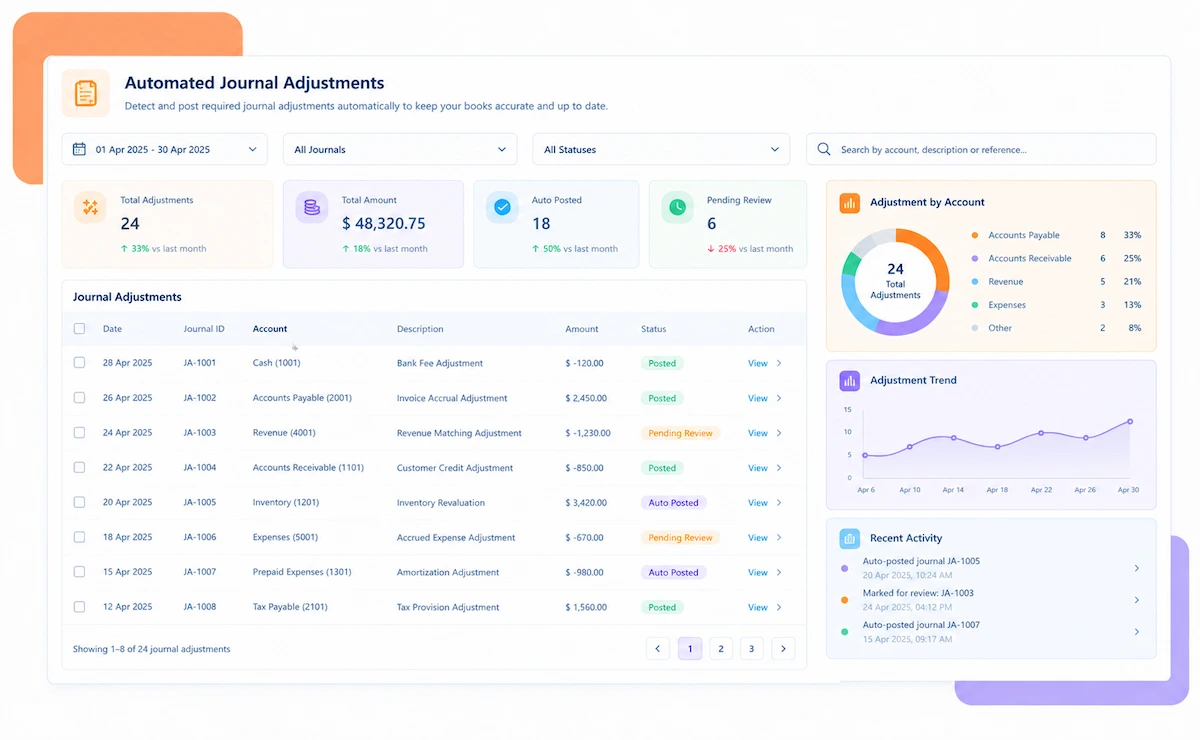
Kosh AI Transaction Matching Software Dashboard

NEW 2026 Transaction Matching Tool

Transaction Matching Software Built for Teams Matching Data Across Any System

See match rates by data source, which fields are driving unmatched records, and how Kosh AI tunes matching logic without a single line of custom code.

How Transaction Matching Software Simplifies Record-Level Matching

Most teams still match records between systems with a mix of spreadsheet formulas, one-off scripts, and manual review. Kosh AI replaces that patchwork. It pulls data from any source, applies configurable matching rules you control, and tells you exactly which records matched, which didn't, and why.

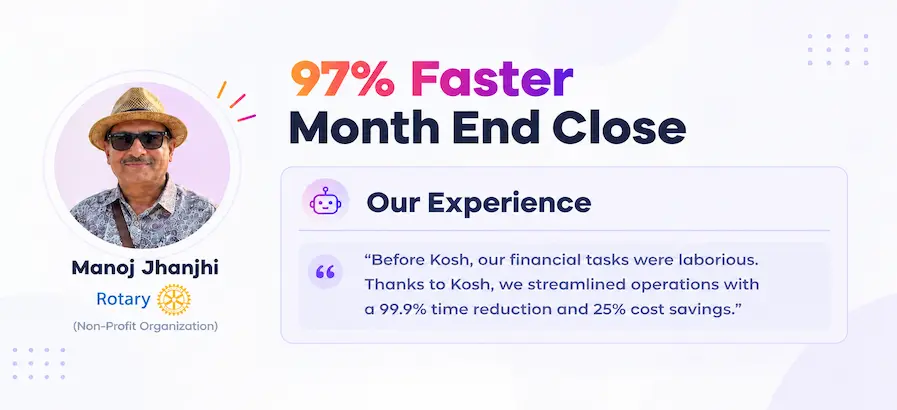
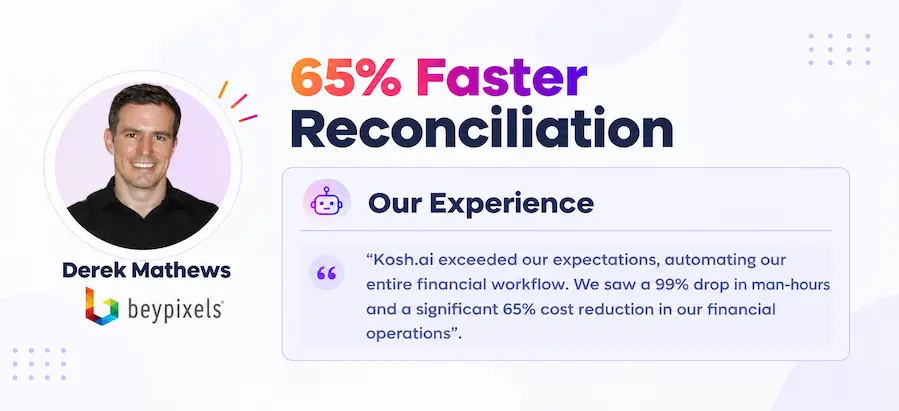
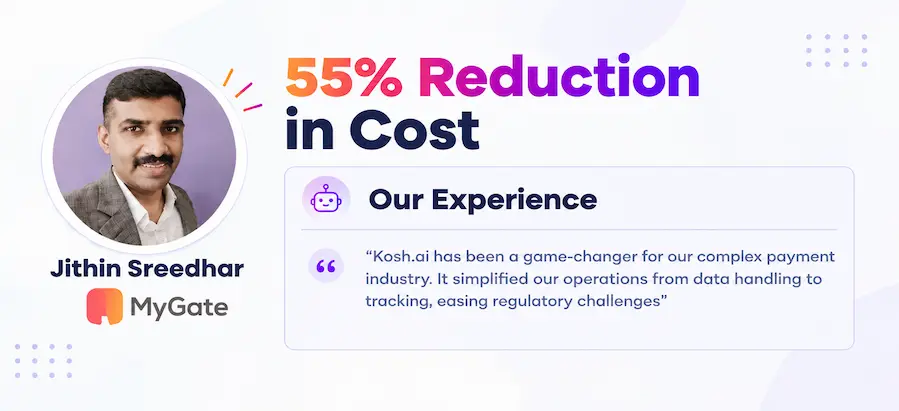
Proven Results From Automated Transaction Matching

Konica Minolta Business Solutions, U.S.A., Inc.
Ring Container
Conference Direct

How Transaction Matching Software Works in Four Steps

You don't need to restructure your data or standardize every source first. Kosh AI reads what's already there and handles the mapping, the matching, and the reporting.

  • Flexible Connections: Kosh AI connects to databases, flat files, APIs, and common business systems directly.
  • No Manual Exports: There's no need to pull files from each system and reformat them by hand.
  • Every Source Together: Data from every connected system is available in one matching workspace.
  • Ready as Data Arrives: New records are available to match the moment they're received.
  • No Code Required: Matching rules are built through a visual interface your team can maintain directly.
  • Your Logic, Not a Generic Template: Rules reflect how your team actually defines a match, field by field.
  • Handles the Edge Cases: Fuzzy matching, tolerances, and weighted fields are all supported.
  • Test Before You Deploy: Rules can be previewed against real data before going live.
  • Matched Automatically: Records are compared and matched according to your configured rules.
  • A Reason Attached: Every unmatched record comes with the closest candidate and why it didn't qualify.
  • Sorted by Confidence: Lower-confidence matches rise to the top for manual review.
  • Resolved Without Starting Over: Manual corrections feed directly back into the matching results.
  • Match Rates Tracked Automatically: See what percentage of records matched, by source and by rule.
  • Reports for Any Audience: Pull a match-rate summary for leadership or a full detail file for an analyst.
  • A Trail for Every Match: Matching logic and confidence scores stay attached to every result.
  • Rules That Improve Over Time: Use match-rate trends to tighten or loosen rules as data patterns shift.

Transaction Matching That Fits Any Data Problem

No two matching problems look the same. Kosh AI fits the data sources you connect, the industry you work in, and how your team is structured.

Financial Transaction Matching

Bank, payment, and ledger records are matched for reconciliation, settlement verification, or fraud review.

System Migration Validation

Records from a legacy system are matched against a new system to confirm a migration completed without data loss.

Master Data Deduplication

Customer, vendor, or product records across systems are matched to identify and merge duplicates.

Audit and Compliance Sampling

Records are matched against control lists or compliance datasets to confirm coverage and surface gaps.

Manufacturing

Production and inventory records across plant systems are matched for consistency without custom scripting.

Software & SaaS

Usage, billing, and CRM records are matched to validate revenue recognition and customer data accuracy.

Retail & Distribution

Order, inventory, and fulfillment records across systems are matched daily at retail transaction volume.

Healthcare

Patient, billing, and claims records are matched across systems with the accuracy healthcare data demands.

Enterprise Transaction Matching at Scale

Kosh AI centralizes record matching for teams working across many systems, giving configurable rules and full transparency at enterprise volume.

  • Match hundreds of millions of records across unlimited data sources.
  • Build and adjust matching rules without engineering support.
  • Keep a fully documented match history for every record set.
  • Transaction Matching for Growing Teams

    Kosh AI gives growing finance and operations teams a matching engine without the custom development a manual process usually needs.

  • Replace one-off scripts and spreadsheet formulas with one engine.
  • Handle new data sources without writing new matching code.
  • Go live in weeks with ready-made connectors to common systems.
  • The Business Impact of Automated Transaction Matching

    Matching records by hand or with one-off scripts ties up technical and finance staff every time the data changes shape. Kosh AI takes that load off your team and gives you matching logic you can actually maintain.

    1

    Match Records Faster

    Datasets that used to take hours to compare manually are matched in minutes, freeing up time across every team that needs matching.

    2

    Reduce Dependence on Engineering

    Business teams can configure and adjust matching rules themselves, without waiting on a developer for every change.

    3

    Let Teams Focus on Exceptions, Not Scripting

    Instead of writing and maintaining matching scripts, your team spends its time reviewing the records that actually need judgment.

    4

    Catch Data Quality Issues Earlier

    Low match rates on a data source often reveal an upstream data quality problem before it affects downstream reporting.

    5

    Get Real-Time Visibility Into Match Rates

    See match rates by source and by rule, without waiting for someone to run a report.

    6

    Maintain a Complete Trail for Every Match

    Every match keeps its logic and confidence score attached, so results can be explained and defended later.

    The Results of Automating Transaction Matching

    60%Faster Matching Turnaround
    85%Of Records Matched Without Manual Review
    90%Fewer Custom Scripts Needed

    Integrate Seamlessly with Your Existing ERP Systems

    Kosh AI connects directly with all major banks and ERPs, enabling real-time data sync for faster, more accurate reconciliations—no manual uploads, no delays.

    Why a Dedicated Matching Engine Beats Scripts and Spreadsheets

    A one-off script breaks the moment a data source changes format, and a spreadsheet can't handle many-to-many relationships at all. Kosh AI is built to be the matching layer your team configures instead of rebuilds.

    Smart matching icon

    Field-Level Configuration for More Accurate Matches

    Kosh AI lets you weight, tolerance, and combine fields precisely, not force every match through one rigid rule.

    Exception handling icon

    Turn Unmatched Records Into Actionable Candidates

    An unmatched record comes with its closest candidate and the reason it fell short, not just a blank result.

    Learning system icon

    Improve Match Rates With Every Correction

    Manual corrections feed back into the matching logic, sharpening results for the next run.

    Flexible matching icon

    Handle Any Matching Relationship, Not Just One-to-One

    From a simple exact match to a complex many-to-many split, Kosh AI handles the matching logic each scenario needs.

    Transaction Matching Best Practices for Data and Finance Teams

    Getting consistently high match rates comes down to a few habits most teams know but struggle to apply systematically. Here's what Kosh AI helps enforce automatically.

    Key field icon

    Start With the Most Reliable Matching Field

    A unique reference number beats a fuzzy text match every time one is available on both sides.

    Tolerance icon

    Set Tolerances Deliberately, Not by Guesswork

    Amount and date tolerances should reflect real-world variation in your data, not an arbitrary round number.

    Review icon

    Review Low-Confidence Matches, Not Just Unmatched Records

    A match made with low confidence deserves the same scrutiny as a record that didn't match at all.

    Iteration icon

    Treat Matching Rules as a Living Configuration

    Revisiting rules as data sources evolve keeps match rates high instead of slowly degrading over time.

    What Is Transaction Matching Software and How Does It Work?

    Transaction matching software compares records held in two or more data sources and identifies which ones represent the same underlying event, using configurable rules rather than a one-off script or a manual spreadsheet comparison. It connects directly to databases, files, and APIs, so your team sees match results without writing and maintaining custom code for every new data source. Kosh AI takes it further by supporting one-to-many and many-to-many matching, letting business users configure rules through a visual interface, and keeping full transparency into why every match or non-match occurred. The result is a matching capability your team can reuse across use cases instead of rebuilding from scratch each time.

    Transaction matching concept illustration

    Why Spreadsheets and One-Off Scripts Stop Working at Scale

    A VLOOKUP or a quick Python script can handle matching two small, clean datasets well enough. The trouble starts when a match isn't strictly one-to-one, when a data source changes its format without notice, or when the volume grows past what a spreadsheet can process without crawling to a halt. At that point, every matching problem becomes a small engineering project, and whoever owns the script becomes a bottleneck every time the business needs a new comparison run.

    This gets expensive in ways that aren't always obvious. A script written for one data migration doesn't transfer cleanly to the next reconciliation problem, so teams end up rebuilding similar logic again and again instead of reusing it. And because the matching logic usually lives in someone's personal script rather than a documented, auditable system, it's hard for anyone else to trust the results or explain exactly why a particular match was made. Transaction matching software exists to turn that one-off, person-dependent process into a reusable, transparent capability the whole team can rely on.

    Manual vs. Automated Transaction Matching: What Changes?

    Here's what actually changes when transaction matching moves off scripts and spreadsheets and onto a dedicated matching engine.

    What You're Comparing Automated Transaction Matching Doing It Manually
    Who Can Build or Change Matching LogicBusiness users configure rules through a visual interface.Changes usually require a developer to rewrite a script.
    Handling Many-to-Many MatchesBuilt in as a core capability of the matching engine.Usually requires custom logic that's hard to maintain.
    Scaling to More DataPerformance holds steady as record volume grows.Scripts and spreadsheets slow down or fail at high volume.
    Understanding Why a Match Was MadeEvery match keeps its logic and confidence score attached.Matching logic often lives only in the script author's head.

    Adapting to New Data SourcesNew sources are connected and configured without new code.Each new source usually means a new script to write and maintain.
    Cost Over TimeReusable rules reduce the ongoing cost of each new matching project.Each matching project starts largely from scratch.

    How to Choose the Right Transaction Matching Software

    Not every matching tool is built to handle complex, high-volume data relationships. Here's what to walk through before picking one.

    • List Your Data Sources: Identify every system, file, or API the software will need to connect to.
    • Identify Relationship Types: Know whether your matches are mostly one-to-one or include one-to-many and many-to-many cases.
    • Estimate Your Volume: Understand the record counts the software will need to process reliably.
    • Document Current Pain Points: Identify where existing scripts or spreadsheets break down most often.
    • Test Rule Configuration: See how easily a non-technical user can build and adjust matching rules.
    • Confirm Fuzzy and Tolerance Matching: Make sure the software handles imperfect matches, not just exact ones.
    • Check Performance at Scale: Ask how matching speed holds up as record volume grows.
    • Look at Match Transparency: Confirm every match result explains the logic and confidence behind it.
    • Start With Your Highest-Value Use Case: Connect the matching problem causing the most manual pain first.
    • Involve the Teams Who'll Maintain Rules: Make sure the people configuring matching logic are part of the rollout from day one.
    • Validate Against Known Results: Run the engine against a dataset where the correct matches are already known.
    • Expand to New Use Cases Gradually: Add new data sources and matching scenarios in phases as confidence builds.

    See the Value of Transaction Matching Automation Within Weeks

    Set up Kosh AI, start matching your highest-volume data sources automatically, and stop rebuilding matching logic from scratch.

    Schedule a Quick Demo
    Loreal Touchless

    Transaction Matching Software FAQs

    What is transaction matching software?

    Transaction matching software compares records held in two or more data sources and identifies which represent the same underlying event, using configurable rules instead of a one-off script or manual spreadsheet comparison. Kosh AI does this automatically, applying your matching logic and flagging anything that doesn't match.

    How does transaction matching software work?

    It connects to your data sources, applies matching rules your team configures through a visual interface, and compares records field by field. Records that match cleanly are confirmed automatically, and anything that doesn't gets flagged with the closest candidate and a reason.

    Why is transaction matching software important for data and finance teams?

    Matching with scripts and spreadsheets gets slower and more fragile as data volume and complexity grow, and matching logic often lives only in one person's head. Transaction matching software keeps the process documented, reusable, and scalable regardless of who's maintaining it.

    What kinds of matching relationships does this software support?

    It supports one-to-one, one-to-many, and many-to-many matching, along with exact, fuzzy, and tolerance-based rules. Kosh AI handles all of these relationship types within the same matching engine.

    How is transaction matching software different from transaction reconciliation software?

    Transaction reconciliation software is typically built around a specific finance workflow, like matching bank activity to the ledger. Transaction matching software is the more general-purpose engine underneath, usable for finance reconciliation as well as data migration validation, deduplication, and other matching problems. Kosh AI provides both.

    Can transaction matching software connect to any data source?

    Most transaction matching software is built to connect broadly, including databases, flat files, and APIs. Kosh AI connects to common business systems and ERPs like SAP, Oracle, NetSuite, Sage, QuickBooks, and Xero, as well as custom data sources, so matching isn't limited to a fixed set of integrations.

    Do I need a developer to configure matching rules?

    No, that's one of the core advantages of dedicated matching software. Kosh AI lets business users build and adjust matching rules through a visual interface, without writing or maintaining custom code.

    What happens when records don't match?

    They're flagged with the closest candidate found and the reason the match didn't meet your configured threshold. From there, a reviewer can confirm, reject, or adjust the match manually, and that correction feeds back into future matching runs.

    How long does it take to set up transaction matching software?

    Most teams can have a first matching scenario configured and running within a few weeks, since the software connects to data sources you already have. Kosh AI follows a similar timeline, with more complex, multi-source rollouts typically taking 1 to 3 months to fully configure.

    How do I choose the right transaction matching software for my needs?

    Start with your data sources, the types of matching relationships you need, and your expected record volume. From there, compare options on rule configuration flexibility, performance at scale, and how transparent match results are. Kosh AI is built around exactly that checklist, but it applies to any software you're comparing.

    Ready to Automate Transaction Matching?

    Book a demo and watch Kosh AI match your own transaction data across systems.

    Book a Demo