Customer Reconciliation Software for Faster, More Accurate AR Matching

Let Kosh AI Match Every Customer Payment While Your Team Focuses on Collections

  • Matches Customer Payments to Open Invoices Automatically
  • Flags Short Pays and Disputes the Moment They Appear
  • Keeps Customer Account Balances Current Every Day
  • Cuts the Manual Work Out of AR Reconciliation
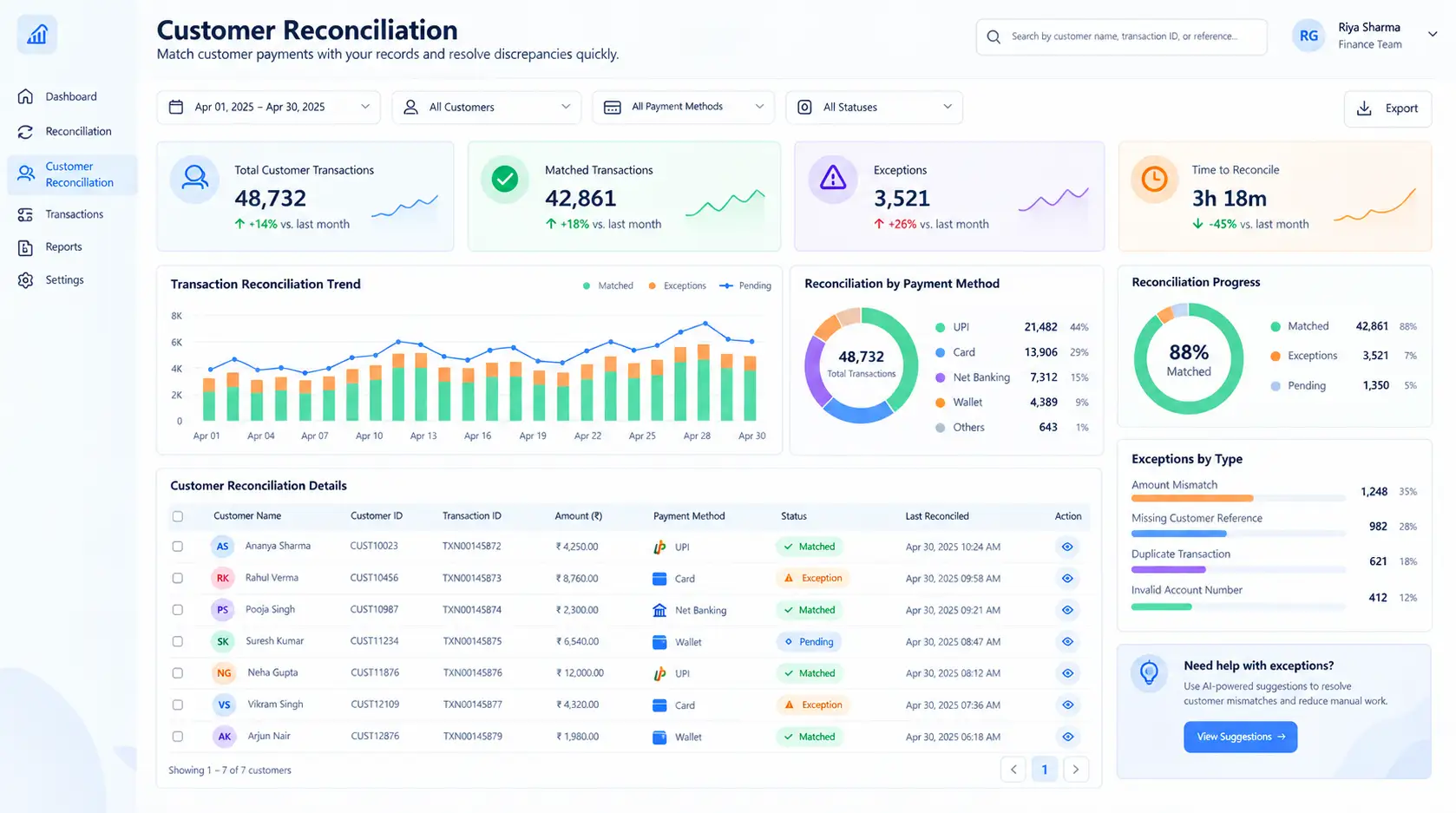
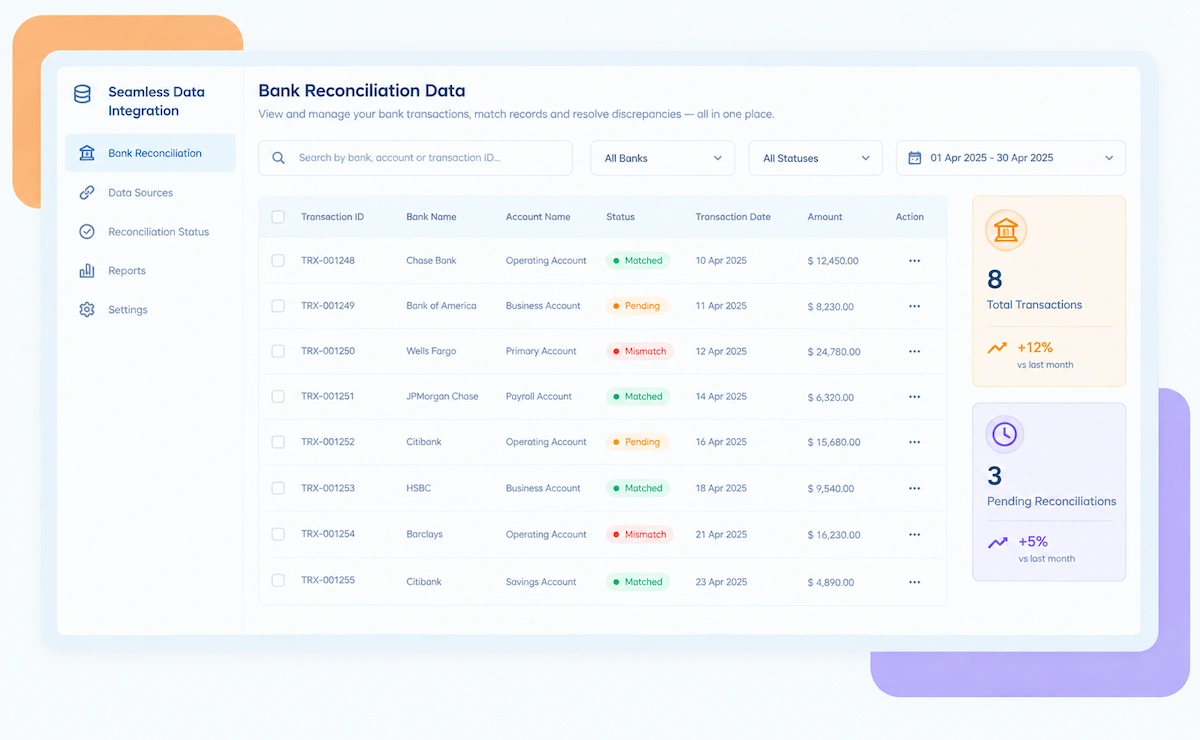
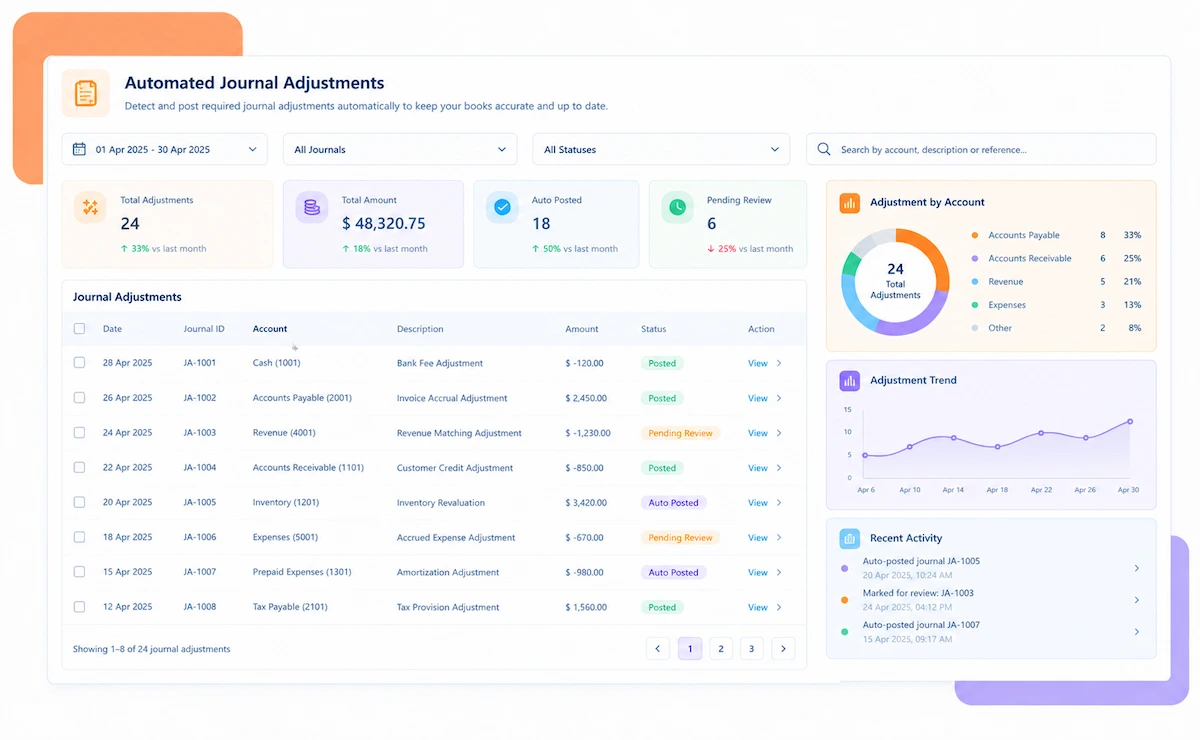
Kosh AI Customer Reconciliation Software Dashboard

NEW 2026 Customer Reconciliation Tool

Customer Reconciliation Software Built for AR Teams Buried Under Open Items

See which customer accounts are fully matched, which balances keep showing the same unresolved deduction every month, and how Kosh AI clears that backlog before it affects collections.

How Customer Reconciliation Software Simplifies AR Matching

Most AR teams still reconcile customer accounts the same way they did ten years ago: pull a remittance, open a spreadsheet, and match it to an invoice by hand. Kosh AI replaces that routine. It pulls payments straight from your bank and remittance data, lines them up against open invoices, and tells you exactly which customer accounts need a second look before you move on.

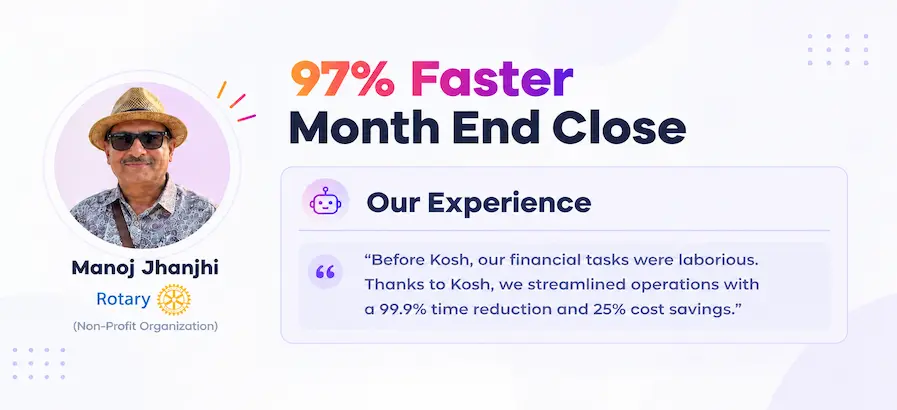
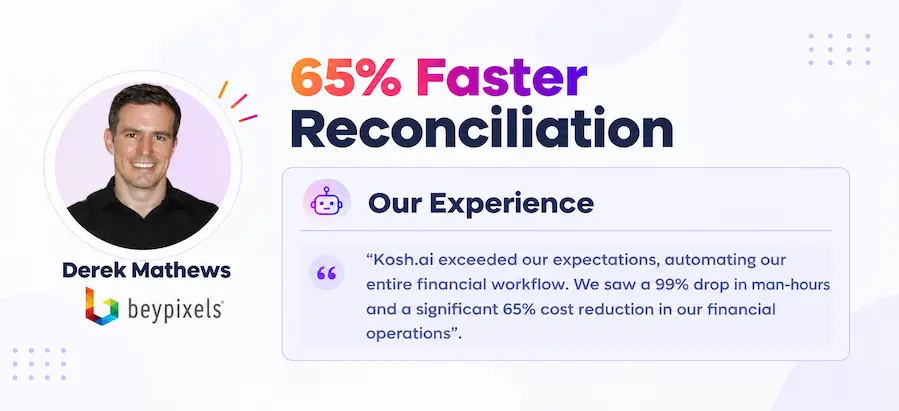
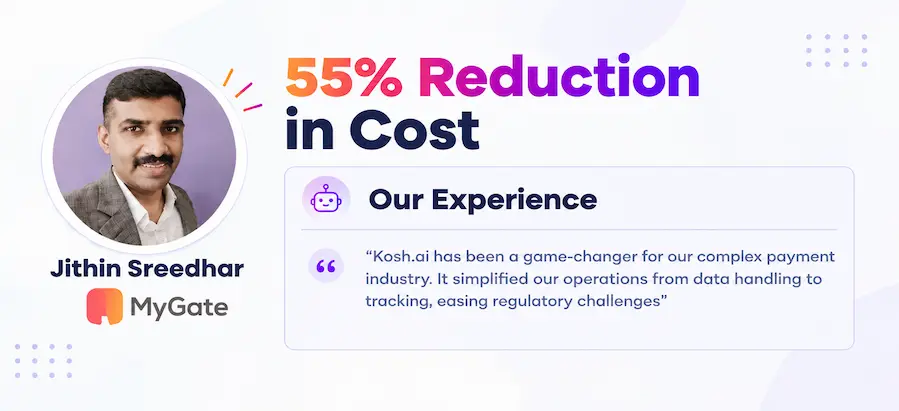
Proven Results From Automated Customer Reconciliation

Konica Minolta Business Solutions, U.S.A., Inc.
Ring Container
Conference Direct

How Customer Reconciliation Software Works in Four Steps
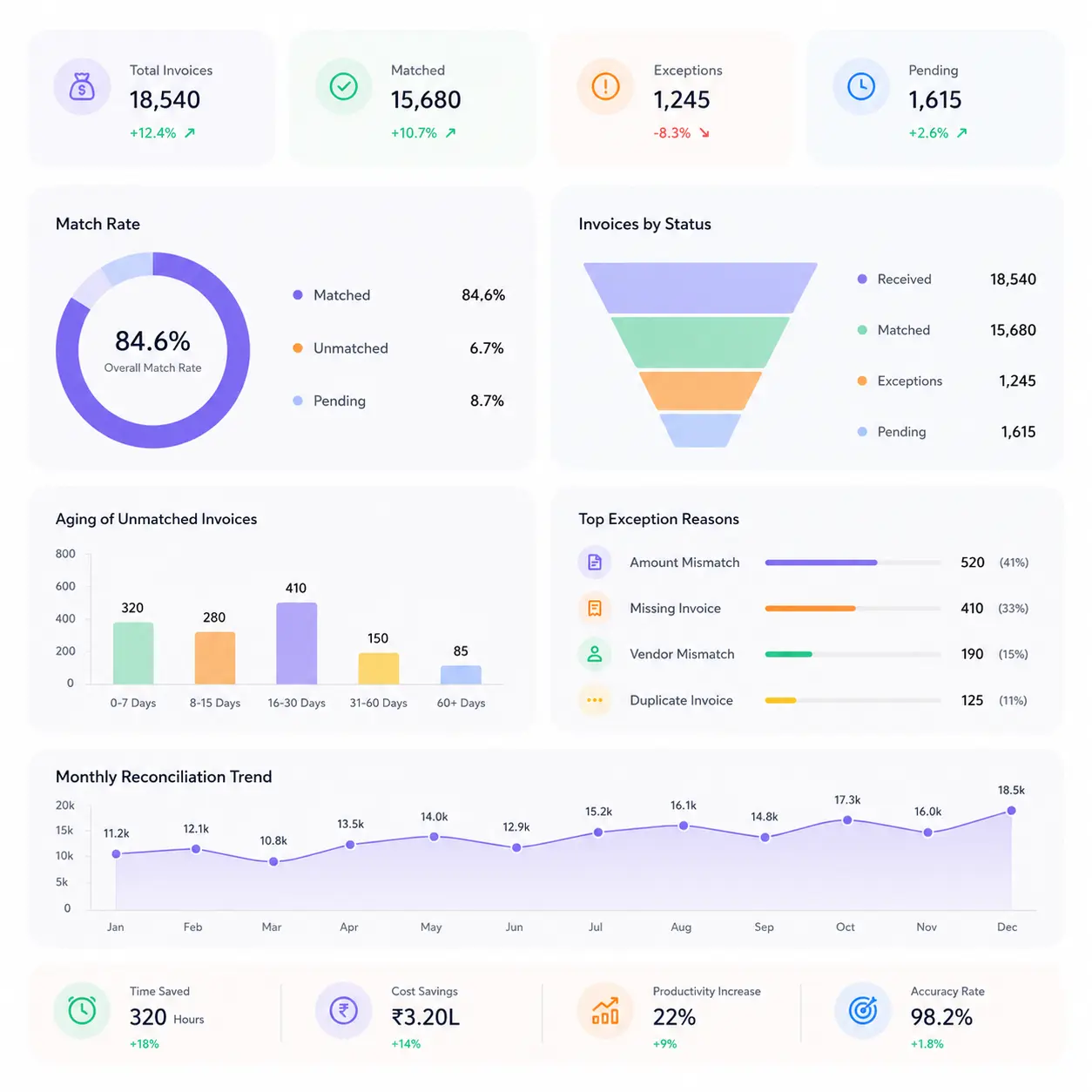
You don't need to change how customers pay you or restructure your invoicing. Kosh AI reads what's already there and handles the matching, the checking, and the application.

  • Direct From Banks and Portals: Kosh AI reads incoming payments and remittance detail straight from your banks and customer portals.
  • No Manual Entry: There's no need to key remittance details into a spreadsheet by hand each day.
  • Every Customer Together: Payments from every customer and every channel show up in one place.
  • Ready as Payments Arrive: New payments are available to apply the moment they're received.
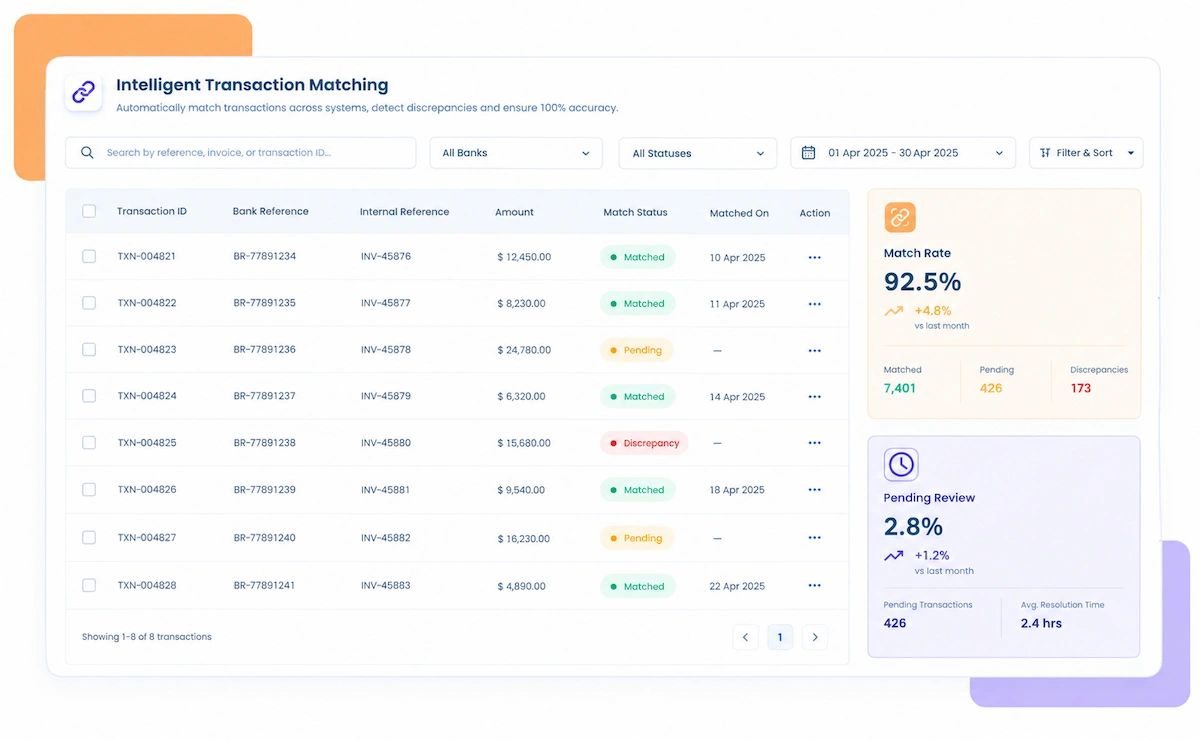
  • Done Automatically: Kosh AI ties each payment back to its open invoice or invoices.
  • Your Rules, Not a Generic Template: Matching and application rules follow the AR process your team already uses.
  • Handles the Edge Cases: Partial payments, combined remittances, and early-pay discounts still get matched correctly.
  • Improves With Use: Matching accuracy gets sharper the longer Kosh AI works with your customers.
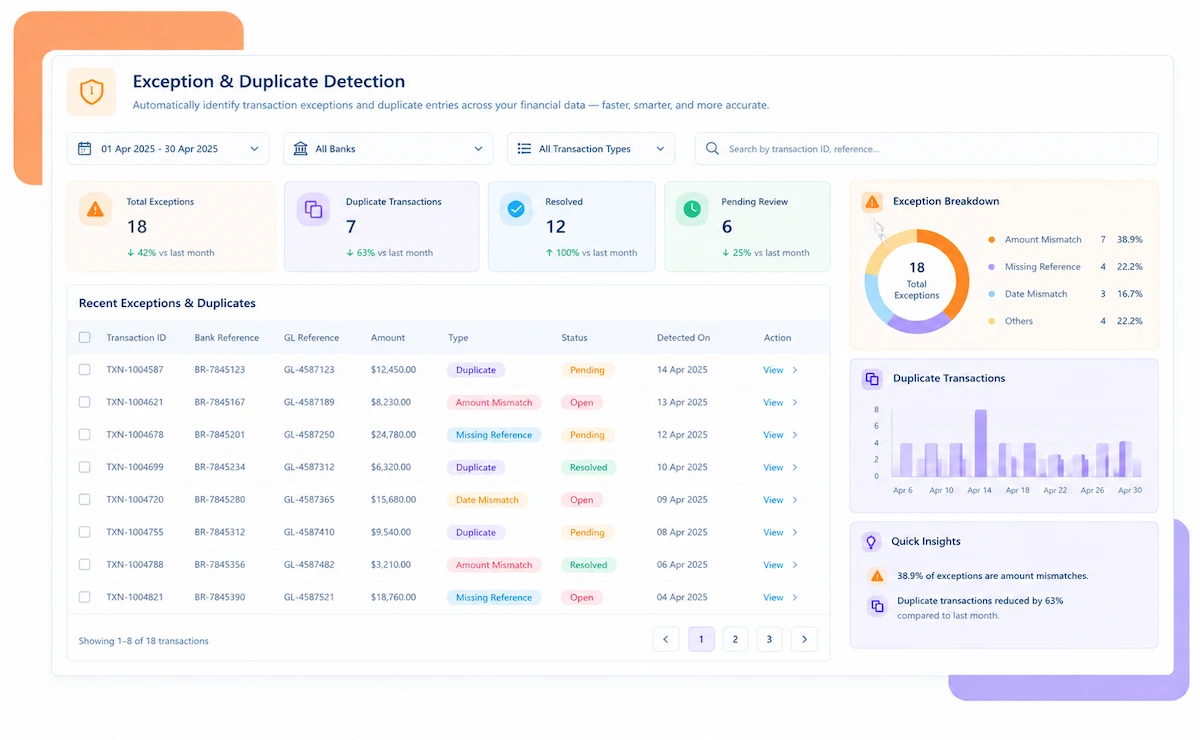
  • Flagged Right Away: Payments that don't match an invoice amount are surfaced immediately, not at month-end.
  • A Reason Attached: Each flagged deduction comes with a likely cause, not just a dollar difference.
  • Sorted by Risk: Higher-value or repeat-offender accounts rise to the top of the review list.
  • Resolved While It's Fresh: Disputes get worked while the remittance and context are still easy to check.
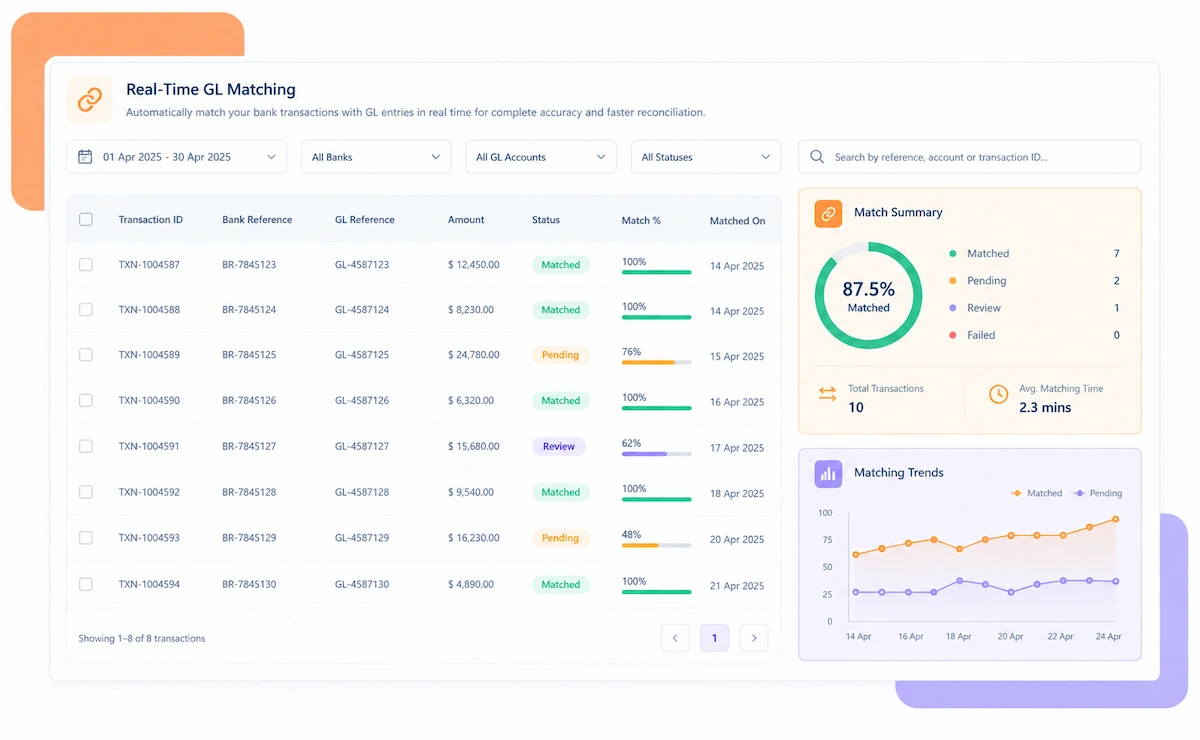
  • Posted Automatically: Matched payments post to the ledger and update customer balances without manual entry.
  • Reports for Any Audience: Pull an AR aging report for collections or a full support file for an auditor.
  • A Trail for Every Payment: Remittance detail and application logic stay attached to every applied payment.
  • Account Status at a Glance: Always know which customers are current, which are short, and which need review.

Customer Reconciliation That Fits Your Business Model
No two customer bases pay the same way. Kosh AI fits the payment channels you accept, the industry you work in, and how your AR team is structured.

Wire and ACH Payments

High-value transfers are matched to invoices using remittance references, cutting manual lookup for your largest accounts.

Check Payments

Lockbox and scanned remittance data are matched automatically, so paper payments don't slow down cash application.

Customer Portal Payments

Payments made through buyer portals are matched using portal references, with deductions flagged the moment they're taken.

Combined and Partial Remittances

One payment covering several invoices is split and applied correctly, without AR staff doing the math by hand.

Manufacturing

High-volume distributor payments with frequent short pays are matched and categorized automatically, speeding up dispute resolution.

Software & SaaS

Recurring subscription payments are reconciled against billing records without anyone building a side spreadsheet.

Retail & Distribution

Chargebacks and trade deductions from large retail customers are matched against invoices and categorized by reason code.

Healthcare

Insurer and patient payments are reconciled against billed amounts with records clean enough to hold up under audit.

Enterprise Customer Reconciliation at Scale

Kosh AI centralizes customer reconciliation for large AR teams, giving real-time visibility and built-in controls across every customer and entity.

  • Reconcile payments from thousands of customers across 100+ entities.
  • Spot unusual payment activity with 15+ ML-driven risk models.
  • Keep a fully documented, auditor-ready trail behind every applied payment.
  • Customer Reconciliation for Growing Finance Teams

    Kosh AI gives mid-market AR teams automated cash application without the headcount a manual process usually needs.

  • Replace spreadsheet-based remittance matching with automatic application.
  • Handle a growing customer base without adding staff.
  • Go live in weeks with ready-made bank and ERP connectors.
  • The Business Impact of Automated Customer Reconciliation

    Reconciling customer accounts by hand ties up your AR team for days every month, and the pressure to keep collections moving makes it easy to miss a dispute. Kosh AI takes that load off your team and gives you balances you can trust.

    1

    Apply Cash Faster

    Payments that used to take hours to match post on their own, freeing up days of AR staff time every month.

    2

    Catch Disputes and Short Pays Earlier

    Every payment is checked the same way, every time, so an overlooked deduction stops being a recurring loss.

    3

    Let AR Teams Focus on Exceptions, Not Data Entry

    Instead of re-keying remittance details into spreadsheets, your team spends its time on the accounts that actually need judgment.

    4

    Identify Account Issues Before They Affect Collections

    Unresolved deductions are flagged as soon as they appear, not discovered weeks later during a collections call.

    5

    Get Real-Time Visibility Into Customer Balances

    See which accounts are current, which are short, and which need attention, without asking for a status update.

    6

    Maintain a Complete Audit Trail for Every Account

    Every applied payment keeps its remittance and sign-off attached, so audit and customer disputes get answered in minutes.

    The Results of Automating Customer Reconciliation

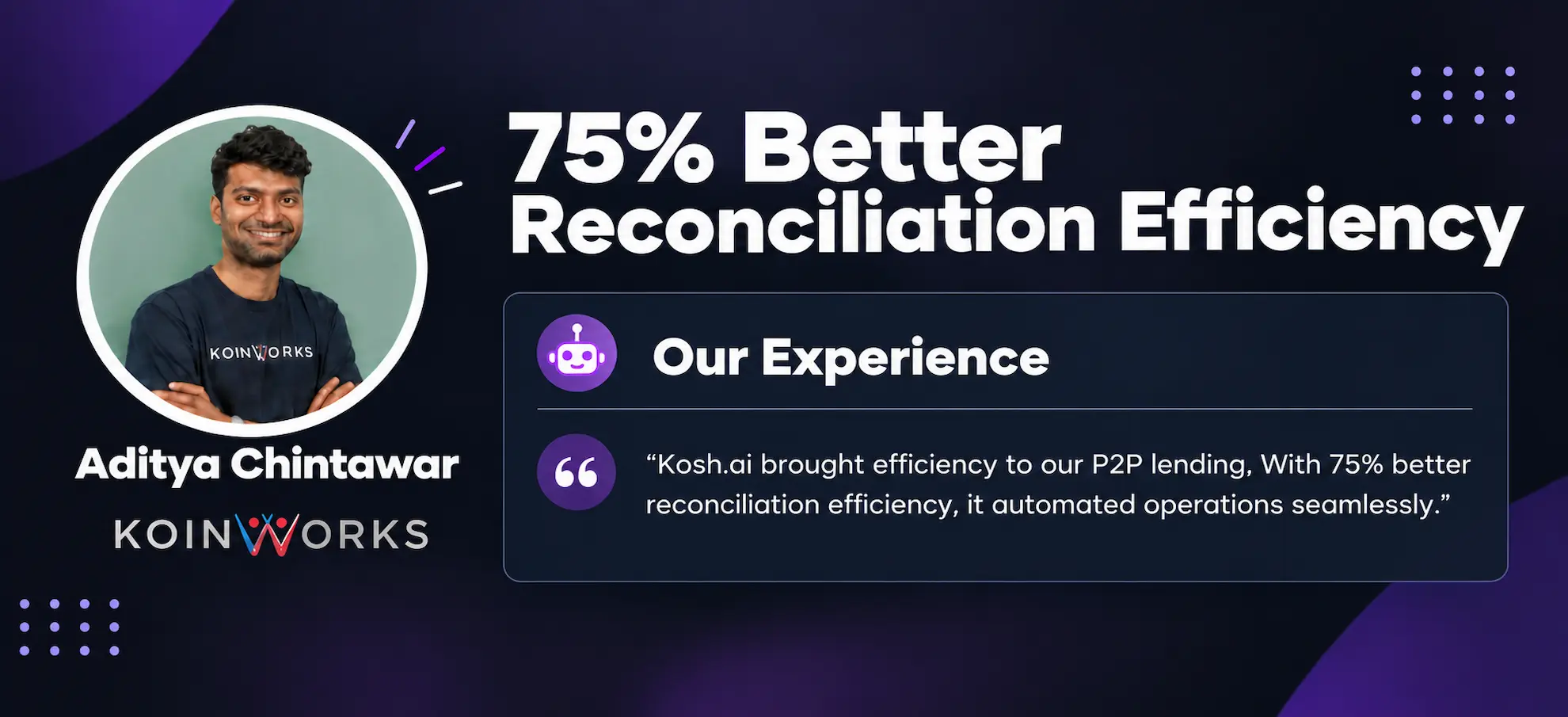
    60%Faster Cash Application
    85%Of Payments Matched Without Help
    90%Fewer Manually Re-Keyed Entries

    Integrate Seamlessly with Your Existing ERP Systems

    Kosh AI connects directly with all major banks and ERPs, enabling real-time data sync for faster, more accurate reconciliations—no manual uploads, no delays.

    Why Automated Customer Reconciliation Beats Spreadsheets

    A shared spreadsheet breaks down the moment two people edit it at once, or a remittance arrives in a format nobody expected. Kosh AI is built for how an AR team actually works together.

    Smart matching icon

    Customer-Specific Matching for More Accurate Reconciliation

    Kosh AI applies logic suited to each customer's payment habits, not one rigid rule forced onto every remittance.

    Exception handling icon

    Turn Short Pays Into Actionable Exceptions

    A payment that doesn't match comes with a likely reason and a suggested action, not just a red flag.

    Learning system icon

    Improve Reconciliation With Every Review and Correction

    Every correction your team makes feeds back into how Kosh AI matches that customer next time.

    Flexible matching icon

    Handle Complex Accounts and Reconciliation Scenarios

    From a simple single-invoice payment to a combined remittance across dozens of invoices, Kosh AI handles the matching logic each one needs.

    What Is Customer Reconciliation Software and How Does It Work?

    Customer reconciliation software checks every payment a customer sends against the invoices it's meant to settle, confirming that each account balance is accurate before it's reported or used for collections. It pulls data straight from your banks, customer portals, and ERP, so your AR team sees which payments tie out and which don't, without matching remittance details to invoices by hand. Kosh AI takes it further by applying clean payments on its own, categorizing short pays and deductions with a likely cause, and keeping the supporting remittance attached to every match. The result is customer balances your AR and collections teams can act on with confidence.

    Customer reconciliation concept illustration

    Manual vs. Automated Customer Reconciliation: What Changes?

    Here's what actually changes when customer reconciliation moves off spreadsheets and onto software built for AR teams.

    What You're Comparing Automated Customer Reconciliation Doing It Manually
    How Fast Cash Is AppliedMost payments post to the right invoice within hours of arriving.Each remittance is matched one at a time, often over several days.
    Room for ErrorMatching logic applies the same way to every customer, every time.Misapplied payments and typos are easy to miss under deadline pressure.
    Handling More CustomersNew customers and payment channels are added without extra headcount.A growing customer base usually means more people needed to keep up.
    Getting the Data InPulls payment and remittance data directly from banks and portals.Someone has to open emails, portals, and bank files and key in the details.
    Cost Over TimeLess manual effort keeps the ongoing cost of cash application down.Relies on hours of staff time every single month.
    Seeing Account StatusA live view of which accounts are current, short, or disputed.Status usually means checking in with AR staff individually.

    See the Value of Customer Reconciliation Automation Within Weeks

    Set up Kosh AI, start applying customer payments automatically, and walk into your next collections cycle with balances you already trust.

    Schedule a Quick Demo
    Loreal Touchless

    The Case for Automating Customer Reconciliation

    As a company adds more customers, more payment channels, or simply more invoices, keeping every customer account matched to its actual payments becomes a real strain on an AR team. A credit manager who could once check every remittance personally ends up relying on whoever happened to apply cash last, and that's exactly where errors creep in—a short pay left uninvestigated for a quarter, a deduction nobody categorized, a balance that was "probably right" without anyone confirming it. Customer reconciliation software exists to close that gap before it turns into a bad debt write-off or a damaged customer relationship.

    The case for using it isn't just about saving time, though that's part of it. It's about consistency: every payment gets checked the same way, every time, whether it's a large wire from a key account or a small check from a one-off buyer. That consistency is what lets AR report accurate aging with actual confidence instead of a hope that nothing slipped through. It also means your team spends its hours on judgment calls—is this deduction valid, should this account go to collections—rather than on the mechanical work of matching remittances to invoices.

    There's a growth angle too. A business reconciling a few dozen customer accounts can often get by with manual checks and a disciplined weekly routine. The moment that grows to thousands of customers across multiple payment channels, manual reconciliation simply can't keep pace without adding headcount every time the business expands. Customer reconciliation software is built to scale with that growth instead of forcing you to hire your way through it, which is a large part of why AR teams bring it in well before a backlog forces the decision.

    Where Customer Reconciliation Software Delivers the Most Value

    It's not only for large enterprises with thousands of customers. Here's who tends to get the most value from it.

    AR team icon

    For AR and Credit Teams

    Anyone responsible for applying cash and managing customer balances benefits from having payments matched automatically every day.

    Growing business icon

    For Businesses Moving Beyond Spreadsheets

    Once customer count and payment volume outpace what a spreadsheet-based process can reasonably handle, it's time to automate.

    Multi-channel icon

    For Businesses Accepting Many Payment Channels

    Reconciling wires, checks, ACH, and portal payments against the same set of invoices is exactly the repetitive work automation handles best.

    Collections icon

    For Collections Teams Needing Accurate Balances

    Collections calls go smoother when the balance being chased is actually current, not a number from last week's spreadsheet.

    Shared services icon

    For Shared Services and Accounting Operations Teams

    Teams reconciling customer accounts on behalf of multiple business units need a consistent process that doesn't depend on tribal knowledge.

    Finance leadership icon

    For CFOs Seeking Lower Days Sales Outstanding

    Finance leaders under pressure to improve DSO need a reconciliation process that doesn't trade speed for accuracy.

    What to Weigh Before Adopting Customer Reconciliation Software

    No tool is a perfect fit for every business. Here's an honest look at what customer reconciliation software gets right, and what's worth planning around before you adopt it.

    • Consistent Checks: Every payment is reconciled the same way every time, removing the variation that creeps in when different people apply cash differently.
    • Faster Cash Application: Routine payments post themselves, so your AR team spends time on the accounts that actually need a human decision.
    • Built-In Audit Trail: Remittance detail and application history are captured automatically, instead of being assembled under pressure when a customer disputes a balance.
    • Scales Without Added Headcount: A growing customer base or a new payment channel doesn't automatically mean hiring more people to keep cash application on schedule.
    • Earlier Visibility Into Problems: Short pays are flagged as they happen rather than discovered weeks later, giving your team more time to investigate and resolve them properly.
    • Upfront Setup Time: Connecting your banks, ERP, and customer portals, and defining matching rules, takes real effort before the software starts paying off.
    • Data Quality Matters: If remittance data is incomplete or inconsistent, that inconsistency carries into the reconciliation unless it's cleaned up first.
    • Change Management: An AR team used to spreadsheets needs time and training to trust automated application instead of double-checking everything by hand.
    • Not a Fix for Process Gaps: If your underlying credit or dispute-resolution policy is unclear, software can surface that gap, but it won't resolve it on its own.
    • Ongoing Maintenance: Matching rules need the occasional review as customers and payment habits change, not a one-time setup.

    Customer Reconciliation Software FAQs

    What is customer reconciliation software?

    Customer reconciliation software checks every payment a customer sends against the invoices it's meant to settle, instead of a person matching remittances to invoices by hand each day. Kosh AI does this automatically, applying clean payments and flagging anything that doesn't tie out.

    How does customer reconciliation software work?

    It pulls payment and remittance data directly from your banks and customer portals, then compares each payment against open invoices using rules your team sets. Payments that match cleanly get applied automatically, and anything that doesn't gets flagged with a likely reason for review.

    Why is customer reconciliation software important for AR teams?

    Cash application that depends on manually matching every remittance gets slower and riskier as customer volume grows. Customer reconciliation software keeps that process consistent regardless of volume, which matters for accurate aging, catching disputes before they age further, and keeping collections working from reliable balances.

    What kinds of payments can customer reconciliation software match?

    In practice, any payment channel can be matched, but wires, ACH, checks, and customer portal payments are usually the highest priority since they carry the most volume. Kosh AI supports all of these payment types out of the box.

    How is customer reconciliation software different from payment reconciliation software?

    Payment reconciliation software typically covers matching across every payment channel a business handles, including outbound payments. Customer reconciliation software focuses specifically on inbound payments from customers matched to AR invoices. Kosh AI handles both under one system.

    Can customer reconciliation software connect to ERPs like SAP, Oracle, or NetSuite?

    Yes, most customer reconciliation software is built to pull invoice and payment data directly from common ERPs. Kosh AI connects to SAP, Oracle, NetSuite, Sage, QuickBooks, and Xero, along with banks and customer portals, so payments flow in without manual exports.

    Does customer reconciliation software replace the need for a credit and collections team?

    No, but it takes most of the manual matching work off their plate. Kosh AI handles routine cash application automatically, so your credit and collections team can focus on resolving disputes and managing accounts that actually need judgment.

    What happens when a customer payment doesn't match an invoice?

    It gets flagged immediately, usually with a likely cause attached based on the type of deduction and what's driven similar short pays before. From there, it's routed for review with the supporting remittance already pulled up, so it doesn't sit unresolved until someone notices during a collections call.

    How long does it take to set up customer reconciliation software?

    Most businesses can have core customer accounts reconciling automatically within a few weeks, since the software connects to banks, portals, and an ERP you already use. Kosh AI follows a similar timeline, with more complex, multi-entity rollouts typically taking 3 to 6 months to fully configure.

    How do I choose the right customer reconciliation software for my business?

    Start with how many customers and payment channels you manage and how much of your cash application is still manual today. From there, compare options on matching accuracy, ERP and portal connectivity, dispute categorization, and how exception workflows match your existing AR process. Kosh AI is built around exactly that checklist, but it applies to any software you're comparing.

    Ready to Automate Customer Reconciliation?

    Book a demo and watch Kosh AI reconcile your own customer invoice and payment data.

    Book a Demo