Can automated reconciliation really save time and cut costs in finance? It's true. Automated reconciliation software cuts down on financial reporting errors and human mistakes. It's changing how businesses manage their finances.
Automated account reconciliation software, like bank reconciliation tools, is key. It helps control finances better, makes audits smoother, and lowers the effort needed for financial checks. It spots payment issues or odd transactions right away, helping fix errors or fraud fast.
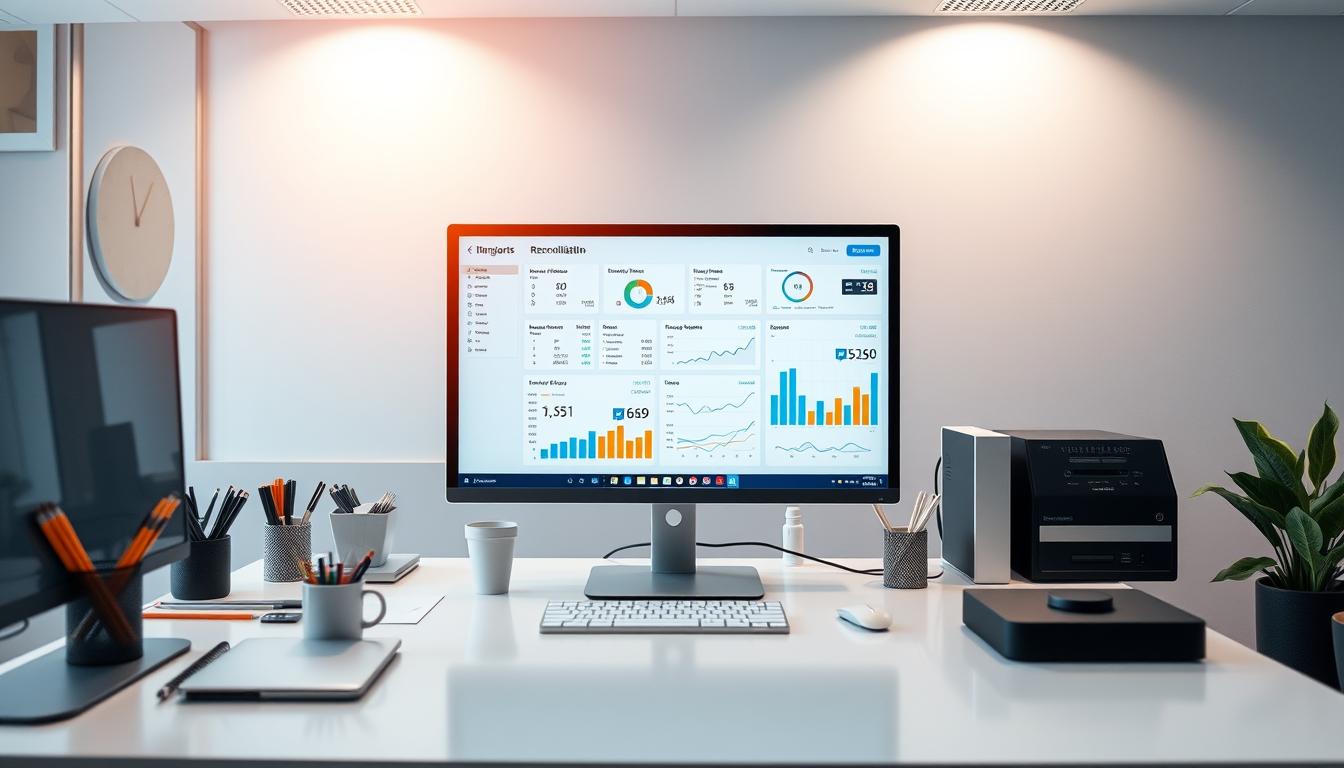
As businesses deal with finance's complexities, automated reconciliation is vital. Using account reconciliation software helps avoid financial mistakes and fraud. It keeps finances safe and accurate, helping make smart decisions and keeping investors happy.
Key Takeaways
- Automated reconciliation software can significantly decrease errors in financial reporting
- Automated software enables financial closing processes to be completed in a fraction of the time needed by manual methods
- Businesses utilizing account reconciliation software can optimize internal systems and increase efficiency
- Automated reconciliation ensures greater accuracy in financial reporting
- Reconciliation software can automatically flag payment discrepancies or unusual transactions in real time
- Cloud-based account reconciliation software offers seamless integration with other business systems
Understanding Automated Reconciliation Systems
Automated reconciliation systems have changed how businesses handle their money. They use smart algorithms and learning to match financial records with bank reports. This keeps financial records accurate and avoids mistakes.
Auto reconciliation software is getting more popular. It helps reduce errors and makes work faster. Accounting teams find it helpful for managing financial transactions smoothly.
What is Automated Reconciliation?
Automated reconciliation uses software to match financial transactions. It uses algorithms to find and highlight any differences. This helps accounting teams solve problems fast and efficiently.
Key Components of Reconciliation Software
Reconciliation software has important parts like data tools, matching algorithms, and analytics. These work together for a complete and easy reconciliation process.
Evolution from Manual to Automated Processes
Technology has made reconciliation processes better. Automated systems are faster and more accurate. They help businesses save time and improve their money management.
Using automated systems, businesses can focus on important tasks. Accounting software helps them keep their financial records almost perfect. This reduces errors and boosts financial health.
The True Cost of Manual Reconciliation Processes
Manual reconciliation processes take a lot of time and can lead to mistakes. A survey by EY found that up to 59% of a financial department's work is on these tasks. This shows why businesses need good accounts reconciliation software to make things easier.
Using bank rec software can cut down the time needed for reconciliation. Automated daily reports can reduce this time by 95%. Also, software can handle transactions faster than people, making the process quicker and less error-prone.
Automated reconciliation systems offer many benefits. They include:
- Less time spent on reconciliation
- Less chance of mistakes because of human error
- More accuracy and efficiency
By using automated systems, businesses can save a lot of time and money. They can focus more on important tasks. The cost of reconciliation goes down, and the chance of errors disappears, leading to big savings over time.
Core Benefits of Implementing Automated Reconciliation
Automated reconciliation brings many benefits to businesses. It saves time, reduces errors, and cuts costs. With tools for reconciliation automation, companies can make their financial work easier and faster. This means less manual work and more time for important tasks.
Automated reconciliation solutions help in many ways. Here are some key benefits:
- Reduced manual effort: Automated reconciliation saves time by quickly checking all transactions against bank records. This cuts down on staff hours spent on manual work.
- Improved accuracy: Automation cuts down on errors by using precise software. This makes it easier to spot and fix any mistakes.
- Increased confidence: Automated reconciliation makes businesses more confident in their financial accuracy. It helps spot any money issues and makes better financial decisions.
By using reconciliation automation, businesses can save money, make staff happier, and be more transparent. Automated reconciliation reduces the chance of mistakes, fraud, and helps make smart financial choices. Reconciliation automation tools and solutions are key for companies wanting to improve their financial work and efficiency.
Essential Features of Modern Reconciliation Software
When looking for reconciliation software, it's key to know what features you need. Modern tools for banks have automated matching, find discrepancies, and help solve them. These features help businesses make their reconciliation work easier, less manual, and less prone to mistakes.
The top reconciliation software works well with current financial systems and ERP solutions. It can automate data import, match transactions smartly, and handle exceptions. Plus, you can set up your own rules and policies to fit your business needs.
Some important features of modern reconciliation software are:
- Automated data import and matching
- Intelligent transaction matching and exception handling
- Customizable reconciliation rules and policies
- Seamless integration with banking systems and ERP solutions
Knowing these key features helps businesses choose the right reconciliation solution. This choice leads to better efficiency, lower costs, and more growth.
Read More: Future Trends in Reconciliation Technology: What to Expect in the Next Five Years
Implementation Strategies for Automated Reconciliation Systems
Starting with automated reconciliation software needs careful planning. You must assess your current processes, set goals, and pick the right software. This includes balance sheet and bank reconciliation software. A good plan can greatly improve how you work, making things 100 times faster and more accurate.
When you start, think about training your staff. They need to know how to use the new software well. This includes learning about importing data, matching it, and keeping an audit trail. Good training helps your team adjust smoothly to the new system.
Key Considerations for Implementation
- Assessing current reconciliation processes to identify areas for improvement
- Defining goals and objectives for the implementation, such as reducing errors or increasing efficiency
- Selecting the right automated reconciliation software, such as automated reconciliation software, to meet the organization's needs
- Providing staff training and support to ensure a smooth transition
With the right plan, starting automated reconciliation software can change how you work. It can make your processes better, cut down on mistakes, and make things more efficient. The right software and training can bring big benefits to your financial management.
Real-World Success Stories and Case Studies
Companies from different industries have found success with automated reconciliation systems. For example, LKQ Corporation and HP have seen big improvements. Viktor Norberg, Group Financial Controller at Coor Service Management, saved eight days a month.
The Dallas Cowboys improved their efficiency and accuracy with Adra. Serco finished 5,000 balance sheet reconciliations monthly with Cadency. Toyota Financial Services and Queensland Airports also saw benefits with Adra Balancer and Adra.
Trintech's Cadency helped LKQ Corporation focus on data analysis. Heartland Payroll Solutions called Adra their "saving grace." These stories show how automated systems improve financial processes and accuracy.
- Genesis Systems found Adra made tracking easier.
- Keurig Dr Pepper praised Trintech's Cadency for streamlining.
- Tipalti AP automation software has a 99% retention rate and 98% satisfaction rate.
These examples show the advantages of automated reconciliation systems. They lead to better efficiency, accuracy, and cost savings. By using these solutions, businesses can do more important tasks and grow.
Read More: The Impact of Regulatory Changes on Reconciliation Processes and the Need for Automation
Measuring ROI from Automated Reconciliation Solutions
Automated reconciliation solutions can greatly help the Office of Finance. They can cut down the workload by up to 90%. Also, they can lower write-offs by up to 62%, as Cadency by Trintech shows.
To see the return on investment (ROI), businesses need to watch certain key performance indicators (KPIs). These include time saved, fewer errors, and cost cuts.
Key Performance Indicators
Important KPIs to track are: * Time saved with automated processes * Fewer errors compared to manual methods * Savings from less labor and fewer financial mistakes * Better decision-making with more accurate data
Time-to-Value Metrics
It's key to understand time-to-value metrics for automated reconciliation solutions. This means seeing how fast benefits like lower labor costs and better data show up. With automated solutions, businesses can make their financial work smoother and boost their profits.
Common Challenges and How to Overcome Them
Businesses often face challenges when using automated reconciliation systems. Bank reconciliation software can help solve some of these problems. Knowing the common issues and how to fix them is key.
Challenges include resistance to change, poor data quality, and integrating with old systems. To tackle these, companies can use change management, clean data, and IT support. Automated systems can cut down errors and save time by matching transactions fast and right.
Here are some key considerations for overcoming common challenges:
- Identify and address data quality issues to ensure accurate reconciliation
- Provide training and support for staff to facilitate a smooth transition to automated reconciliation
- Invest in reliable bank reconciliation software to streamline the reconciliation process
- Regularly review and update automated reconciliation systems to ensure they remain effective and efficient
Understanding and tackling common challenges in automated reconciliation can greatly benefit businesses. It can lead to more accurate financial reports and better financial management. Automated systems can reduce errors, save time, and make financial reports more reliable.
Reconciliation errors can cost a lot, with companies losing about $150,000 a year. By using automated reconciliation and solving common problems, businesses can avoid these losses. This can improve their financial health overall.
Read More: Why Reconciliation Software is Essential for Compliance in Finance
Best Practices for Maximizing Automation Benefits
Automated reconciliation systems can greatly improve financial processes. To get the most out of them, businesses need to standardize their processes. This ensures consistency and reduces errors. Using software for bank reconciliation can help set up a framework for efficient and accurate reconciliation.
It's important to regularly evaluate and improve the reconciliation process. This is due to changes in business operations. Auto reconciliation software can make this easier, reducing manual data entry and errors. This way, businesses can focus on more important tasks like financial analysis and planning.
Workflow Optimization Tips
- Break down the reconciliation process into manageable sections to facilitate error identification and resolution.
- Implement customizable rules and workflows to automate complex reconciliation tasks.
- Utilize robust reporting and analytics to provide real-time insights into financial data.
By following these best practices and using auto reconciliation software, businesses can see big improvements. They'll have better accuracy, fewer errors, and clearer financial visibility.
Future Trends in Reconciliation Automation
The future of reconciliation automation looks bright. The global market is set to hit USD 6.44 billion by 2032, growing at 15.7% annually. This growth comes from more companies using accounting and bank reconciliation software. They want to work smarter and make fewer mistakes.
Artificial intelligence and machine learning are changing the game. They help find matches and spot oddities better. Cloud-based options are also on the rise, making things easier to access and grow. These tools help finance teams do less manual work, saving them a lot of time.
Automated bank reconciliation can do complex tasks fast. It cuts down errors by 90% and speeds up tasks by 100 times.
Using reconciliation automation brings many benefits:
- Reduces labor costs by 30-40%
- Increases productivity by 60-80%
- Makes things more accurate and cuts down on mistakes
- Boosts security and meets compliance standards
As the market for reconciliation software grows, businesses need to keep up. Investing in the right software is key. By using automation and AI, companies can make their reconciliation work more efficient. This saves money and boosts overall performance.
Conclusion
Automated reconciliation is changing how we manage money today. It uses software and advanced tech to save time, cut costs, and boost accuracy. With Payment Service Providers adding to the mix, we need better tools to track fees and payments.
These systems use smart algorithms to match invoices and payments. They give scores to help work more efficiently. This cuts down on mistakes and helps meet financial rules.
As money data gets more connected, automated tools keep everything in sync. This lets companies make smart choices based on real-time data. It's a big step forward for financial management.
The future of reconciliation tech looks bright. It will help businesses deal with the complex financial world. By using these tools, companies can make the most of their financial data and thrive in the long run.
Read More: The Ultimate Guide to Automated Reconciliation for CFOs in 2025