POS Reconciliation Software That Catches Shrinkage Same-Day

Kosh AI Flags Cash Drawer Variances by Store and Shift the Day They Happen, Not at the Next Monthly Audit

  • Flags Over and Short Drawer Amounts Within Hours, Not Months
  • Tracks Variance by Store, Terminal, and Shift to Spot Patterns
  • Matches Card Settlements to Daily Sales Automatically
  • Ties Every Store's Closeout Back to the Bank Deposit
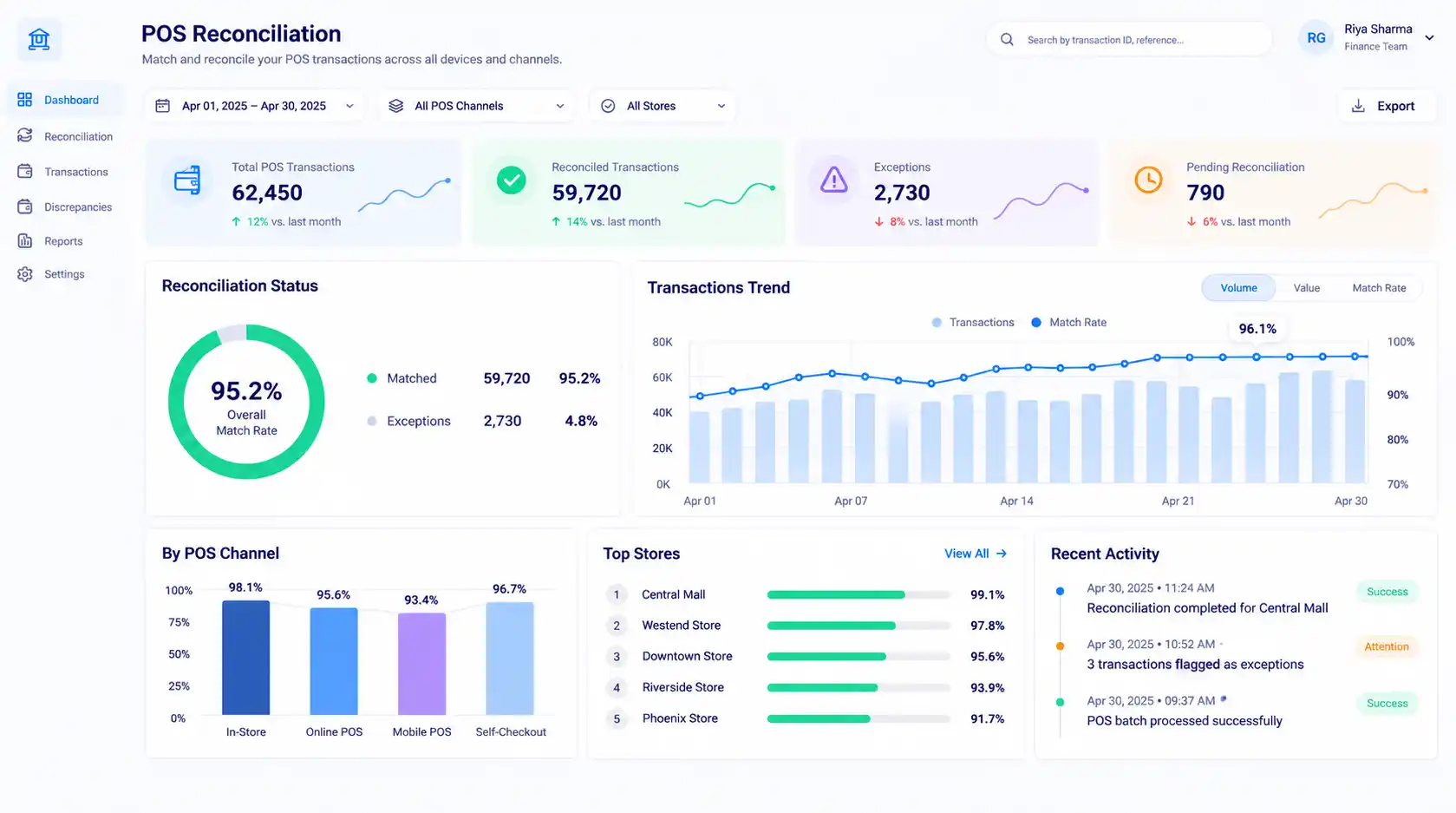
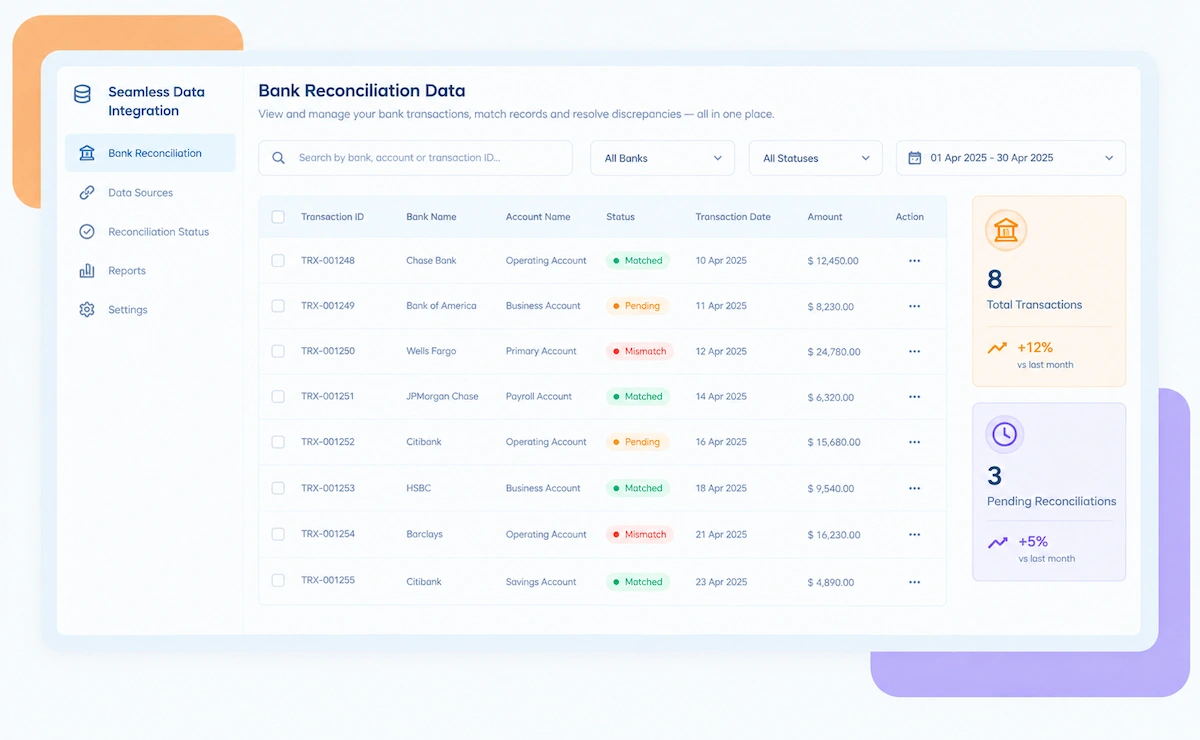
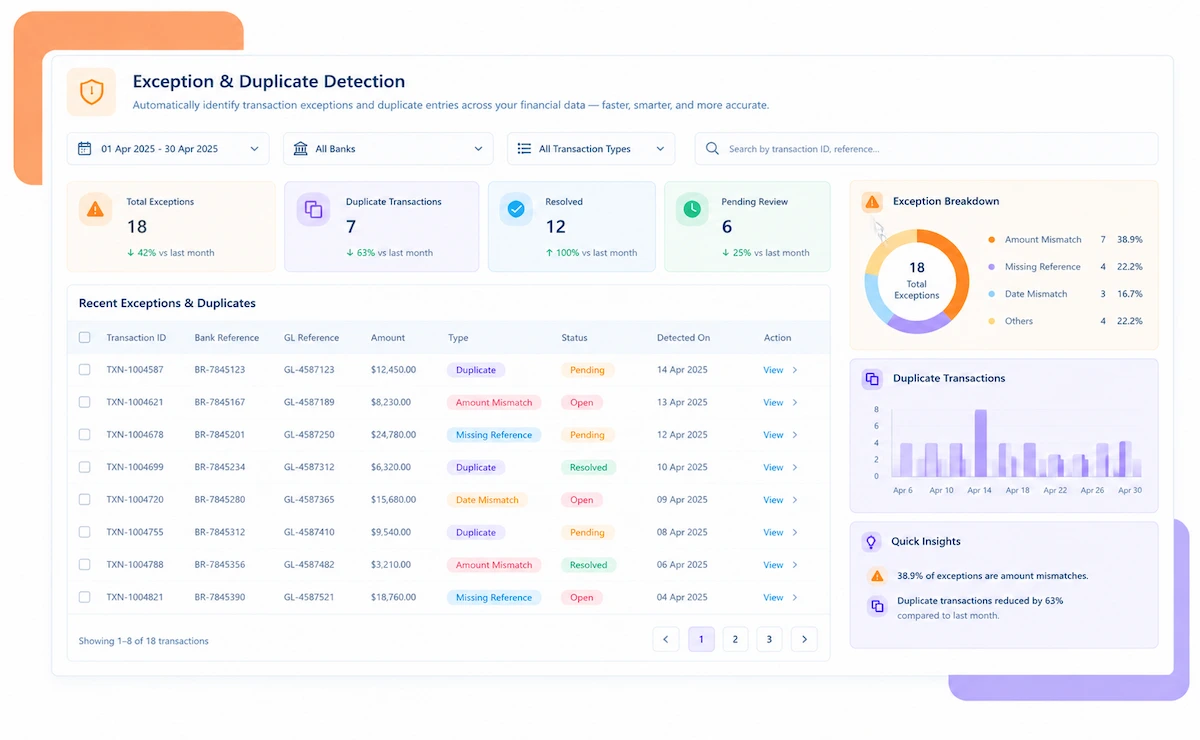
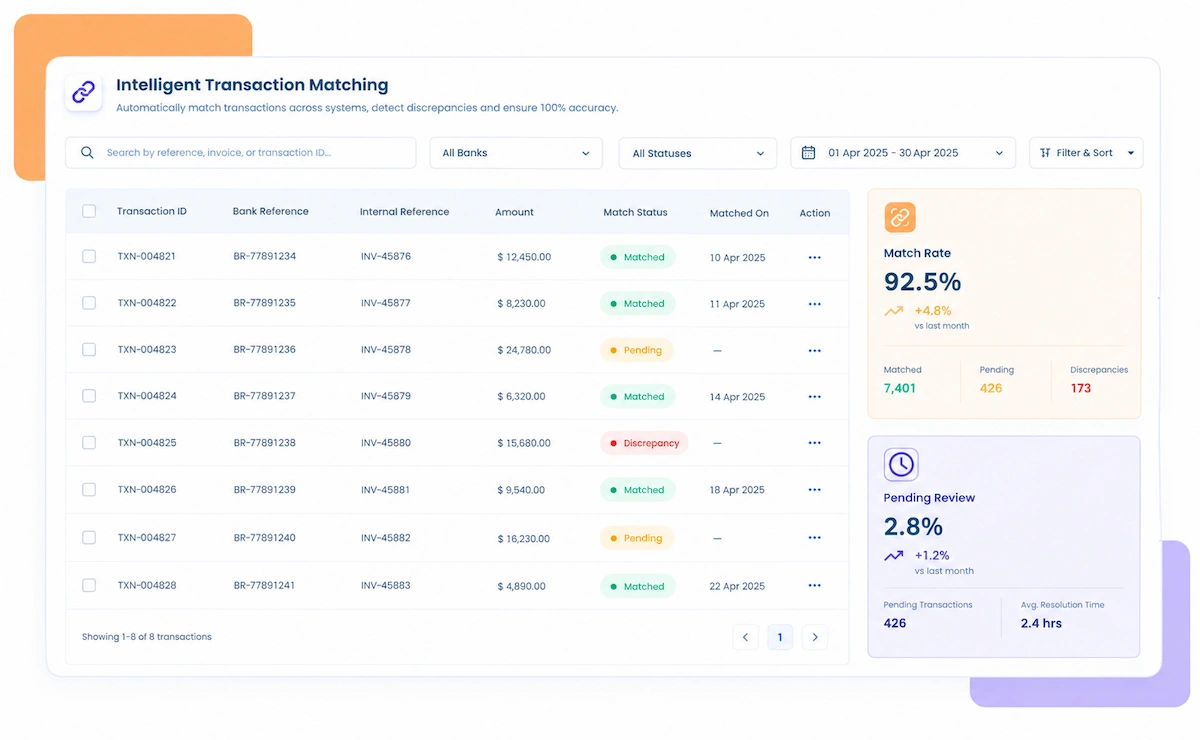
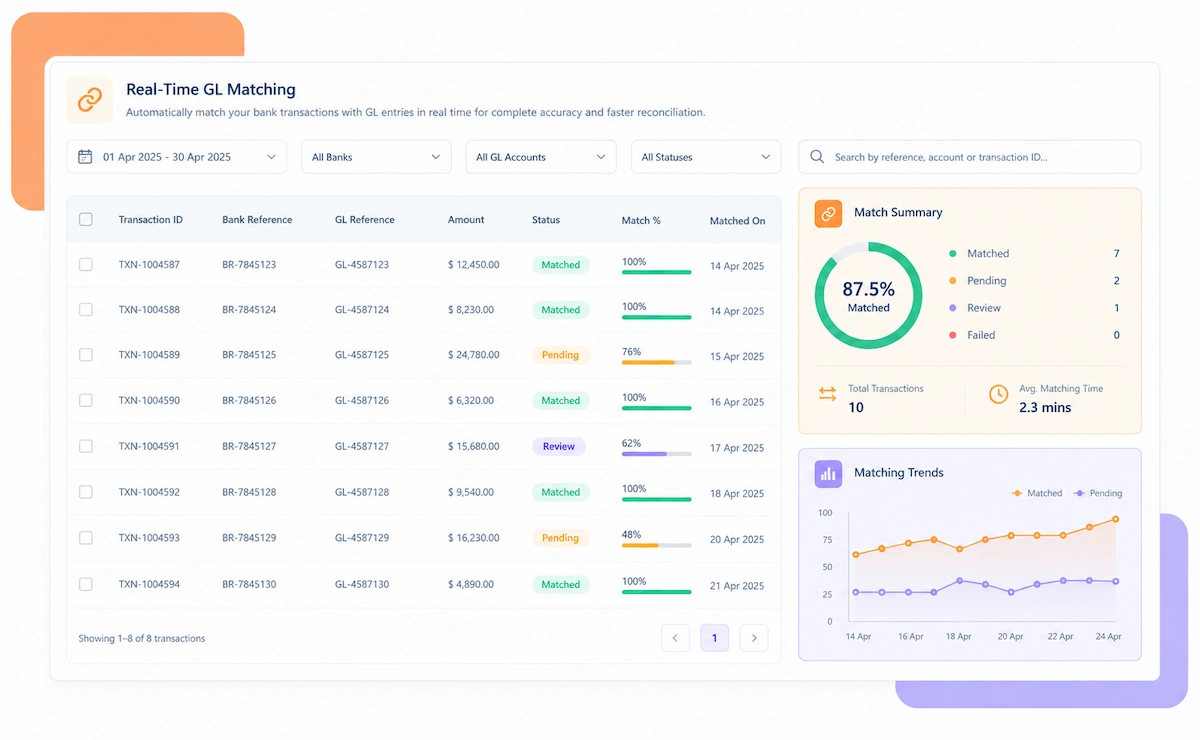
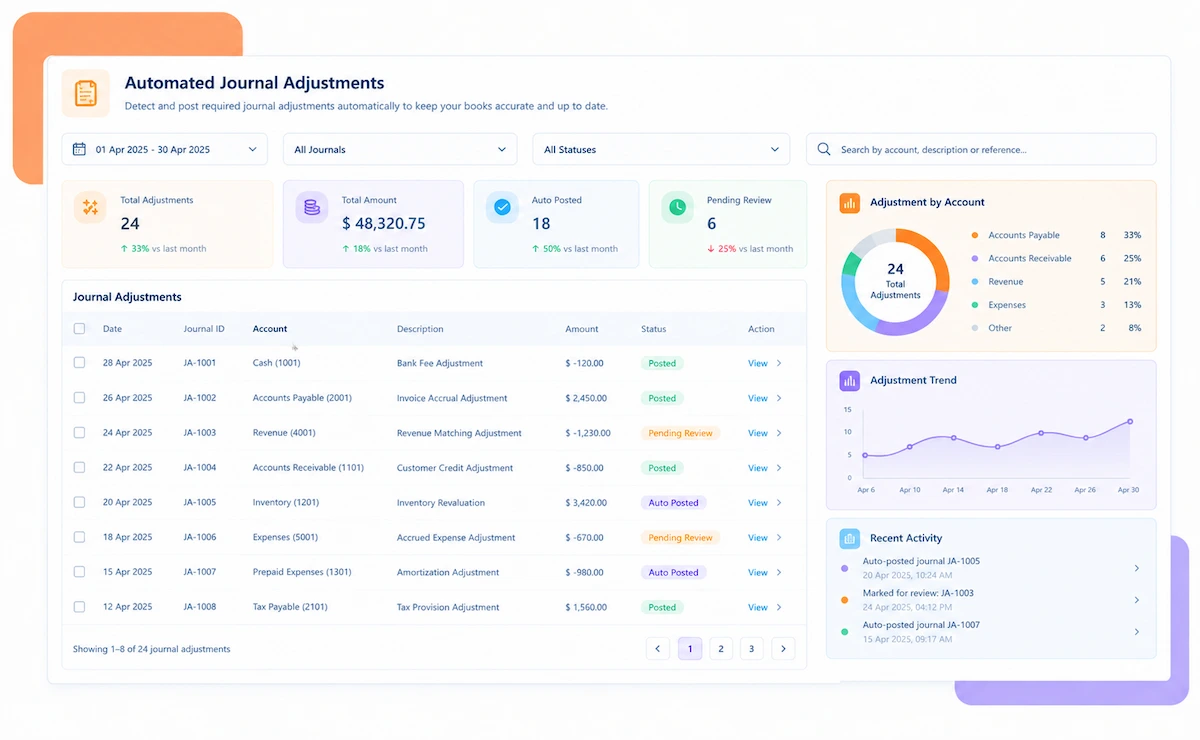
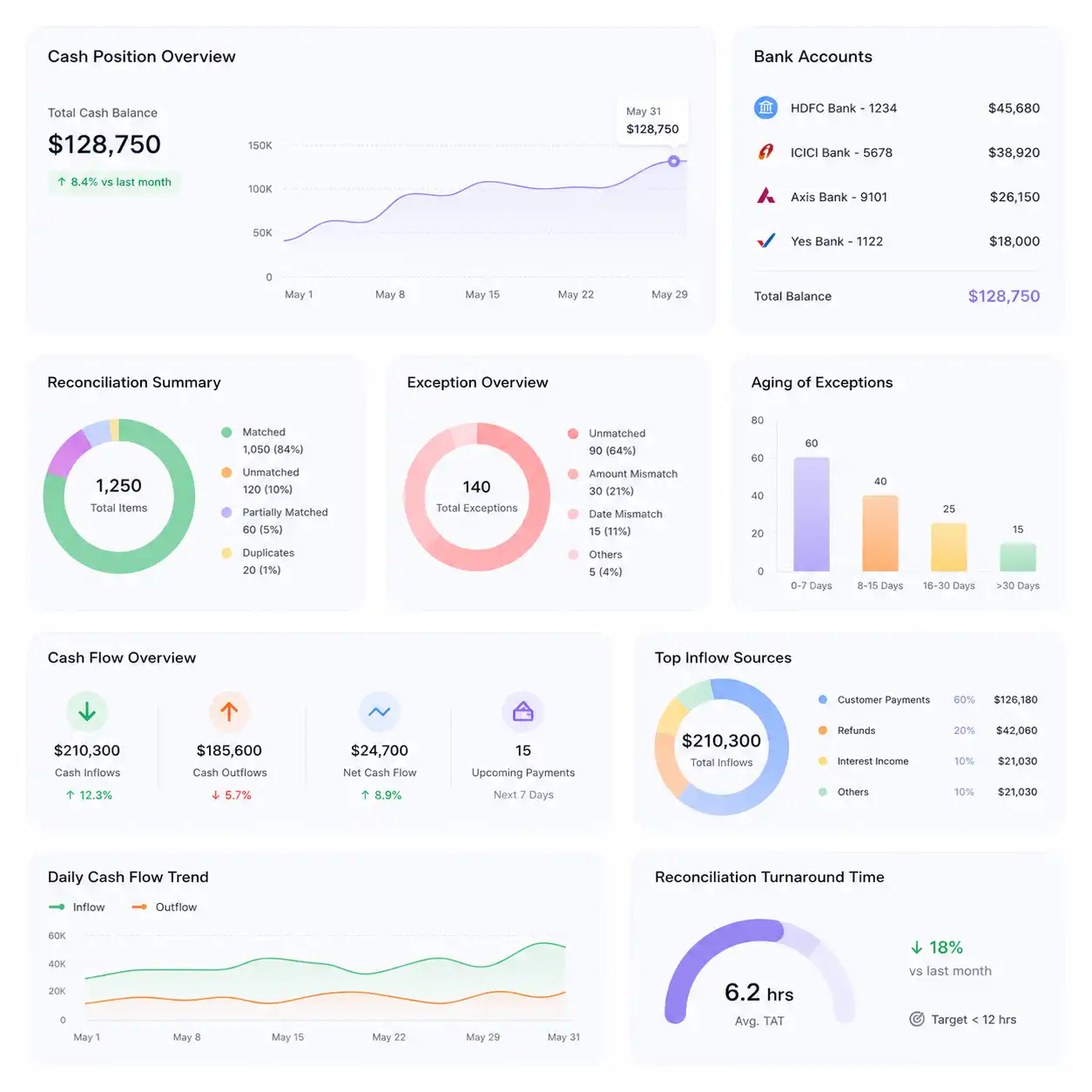
Kosh AI POS Reconciliation Software Dashboard

NEW 2026 POS Reconciliation Tool

A Shortage Nobody Catches for 30 Days Is a Pattern, Not an Accident

Most retailers only catch cash drawer shrinkage during a periodic audit, by which point it's already happened dozens of times. Kosh AI flags a short drawer the same day, by store and by shift, so a pattern gets caught before it becomes a habit.

What POS Reconciliation Software Automates for Retail Finance Teams

Closing out dozens or hundreds of stores usually means collecting a daily sales report from every terminal and matching it against card settlements and cash deposits by hand, if it gets checked that closely at all. Most retailers only review cash variances when a periodic audit forces the question. Kosh AI checks every store, every day.

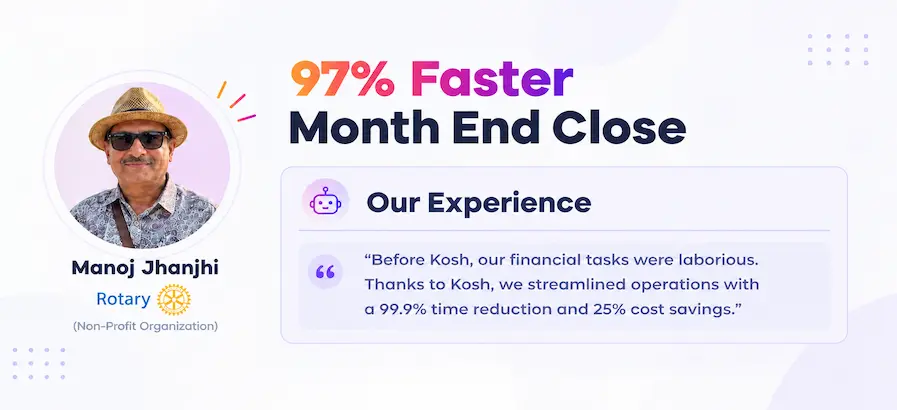
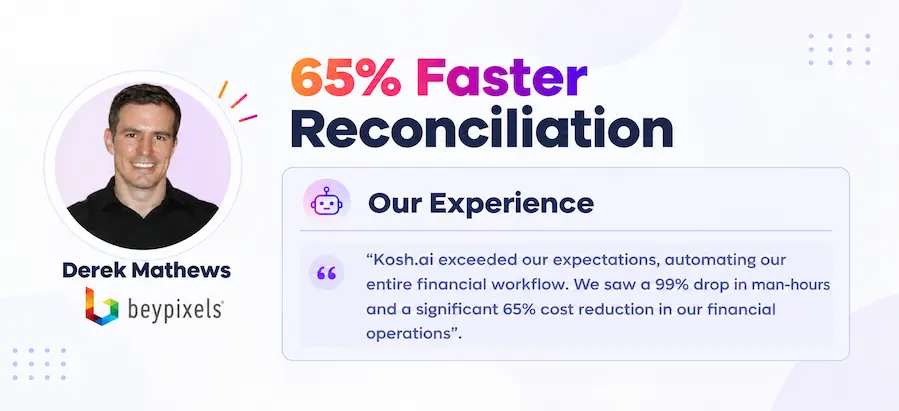
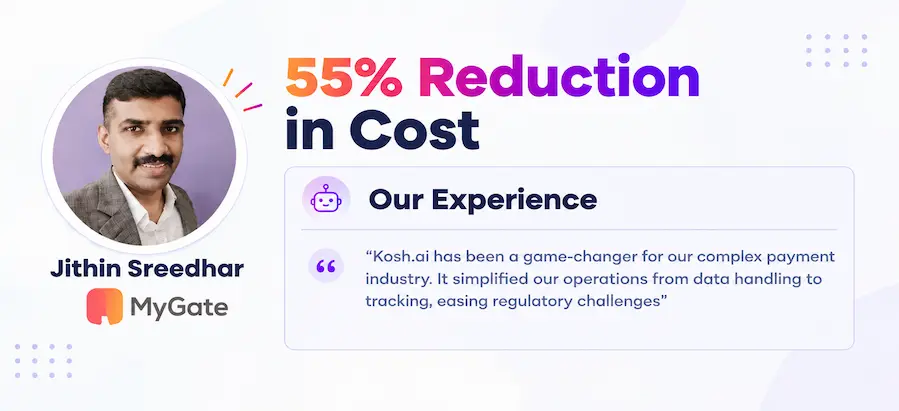
Proven Results From Automated POS Reconciliation

Konica Minolta Business Solutions, U.S.A., Inc.
Ring Container
Conference Direct

How POS Reconciliation Software Works in Four Steps

You don't need to change your POS provider or add extra steps at the register. Kosh AI connects to the systems your stores already use and watches for variance every single day, not once a quarter.

  • From Every Store and Terminal: Kosh AI pulls daily sales data from every POS terminal and store you operate.
  • No Manual Uploads: There's no need to collect a closeout report from each store manager separately.
  • Every Store Together: All store sales show up against settlements and deposits in one place.
  • Ready as Stores Close Out: New sales data is available to match the moment a store ends its day.
  • Done Automatically: Kosh AI links each day's card and cash sales to the settlement and bank deposit they belong to.

  • Handles Split Deposits: Sales deposited across more than one transfer are still matched correctly.
  • Cash Variances Flagged Same-Day: Over and short amounts are calculated automatically per store and shift, every single day.
  • Improves With Use: Matching accuracy gets sharper the longer Kosh AI works with your store network.
  • One-Off vs. Repeat Flagged Differently: Kosh AI distinguishes a single counting error from a store or shift that's short more than once.
  • Unsettled Sales Flagged: A card sale that never settles is surfaced within the same closeout cycle.
  • Sorted by Size and Age: The exceptions most likely to need attention rise to the top of the review list.
  • Resolved Before Month-End: Open discrepancies are cleared in time to close the books without a scramble.
  • Status Tracked Automatically: Reconciliation status by store and terminal is calculated without manual tallying.
  • Reports for Any Audience: Pull a loss-prevention summary for regional management or a full detail file for a store review.
  • A Trail for Every Match: Sale, settlement, and deposit detail stay attached to every reconciled record.

  • Store Network Confidence: Always know which stores are reconciling cleanly and which need attention.

POS Reconciliation That Fits How You Run Your Stores

No two retail networks run the same mix of terminals and payment types. Kosh AI fits the stores you manage, the industry you operate in, and how your finance team is structured.

Cash Sales

Cash sales are matched against deposit slips and drawer counts daily to flag over and short variances the same shift.

Card and Contactless Sales

Card settlements are matched to terminal sales and expected fees are calculated automatically.

Mobile and Wallet Payments

In-store wallet and QR payments are reconciled alongside card and cash in one unified view.

Returns and Refunds

In-store returns and refunds are tracked against the original sale so the net store position stays accurate.

Multi-Store Retail

Daily closeouts across dozens or hundreds of stores are checked for variance without a manual review each morning.

Quick Service Restaurants

High-volume, low-value transactions across many terminals and shifts are matched in bulk without slowing down the close.

Franchise Networks

Franchisee-level sales, settlements, and drawer variance are reconciled centrally while keeping each location's records separate.

Specialty and Boutique Retail

Lower-volume, higher-value transactions are matched down to the sale, not just the daily total.

POS Reconciliation at Scale

Kosh AI centralizes daily closeout checks for large retail chains, giving loss prevention real-time visibility across every location.

  • Check daily sales and cash drawer variance across hundreds of stores in one system.
  • Spot closeout anomalies with 15+ ML-driven risk models.
  • Keep a fully documented trail behind every store's reconciliation.
  • POS Reconciliation for Growing Retailers

    Kosh AI gives smaller retail finance teams automated store reconciliation without adding headcount as store count grows.

  • Replace manual store-by-store closeout checks with automatic reconciliation.
  • Handle a growing store network without extra staff.
  • Go live in weeks with ready-made POS connectors.
  • What Changes When Shrinkage Gets Caught the Same Day

    A monthly or quarterly audit finds shrinkage after it's already repeated dozens of times. Kosh AI checks every store's cash position daily, so a pattern shows up while it's still small.

    1

    Catch a Repeat Shortage Before It Compounds

    One short drawer might be a counting error. The same terminal short every week is worth investigating, and Kosh AI surfaces that pattern automatically.

    2

    Give Loss Prevention a Starting Point

    Instead of reviewing every store blindly, loss prevention gets a ranked list of which locations and shifts actually need attention.

    3

    Close Faster Across Every Store

    Every store and terminal is reconciled in one system instead of one spreadsheet per location.

    4

    Reduce Disputes With Acquirers and Store Managers

    A documented sale-to-deposit trail makes it easier to resolve discrepancies without back-and-forth.


    5

    Scale Without Adding Reconciliation Headcount

    Store count can grow without a proportional increase in manual closeout review work.

    6

    Give Finance Real Visibility Into Daily Cash Flow

    Knowing exactly which stores have deposited cleanly makes daily cash flow planning far more reliable.

    The Results of Automating POS Reconciliation

    65%Faster Daily Store Closeouts
    85%Of Store Sales Matched Without Help
    90%Fewer Manually Re-Keyed Entries

    Integrate Seamlessly with Your Existing ERP Systems

    Kosh AI connects directly with all major banks and ERPs, enabling real-time data sync for faster, more accurate reconciliations—no manual uploads, no delays.

    Why Daily, Store-Level Checking Catches What a Monthly Audit Misses

    A periodic audit samples a handful of stores and hopes the rest are fine. Kosh AI checks every store, every day, so nothing waits for a sampling cycle to get noticed.

    Smart matching icon

    Store-Aware Matching for More Accurate Reconciliation

    Kosh AI applies logic suited to each store's sales pattern, not one rigid rule forced onto every location.

    Exception handling icon

    Turn Closeout Gaps Into Actionable Exceptions

    An unresolved discrepancy comes with the store, shift, and amount attached, not just a line in a report.

    Learning system icon

    Spot Patterns a One-Off Audit Would Miss

    A repeat shortage at the same terminal stands out automatically, instead of blending into a once-a-quarter sample check.

    Flexible matching icon

    Handle Any Store Network You Add

    From a single location to hundreds of stores, Kosh AI handles the reconciliation logic each one needs.

    What Is POS Reconciliation Software?

    POS reconciliation software matches every sale rung up at a point-of-sale terminal against the card settlement, cash deposit, and ledger entry it's eventually recorded as, across every store and terminal a retailer operates. What separates it from a standard audit process is frequency: instead of sampling a handful of stores once a quarter, it checks every store's cash position every single day. That matters because shrinkage rarely shows up as one obvious event. It usually shows up as a drawer that's a little short, repeatedly, at the same terminal or during the same shift, and that pattern only becomes visible if someone is checking daily instead of quarterly. Kosh AI builds that daily check in by default, flagging both card settlement issues and cash variance as they happen.

    POS reconciliation dashboard illustration

    Periodic Audit vs. Daily POS Reconciliation: What Changes?

    Here's what actually changes when store-level reconciliation moves from a periodic audit sample to a daily check across every store.

    What You're Comparing Daily Automated POS Reconciliation Periodic Manual Audit
    Catching a Short DrawerFlagged the same day, by store, terminal, and shift.Often found weeks or months later during a scheduled audit.
    Spotting a Repeat PatternA shortage at the same terminal stands out automatically across cycles.A pattern can go unnoticed if the audit only samples a subset of stores.
    Matching Sales to SettlementsEvery sale is matched to its card settlement automatically, across every store.Someone collects a closeout report from each store and matches it to settlements by hand.
    Handling Multiple StoresEvery store and terminal is reconciled together in one system.Each store usually needs its own spreadsheet and its own closeout process.
    Confirming Bank DepositsDaily totals are matched through to the actual bank deposit that funds the account.Bank deposits are checked separately, often without being tied back to specific stores.
    Scaling With Store CountA growing store network doesn't require more manual reconciliation staff.Store growth usually means more hours spent reconciling closeouts, or a thinner audit sample.

    Start Catching Shrinkage Same-Day, Not Next Quarter

    Set up Kosh AI, connect your stores, and start getting a daily view of which locations and shifts are reconciling cleanly and which aren't.

    Schedule a Quick Demo
    Loreal Touchless

    Why Store-Level Shrinkage Is Hard to Catch With a Periodic Audit

    A retailer running even a modest chain of stores typically relies on some form of periodic audit, maybe quarterly, maybe annually, to check whether cash is going missing at the register. The problem with that approach isn't that it's wrong, it's that it's too slow. Shrinkage rarely announces itself as one large, obvious event. It usually looks like a drawer that's short by a small, forgettable amount, repeatedly, at the same terminal or during the same shift, and a sample-based audit covering a handful of stores a few times a year simply isn't frequent enough to catch that rhythm before it's cost real money.

    The case for daily POS reconciliation isn't only about catching theft, although that's part of it. It's about catching the far more common cause of variance: counting errors, undocumented discounts, and register mistakes that happen honestly but repeatedly at a location where training or process has slipped. Those patterns are invisible in a single day's numbers and only become obvious when the same store or shift shows up short again and again across a few weeks, which is exactly the kind of signal a daily, automated check is built to surface.

    There's also a scale problem specific to retail. A single store's owner can informally notice if the register feels short. A chain running fifty or a hundred stores has no realistic way to keep that kind of informal awareness going location by location, shift by shift. POS reconciliation software is built to hold that awareness automatically, flagging exactly where attention is needed instead of asking a regional manager to somehow notice it on their own.

    Who Actually Needs POS Reconciliation Software

    It's not only for retailers running hundreds of stores. Here's who tends to benefit most.

    Loss prevention icon

    For Loss Prevention and Retail Finance Teams

    Anyone responsible for catching shrinkage benefits from a daily signal instead of a once-a-quarter audit sample.

    Multi-store icon

    For Retailers Running More Than One Store

    The moment a second store opens, informally tracking cash variance stops being realistic.

    High volume icon

    For High-Transaction-Volume Stores

    Stores processing thousands of transactions a day can't realistically spot-check closeouts manually without missing real exceptions.

    Franchise icon

    For Franchise and Multi-Brand Operators

    Closeouts across many franchisees add a reconciliation step that's easy to under-track without automation.

    Fast growing retailer icon

    For Fast-Growing Retail Chains

    Store count growing faster than finance headcount is exactly the gap automated reconciliation is built to close.

    Finance leadership icon

    For Finance Leaders Who Need Reliable Cash Visibility

    Knowing exactly which stores have deposited cleanly matters for planning, and that visibility depends on daily checks.

    POS Reconciliation Software: An Honest Assessment

    No tool is a perfect fit for every retailer. Here's an honest look at what POS reconciliation software gets right, and what's worth planning around before you adopt it.

    • Catches Shrinkage Same-Day: An over or short drawer is flagged within the same closeout cycle, not discovered at the next audit.
    • Surfaces Real Patterns: A repeat shortage at one store or shift stands out automatically, instead of blending into a once-a-quarter sample.
    • One View for Every Store: Every store and terminal is reconciled in the same system instead of a spreadsheet per location.
    • Scales With Store Growth: A growing store network doesn't require a proportional increase in manual reconciliation staff.
    • Full Register-to-Bank Trail: Every match keeps the sale, settlement, and deposit record attached for audits or disputes.
    • Upfront POS Integration: Connecting every store's POS system and mapping its sales report format takes real effort before reconciliation runs smoothly.
    • Report Format Changes: When a POS provider changes its report format, mappings may need a quick update.
    • Dependency on Store-Level Data Entry: Reconciliation is only as reliable as the sales and cash count data stores report back.
    • Not a Fix for Terminal Issues: Software can flag a failed transaction that still shows as approved, but it won't fix the terminal bug causing it.
    • Investigation Is Still Manual: The software surfaces the pattern, but someone still has to investigate what's actually causing it.

    POS Reconciliation Software FAQs

    What is POS reconciliation software?

    POS reconciliation software matches every sale rung up at a point-of-sale terminal against the card settlement, cash deposit, and ledger entry it's eventually recorded as, across every store and terminal a retailer operates. Kosh AI checks this daily, flagging discrepancies the same shift they happen.

    How is this different from a periodic store audit?

    A periodic audit samples a handful of stores every few months, which can easily miss a small, repeated shortage at a single terminal. Kosh AI checks every store, every day, so a pattern shows up while it's still small instead of after it's compounded for months.

    Does POS reconciliation software handle cash as well as card sales?

    Yes. Kosh AI reconciles both card settlements and cash sales, matching cash deposits and drawer counts daily to flag over and short variances alongside card settlement discrepancies.

    Why is POS reconciliation software important for retailers?

    A card sale that never settles, or a cash drawer that's short, can go unnoticed for weeks or months without daily reconciliation. POS reconciliation software catches those gaps the same day, which matters for accurate revenue reporting and loss prevention.

    How is POS reconciliation different from merchant reconciliation?

    POS reconciliation focuses specifically on store-level, terminal-level sales closeouts, including cash drawer tie-outs and shift-level variance tracking. Merchant reconciliation is the broader process of matching all transactions to acquirer settlements. Kosh AI supports both, built for how retailers actually close their books.

    Can POS reconciliation software connect to my POS systems and ERP?

    Yes, most POS reconciliation software is built to pull sales data from common point-of-sale and retail systems. Kosh AI connects to leading POS platforms, alongside ERPs like SAP, Oracle, NetSuite, and QuickBooks, so data flows in without manual exports.

    Does this software replace the need for a finance team?

    No, but it takes most of the manual daily closeout work off their plate. Kosh AI handles routine matching automatically, so your finance and loss prevention teams can focus on investigating genuine patterns instead of reconstructing the register-to-bank trail by hand.

    What happens when a store's cash drawer is short?

    It gets flagged as an exception within the same closeout cycle, with the store, shift, and amount already attached. If it's a repeat pattern at the same location, that gets surfaced too, instead of sitting unnoticed until a periodic audit catches it.

    How long does it take to implement POS reconciliation software?

    Most retailers can have their main stores reconciling automatically within a few weeks, since the software connects to POS systems you already use. Kosh AI follows a similar timeline, with large retail chains typically taking 2 to 3 months to fully configure.

    How do I choose the right POS reconciliation software for my business?

    Start with how many stores and terminals you run and how your current loss prevention process catches shrinkage today. From there, compare options on POS connectivity, daily cash variance tracking, and how well the audit trail supports store-level reviews. Kosh AI is built around exactly that checklist, but it applies to any software you're comparing.

    Ready to Catch Shrinkage the Day It Happens?

    Book a demo and watch Kosh AI reconcile your own store-level sales and cash drawer data.

    Book a Demo