Stripe Reconciliation Software That Unbundles Every Payout Back to Its Charges

Kosh AI Breaks Down a Single Stripe Payout Into Every Charge, Fee, and Refund Behind It, Across Every Currency You Process

  • Unbundles a Payout Into Its Individual Charges Automatically
  • Reconciles Stripe Fees Against the Expected Rate Per Charge
  • Handles Multi-Currency Accounts Without Manual FX Work
  • Matches Refunds and Disputes to the Original Charge
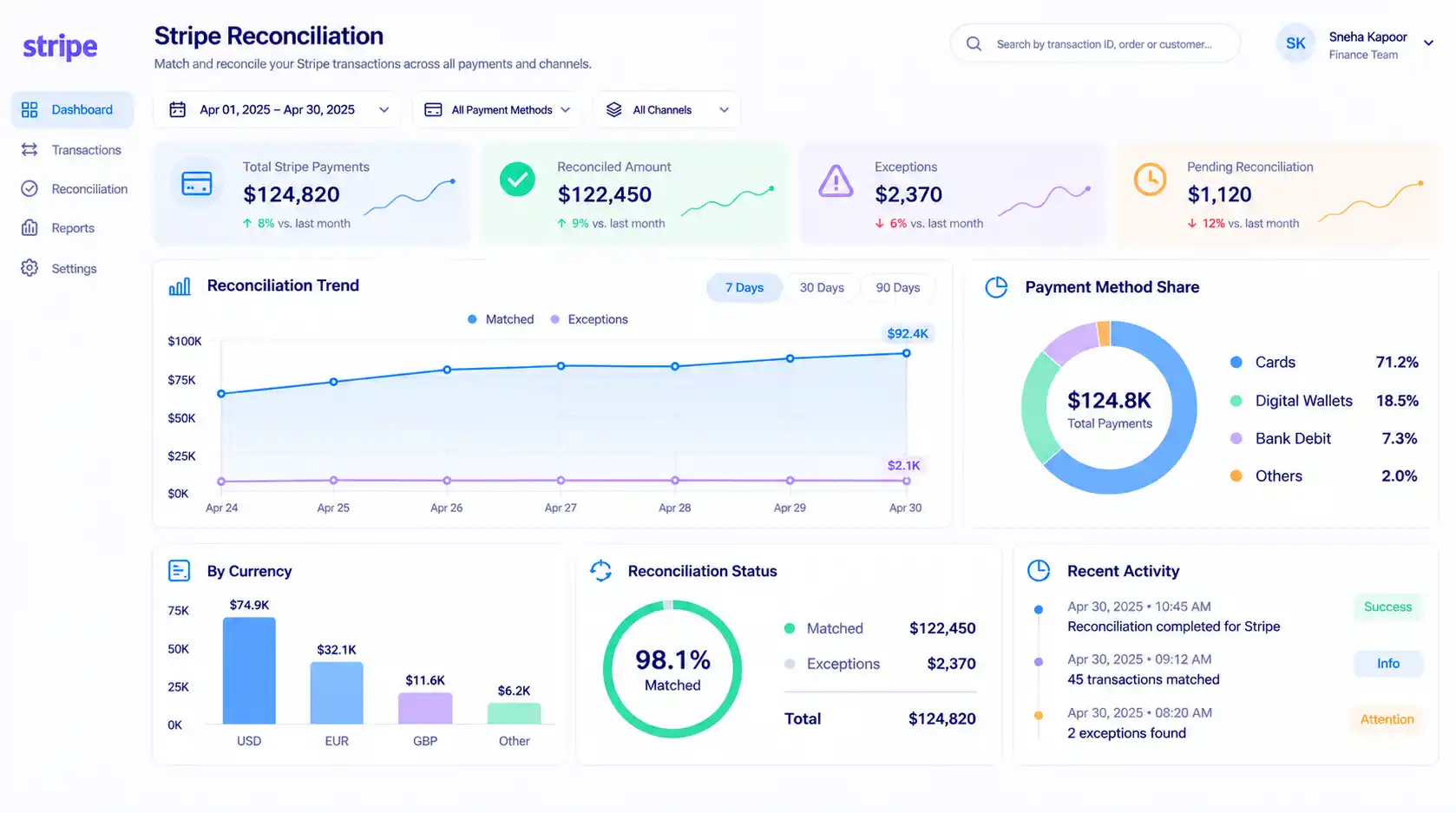
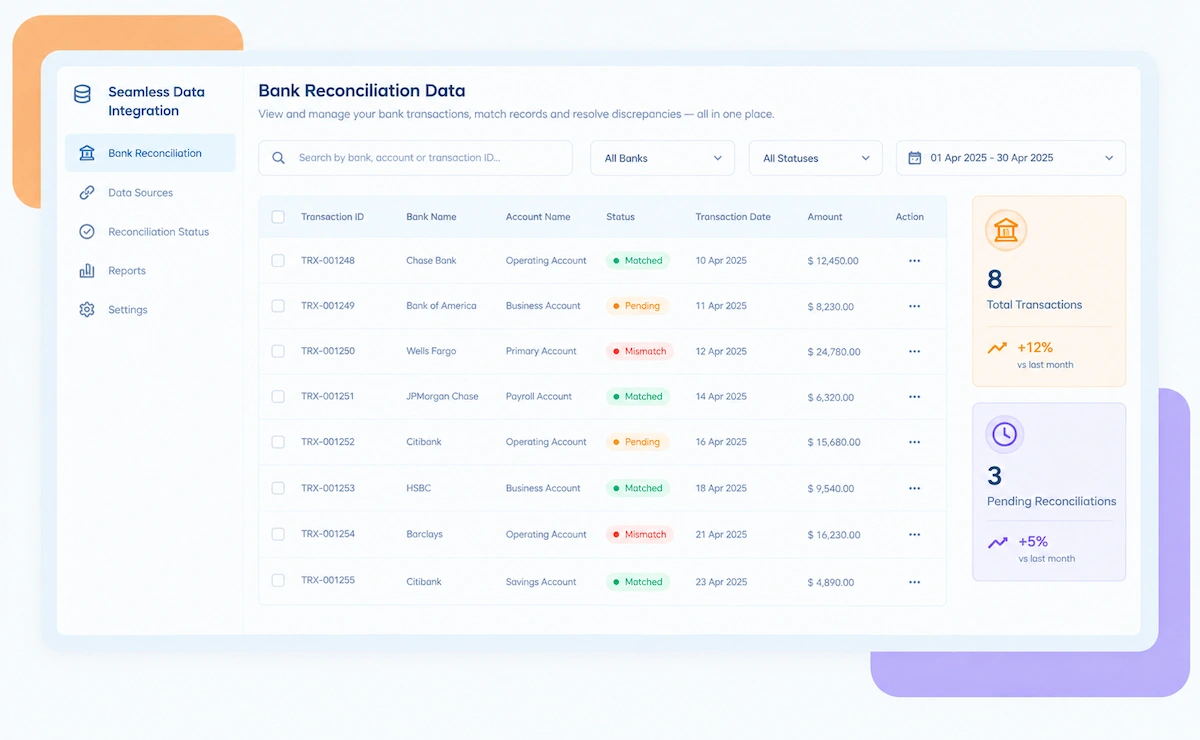
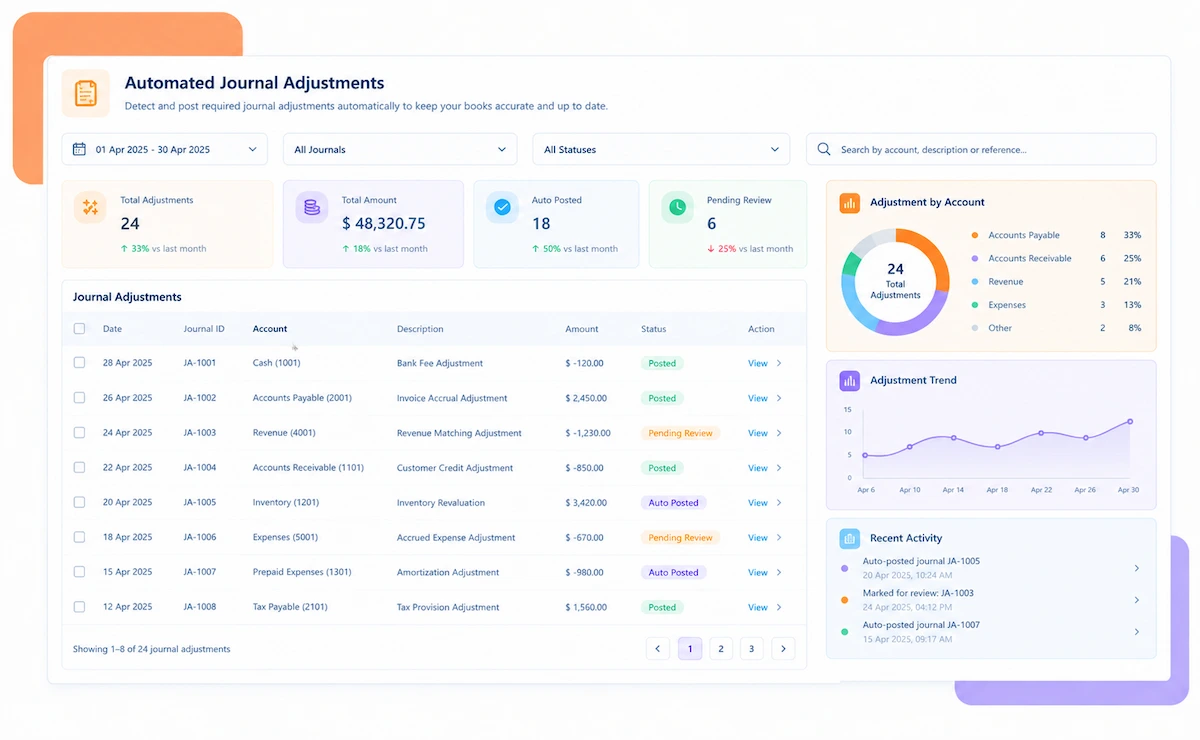
Kosh AI Stripe Reconciliation Software Dashboard

NEW 2026 Stripe Reconciliation Tool

One Stripe Payout Can Bundle Hundreds of Charges. Can You Account for Every One?

Stripe pays out in batches that net together charges, fees, refunds, and disputes from a rolling window. Kosh AI unbundles every payout back to the individual charge.

What Stripe Reconciliation Software Automates for Finance Teams

A Stripe payout is a net figure covering a rolling window of charges, Stripe fees, refunds, and disputes, often across more than one currency if a business sells internationally. Breaking that net figure back down to the individual charges behind it is usually a manual export-and-match exercise. Kosh AI automates that breakdown completely.

Proven Results From Automated Stripe Reconciliation

Konica Minolta Business Solutions, U.S.A., Inc.
Ring Container
Conference Direct

How Stripe Reconciliation Software Works in Four Steps

Kosh AI connects to your Stripe account and your books, then unbundles every payout back to the charges, fees, and refunds behind it.

  • From Stripe Directly: Kosh AI pulls charge, fee, refund, and payout data straight from your Stripe account's balance transactions.
  • No Manual Dashboard Exports: There's no need to export payout reports and match charges by hand in a spreadsheet.
  • Every Currency Together: All currencies a Stripe account processes come into one view.
  • Ready as Payouts Post: New payouts are available to unbundle as soon as Stripe reports them.
  • Charge-Level Breakdown: Every payout is decomposed into the individual charges, fees, and refunds that rolled into it.
  • Fees Checked Per Charge: Stripe's fee is recalculated for each charge based on card type, currency, and region.
  • Refunds Tied to Originals: Refunds and disputes are matched to the charge and fee they affect.
  • Improves With Use: Matching accuracy gets sharper the longer Kosh AI works with your charge volume.
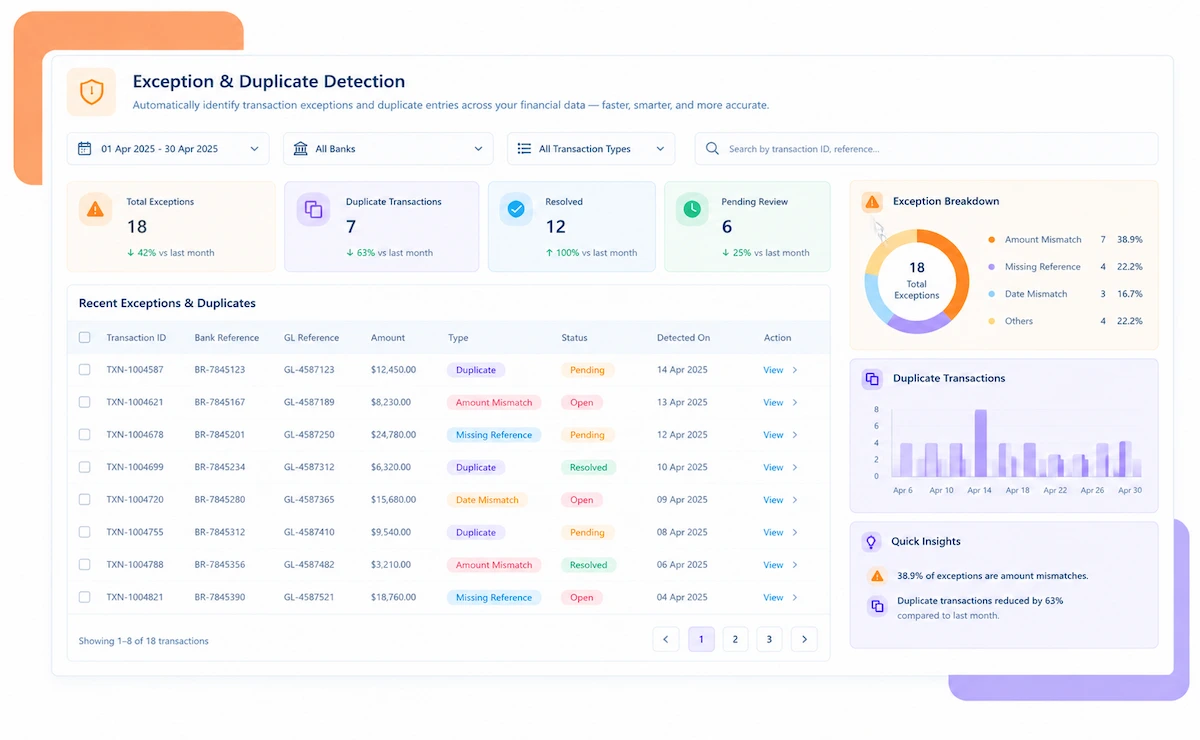
  • Fee Mismatches Surfaced: A fee that doesn't match the expected rate is flagged with the charge and the gap amount.
  • FX Variance Isolated: Currency conversion differences are tracked separately so they don't mask a real discrepancy.
  • Sorted by Impact: Exceptions worth the most money rise to the top of the review list.
  • Resolved Before Month-End: Open exceptions are cleared in time to close the books without a scramble.
  • Charge-Level Audit Trail: Every charge, fee, and refund stays attached to its payout and bank record.
  • Reports for Any Audience: Pull a per-currency summary or a full charge-level detail file for an audit.
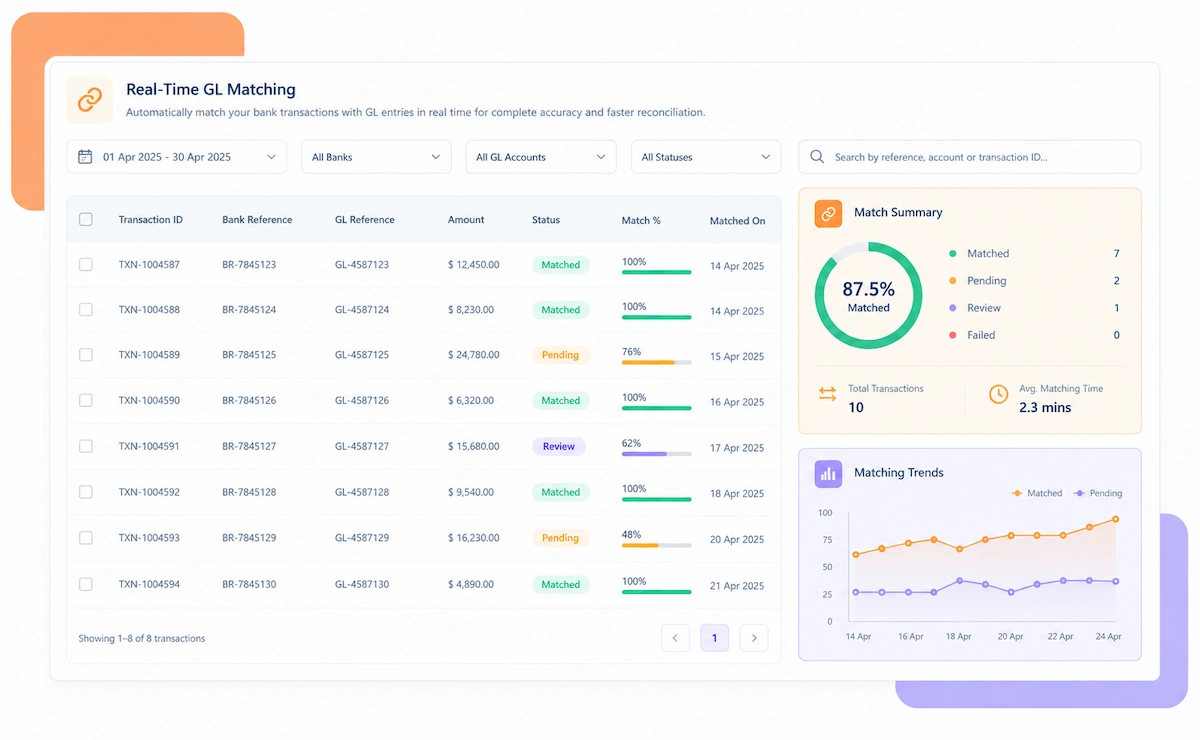
  • Reconciled to the Bank: The net payout is matched to the actual bank deposit it produces.
  • Close Faster: Stripe payouts stop being the line item finance can't fully explain at month-end.

Stripe Reconciliation That Fits How You Process Payments

Whether you process in one currency or a dozen, Kosh AI unbundles Stripe payouts the way your business actually operates.

Single-Currency Accounts

Charges and fees are reconciled against one currency's rate structure without added complexity.

Multi-Currency Accounts

Each currency is reconciled independently, with FX variance tracked apart from genuine fee errors.

Stripe Connect Platforms

Connected account payouts are matched back to the platform fees and originating charges.

Subscription Billing

Recurring Stripe charges are reconciled alongside one-off payments without separate tracking.

Ecommerce and D2C

High charge volumes with frequent refunds are reconciled without a manual review each payout.

SaaS and Subscription Businesses

Recurring billing cycles are reconciled against Stripe's own billing and invoicing data.

Global Marketplaces

Multi-currency, multi-region charges are reconciled centrally while keeping each currency distinct.

Platforms Using Stripe Connect

Split payouts to connected accounts are reconciled alongside platform-level fees.

Stripe Reconciliation at Scale

Kosh AI unbundles high-volume, multi-currency Stripe payouts down to the charge level without manual review.

  • Reconcile millions of charges across every currency Stripe processes.
  • Spot fee drift and settlement gaps with 15+ ML-driven risk models.
  • Keep a fully documented trail behind every charge-to-bank match.
  • Stripe Reconciliation for Growing Businesses

    Kosh AI gives smaller finance teams automated payout unbundling without adding headcount as charge volume grows.

  • Replace manual payout-report matching with automatic reconciliation.
  • Handle rising charge volume without extra staff.
  • Go live in weeks with a ready-made Stripe connector.
  • What Changes When Every Stripe Payout Is Unbundled

    A payout's net figure hides a lot. Kosh AI unbundles it so finance can see exactly what each charge, fee, and refund contributed.

    1

    Catch Stripe Fee Errors Before They Add Up

    A single mischarged fee is easy to miss. Hundreds of them across a payout period add up to real money.

    2

    Reconcile Multi-Currency Accounts Cleanly

    FX conversion variance is tracked separately, so it never masks a genuine fee or charge discrepancy.

    3

    Know Exactly What Each Payout Paid For

    Every charge, fee, and refund behind a payout is documented, not just the net number.

    4

    Match Refunds and Disputes Accurately

    Every refund and dispute is tied to the exact charge it affects, including the fee impact.

    5

    Close the Books Faster Every Period

    Stripe payouts stop being the reconciling item that holds up month-end close.

    6

    Scale Without Adding Reconciliation Headcount

    Charge volume can grow without a proportional increase in manual reconciliation work.

    The Results of Automating Stripe Reconciliation

    65%Faster Payout Reconciliation
    85%Of Charges Matched Without Help
    90%Fewer Manually Re-Keyed Entries

    Integrate Seamlessly with Your Existing ERP Systems

    Kosh AI connects directly with all major banks and ERPs, enabling real-time data sync for faster, more accurate reconciliations—no manual uploads, no delays.

    What Is Stripe Reconciliation Software?

    Stripe reconciliation software unbundles every Stripe payout back to the individual charges, fees, refunds, and disputes that rolled into it, then matches the net payout to the bank deposit received. A Stripe payout is a net figure covering a rolling window of activity, and for any business processing meaningful volume, that figure can represent hundreds of individual charges with their own fee calculations. Kosh AI breaks every payout down automatically, recalculates the expected fee for each charge based on card type and currency, and flags anything that doesn't match, so finance teams can see exactly what a payout actually paid for.

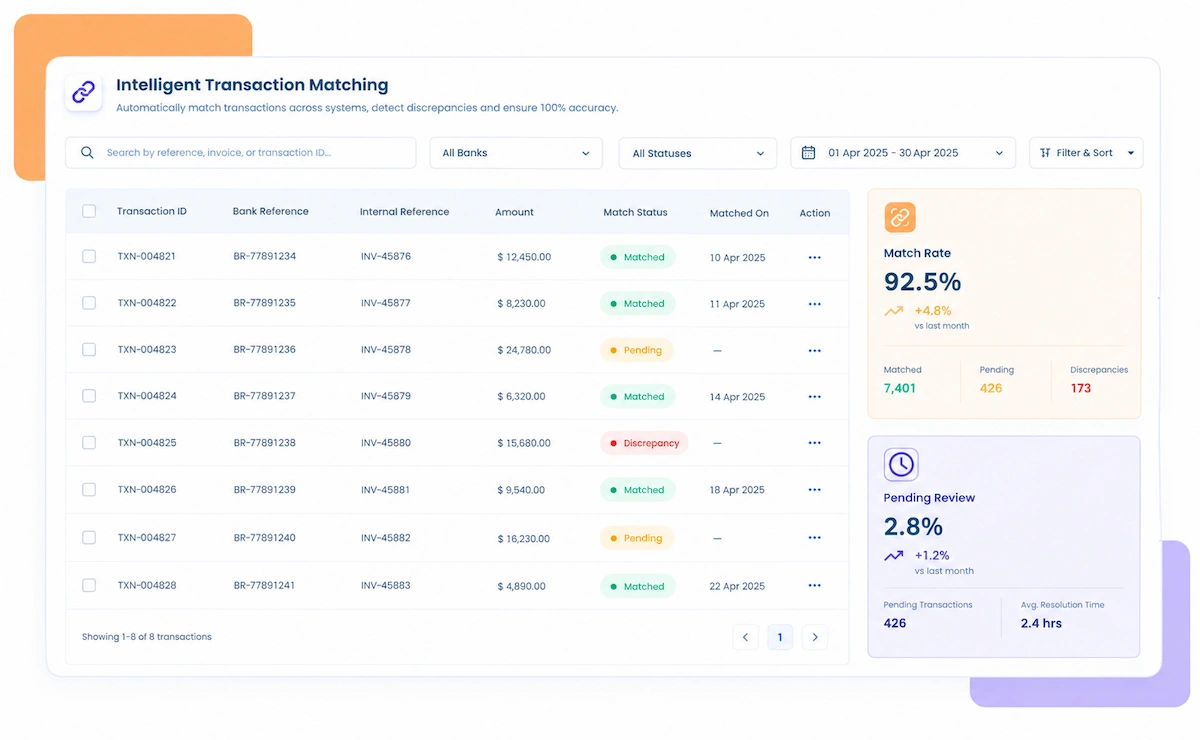
    Stripe reconciliation dashboard illustration

    Payout-Level Review vs. Charge-Level Stripe Reconciliation

    Here's what actually changes when Stripe reconciliation moves from checking the net payout figure to unbundling every charge inside it.

    What You're Comparing Charge-Level Stripe Reconciliation Payout-Level Review
    Checking a PayoutEvery payout unbundled into its individual charges, fees, and refunds automatically.Someone checks that the net payout figure looks roughly right and moves on.
    Catching Fee ErrorsEvery charge's fee checked against the expected rate for its card type and currency.Fee errors are caught only if someone happens to notice a payout total that looks off.
    Handling Multiple CurrenciesEach currency reconciled independently, with FX variance isolated from real discrepancies.Multi-currency payouts are often reconciled as one blended figure, hiding real errors.
    Matching Refunds and DisputesEvery refund and dispute matched to its original charge, fee impact included.Refunds and disputes are usually accepted as reported without checking the fee reversal.
    Supporting an AuditA charge-level audit trail is ready for any auditor or dispute with Stripe support.Audits require manually reconstructing which charges made up a given payout.
    Scaling With Charge VolumeA growing charge count doesn't require more manual reconciliation staff.Charge growth usually means more hours spent reconciling payouts every period.



    Unbundle Every Stripe Payout in Just Weeks

    Connect your Stripe account to Kosh AI and see every payout broken down to the charge level, fees included.

    Schedule a Quick Demo
    Loreal Touchless

    Why Stripe Payouts Need to Be Unbundled, Not Just Checked

    A single net payout figure hides more than most finance teams realize. Here's what typically goes unchecked without charge-level reconciliation:

    • Individual fee errors inside a payout are invisible at the net-total level, since they're small enough individually to not move the overall number.
    • Multi-currency accounts often get reconciled as one blended figure, which can hide a genuine discrepancy inside the FX conversion noise.
    • Refunds and disputes interrupt the normal flow of a payout, and their fee impact is easy to miss without matching them to the original charge.
    • A payout that's short of expectations is hard to explain without knowing which specific charges or fees contributed to the gap.
    • Audit and dispute requests become far harder to answer without a documented trail at the charge level, not just the payout level.

    Stripe payout unbundling checklist illustration

    Who Actually Needs Stripe Reconciliation Software

    It's not only for businesses processing in a dozen currencies. Here's who tends to benefit most.

    High-volume icon

    For High-Volume Stripe Merchants

    A high charge count means a small per-charge fee error rate still adds up to real money every payout.

    Multi-currency icon

    For Multi-Currency Businesses

    Each additional currency adds its own fee structure and FX variance that needs separate reconciliation.

    Finance team icon

    For Finance Teams Closing the Books Monthly

    Stripe payouts that don't tie out cleanly tend to delay month-end close every single period.

    SaaS billing icon

    For SaaS and Subscription Businesses

    Recurring charges need to be reconciled against billing data, not just the resulting payout.

    Stripe Connect icon

    For Platforms Using Stripe Connect

    Split payouts to connected accounts need their own reconciliation logic separate from platform fees.

    High refund rate icon

    For Businesses With Frequent Refunds or Disputes

    Refund and dispute fee impacts are easy to lose track of without charge-level matching.

    Stripe Reconciliation Software: An Honest Assessment

    No tool is a perfect fit for every business. Here's an honest look at what Stripe reconciliation software gets right, and what's worth planning around before you adopt it.

    • True Charge-Level Visibility: Every payout is unbundled to the individual charge, fee, and refund behind it, not just a net figure.
    • Catches Fee Errors Automatically: Fees are checked against the expected rate for every charge, not spot-checked occasionally.
    • Handles Multi-Currency Cleanly: FX variance is isolated from genuine fee or charge discrepancies, currency by currency.
    • Scales With Charge Volume: Growing transaction volume doesn't require a proportional increase in reconciliation staff.
    • Closes the Books Faster: Stripe payouts stop being the line item that holds up month-end close.
    • Initial Account Mapping: Mapping currencies, card types, and fee structures correctly takes real setup effort before checks are accurate.
    • Stripe API Changes: When Stripe updates its balance transaction structure, mappings may need a quick update.
    • Dependency on Stripe's Reporting: Reconciliation accuracy depends on Stripe reporting charges and fees consistently.
    • Not a Fix for Checkout Issues: Software can flag a fee error, but it won't fix a checkout configuration causing failed charges.
    • Disputes Still Require Follow-Up: The software surfaces the evidence, but someone still has to act on it with Stripe support.

    Stripe Reconciliation Software FAQs

    What is Stripe reconciliation software?

    Stripe reconciliation software unbundles every Stripe payout back to the individual charges, fees, refunds, and disputes that rolled into it, and matches the net payout to the bank deposit received. Kosh AI does this automatically for every payout.

    Why isn't checking the payout total enough?

    A payout is a net figure covering potentially hundreds of charges, and an individual fee error is small enough to go unnoticed in that total. Kosh AI unbundles every payout to the charge level, so each fee and refund can be checked on its own.

    How does Stripe reconciliation software work?

    It pulls charge, fee, refund, and payout data from Stripe's balance transactions, recalculates the expected fee for every charge based on card type and currency, and flags anything that doesn't match what was actually charged.

    Does it handle multi-currency Stripe accounts?

    Yes, Kosh AI reconciles each currency independently and tracks FX conversion variance separately, so it never masks a genuine fee or charge discrepancy.

    Can it catch Stripe fees that were charged incorrectly?

    Yes, Kosh AI calculates the expected fee for every charge based on card type, currency, and region, then flags any fee that doesn't match what Stripe's own rate structure says it should be.

    How does it handle refunds and disputes?

    Every refund and dispute is matched back to its original charge, with the fee impact tracked separately so the net effect on the payout is always visible.

    Does this work with Stripe Connect?

    Yes, Kosh AI reconciles split payouts to connected accounts alongside the platform fees, matching each one back to its originating charge.

    Can Stripe reconciliation software connect to my ERP?

    Yes, most Stripe reconciliation software is built to pull charge and payout data from Stripe and transaction data from the systems you already use. Kosh AI connects to Stripe, alongside ERPs like SAP, Oracle, NetSuite, and QuickBooks.

    How long does it take to implement Stripe reconciliation software?

    Most businesses can have their main currency reconciling automatically within a few weeks, since the software connects directly to Stripe. Kosh AI follows a similar timeline, with multi-currency accounts typically taking 2 to 3 months to fully configure.

    How do I choose the right Stripe reconciliation software for my business?

    Start with how many currencies and how much charge volume you're reconciling, and whether fee errors have gone uncaught before. From there, compare options on charge-level matching accuracy, multi-currency support, and how well the audit trail supports a dispute with Stripe. Kosh AI is built around exactly that checklist, but it applies to any software you're comparing.

    Ready to See Every Stripe Payout Unbundled?

    Book a demo and watch Kosh AI break down your own Stripe payouts to the charge level.

    Book a Demo