Kosh AI Matches Cashfree Payment Gateway Collections and Cashfree Payouts Disbursals in One Connected View, Not Two Separate Spreadsheets
Businesses using Cashfree often run two products at once: the Payment Gateway for collecting from customers, and Payouts for disbursing to vendors, drivers, or sellers. Each generates its own settlement report, on its own timeline, in its own format. Kosh AI connects both into a single reconciliation workflow.
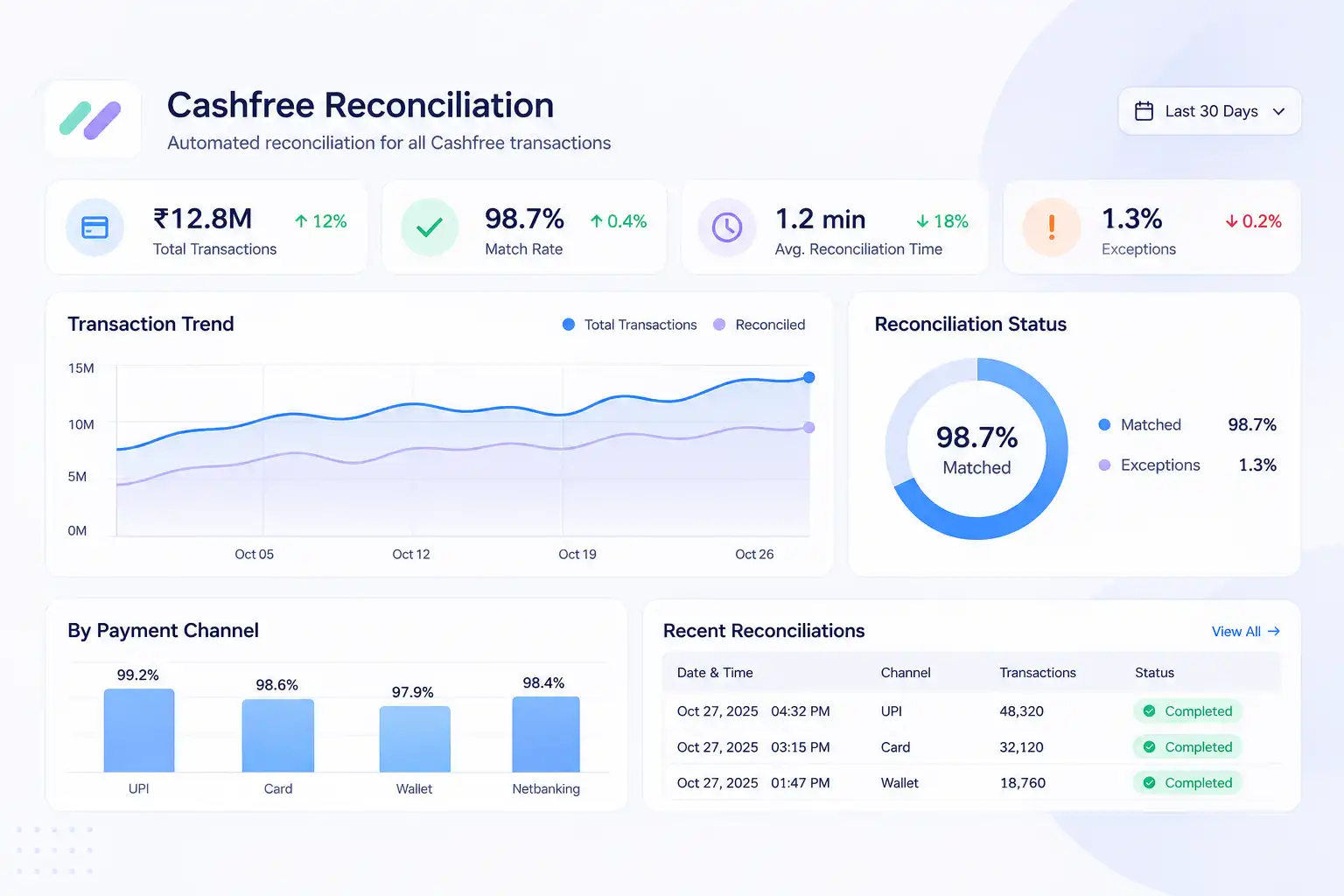
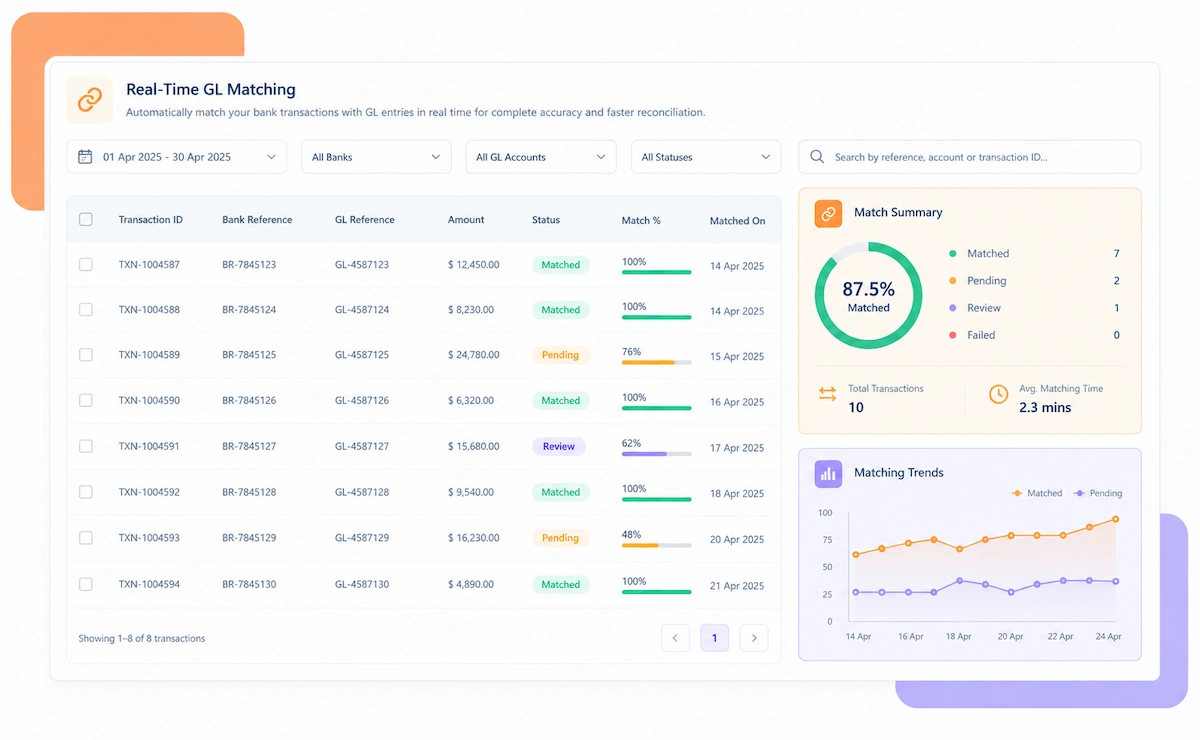
Kosh AI connects to both Cashfree Payments and Cashfree Payouts, plus your bank statements, then reconciles collections and disbursals as one connected flow.
Whether you only collect, only disburse, or run both products together, Kosh AI reconciles Cashfree the way your business actually operates.
UPI, card, and net banking collections matched to settlement and bank deposit automatically.
Vendor, driver, or seller payouts matched back to the collection or funding source behind them.
Businesses running both products get every payout traced to the collection that funded it.
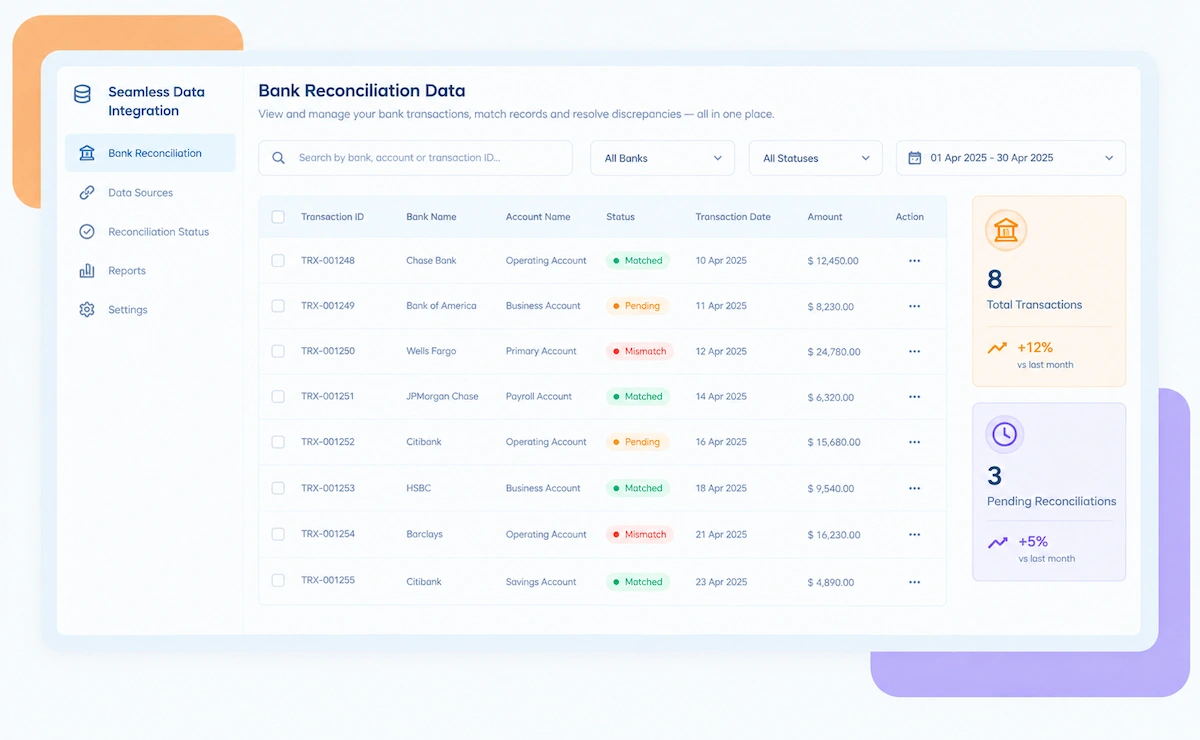
Both collections and payouts are tied to the bank statement line they produce.
High transaction volumes across payment methods are reconciled without a manual review each week.
Collections from buyers and payouts to sellers or drivers are reconciled as one connected flow.
Recurring Cashfree collections are reconciled alongside one-off transactions.
Regulated payment and disbursal flows through Cashfree are reconciled with full audit trails.
Kosh AI reconciles high-volume Cashfree accounts across both products without manual review.
Kosh AI gives smaller finance teams automated collections-and-payouts matching without adding headcount as volume grows.
Collections and payouts generate separate reports by default. Kosh AI connects them, so every payout can be traced back to what funded it.


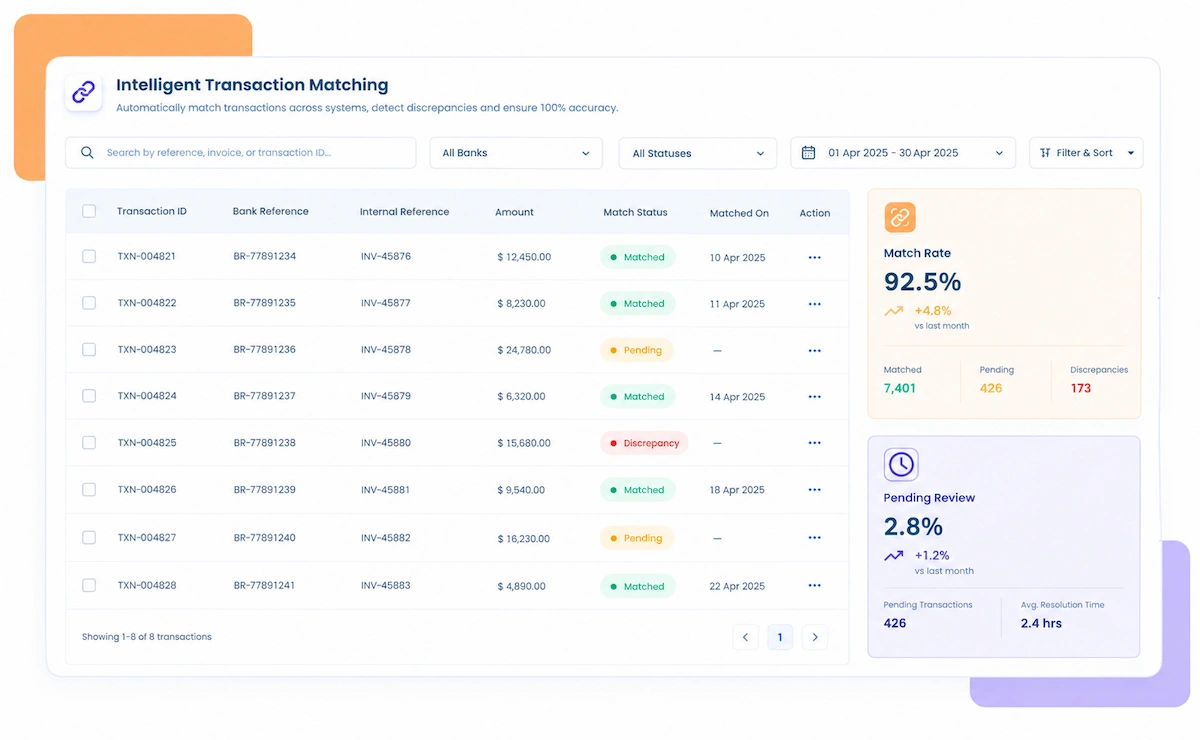
A vendor or driver payout is matched back to the collection batch that funded it, not checked in isolation.
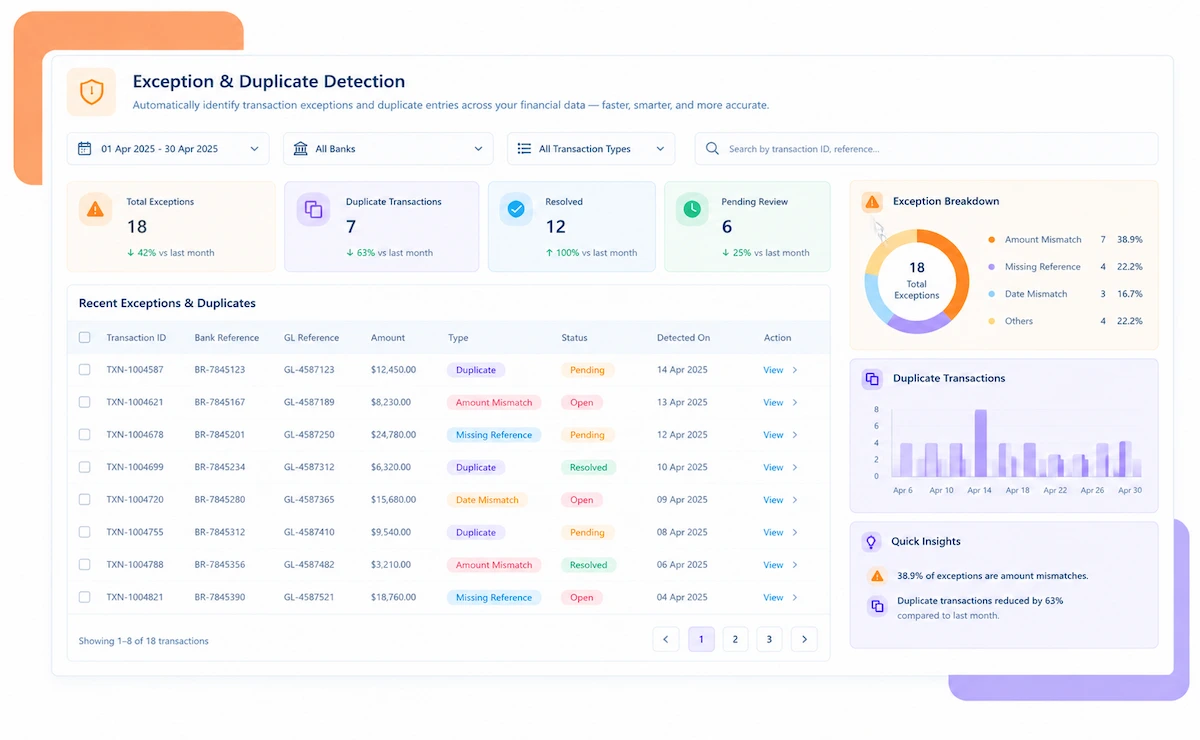
A payout that can't be traced to a funding source is flagged within the same cycle, not discovered at audit.
UPI, cards, and net banking are each matched using their own reference logic and settlement timeline.
Fees that don't match the expected rate for collections or payouts are flagged automatically.
Both Cashfree products reconcile in one system instead of two separate spreadsheets.
Payout volume can grow without a proportional increase in manual reconciliation work.
Kosh AI connects directly with all major banks and ERPs, enabling real-time data sync for faster, more accurate reconciliations—no manual uploads, no delays.


Kosh AI's automation transforms Cashfree reconciliation into a self-driving process that connects collections and payouts instead of treating them as separate problems.
AI traces every payout back to the collection or funding source behind it, not just the payout record alone.
Agents flag, categorize, and recommend actions for unlinked payouts and unmatched collections before they delay your close.
The system gets smarter with every cycle, learning from approvals, adjustments, and resolved exceptions.
Handle any scenario, from a single collection funding one payout to complex multi-vendor disbursal splits.
Here's what actually changes when Cashfree reconciliation moves from two disconnected reports to one automated, linked view.
| Feature | Automated Cashfree Reconciliation | Manual Cashfree Reconciliation |
|---|---|---|
| Collections and Payouts | Both products reconciled together in one connected view. | Two separate reports checked independently, if at all. |
| Tracing Payouts | Every payout matched back to the collection that funded it. | Payouts are often accepted as correct without tracing the source. |
| Catching Unlinked Payouts | A payout with no traceable funding source is flagged the same cycle. | Unlinked payouts often surface only during an audit. |
| Verifying Fees | Expected fees recalculated per product and method automatically. | Fees are accepted at face value without checking the product or method rate card. |
| Closing the Books | Collections and payouts reconcile in one system with a documented trail. | Each product often needs its own separate check and spreadsheet. |
| Scaling With Volume | Growing payout volume doesn't require more manual reconciliation staff. | Payout growth usually means more hours spent reconciling every cycle. |
Connect both Cashfree Payments and Cashfree Payouts to Kosh AI and trace every disbursal back to what funded it.
Schedule a Quick DemoMost reconciliation tools are built around a single settlement feed. Cashfree businesses running both products need something that connects two.
It's not only for businesses running high payout volume. Here's who tends to benefit most.
Tracing every vendor payout back to its funding collection manually doesn't scale past a certain volume.
Collecting from buyers and disbursing to sellers or drivers needs both sides matched, not checked independently.
A small percentage of unlinked payouts still adds up to real money at scale.
Unexplained gaps between collections and payouts tend to delay month-end close every single period.
No tool is a perfect fit for every business. Here's an honest look at what Cashfree reconciliation software gets right, and what's worth planning around before you adopt it.
Every payout can be traced back to the collection that funded it, instead of checking two reports separately.
A payout with no traceable funding source is flagged within the same cycle, not months later.
Connecting both Cashfree products and your bank accounts correctly takes real setup effort before matching runs smoothly.
Delays in your bank feed slow down how quickly payouts can be confirmed against the collections that funded them.
Cashfree reconciliation software matches transactions across both Cashfree Payments and Cashfree Payouts, tracing every vendor or seller payout back to the collection that funded it. Kosh AI does this automatically, connecting both products into one reconciliation workflow.
They're two separate products with their own settlement reports, formats, and timelines. Nothing in Cashfree's own dashboards automatically links a payout to the collection that funded it, which is exactly the gap Kosh AI closes.
Kosh AI flags it as an unlinked payout within the same reconciliation cycle, with the payout amount, date, and expected source already attached, ready for review instead of sitting unnoticed.
It pulls collection and settlement data from Cashfree Payments, disbursal data from Cashfree Payouts, and bank statement data from your accounts, then links payouts to their funding collections and matches both to the bank record.
Yes, expected fees are recalculated separately for collections and payouts, then compared against what was actually charged, with mismatches flagged for review.
Yes. If you only use the Payment Gateway or only use Payouts, Kosh AI reconciles that product on its own. The linked view becomes relevant once you use both.
Yes, Kosh AI connects to Cashfree and major banks, alongside ERPs like SAP, Oracle, NetSuite, and QuickBooks, pulling data from all of them automatically.
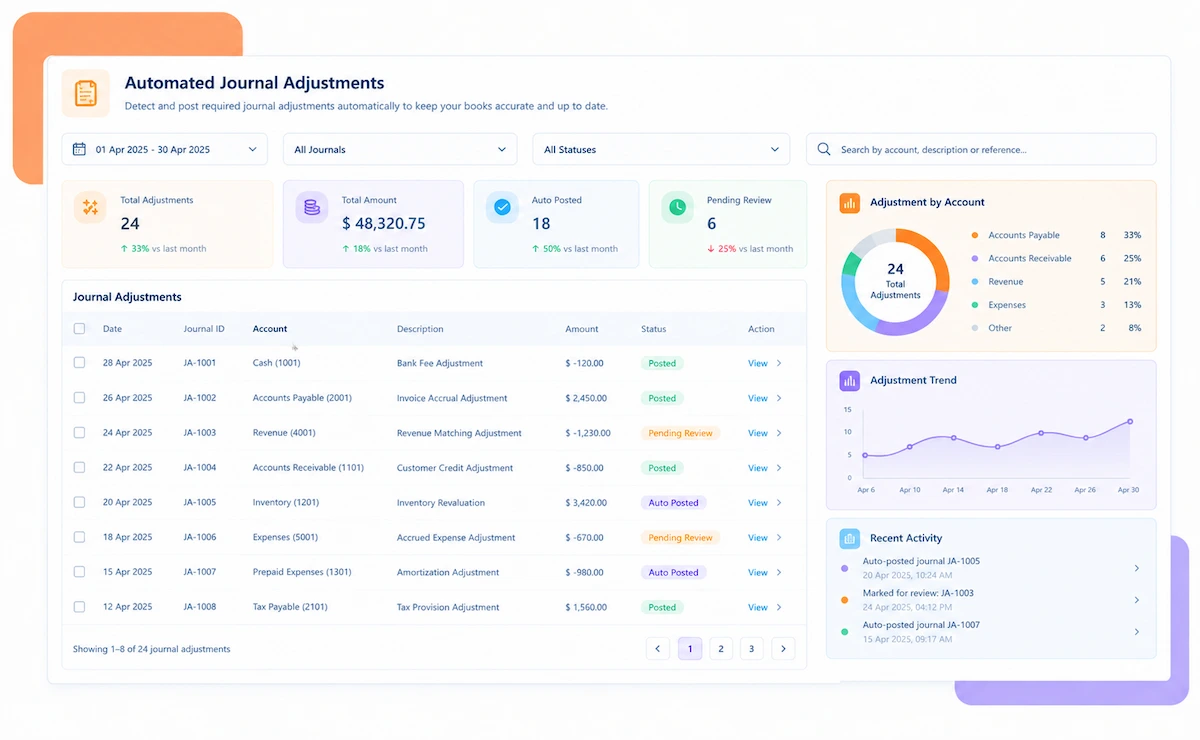
Kosh AI reconciles Cashfree collections, settlements, payout disbursals, refunds, and journal postings, alongside bank-to-book variances across both products.
Most businesses can have their Payment Gateway collections reconciling automatically within a few weeks. Businesses also running Payouts typically take 2 to 3 months to fully configure the linked view.
Start with whether you run collections, payouts, or both, and how much volume moves between them. From there, compare options on how well they link the two products, not just how well they reconcile each one alone. Kosh AI is built around exactly that checklist, but it applies to any software you're comparing.
Book a demo and watch Kosh AI connect your Cashfree collections and payouts in one view.
Book a Demo