PaySimple Reconciliation Software for Invoice-Based Recurring Billing

Every PaySimple Invoice Closes in Pieces. Kosh AI Keeps Track of Every One Until the Invoice Is Actually Paid

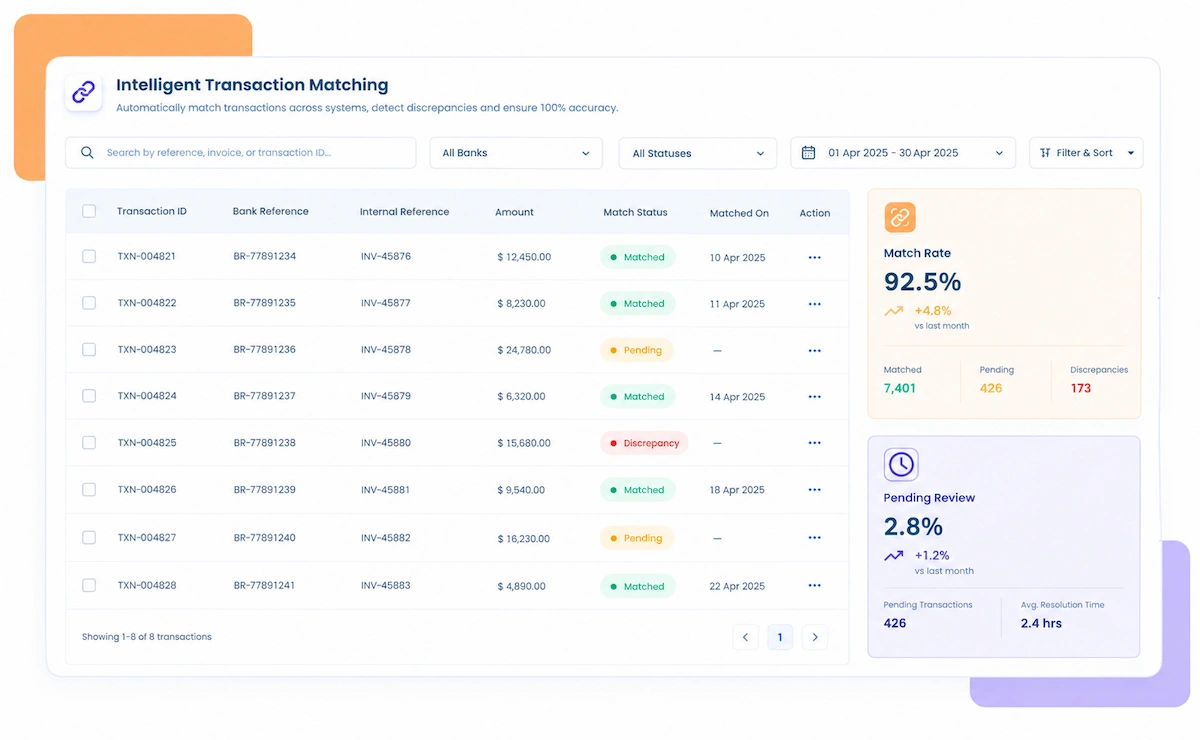
  • Matches Partial and Split Payments to the Right Invoice Automatically
  • Tracks Failed ACH and Card Retries Until They Succeed or Get Written Off
  • Reconciles Scheduled Payment Plans Against What Actually Gets Collected
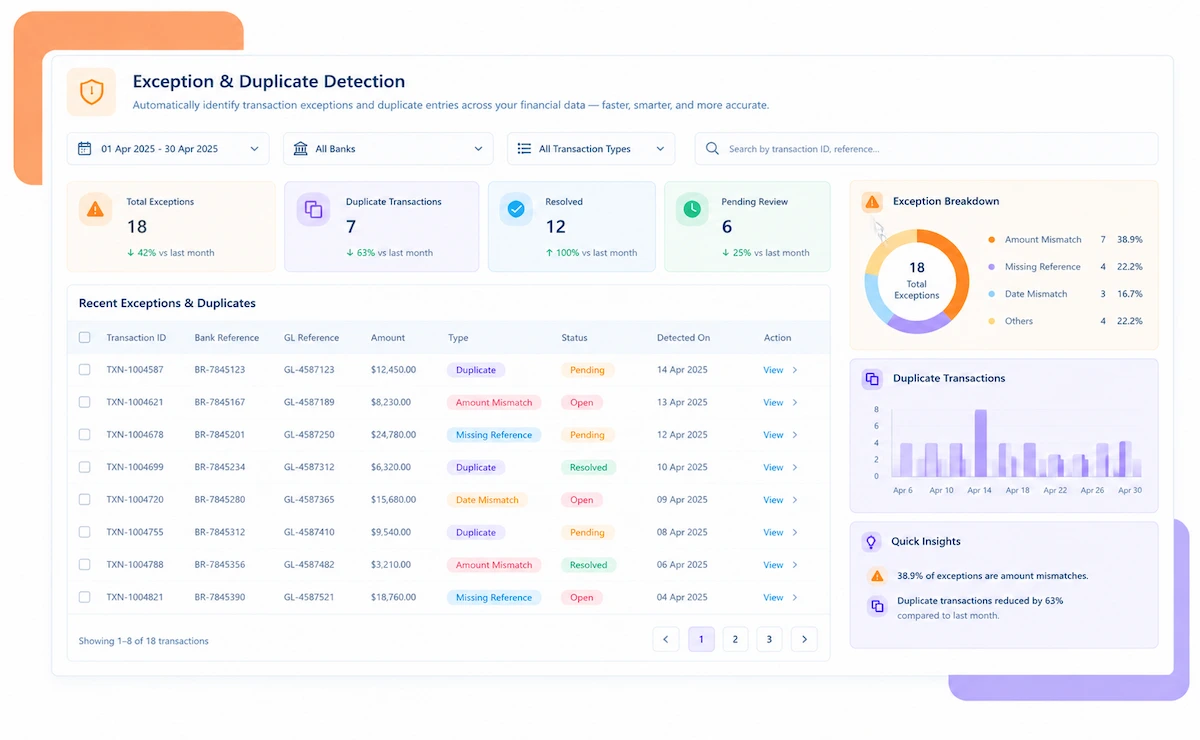
  • Flags Invoices Stuck Open Past Their Expected Payment Date
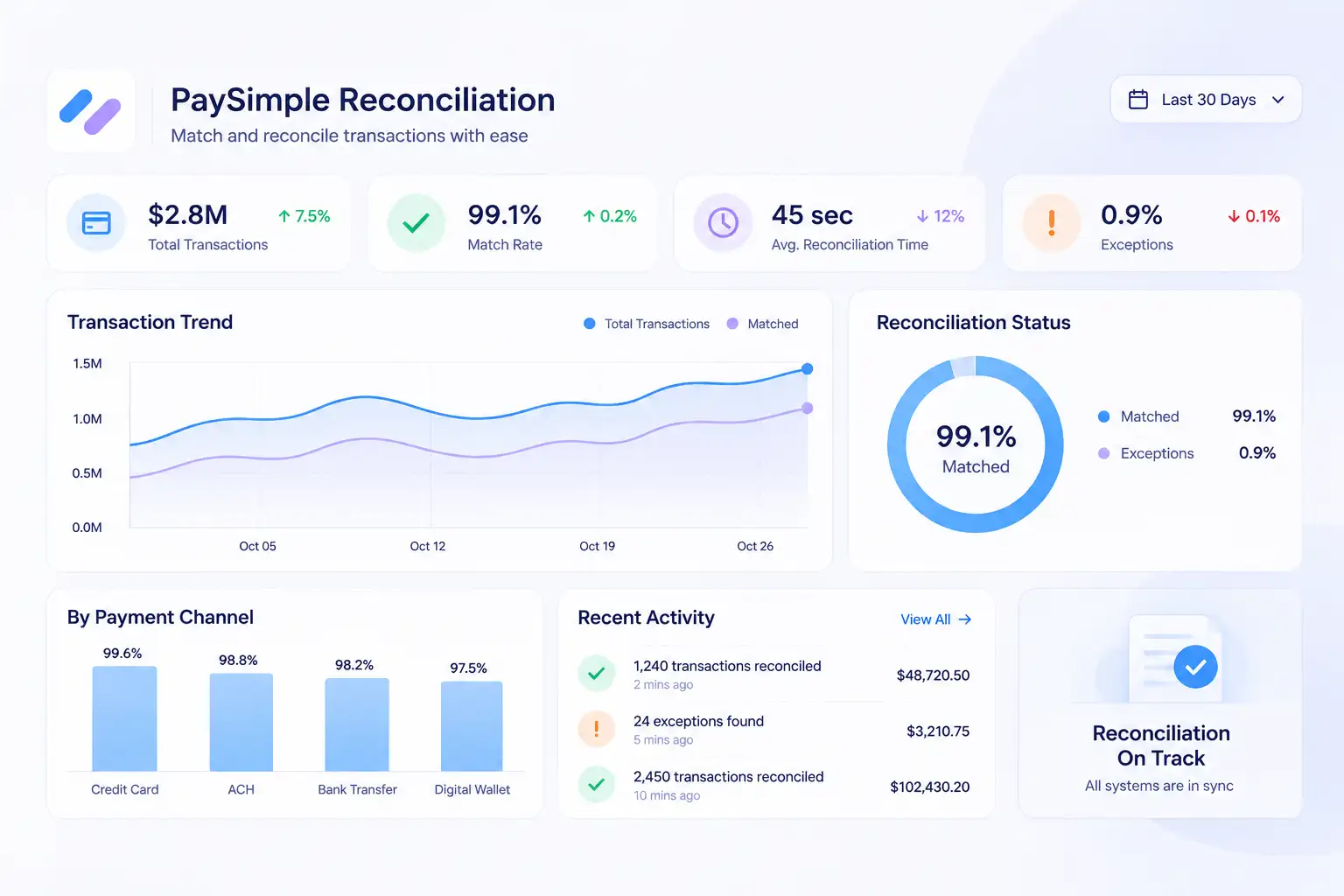
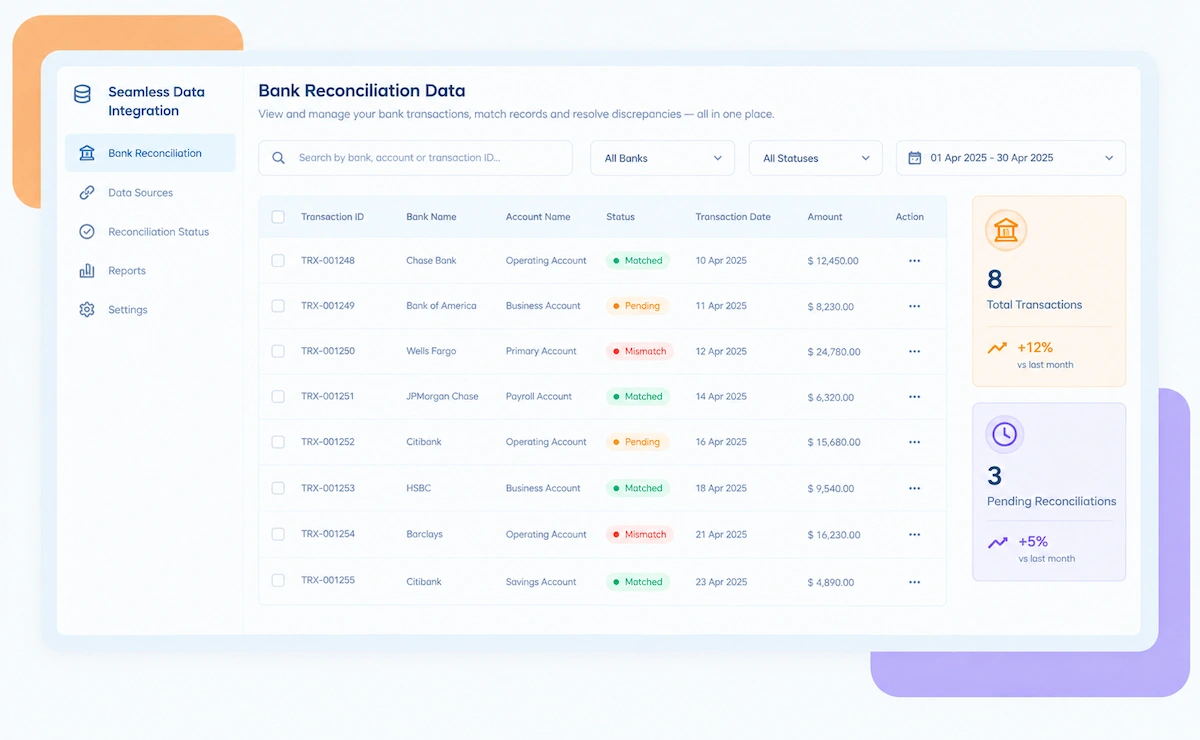
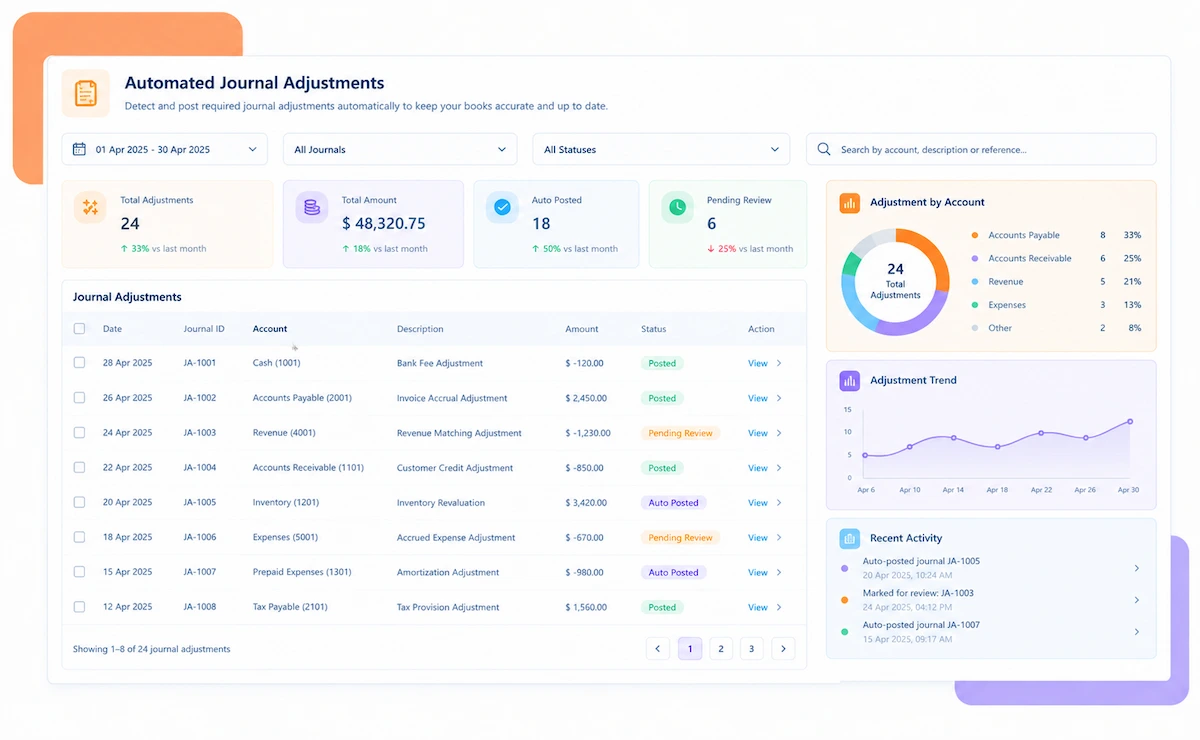
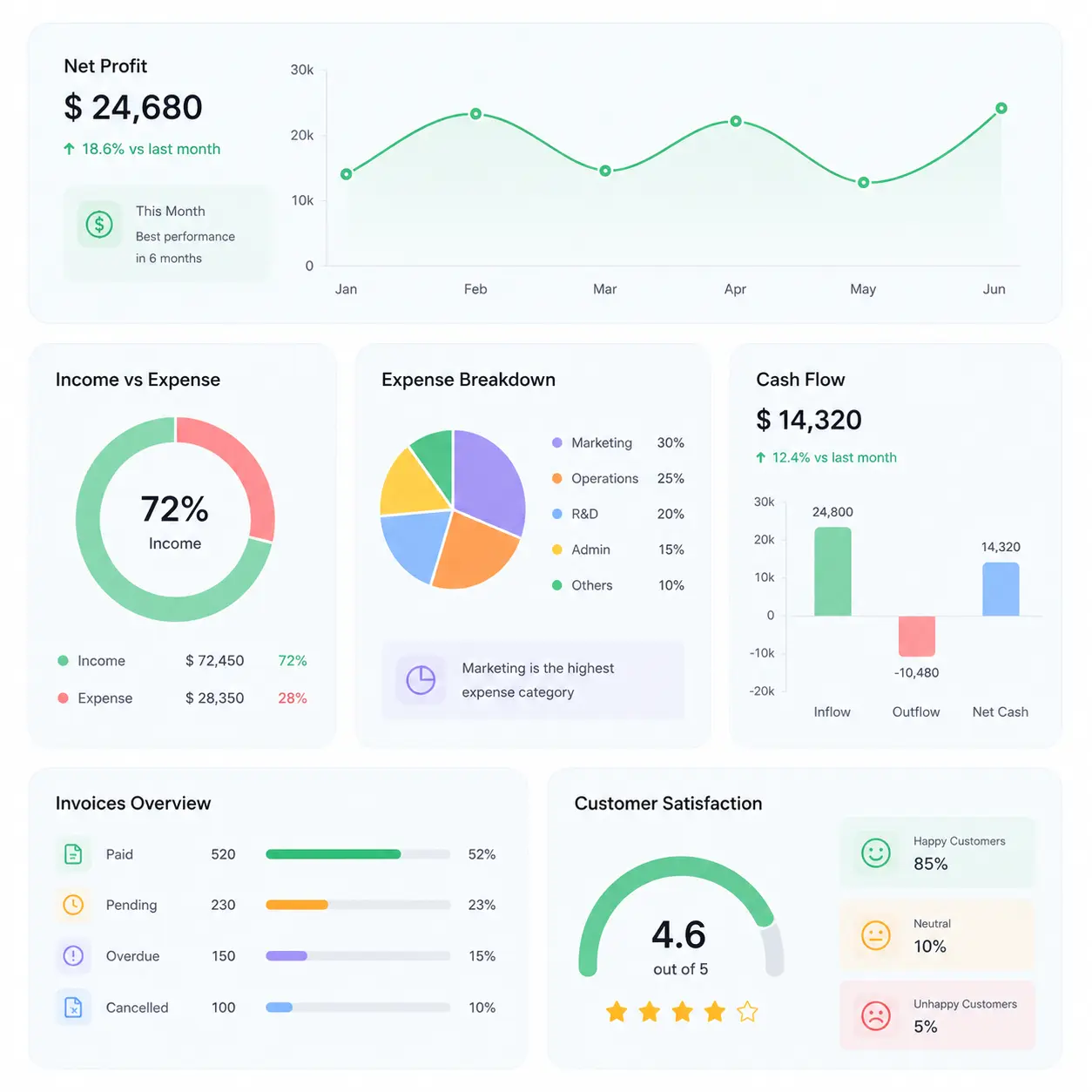
PaySimple reconciliation software dashboard

NEW 2026 PaySimple Reconciliation Tool

A PaySimple Invoice Can Take Three Partial Payments to Close. Is Each One Actually Matched?

Service businesses billing through PaySimple often collect in pieces, a deposit, a retry, a final balance. Kosh AI matches every piece back to the invoice it's closing out.

What PaySimple Reconciliation Software Automates for Service Businesses

PaySimple is built around invoices, not single transactions. One invoice can collect in several partial payments across ACH and card, retried charges can succeed days after they first failed, and payment plans spread one invoice over months. Kosh AI reconciles all of it back to the invoice it belongs to.

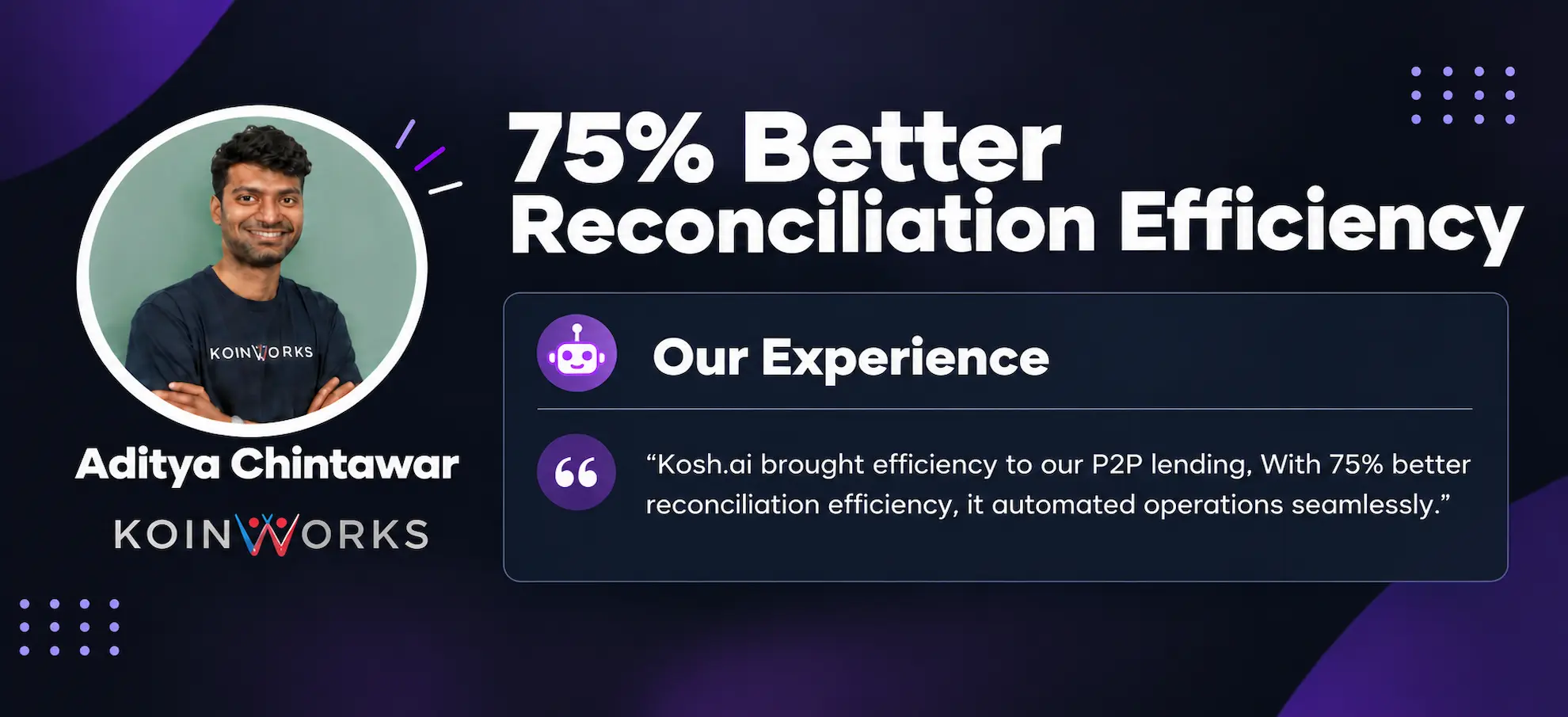
See How Businesses Like Yours Use Kosh AI

Konica Minolta Business Solutions, U.S.A., Inc.
Ring Container
Conference Direct

How PaySimple Reconciliation Software Works in Four Steps

Most PaySimple invoices don't close in a single payment. Kosh AI follows each one through its partial payments and retries until the full picture is clear.

  • From PaySimple Directly: Kosh AI pulls invoice, payment, and payment-plan data straight from your PaySimple account.
  • Every Partial Payment Included: Each partial payment against an invoice is pulled individually, not collapsed into one total.
  • Bank Data Pulled Alongside: Bank statement data comes in at the same time, ready to match against deposits as they post.
  • Ready as Payments Post: New charges, retries, and partial payments are available to reconcile the moment PaySimple reports them.
  • Running Balance Tracked: Each invoice's running balance updates as partial payments land, so nothing gets matched twice.
  • Payment Plans Followed: Installments are checked against their own schedule rather than one invoice-level total.
  • Retries Linked to the Original: A successful retry is matched back to the same invoice as the failed attempt before it.
  • Improves With Use: Matching gets more precise the longer Kosh AI sees how your invoices and plans actually behave.
  • Stuck Invoices Surfaced: An invoice sitting open past its expected payment date is flagged, not left to age quietly.

  • Exhausted Retries Flagged: A charge that fails through every retry attempt is surfaced for manual follow-up.
  • Sorted by Impact: Stuck invoices and failed retries are ranked by dollar value, so the biggest ones get reviewed first.
  • Cleared Before Close: Open invoices get resolved or written off before they turn into a month-end surprise.
  • Full Invoice Audit Trail: Every partial payment, retry, and plan installment stays attached to its invoice and bank deposit.
  • Reports by Invoice or Plan: Pull a per-invoice summary, a payment-plan summary, or a full collections report.
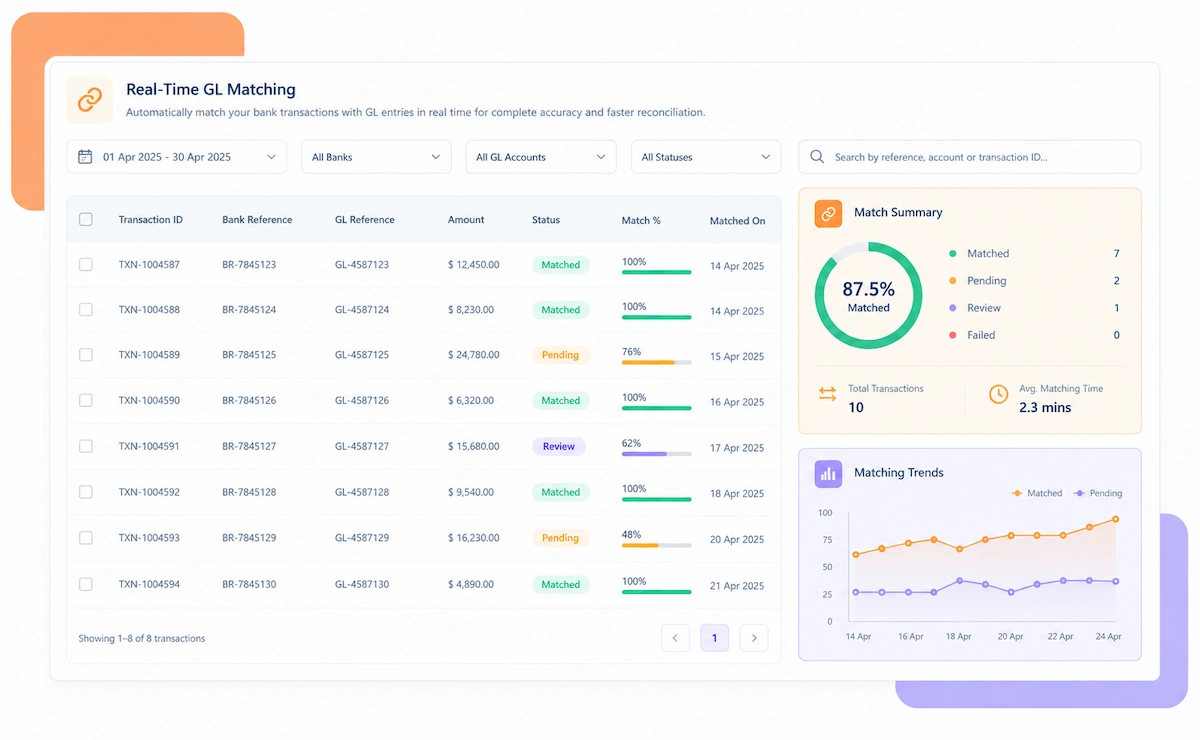
  • Tied to the Bank Deposit: Every PaySimple deposit is matched to the actual bank statement line it produces.
  • Clarity on Every Invoice: Know exactly which invoices are fully paid, partially paid, or still open.

PaySimple Reconciliation That Fits How You Bill

Flat invoices, payment plans, recurring ACH, it doesn't matter which one a customer is on. Kosh AI reconciles PaySimple billing the way it actually happens, not a simplified version of it.

One-Time Invoices

A single invoice paid in full or across a couple of partial payments is matched as it closes.

Payment Plans

Installments are checked against their own schedule, not blended into one invoice total.

Recurring ACH and Card Billing

Recurring charges and their retries are reconciled alongside one-off invoices.

Refunds and ACH Returns

Refunds and returned ACH payments are matched back to the invoice they adjust.

Professional Services Firms

Consulting and agency invoices billed across milestones are reconciled against each milestone's own payment.

Home and Field Services

Service calls billed after the fact, often with a deposit taken upfront, are matched end to end.

Healthcare and Wellness Practices

Patient payment plans spread across months are reconciled installment by installment.

Membership and Subscription Services

Recurring membership dues and their failed-payment retries are reconciled automatically.

PaySimple Reconciliation at Scale

Kosh AI reconciles thousands of invoices and payment plans without manual review.

  • Reconcile invoices, plans, and retries across your full customer base.
  • Spot stuck invoices before they age into write-offs.
  • Keep a fully documented trail behind every partial payment match.
  • PaySimple Reconciliation for Growing Teams

    Kosh AI gives small billing teams automated invoice matching without adding headcount as volume grows.

  • Replace manual invoice-by-invoice checking with automatic matching.
  • Handle more invoices and payment plans without extra staff.
  • Go live in weeks with a ready-made PaySimple connector.
  • What Changes When Every PaySimple Invoice Reconciles End to End

    Checking payments one at a time tells you very little about whether an invoice is actually closed. Kosh AI follows the whole invoice instead.

    1

    See Every Invoice's Full Payment History

    Partial payments, retries, and plan installments are all tied to one invoice instead of scattered across separate records.

    2

    Catch Stuck Invoices Early

    An invoice sitting open past its expected date is flagged in the same cycle, not discovered at month-end.

    3

    Track Retries to Resolution

    A failed charge is followed through every retry instead of being logged once and forgotten.

    4

    Reconcile Payment Plans Correctly

    Installments are checked against their own schedule instead of one lump invoice total.

    5

    Close Faster Every Billing Cycle

    Every invoice, plan, and retry reconciles in one system instead of a manual spreadsheet per billing type.

    6

    Scale Your Invoice Volume Without New Headcount

    More invoices and payment plans don't require a proportional increase in manual reconciliation work.

    The Results of Automating PaySimple Reconciliation

    65%Faster Invoice Reconciliation
    86%Of Partial Payments Matched Automatically
    91%Fewer Manually Re-Keyed Invoice Entries

    Integrate Seamlessly with Your Existing ERP Systems

    Kosh AI connects directly with all major banks and ERPs, enabling real-time data sync for faster, more accurate reconciliations—no manual uploads, no delays.

    What Is PaySimple Reconciliation Software?

    PaySimple reconciliation software matches every invoice, partial payment, retried charge, and payment-plan installment back to the invoice it's closing out, instead of treating each payment as a standalone event. Service businesses billing through PaySimple rarely collect an invoice in one shot: a deposit lands first, a retry succeeds a few days after an initial failure, and a payment plan spreads one invoice over several months. A tool that reconciles payments one at a time loses track of which invoice each one belongs to. Kosh AI keeps every invoice's running balance current as partial payments land, so a business always knows exactly which invoices are closed, which are partially paid, and which are stuck.

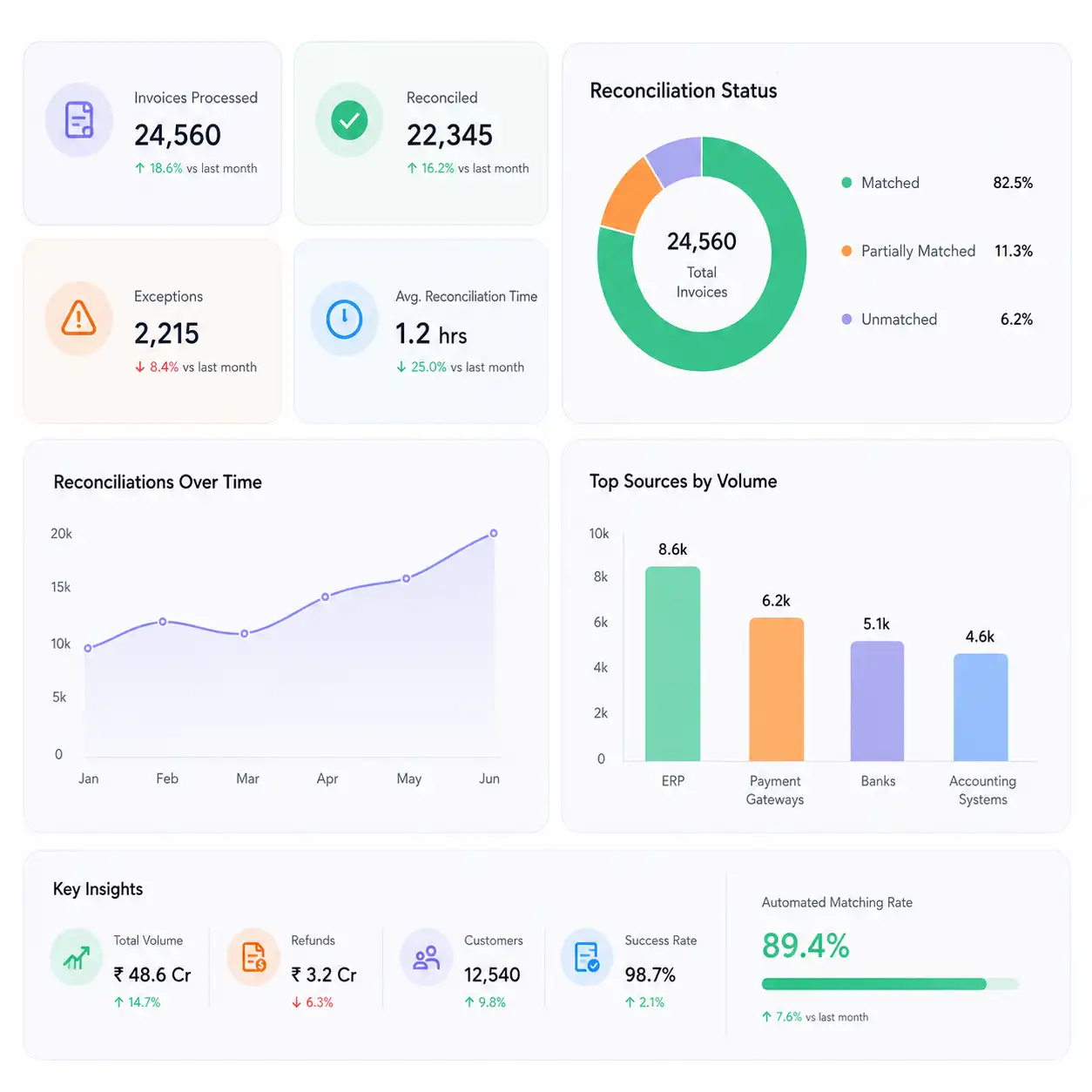
    PaySimple invoice reconciliation illustration

    Manual vs. Automated PaySimple Reconciliation

    Side by side, this is the difference between checking PaySimple invoices manually and letting them reconcile on their own.

    Feature Automated PaySimple Reconciliation Manual PaySimple Reconciliation
    Partial PaymentsEvery partial payment matched to its invoice as it lands.Partial payments are often tracked in a spreadsheet separate from the invoice.
    Failed RetriesRetries followed automatically until they succeed or need follow-up.A failed charge is easy to lose track of until the customer calls.
    Payment PlansInstallments checked against their own schedule automatically.Plan installments are usually checked against one lump invoice total.
    Stuck InvoicesInvoices open past their expected date flagged the same cycle.Stuck invoices often surface only when someone reviews aging reports.
    Closing the BooksEvery invoice type reconciles in one system with a documented trail.Each billing type often needs its own manual check.
    Scaling Invoice VolumeMore invoices don't require more reconciliation staff.Invoice growth usually means more hours spent matching payments.

    Reconcile Every PaySimple Invoice in Just Weeks

    Hook up PaySimple and let Kosh AI start following every invoice through its partial payments, retries, and payment plans.

    Schedule a Quick Demo
    Loreal Touchless

    Why Invoice-Level Reconciliation Matters for PaySimple

    A PaySimple invoice rarely closes in one payment. Reconciliation needs to follow the whole invoice, not just each payment in isolation.

    • One Invoice, Several Payments: A deposit, a retry, and a final balance can all apply to the same invoice across different days.
    • Retries Don't Announce Themselves: A successful retry needs to be linked back to the failed attempt before it, or it looks like a new, unrelated payment.
    • Payment Plans Have Their Own Schedule: An installment due date is not the same as the invoice's original due date, and checking against the wrong one creates false flags.
    • Stuck Invoices Compound Quietly: An invoice open a few days past due rarely gets noticed until it's open a few months past due.
    PaySimple payment plan tracking illustration

    Who Actually Needs PaySimple Reconciliation Software

    You don't need a huge invoice volume for this to matter. These are the businesses that tend to feel the difference first.

    1

    Service Businesses Billing on Payment Plans

    Installments spread across months need their own schedule checked, not a lump invoice total.

    2

    Businesses With Frequent Partial Payments

    Deposits, retries, and final balances all need to be tied back to the same invoice correctly.

    3

    Finance Teams Working Through a Monthly Close

    Stuck invoices and unresolved retries tend to surface right when the books need to close.

    4

    Businesses With High ACH Retry Volume

    ACH failures that retry days later need to be matched back to the original charge, not logged as new.

    5

    Growing Service Businesses Scaling Invoice Volume

    More invoices and payment plans shouldn't mean a proportional increase in manual checking.

    6

    Businesses Managing Multiple Billing Types at Once

    One-time invoices, plans, and recurring billing all need to reconcile without separate manual processes.

    PaySimple Reconciliation Software: An Honest Assessment

    PaySimple reconciliation software solves a specific problem well, and it's worth knowing upfront what it doesn't solve.

    Pro icon

    Pro: Tracks Every Invoice End to End

    An invoice's full history, deposit, retries, and final balance, stays together instead of scattering across separate payment records.

    Pro icon

    Pro: Catches Stuck Invoices Early

    An invoice sitting open past its expected date is surfaced in the same cycle, not discovered weeks later.

    Con icon

    Con: Initial Mapping Takes Real Effort

    Connecting PaySimple and correctly modeling your payment plans takes setup time before matching runs smoothly.

    Con icon

    Con: Bank Feed Timing Still Matters

    A slow or incomplete bank feed delays confirming deposits even after invoice-level matching is otherwise clean.

    PaySimple Reconciliation Software FAQs

    What is PaySimple reconciliation software?

    PaySimple reconciliation software matches every invoice, partial payment, retry, and payment-plan installment back to the invoice it's closing out. Kosh AI does this automatically.

    Why does a PaySimple invoice need special reconciliation handling?

    Because one invoice can close through several partial payments, retries, and plan installments spread across different dates, rather than one single transaction.

    How are failed ACH and card retries tracked?

    Kosh AI follows a failed charge through every retry attempt and matches a successful retry back to the original invoice.

    Can it handle payment plans?

    Yes, each installment is checked against its own scheduled due date and amount, separate from the invoice's original total.

    How does PaySimple reconciliation software work?

    It pulls invoice, payment, and payment-plan data from PaySimple, matches partial payments and retries to the right invoice, then confirms everything against your bank deposits.

    What happens when an invoice gets stuck?

    It's flagged as an exception once it passes its expected payment date, ranked by dollar value so the largest stuck invoices get reviewed first.

    Can PaySimple reconciliation software connect to my ERP and bank?

    Yes, Kosh AI connects to PaySimple and major banks, alongside ERPs like SAP, Oracle, NetSuite, and QuickBooks.

    Does this work for businesses with low invoice volume?

    Yes, though the time savings become more noticeable as invoice and payment-plan volume grows.

    How long does it take to implement?

    Most businesses have their main invoice flow reconciling automatically within a few weeks.

    How do I choose the right PaySimple reconciliation software?

    Start with whether it tracks full invoice history across partial payments and retries, not just single transactions. Kosh AI is built around exactly that, but the checklist applies to any option you're comparing.

    See Your Own PaySimple Invoices Reconcile Automatically

    Set up a short demo and we'll walk through how your own invoices would reconcile on Kosh AI.

    Book a Demo