ACH Reconciliation Software for Businesses Running High-Volume Batch Files

A Batch File Submitted Isn't a Batch File Settled. Kosh AI Checks Every Entry Against the Settlement and Every Return Against Its Origin

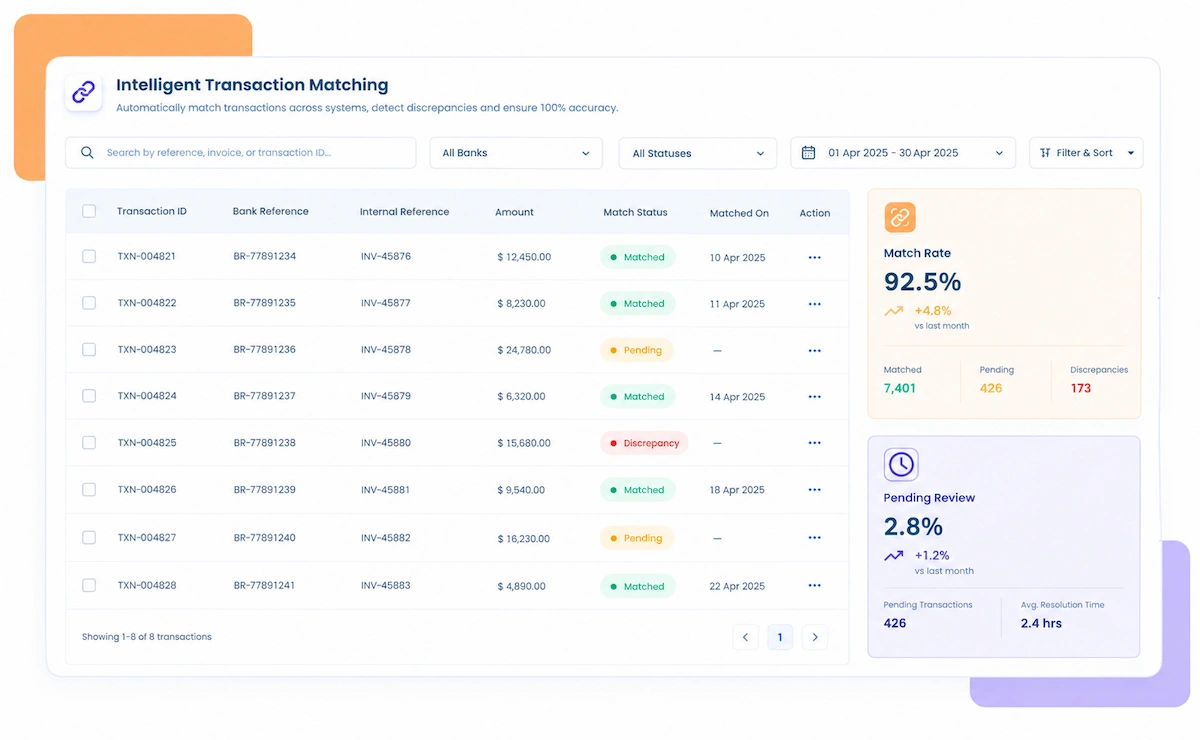
  • Matches Every ACH Batch Entry to Its Corresponding Settlement
  • Ties Returns and Reversals Back to the Original Transaction
  • Flags Unmatched or Delayed Entries Before They Affect Cash Flow
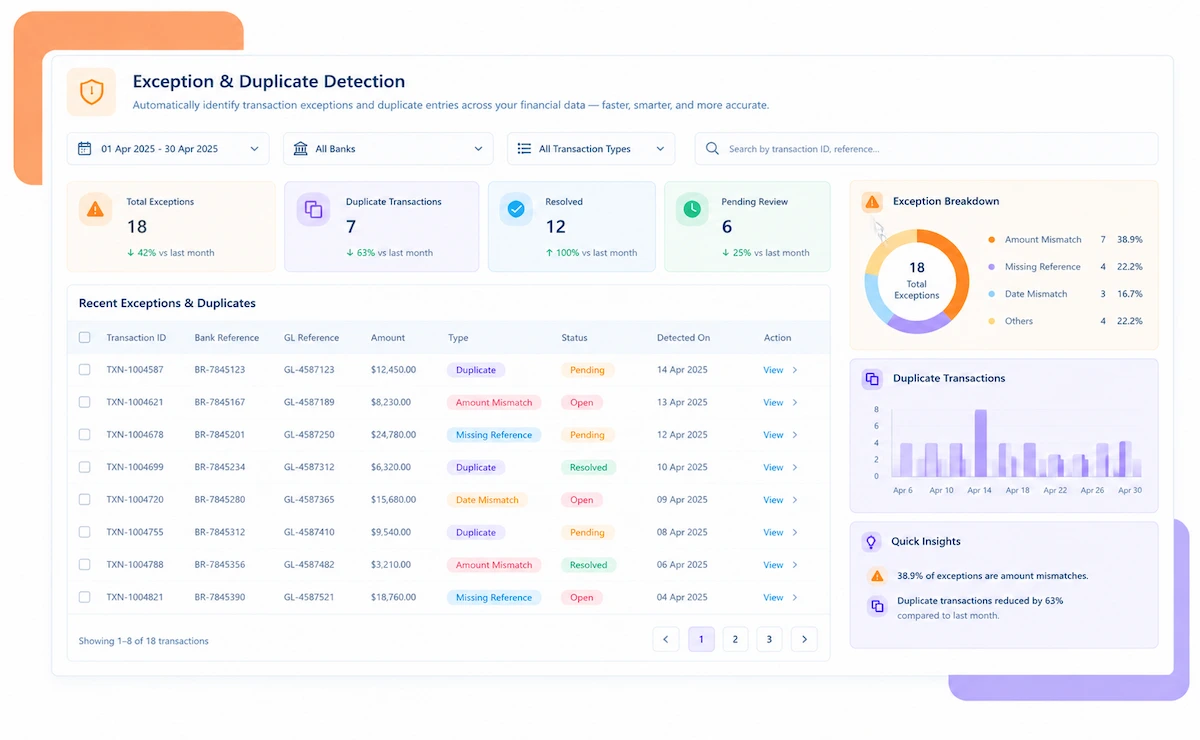
  • Tracks R-Code Patterns Across Batches to Catch Recurring Issues
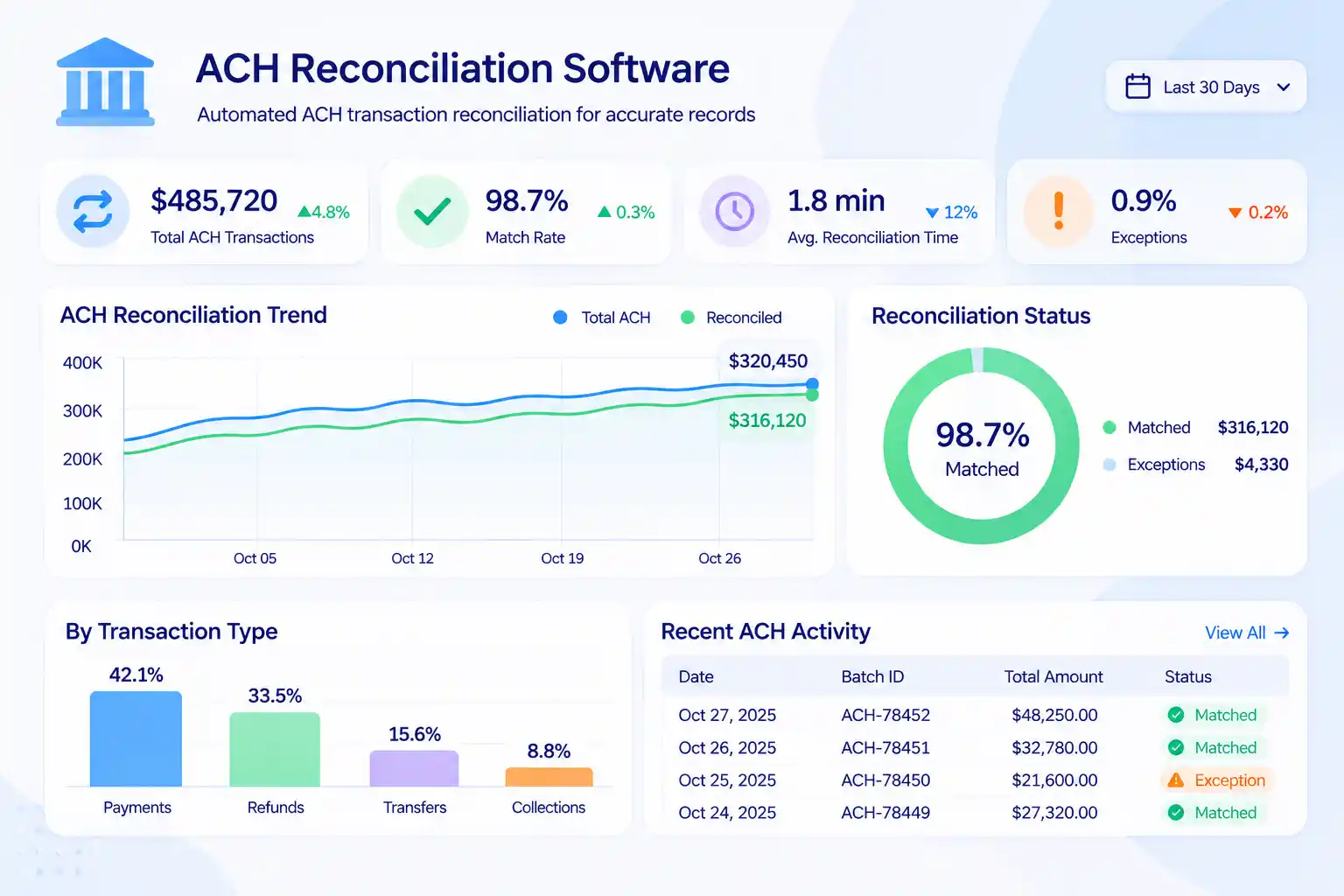
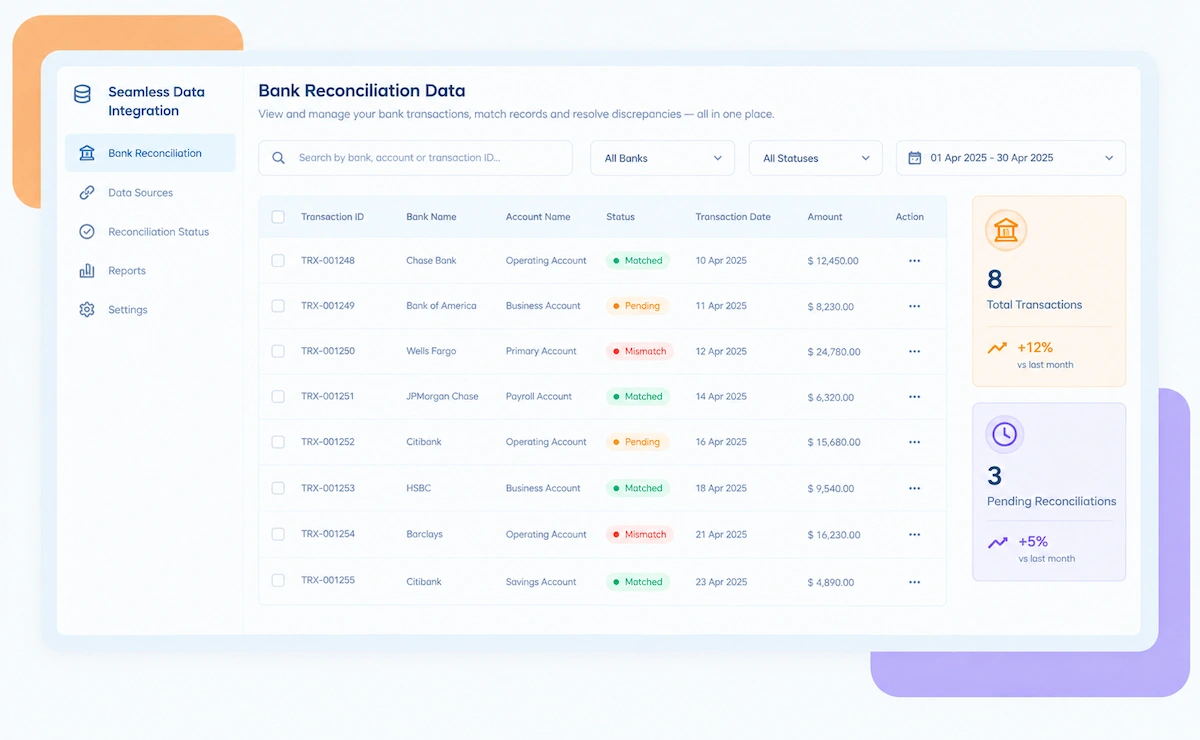
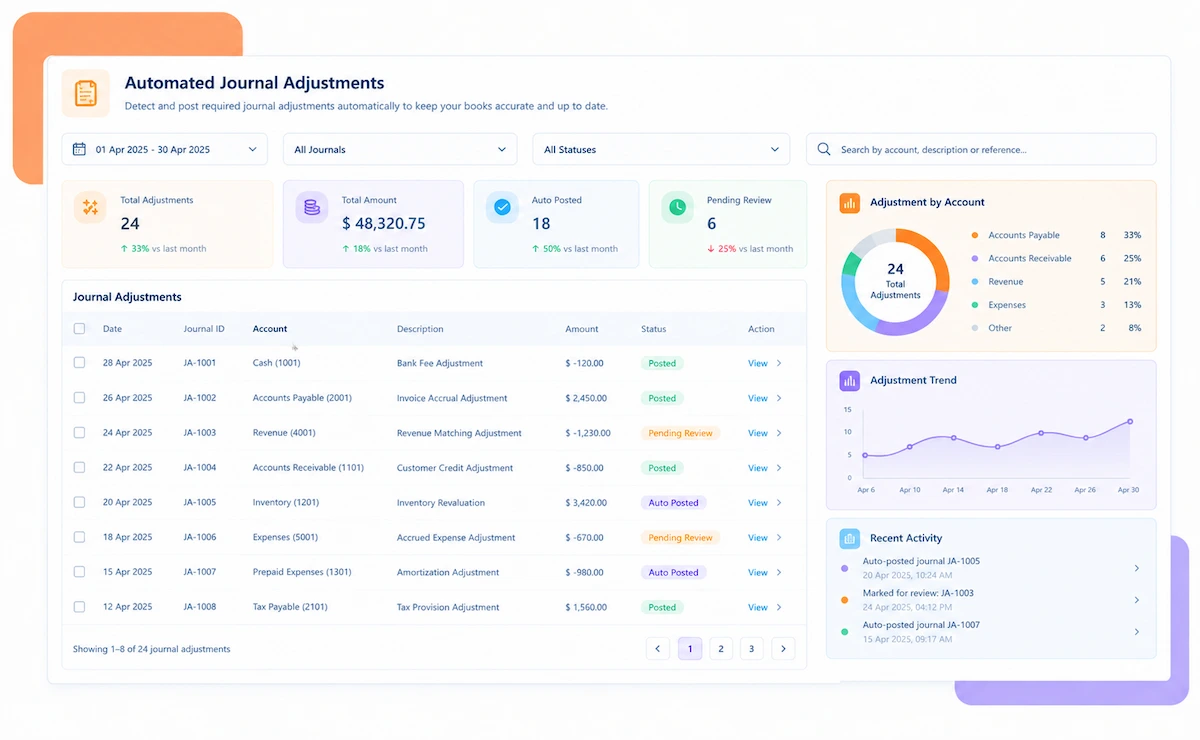
ACH reconciliation software dashboard

NEW 2026 ACH Reconciliation Tool

Thousands of Entries Per Batch. One Return Code Can Still Slip Through.

A business submitting large NACHA batch files processes thousands of entries a cycle, each one capable of returning days later. Kosh AI ties every return back to the entry it came from.

What ACH Reconciliation Software Automates for Batch Processing

A batch submitted, a settlement received, and a return filed days later all need to stay connected. Kosh AI keeps that chain intact across every NACHA file you process.

See How Businesses Like Yours Use Kosh AI

Konica Minolta Business Solutions, U.S.A., Inc.
Ring Container
Conference Direct

How ACH Reconciliation Software Works Across Every Batch

Four steps take a submitted NACHA file from batch entries to a reconciled ledger, with every return tied back to where it started.

  • Batch Files Pulled Directly: Kosh AI imports submitted NACHA batch files alongside their settlement confirmations.
  • Returns Brought In Separately: Return and reversal files come in on their own timeline, days after the original batch.
  • Every Originator Covered: Multiple originating relationships and bank accounts feed into one consolidated pull.
  • Historical Batches Retained: Older batches stay available so delayed returns can still be matched to their origin.
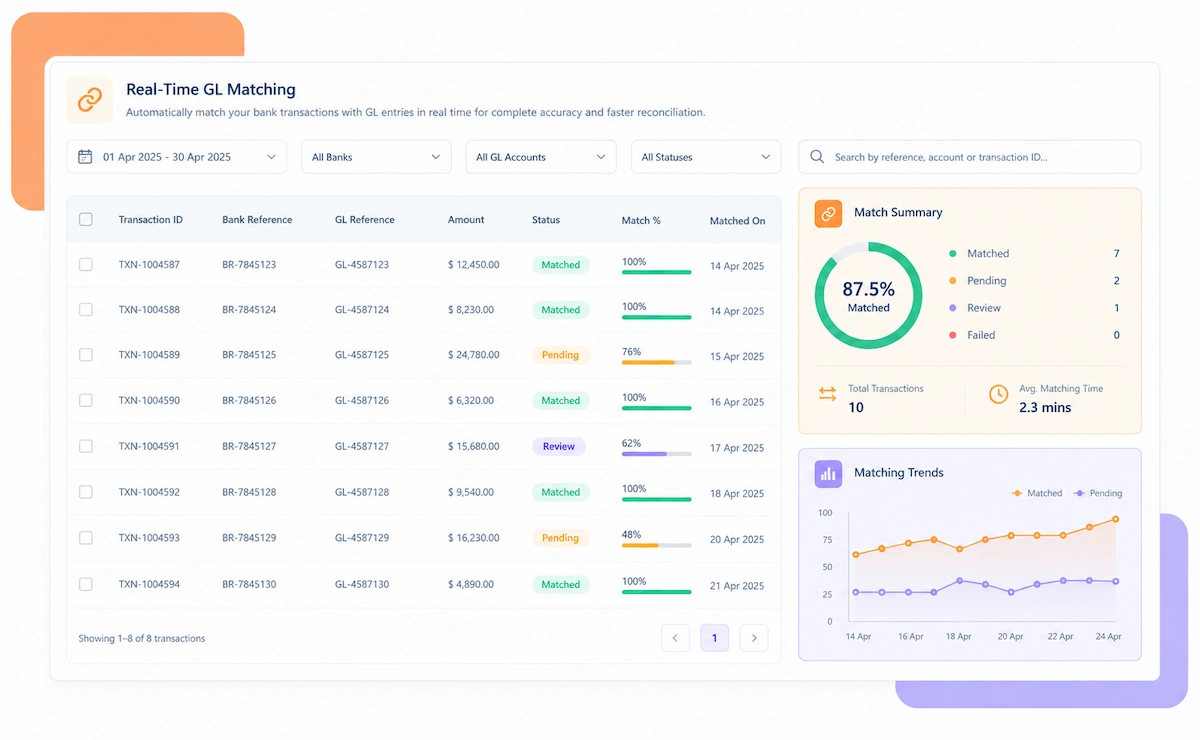
  • Entry-Level Matching Applied: Each batch entry is matched to its settlement by amount, account, and trace number.
  • Returns Linked to Origin: A return landing later is matched back to the original entry regardless of the time gap.
  • Duplicates Checked: Entries are compared against each other to catch accidental duplicate submissions.
  • Addenda Records Verified: Addenda details are checked against the core entry they're attached to.
  • Unmatched Entries Surfaced: A batch entry with no settlement is flagged before it's assumed to have gone through.
  • Return Patterns Identified: Recurring R-codes from the same originator or account are called out as a pattern.
  • Duplicate Risk Caught: A batch resubmitted by mistake is flagged before it processes a second time.
  • Priority by Cash Impact: Exceptions are ranked by how much they'd affect the day's expected cash position.
  • A Post-Ready Ledger Comes Out the Other Side: Matched entries, settlements, and returns roll into one ledger ready to post.
  • Cash Reporting Shortened: Daily cash positions reflect reconciled ACH activity instead of a raw file.
  • Audit Trail Preserved: Every entry keeps its path from the original batch through to any later return.
  • Ready for the Close: Reconciliation wraps up with time left to resolve anything unusual before period-end.

ACH Reconciliation Across Different Batch Processing Needs

Scale changes the batch count, not the underlying question: did this entry settle, and did any return make it back to where it started.

Single-Originator Businesses

Even one daily batch benefits from automatic entry-to-settlement matching.

Multi-Originator Organizations

Every originating relationship reconciles on its own, then rolls into one view.

Businesses With High Return Volume

Returns landing days later get matched back to their original batch automatically.

High-Volume Batch Processors

Thousands of monthly entries reconcile without a manual trace-number review.

Subscription and Recurring Billing

Recurring ACH debits reconcile against settlements and returns on their own schedule.

Payroll and Benefits Providers

High-volume payroll batches reconcile against settlements before cutoff deadlines.

Lending and Loan Servicing

Loan payment batches reconcile against settlements, with returns tracked by borrower.

Growing Multi-Originator Businesses

New originating relationships reconcile the same way as existing ones.

ACH Reconciliation at Scale

Kosh AI reconciles high-volume batch files across originators without manual review.

  • Match every entry to its settlement from one consolidated view.
  • Tie every return back to its original batch automatically.
  • Spot recurring R-codes before they become a pattern nobody noticed.
  • ACH Reconciliation for Growing Teams

    Kosh AI gives lean finance teams entry-level matching without adding headcount.

  • Replace manual trace-number checking with automatic matching.
  • Add new originating relationships without adding reconciliation work.
  • Go live in weeks with a ready-made bank file connector.
  • What Changes When ACH Batches Reconcile Automatically

    A file accepted by the bank only confirms the submission went through, not that every entry inside it actually settled clean.

    1

    Know Every Entry Actually Settled

    Batch entries are checked against real settlement records instead of assumed processed.

    2

    Tie Returns to Their Origin Automatically

    A return landing days later is matched back to the batch it came from without manual tracing.

    3

    Catch Duplicate Batches Before Reprocessing

    A resubmitted file is flagged before entries get processed a second time.

    4

    Spot Recurring Return Patterns

    Repeated R-codes from the same originator surface as a pattern worth fixing upstream.

    5

    Speed Up Daily Cash Reporting

    Cash positions reflect reconciled ACH activity instead of a raw, unchecked file.

    6

    Add Originators Without Adding Headcount

    A new originating relationship doesn't mean building a new manual reconciliation process.

    The Results of Automating ACH Reconciliation

    73%Faster Batch-to-Settlement Matching
    91%Of ACH Entries Matched Automatically
    92%Fewer Unmatched Returns Missed

    Integrate Seamlessly with Your Existing ERP Systems

    Kosh AI connects directly with all major banks and ERPs, enabling real-time data sync for faster, more accurate reconciliations—no manual uploads, no delays.

    What Is ACH Reconciliation Software?

    ACH reconciliation software matches every entry inside a submitted NACHA batch file against its actual settlement, and ties any later return or reversal back to the original entry, catching unmatched entries and duplicate batches before they affect cash flow. A business submitting high-volume batch files across several originating relationships can't assume every entry settled cleanly just because the file was accepted, since returns often land days after the original batch and need to be traced back manually otherwise. Kosh AI pulls in batches, settlements, and returns automatically, matches them against each other by trace number and amount, and hands finance a reconciled ledger instead of a raw file to interpret by hand.

    ACH batch reconciliation illustration

    Who Actually Needs ACH Reconciliation Software

    A small batch with a high return rate can hurt more than a huge one that settles cleanly. That's usually where this starts to matter.

    1

    Businesses Submitting High-Volume Batch Files

    Manual entry-by-entry review stops being realistic past a certain batch size.

    2

    Multi-Originator Organizations

    Each originating relationship's batches need checking before they roll into one view.

    3

    Businesses With High Return or Reversal Volume

    Returns landing days later need to be traced back to their original entry reliably.

    4

    Finance Teams Closing the Books on a Cycle

    Unmatched entries tend to surface right when the daily or period close is due.

    5

    Subscription and Recurring Billing Businesses

    Recurring debits need the same entry-to-settlement check as one-off ACH payments.

    6

    Growing Businesses Adding New Originators

    A new originating relationship shouldn't mean building a brand-new manual process.

    ACH Reconciliation Software: An Honest Assessment

    ACH reconciliation software earns its keep on the matching side. Here's exactly what it takes off your plate, and what it still leaves there.

    Matching icon

    Matches Entries to Settlements Automatically

    No more comparing a submitted NACHA file to settlement records line by line.

    Return tracing icon

    Ties Returns Back to Their Origin

    A return landing days later is matched to the original entry without manual tracing.

    Setup icon

    Originator Mapping Takes Setup

    Each originating relationship needs to be configured correctly before matching runs smoothly.

    Root cause icon

    Root Causes Behind Returns Still Need Fixing

    Reconciliation surfaces a recurring R-code pattern, but resolving it upstream is still on your team.

    Manual vs. Automated ACH Reconciliation

    Trace a batch's returns by hand once, and you'll understand immediately why automatic entry-level matching changes how an ACH close actually feels.

    Feature Automated ACH Reconciliation Manual ACH Reconciliation
    Batch-to-Settlement MatchingEvery entry matched to its settlement automatically.Teams compare batch files to settlement reports by hand.
    Return and Reversal TracingA return is matched back to its original entry regardless of timing lag.Tracing a delayed return back to its origin is often done manually.
    Multi-Originator CoverageEvery originating relationship reconciles into one consolidated view.Each originator is usually reconciled separately, often by different people.
    Duplicate BatchesA resubmitted file is flagged before entries process a second time.Duplicate processing is often caught only after funds move twice.
    R-Code PatternsRecurring return codes surface as a pattern worth fixing upstream.Each return is often reviewed individually, without spotting the pattern.
    Adding New OriginatorsA new originating relationship reconciles the same way as existing ones.A new originator usually means extending a manual process by hand.

    Reconcile Every ACH Batch in Just Weeks

    Hand Kosh AI your bank files once, and from the following cycle, every batch entry gets checked against its settlement without a trace-number search in sight.

    Schedule a Quick Demo
    Loreal Touchless

    ACH Reconciliation Software FAQs

    What is ACH reconciliation software?

    ACH reconciliation software matches every entry in a submitted NACHA batch file against its settlement and ties returns back to their original entry. Kosh AI does this automatically.

    Does it work across multiple originators?

    Yes, every originating relationship's batches reconcile on their own and roll into one consolidated view.

    How are delayed returns handled?

    A return landing days after the original batch is matched back to its originating entry automatically, regardless of the timing gap.

    Can it catch duplicate batch submissions?

    Yes, resubmitted or duplicate batches are flagged before their entries get processed a second time.

    What happens when a batch entry has no matching settlement?

    It's flagged as an exception right away, rather than being assumed to have gone through because the file was accepted.

    Does this track return code patterns?

    Yes, R-codes are tracked by frequency and originator, so a recurring issue surfaces as a pattern rather than individual returns.

    Can ACH reconciliation software connect to my bank?

    Yes, Kosh AI connects to banking platforms and ERPs like SAP, Oracle, NetSuite, and QuickBooks.

    Does this work for a single-originator business?

    Yes, though the time savings grow as batch volume and return frequency increase.

    How quickly can we get this running?

    Most businesses have their main originating relationships reconciling automatically within a few weeks of connecting their files.

    How do I choose the right ACH reconciliation software?

    Start with whether it ties delayed returns back to their origin automatically, not just whether it matches same-day settlements. Kosh AI is built around exactly that, but the checklist applies to any option you're comparing.

    See Where Your Own ACH Batches Actually Stand

    Bring a recent NACHA file to the call, and we'll show you which entries are settled, which returned, and which are still unmatched.

    Book a Demo