Sales Tax Reconciliation Software (US) for Multi-State Sellers

Collected Isn't the Same as Remitted. Kosh AI Checks Sales Tax State by State, Not Just in Total

  • Matches Sales Tax Collected Per Transaction to What's Actually Remitted
  • Reconciles Marketplace Facilitator Tax Against Direct-Channel Collections
  • Flags Jurisdiction Rate Mismatches Across Every State You Sell In
  • Tracks Exempt and Resale Transactions Separately From Taxable Sales
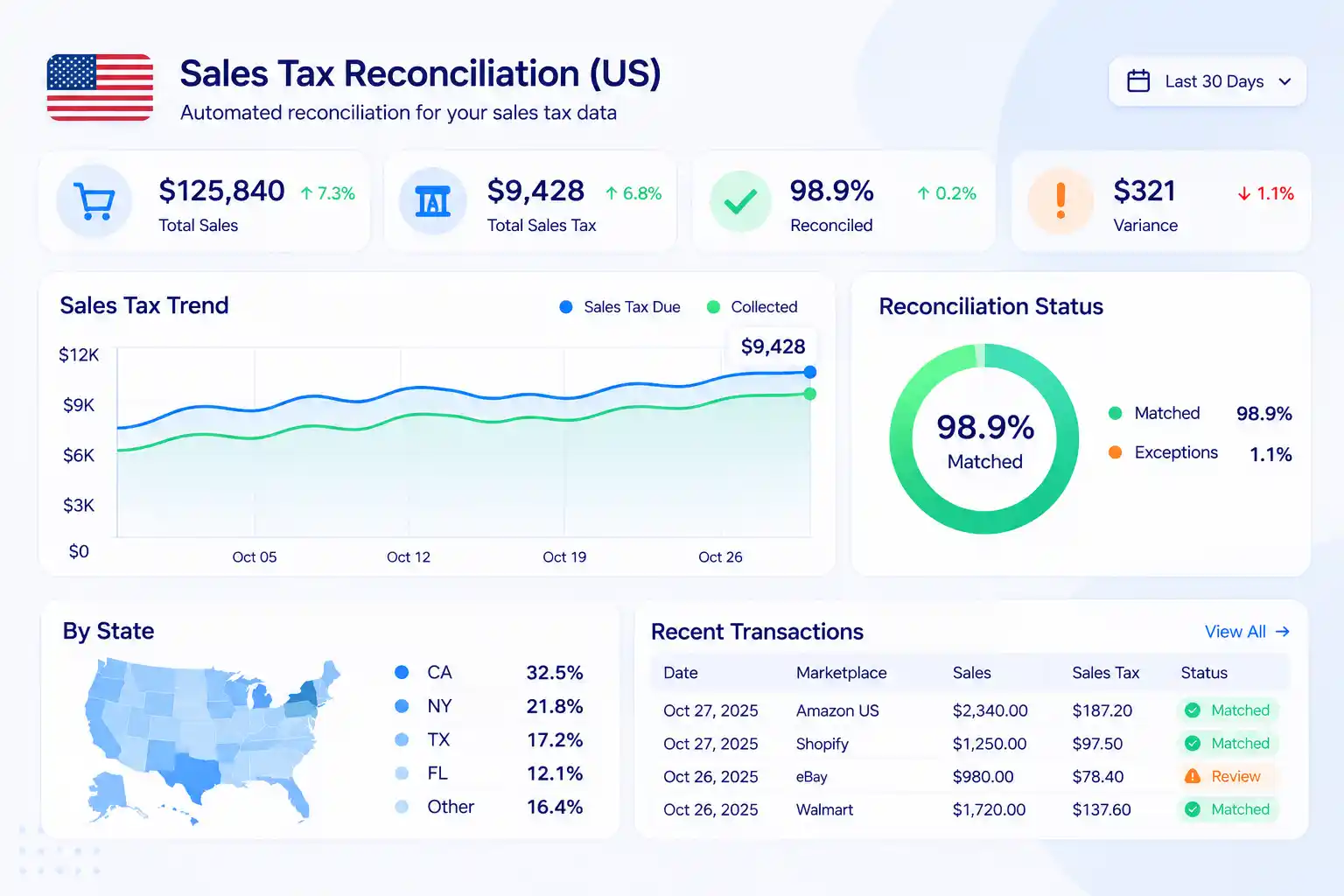
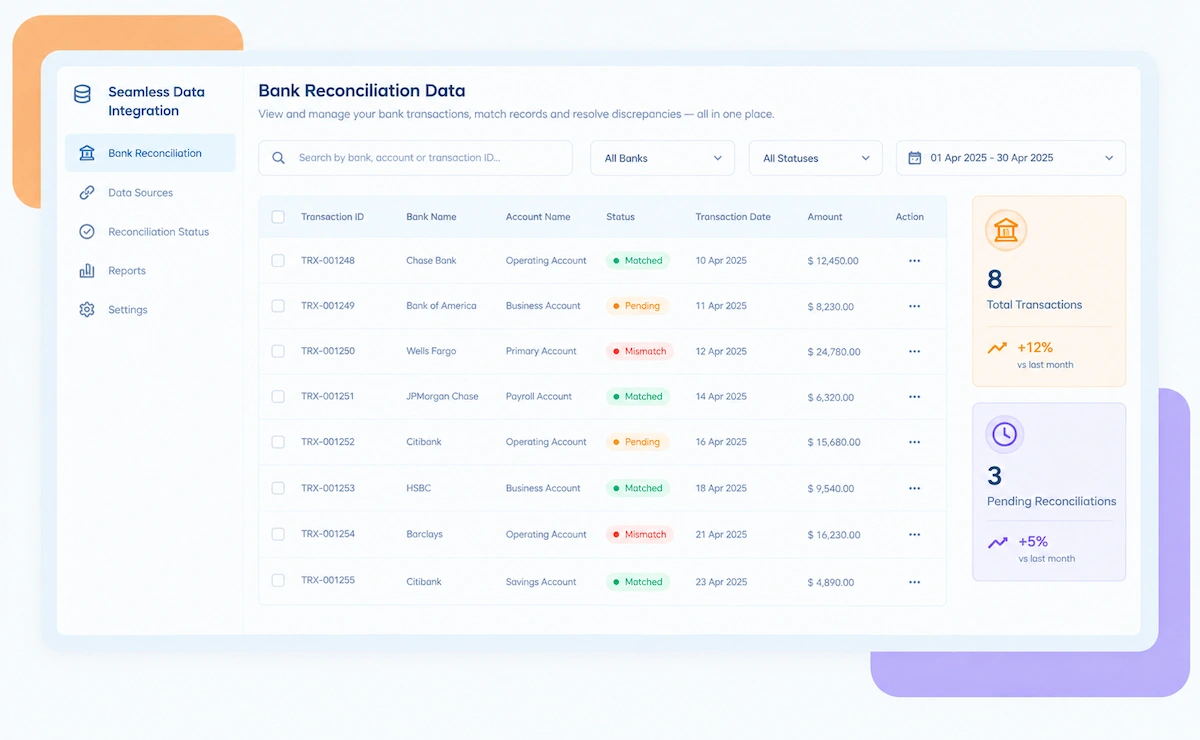
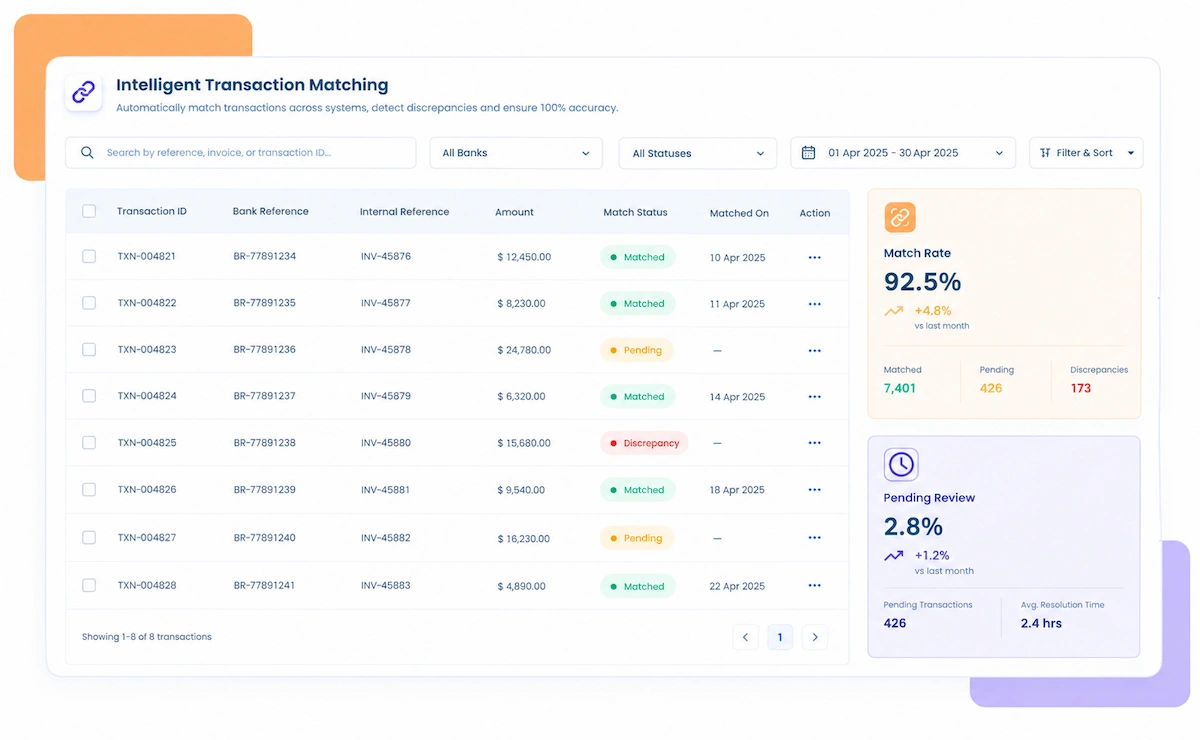
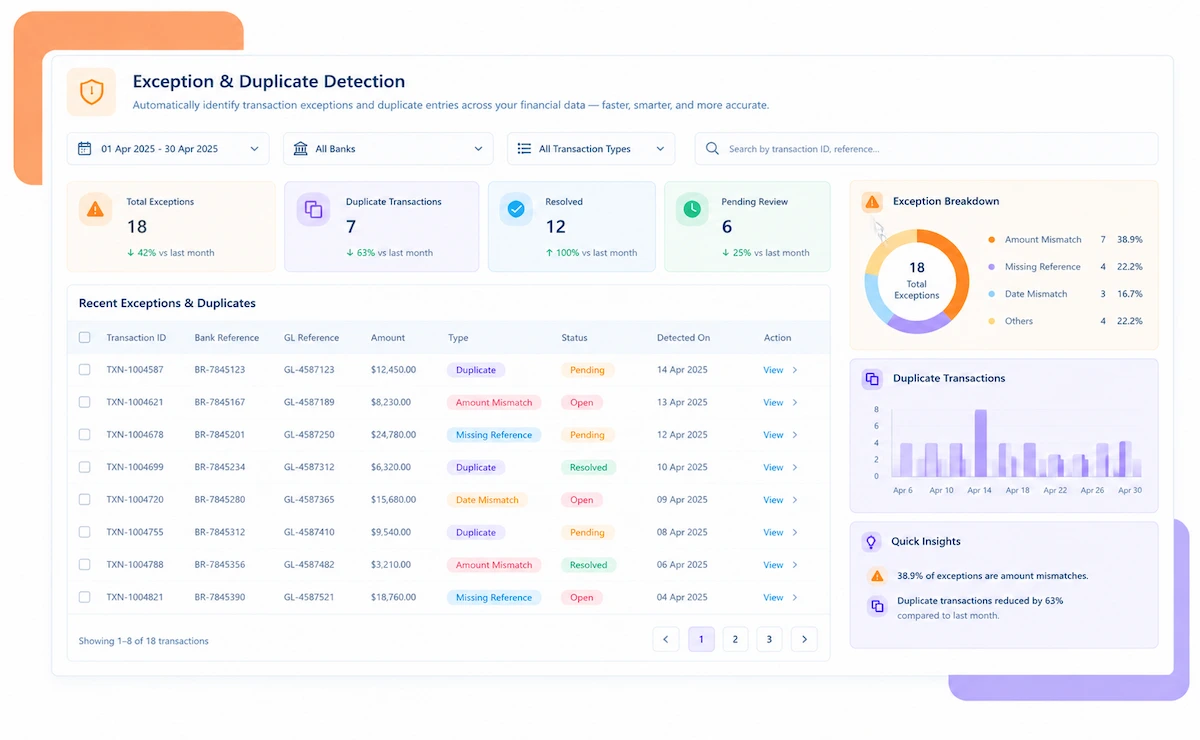
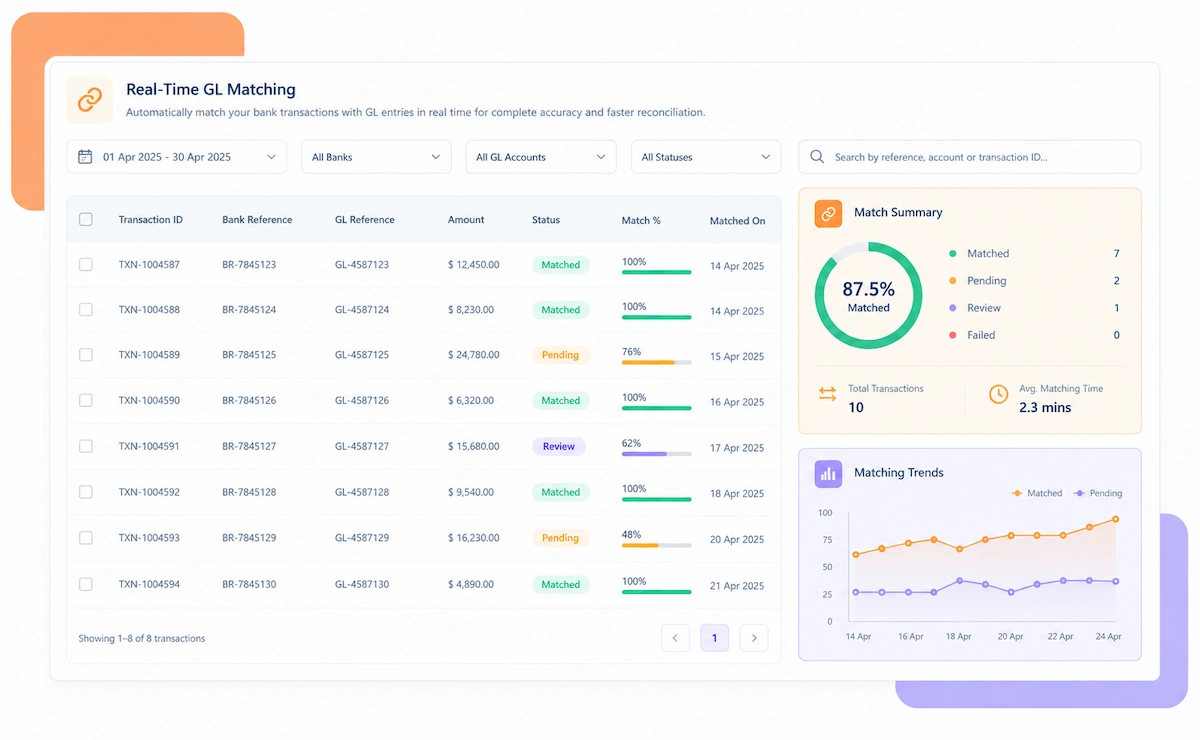
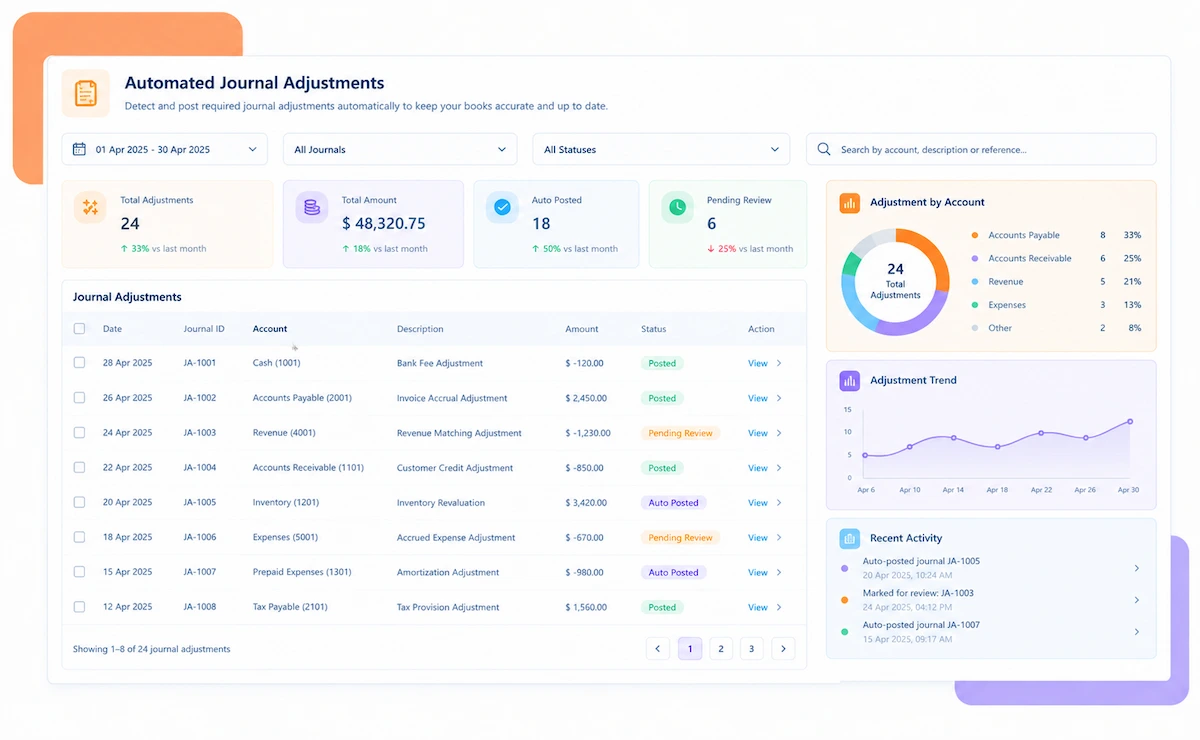
Sales tax reconciliation software dashboard

NEW 2026 Sales Tax Reconciliation Tool

Selling in 30+ States? Someone Has to Check Every Remittance.

A multi-state seller collects sales tax under dozens of different rate tables and remits it on just as many schedules. Kosh AI checks that what was collected actually shows up in what gets remitted, state by state.


What Sales Tax Reconciliation Software (US) Automates


Collected tax, remitted tax, and the jurisdiction rate behind both of them all need to agree. Kosh AI checks that agreement across every state you sell into.

See How Businesses Like Yours Use Kosh AI

Konica Minolta Business Solutions, U.S.A., Inc.
Ring Container
Conference Direct

How Sales Tax Reconciliation Software (US) Works

Four steps take collected tax, remitted tax, and jurisdiction rates from separate systems to one reconciled view, state by state.

  • Transaction Data Pulled by State: Kosh AI imports sales tax collected at the transaction level, broken out by jurisdiction.
  • Remittance Records Brought In: Filed and paid remittance totals come in alongside the transaction data for the same periods.
  • Marketplace Data Included: Tax collected by marketplace facilitators is pulled in separately from direct-channel sales.
  • Historical Periods Retained: Prior filing periods stay available so recurring discrepancies can be traced.
  • State-by-State Matching Applied: Collected tax for each jurisdiction is matched against what was actually remitted.
  • Marketplace vs. Direct Separated: Facilitator-collected tax is kept distinct from tax collected on direct channels.
  • Rates Checked Per Transaction: Applied rates are validated against each jurisdiction's current rate table.
  • Exemptions Verified: Exempt and resale transactions are checked against supporting documentation.
  • Short Remittances Surfaced: A state where remitted tax falls short of collected tax is flagged immediately.
  • Double-Remittance Risk Caught: Tax already collected by a marketplace is flagged before it gets remitted a second time.
  • Outdated Rates Identified: A jurisdiction whose rate changed without the system catching up is called out.
  • Exposure-Based Priority: Exceptions are ranked by the dollar exposure they represent per jurisdiction.
  • One Report Across Every State: Reconciled figures roll into one view covering every jurisdiction you're registered in.
  • Filing Prep Shortened: Teams start from reconciled numbers instead of pulling each state's data separately.
  • Audit Trail Preserved: Every match keeps its path from the original transaction to the remittance.
  • Ready Before Deadlines Hit: Reconciliation finishes with time left to resolve anything unusual per state.

Sales Tax Reconciliation Across Different Seller Profiles

Whether it's one state's rate table or forty, the question collected tax eventually has to answer is whether it actually reached the right remittance.

Single-State Retailers

Even one state registration benefits from automatic collected-to-remitted matching.

Multi-State Sellers

Every state reconciles on its own rate table, then rolls into one consolidated view.

Marketplace and Direct Hybrid Sellers

Marketplace-collected tax stays separate from direct-channel tax to avoid double remittance.

High-Volume Transaction Businesses

Thousands of monthly transactions reconcile without a manual state-by-state review.

E-Commerce and Online Retail

Transactions from multiple marketplaces and a direct storefront reconcile in one view.

Wholesale and Distribution

Resale and exempt transactions get checked against supporting certificates automatically.

Multi-Channel Consumer Brands

Retail, wholesale, and direct-to-consumer sales reconcile under one jurisdiction view.

Growing Multi-State Operators

New nexus states reconcile the same way as existing registrations, without added manual work.

Sales Tax Reconciliation at Scale

Kosh AI reconciles collected and remitted tax across dozens of states without manual review.

  • Match collected tax to remittance from one consolidated view.
  • Catch short remittances before a state audit catches them first.
  • Keep a documented trail behind every jurisdiction's filing.
  • Sales Tax Reconciliation for Growing Sellers

    Kosh AI gives lean tax teams state-by-state matching without adding headcount.

  • Replace manual jurisdiction checking with automatic matching.
  • Add new nexus states without adding reconciliation work.
  • Go live in weeks with ready-made marketplace and ERP connectors.
  • What Changes When Collected and Remitted Tax Reconcile Automatically

    A clean-looking total doesn't mean every jurisdiction underneath it is actually correct. Here's what's different once collection and remittance get checked state by state.

    1

    Close the Gap Between Collected and Remitted

    Every state's collected tax is checked against what actually got remitted, not assumed equal.

    2

    Avoid Double-Remitting Marketplace Tax

    Tax already collected by a facilitator is kept separate from direct-channel remittances.

    3

    Catch Outdated Rates Before They Compound

    A jurisdiction's rate change that slipped past is flagged before it affects more transactions.

    4

    Validate Exemptions Properly

    Exempt and resale transactions are checked against documentation instead of assumed valid.

    5

    Simplify Multi-State Filing

    Every jurisdiction reconciles into one view instead of a spreadsheet per state.

    6

    Add States Without Adding Headcount

    A new nexus state doesn't mean building a new manual reconciliation process.

    The Results of Automating Sales Tax Reconciliation

    70%Faster Multi-State Tax Reconciliation
    85%Of Transactions Matched Automatically
    93%Fewer Short Remittances Missed

    Integrate Seamlessly with Your Existing ERP Systems

    Kosh AI connects directly with all major banks and ERPs, enabling real-time data sync for faster, more accurate reconciliations—no manual uploads, no delays.

    What Is Sales Tax Reconciliation Software (US)?

    Sales tax reconciliation software checks that sales tax collected at the transaction level actually matches what gets remitted to each state, catching short remittances, double-counted marketplace tax, and outdated jurisdiction rates before a filing goes out. A seller registered across dozens of states deals with as many rate tables, filing schedules, and marketplace facilitator rules, and a total that looks correct in aggregate can still be wrong at the individual jurisdiction level. Kosh AI pulls in transaction and remittance data by state automatically, checks both sides against each other, and hands the tax team one reconciled view instead of forty separate ones.

    Sales tax reconciliation illustration

    Who Actually Needs Sales Tax Reconciliation Software (US)

    How many states you file in matters less than how you sell. This is who tends to hit the wall first.

    1

    Sellers Registered in Multiple States

    Each state's rate table and filing schedule adds another reconciliation to run by hand.

    2

    Marketplace and Direct Hybrid Sellers

    Marketplace-collected tax needs to stay separate from what gets remitted directly.

    3

    Businesses With High Exempt or Resale Volume

    Exemptions need checking against documentation, not assumed correct by default.

    4

    Tax Teams Filing on Fixed State Deadlines

    Short remittances tend to surface only once a state follows up directly.

    5

    High-Volume E-Commerce Operators

    Transaction-level review stops being realistic manually past a certain volume.

    6

    Growing Sellers Expanding Into New States

    A new nexus state shouldn't mean building a brand-new manual reconciliation routine.

    Sales Tax Reconciliation Software (US): A Fair Assessment

    Multi-state sales tax reconciliation closes real gaps, but it doesn't eliminate the work entirely. Here's where each side of that stands.

    • Matches Collected to Remitted Automatically: No more comparing transaction totals and remittance filings state by state manually.
    • Separates Marketplace From Direct Tax: Double-remittance risk is caught before a return goes out, not after.
    • Validates Rates Continuously: Outdated jurisdiction rates are flagged instead of quietly compounding.
    • Nexus Mapping Takes Setup: Each state's registration status needs to be configured correctly before matching runs well.
    • Exemption Documentation Still Needs Collection: Reconciliation can validate certificates, but someone still has to gather them.
    • Local Rate Changes Need Ongoing Attention: City and county-level rate changes happen often enough to need regular review.

    Manual vs. Automated Sales Tax Reconciliation (US)

    Forty states, forty rate tables, and one option: check every return by hand or let collection and remittance match themselves. The gap between those two paths shows up fast.

    Feature Automated Sales Tax Reconciliation Manual Sales Tax Reconciliation
    Collected vs. RemittedEvery state's collected tax matched to its remittance automatically.Each state is usually reconciled separately in a spreadsheet.
    Marketplace Facilitator TaxKept distinct from direct-channel tax to avoid double remittance.Marketplace and direct tax can get mixed up without a clear separation.
    Rate ValidationTransaction-level rates checked against current jurisdiction tables.Outdated rates often go unnoticed until a state flags them.
    Exempt TransactionsChecked against supporting documentation automatically.Exemptions are often assumed valid without a systematic check.
    Multi-State FilingOne consolidated report built from reconciled state-level data.Each state's filing is typically prepared from a separate export.
    Adding New StatesA new nexus state reconciles the same way as existing ones.A new state usually means extending a manual process by hand.

    Reconcile Every State's Sales Tax in Just Weeks

    Link up your transaction feeds and marketplace data once, and your next filing period closes with every state already checked against what it actually collected.

    Schedule a Quick Demo
    Loreal Touchless

    Sales Tax Reconciliation Software (US) FAQs

    What is sales tax reconciliation software?

    Sales tax reconciliation software matches tax collected per transaction against what actually gets remitted to each state. Kosh AI does this automatically across every jurisdiction.

    Can it handle every state I'm registered in?

    Yes, each state's collections and remittances reconcile on its own rate table and roll into one consolidated view.

    How is marketplace facilitator tax handled?

    Tax collected by a marketplace is matched against marketplace sales records and kept separate from direct-channel remittances.

    Can it catch jurisdiction rate mismatches?

    Yes, transaction-level rates are checked against current city, county, and state rate tables.

    What happens when a remittance falls short of collections?

    It's flagged as an exception for that jurisdiction right away, rather than surfacing during an audit.

    Does this validate exempt or resale transactions?

    Yes, exempt and resale transactions are checked against supporting documentation rather than assumed correct.

    Can sales tax reconciliation software connect to my systems?

    Yes, Kosh AI connects to marketplaces, e-commerce platforms, and ERPs like SAP, Oracle, NetSuite, and QuickBooks.

    Does this work for a single-state seller?

    Yes, though the time savings grow as the number of states and transaction volume increase.

    How long before it's actually up and running?

    Most sellers have their main states reconciling automatically within a few weeks of connecting their systems.

    How do I choose the right sales tax reconciliation software?

    Start with whether it separates marketplace-collected tax from direct-channel tax, not just whether it totals transactions. Kosh AI is built around exactly that, but the checklist applies to any option you're comparing.

    Find Out Which States Are Actually Short

    Bring your own multi-state data to a short session, and we'll show you exactly where collected tax and remittances currently disagree.

    Book a Demo