An E-Invoice Isn't Done Once It's Generated. Kosh AI Ties the IRN, the Acknowledgment, and the Underlying Bill Together Automatically
Generating an e-invoice is only the first step; the acknowledgment, the bill, and any later cancellation all need to line up too. Kosh AI keeps that chain intact across every billing system you run.
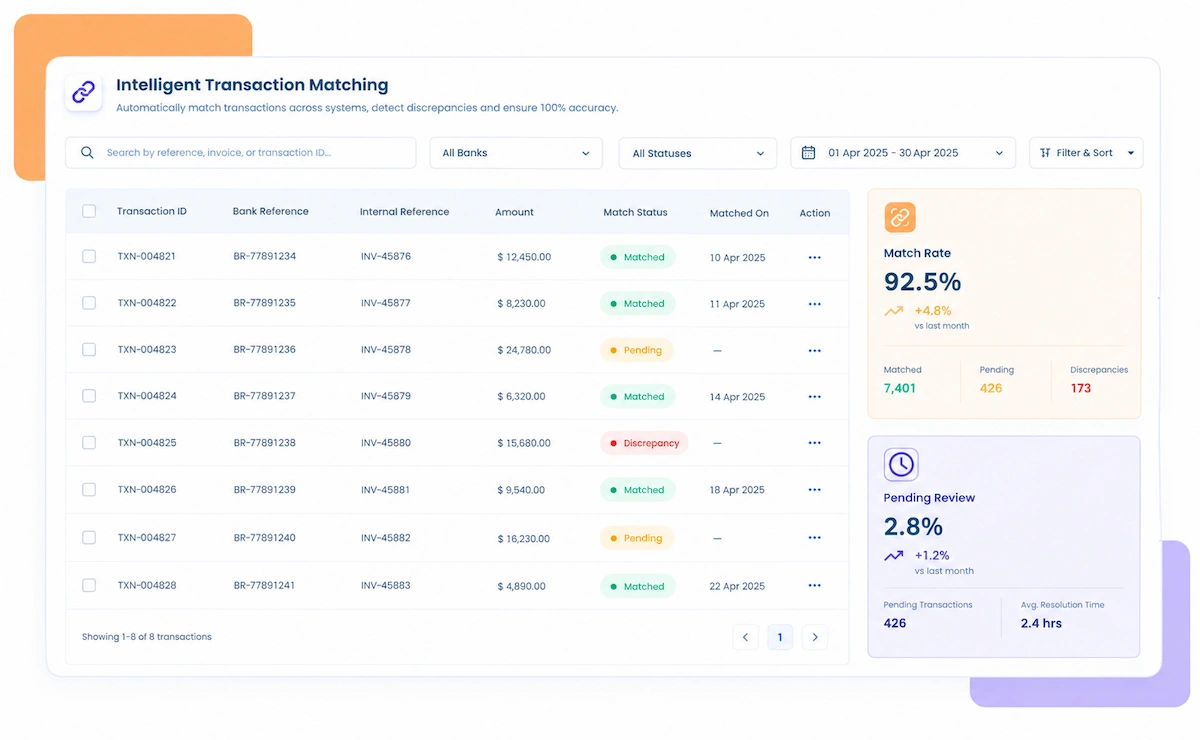
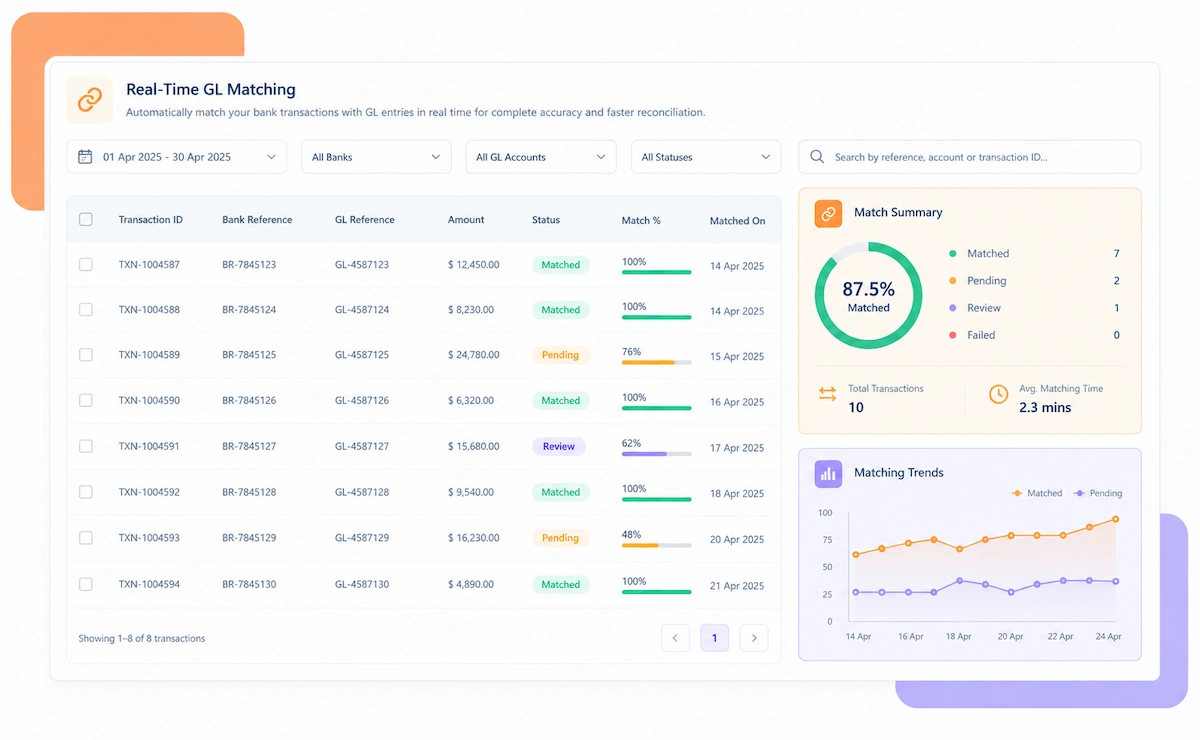
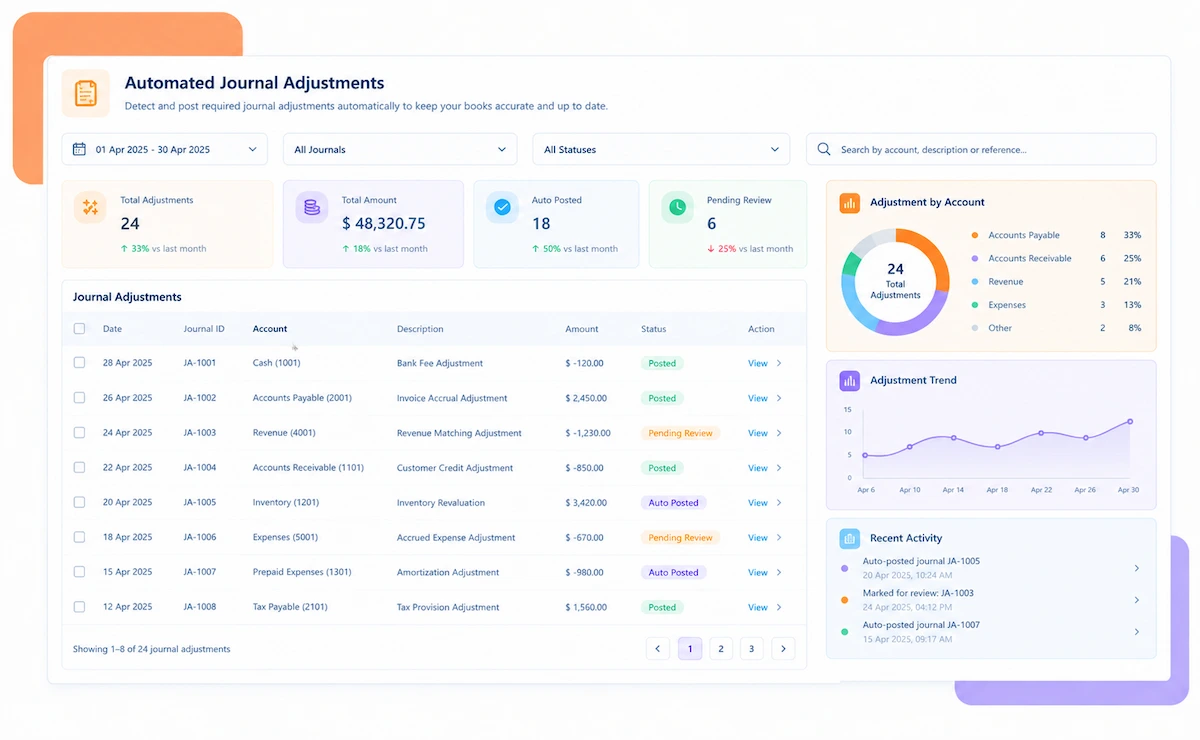
Four steps turn a pile of IRNs and bills into a reconciled register, without anyone opening the portal and the ERP side by side.
The volume of e-invoices changes by business size, but the underlying check, does this IRN match this bill, stays the same.
Even one GSTIN benefits from automatic matching between bills and their IRNs.
Every branch's e-invoices reconcile against its own bills, then roll into one view.
Amended and cancelled e-invoices get tracked back to their original bill automatically.
Thousands of monthly IRNs reconcile without a manual download-and-compare step.
High invoice volume across depots reconciles into one consolidated e-invoice register.
Bills raised against purchase orders get checked against their e-invoice counterpart.
E-invoices from multiple outlets reconcile without manual branch-by-branch review.
Recurring e-invoices get checked against bills the same way one-off invoices do.
Kosh AI reconciles tens of thousands of IRNs against bills without manual review.
Kosh AI gives lean GST and billing teams automatic matching without adding headcount.
A generated IRN on the portal is a status, not a guarantee. Once the bill behind it gets checked too, the picture looks noticeably different.
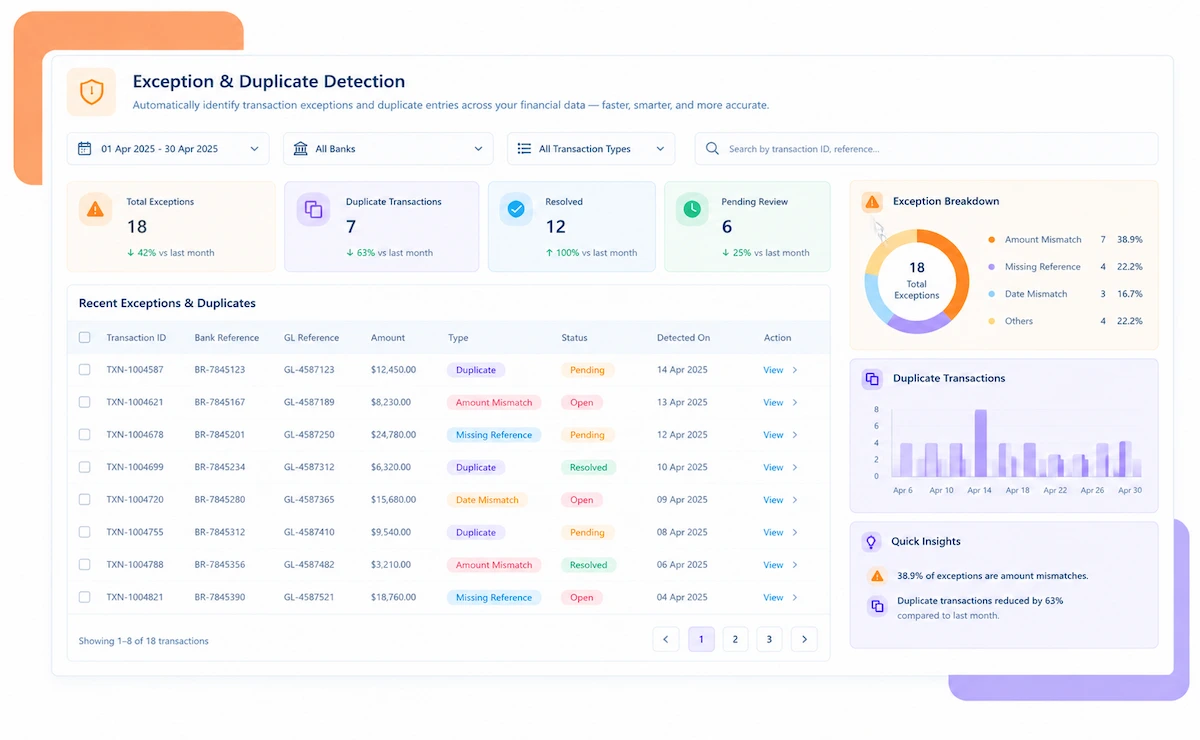
Bills without a matching IRN, or IRNs without a bill, are caught before the return goes out.

A bill total that doesn't match its acknowledged e-invoice value is flagged immediately.
A cancelled e-invoice is matched to its original bill so the ledger stays accurate.
Every business unit's e-invoices reconcile into one register instead of several.
The GST team starts from a reconciled register instead of a raw portal export.
Billing volume can grow without growing the manual reconciliation workload.
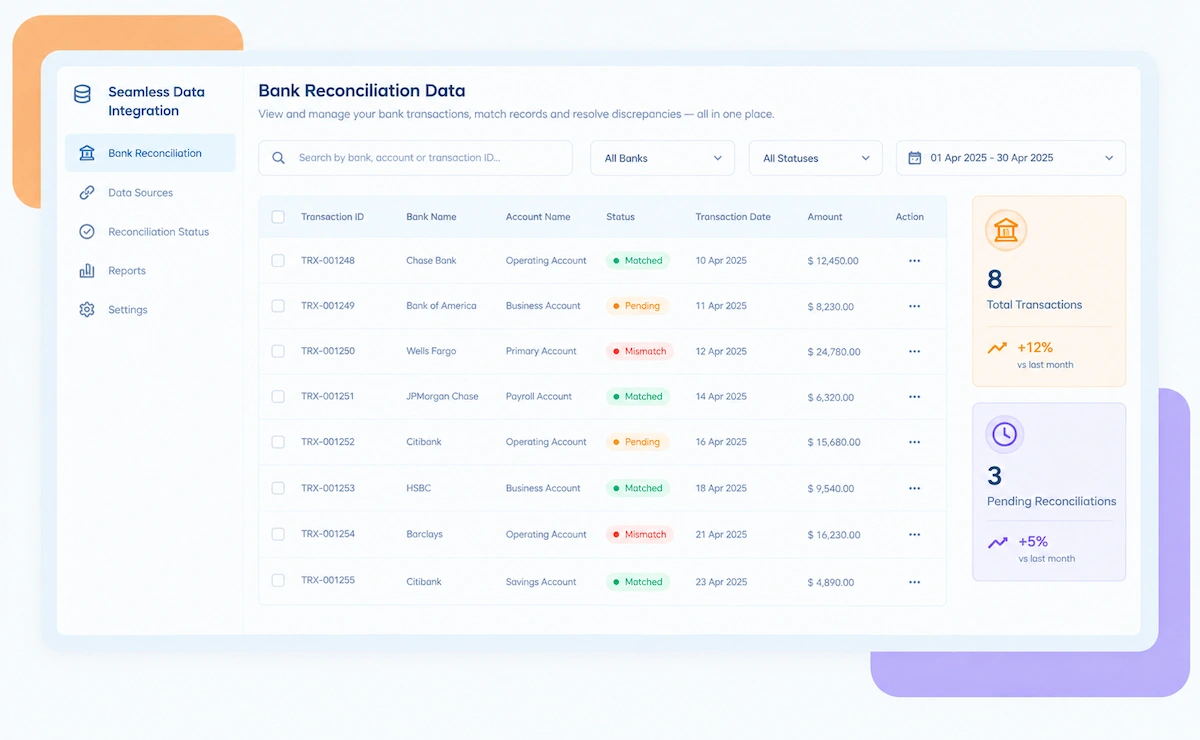
Kosh AI connects directly with all major banks and ERPs, enabling real-time data sync for faster, more accurate reconciliations—no manual uploads, no delays.


An e-invoice showing a valid IRN on the portal doesn't guarantee the bill behind it is accurate, or that a cancellation actually made it back into the books. Here's what a dedicated reconciliation step catches that a portal glance won't.

It's rarely about how many GSTINs a business holds. These are the teams that feel the pain of unmatched IRNs first.
Manual spot checks stop being reliable once volume passes a few hundred bills.
Each GSTIN's e-invoices need checking against its own bills before they roll into one view.
Cancelled and amended e-invoices need to be tied back to the bill they replaced.
Unmatched IRNs tend to surface right when there's the least time to fix them.
E-invoices generated across different platforms need one consolidated reconciliation view.
A new GSTIN shouldn't mean building a brand-new manual reconciliation routine.
Nothing here promises a hands-off GST process. This is what automated e-invoice reconciliation genuinely changes, and where your own team still carries the load.
No more exporting the portal register and the ERP ledger side by side to compare manually.
A cancelled e-invoice is tied back to its bill so the ledger reflects the cancellation too.
Connecting to the e-invoice portal and every GSTIN needs to be configured correctly first.
Matching works best when bill numbers and amounts are entered consistently in the first place.
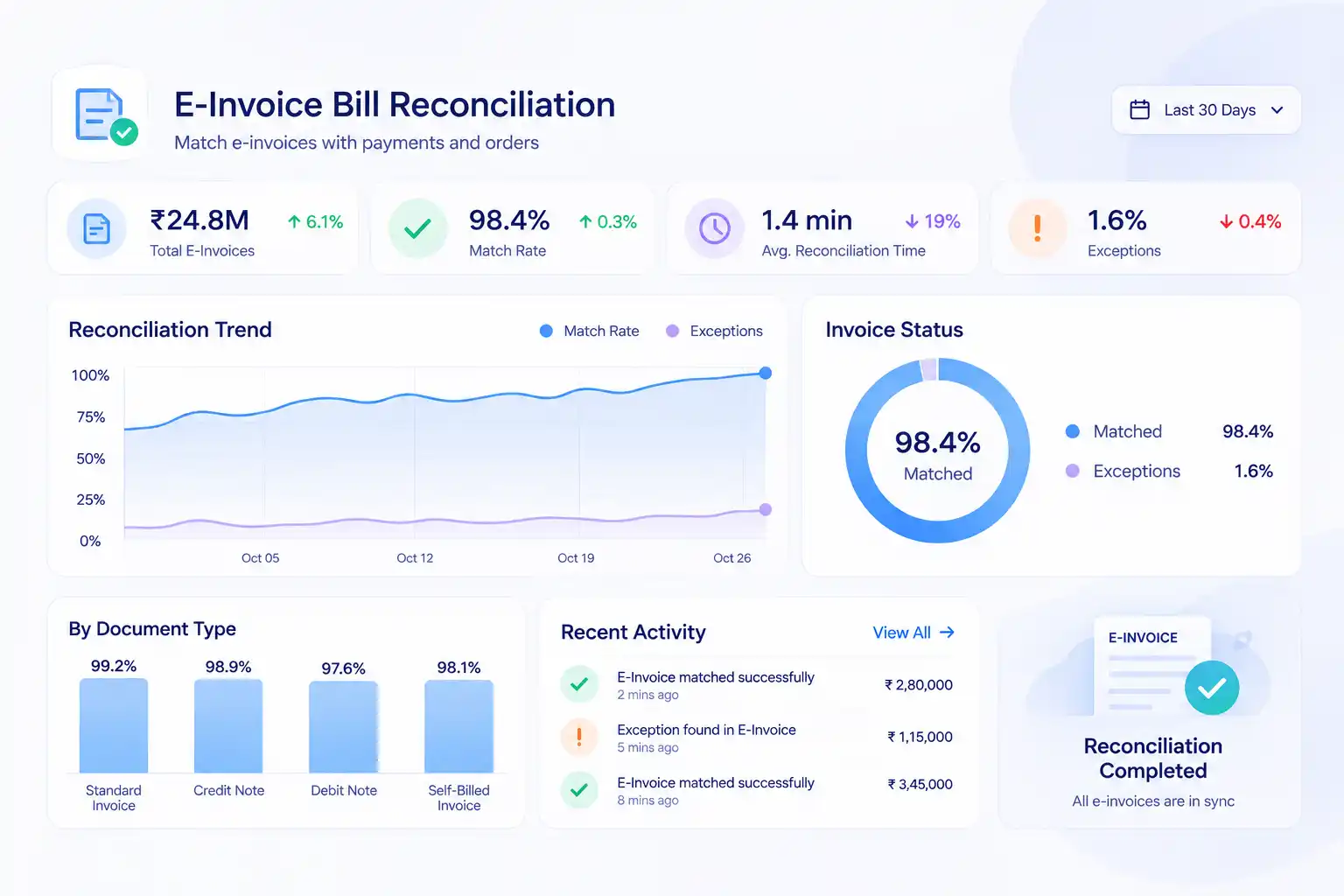
E-invoice bill reconciliation software checks that every e-invoice acknowledged on the government portal actually matches the bill it was generated from, catching missing IRNs, amount mismatches, and cancellations that never made it back into the ledger. Businesses generating e-invoices across multiple GSTINs and billing systems often end up with a portal register and an ERP ledger that drift apart quietly, especially once cancellations and amendments pile up. Kosh AI pulls both sides in automatically, matches them line by line, and hands finance teams a reconciled register instead of two exports to compare by hand.

Side by side, the gap between checking a portal register by eye and letting every IRN match itself is hard to miss once the GST deadline gets close.
| Feature | Automated E-Invoice Reconciliation | Manual E-Invoice Reconciliation |
|---|---|---|
| IRN-to-Bill Matching | Every acknowledged IRN matched to its bill automatically. | Teams export both registers and compare them row by row. |
| Cancellations | Cancelled e-invoices tied back to their original bill right away. | A cancellation can sit unreflected in the ledger for weeks. |
| Multi-GSTIN Coverage | Every GSTIN reconciles into one consolidated view. | Each GSTIN is usually checked separately, often by different people. |
| Amount Mismatches | Bill totals checked against acknowledged values automatically. | Mismatches are often caught only when the return gets questioned. |

| Filing Readiness | A clean, reconciled register is ready before the deadline. | Teams scramble to reconcile exceptions close to the filing date. |
| Scaling Up | New GSTINs reconcile the same way as existing ones. | More GSTINs usually means more manual comparison work. |
Hook up your e-invoice portal and ERP once, and from the very next filing cycle, IRNs start matching their bills without anyone opening two exports side by side.
Schedule a Quick DemoBook time with us and we'll pull in a sample of your e-invoices to show the matching live, on your own numbers.
Book a Demo