AP Reconciliation Software That Checks the Invoice Before You Pay It

The Vendor Invoice Says One Amount. The Purchase Order Says Another. Kosh AI Checks the Third Document Before Anyone Approves Payment

  • Matches Vendor Invoices Against Purchase Orders and Goods Receipts
  • Catches Duplicate Invoices Before They're Paid Twice
  • Ties the AP Sub-Ledger Back to the GL Control Account
  • Runs the Same Check on Every Invoice, Not a Sampled Few
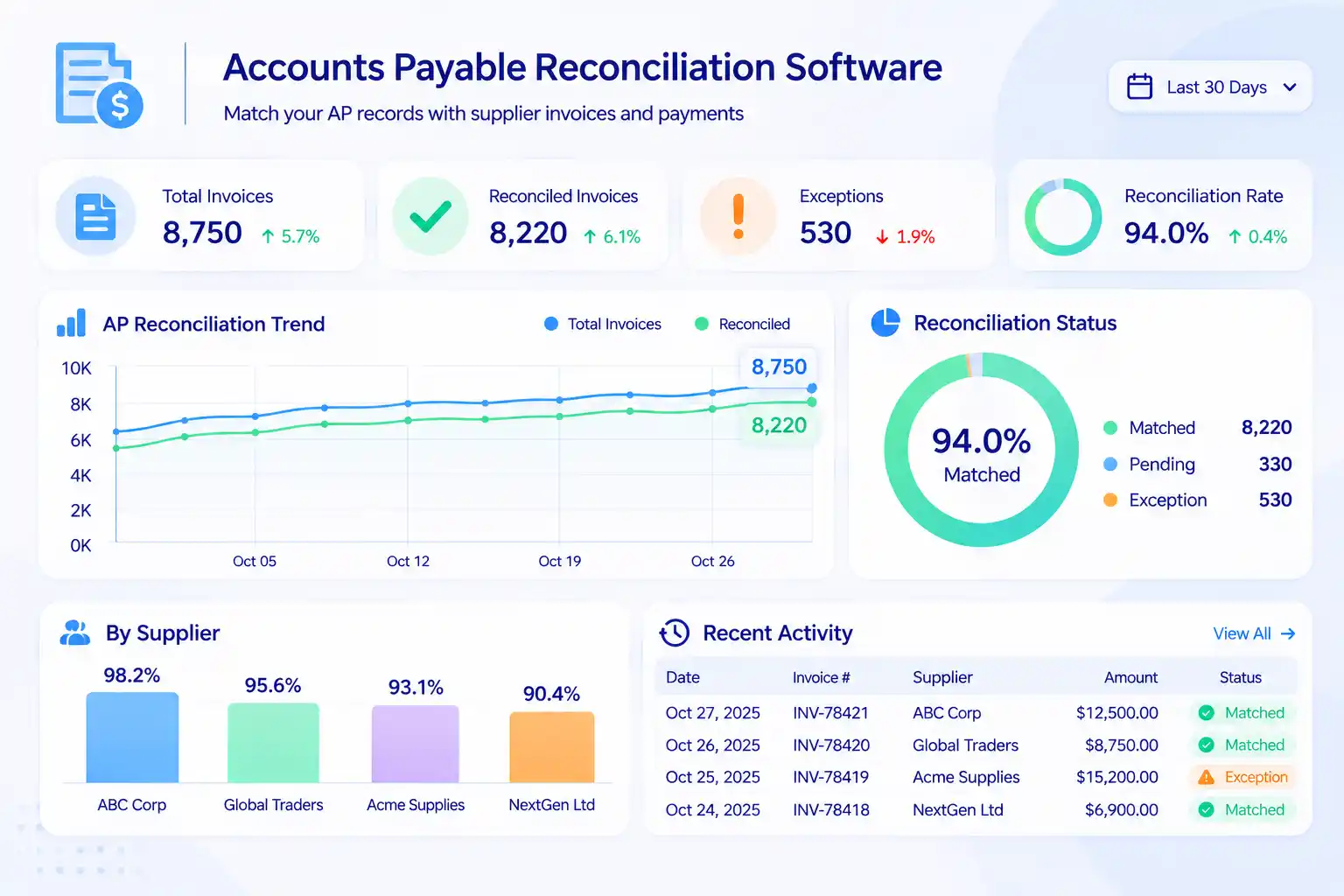
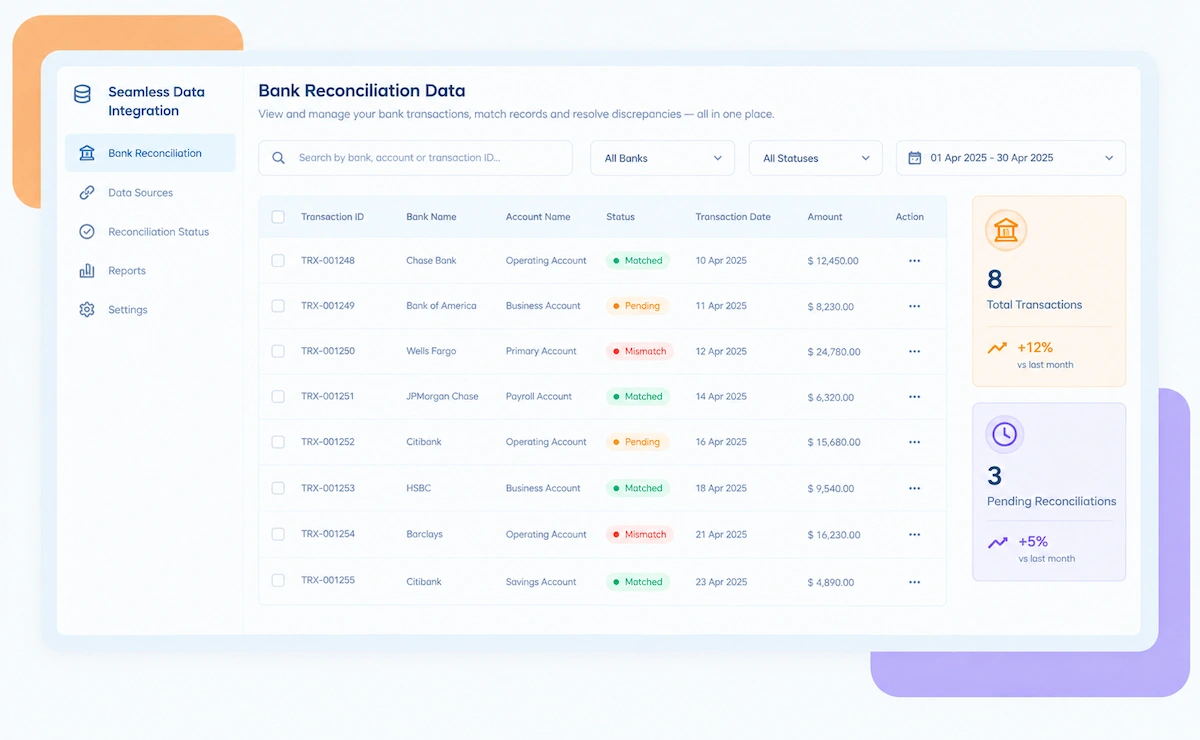
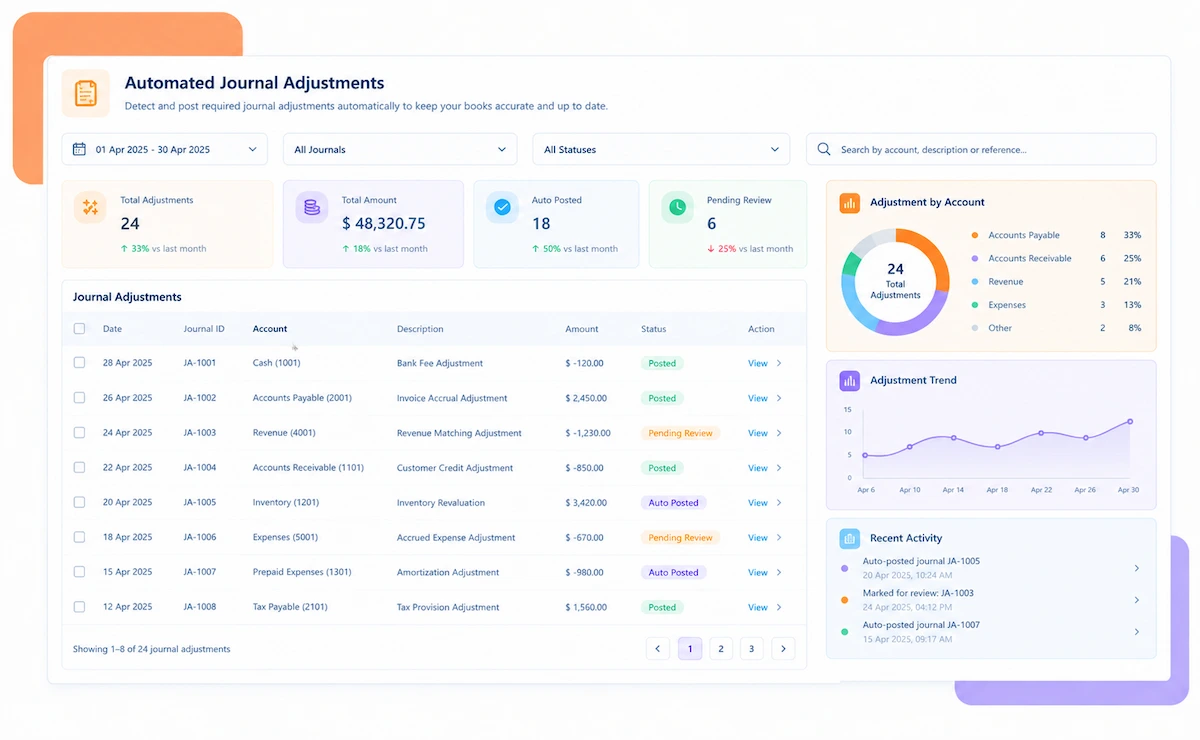
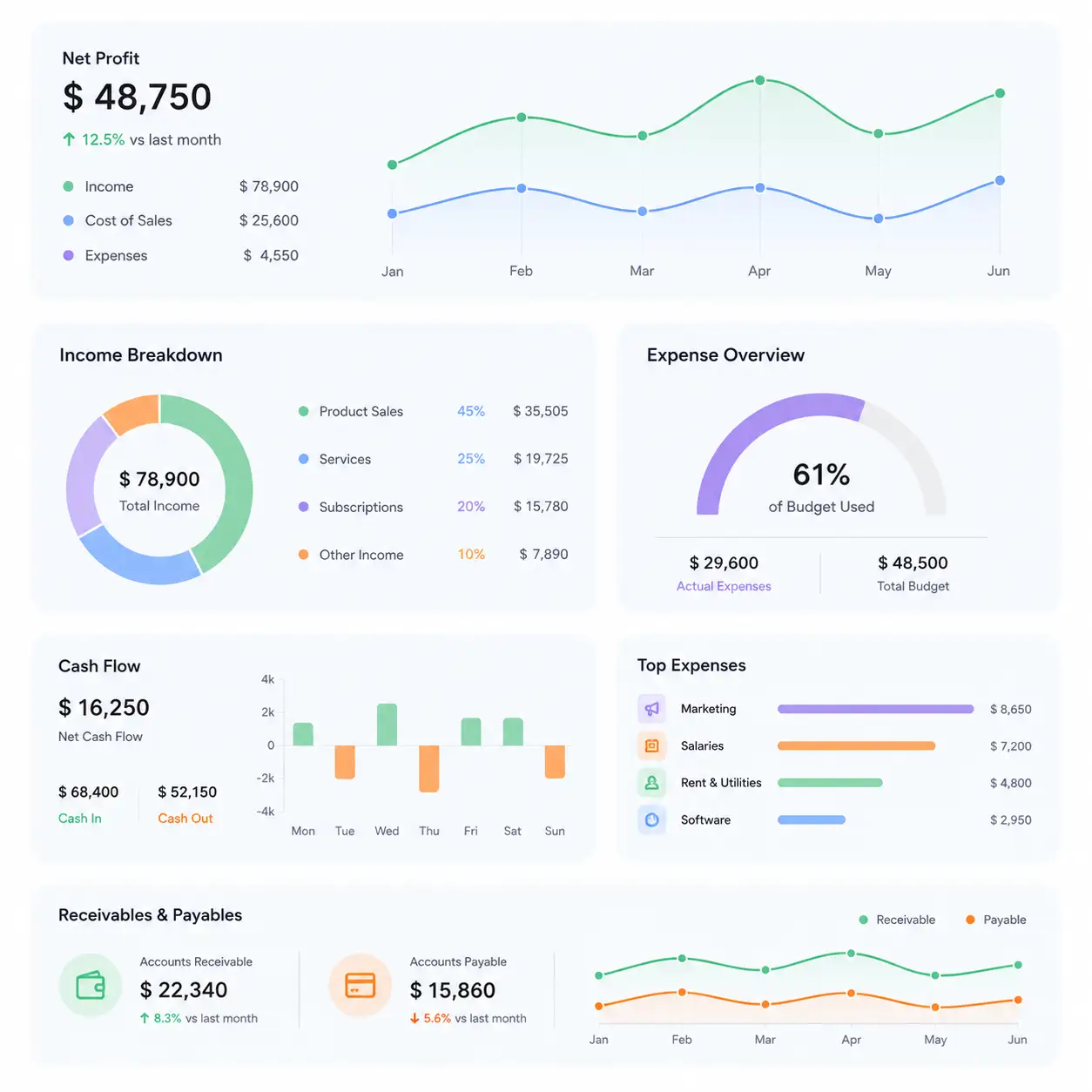
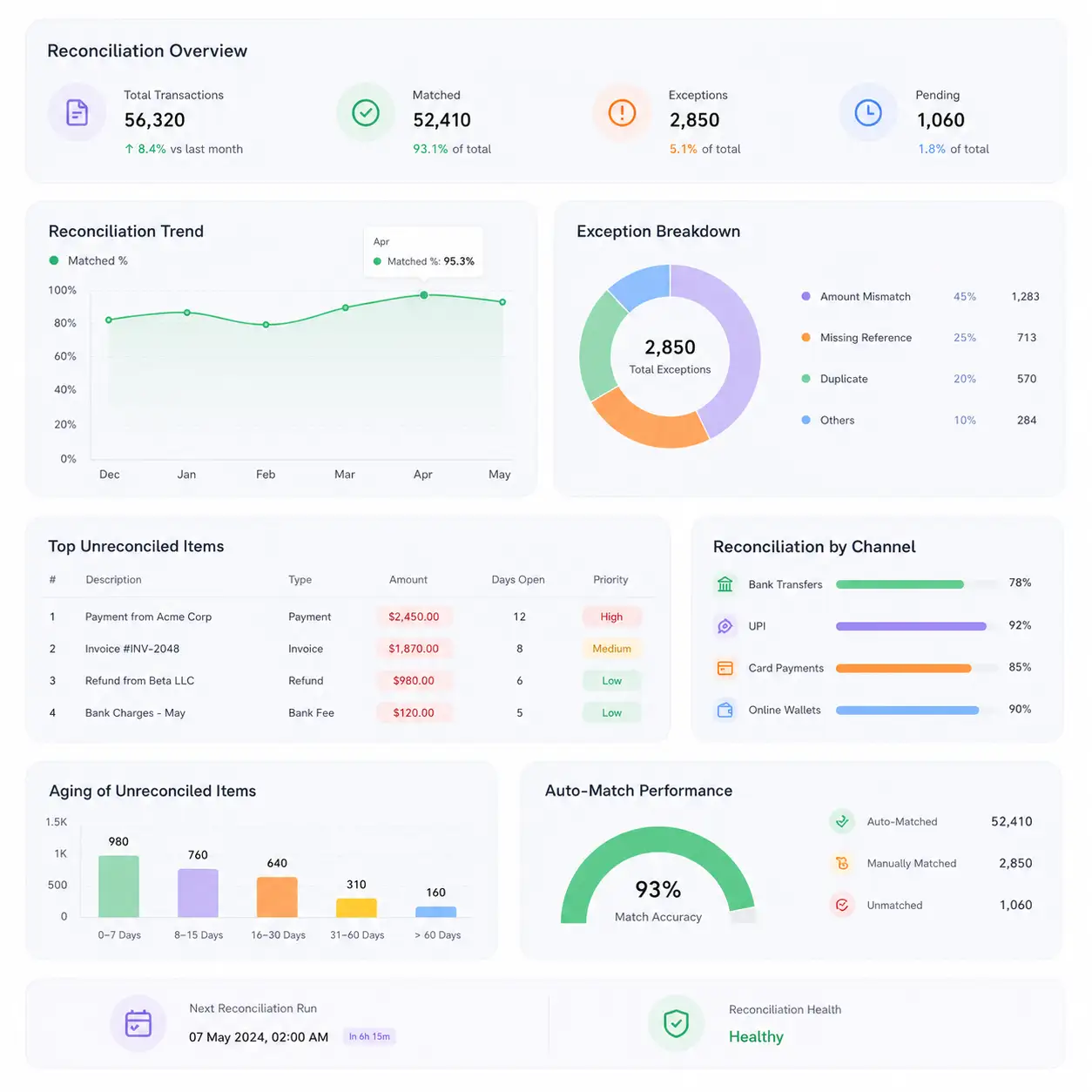
Accounts payable reconciliation software dashboard

A 2026-Ready Three-Way Match Engine

Invoice Approved. Did Anyone Check the PO and GRN?

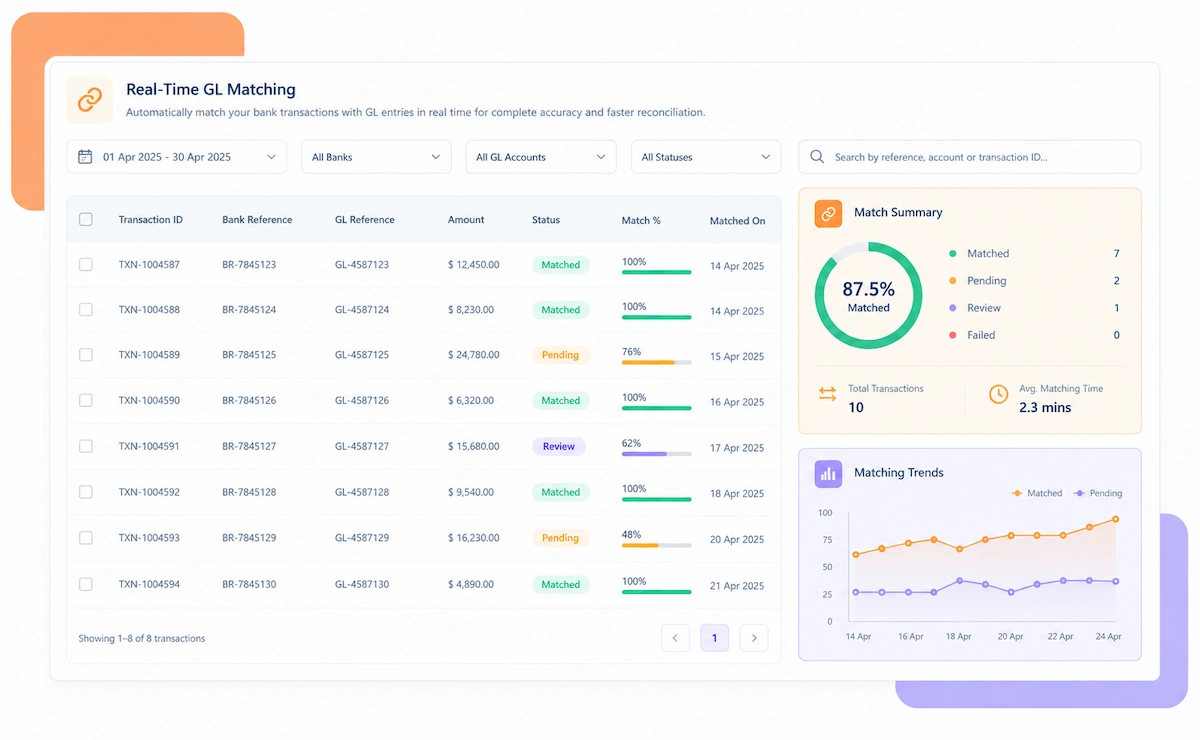
A vendor invoice that's never checked against the purchase order and the goods receipt note gets paid on trust alone. Kosh AI runs that three-way check automatically, before the payment goes out instead of after.

What Accounts Payable Reconciliation Software Checks

A vendor invoice should match two other documents before it's paid. Kosh AI checks all three against each other instead of trusting the invoice alone.

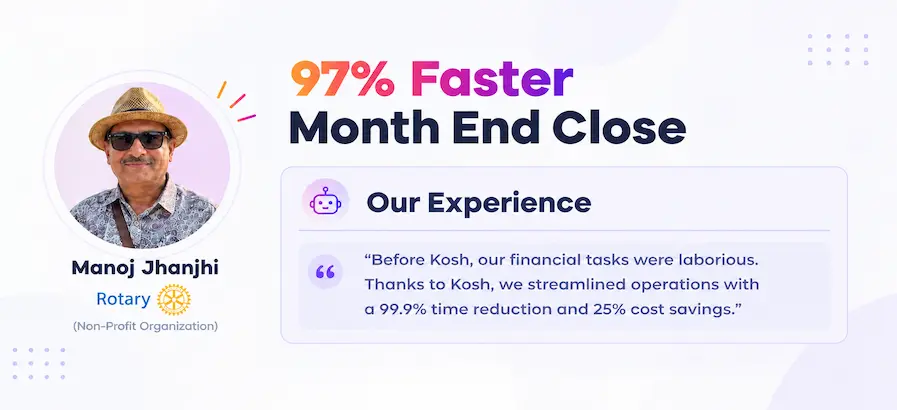
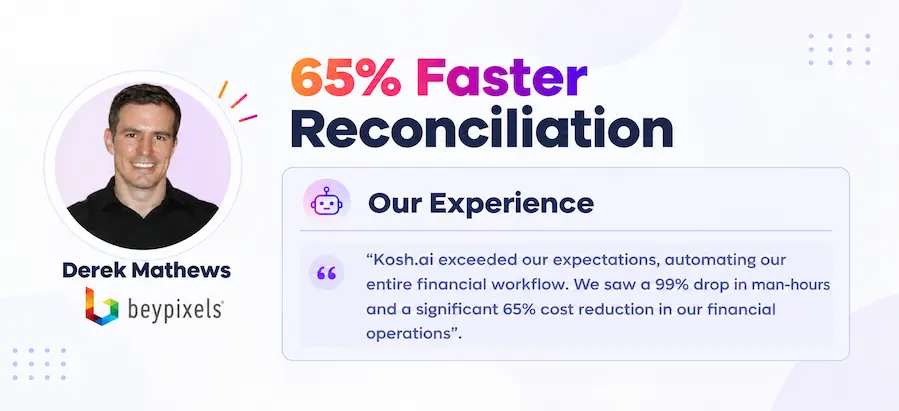
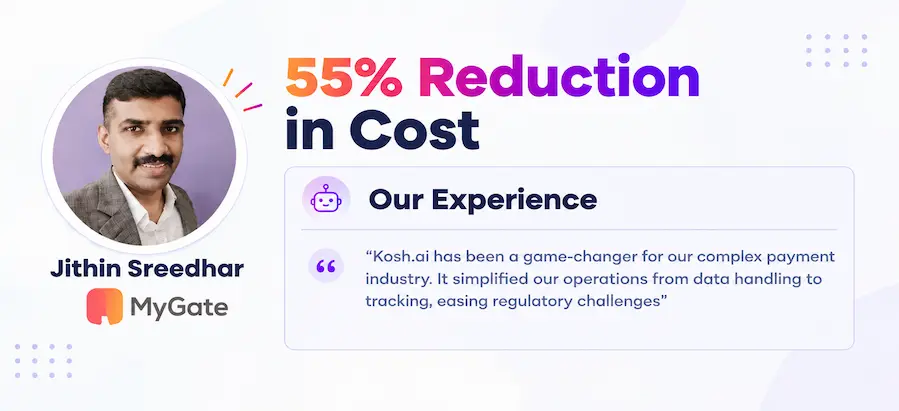
See How Businesses Like Yours Use Kosh AI

Konica Minolta Business Solutions, U.S.A., Inc.
Ring Container
Conference Direct

How Accounts Payable Reconciliation Software Works

Four steps take a vendor invoice from submission to a fully verified payment, with the PO, GRN, and GL checked along the way.

  • Invoices Imported: Vendor invoices come in automatically, however your vendors submit them.
  • Purchase Orders Synced: POs come in from your procurement system alongside the invoices.
  • Goods Receipts Included: GRNs are pulled in to confirm what actually arrived against each order.
  • Every Vendor Covered: Multiple vendors and business units feed into one consolidated pull.
  • Three-Way Matching Applied: Each invoice is checked against its PO and GRN before it moves forward.
  • Duplicate Checks Run: Every invoice is compared against prior submissions before approval.
  • Tolerances Set by You: Acceptable price and quantity variance follows your existing AP policy.
  • Vendor Statements Checked: Open items are matched against what the vendor's own statement shows.
  • Price and Quantity Mismatches Flagged: An invoice that doesn't match its PO or GRN is raised before approval.
  • Duplicates Blocked: An invoice that's already been paid is stopped before it's approved again.
  • Statement Gaps Raised: A missing invoice or unrecorded payment is flagged on both sides.
  • Priority by Value: A high-value invoice mismatch reaches a reviewer before a few cents of rounding does.

  • One View Across Vendors: Every vendor's reconciliation status shows up on one AP report instead of a separate sheet per vendor.
  • Review Simplified: You work from explained mismatches instead of a raw invoice-versus-PO gap.
  • Full Trail Preserved: Each approved payment keeps its full history, from the purchase order through to the payment itself.
  • Ready for Audit: The documentation behind every approval is captured as it happens, not pieced together when an audit request lands.

Accounts Payable Reconciliation for Every Kind of Finance Team

A business paying a handful of vendors and one managing thousands of invoices a month both need the same three-way check, just at a different scale.

Small Finance Teams

Even a small vendor list benefits from automatic three-way matching.

Multi-Entity Businesses

Each subsidiary runs its own three-way match locally, while a controller still sees the combined AP picture across entities.

Shared Service Centers

A shared service center handles AP for multiple business units while each unit still sees its own exceptions clearly.

Growing Procurement Operations

A newly onboarded vendor is matched under the same three-way rules as every vendor already in the system.

Manufacturing and Distribution

High PO volume reconciles against invoices and goods receipts automatically.

Construction and Project-Based Businesses

Milestone billing reconciles against purchase orders and site receipts.

Retail and Wholesale

High invoice volume from many vendors reconciles without slowing down payment runs.

Healthcare Systems

Supply and equipment invoices reconcile against receiving records across departments.

Reconciliation at Scale

Kosh AI reconciles thousands of invoices across vendors without manual spreadsheet work.

  • Match every invoice to its PO and GRN from one consolidated view.
  • Catch duplicate invoices before they're approved a second time.
  • Keep a documented trail behind every approved payment.
  • Reconciliation for Smaller AP Teams

    Kosh AI gives smaller finance teams three-way matching without a dedicated AP hire.

  • Stop eyeballing invoices for a manual three-way check.
  • Bring on a new vendor without a new review step added anywhere.
  • Start from the procurement and ERP data you already have.
  • What Changes When AP Reconciles Automatically

    An invoice that's been approved doesn't mean it was actually checked against the order and the receipt. Automating the match changes what actually happens before payment.

    1

    Catch Price and Quantity Errors Before Payment

    An invoice that doesn't match its PO or GRN is flagged before approval, not after the payment goes out.

    2

    Stop Paying Duplicate Invoices

    An invoice that's already been paid is blocked before it's approved a second time.

    3

    Catch Statement Gaps Early

    A missing invoice or unrecorded payment is flagged on both your side and the vendor's.

    4

    Keep the AP Ledger Tied to the GL

    Sub-ledger and GL balances reconcile automatically, every period.

    5

    Close Faster Across Vendors

    An AP lead reviews every vendor's open items from one screen instead of a spreadsheet per supplier.

    6

    Scale Without Growing the AP Team

    Onboarding a new vendor is a configuration step, not a reason to grow the AP team.

    The Results of Automating Accounts Payable Reconciliation

    70%Faster Invoice Approval
    86%Of Invoices Matched Automatically
    4%Average Duplicate Payments Prevented

    Integrate Seamlessly with Your Existing ERP Systems

    Kosh AI connects directly with all major banks and ERPs, enabling real-time data sync for faster, more accurate reconciliations—no manual uploads, no delays.

    Accounts Payable Reconciliation Across Every Vendor

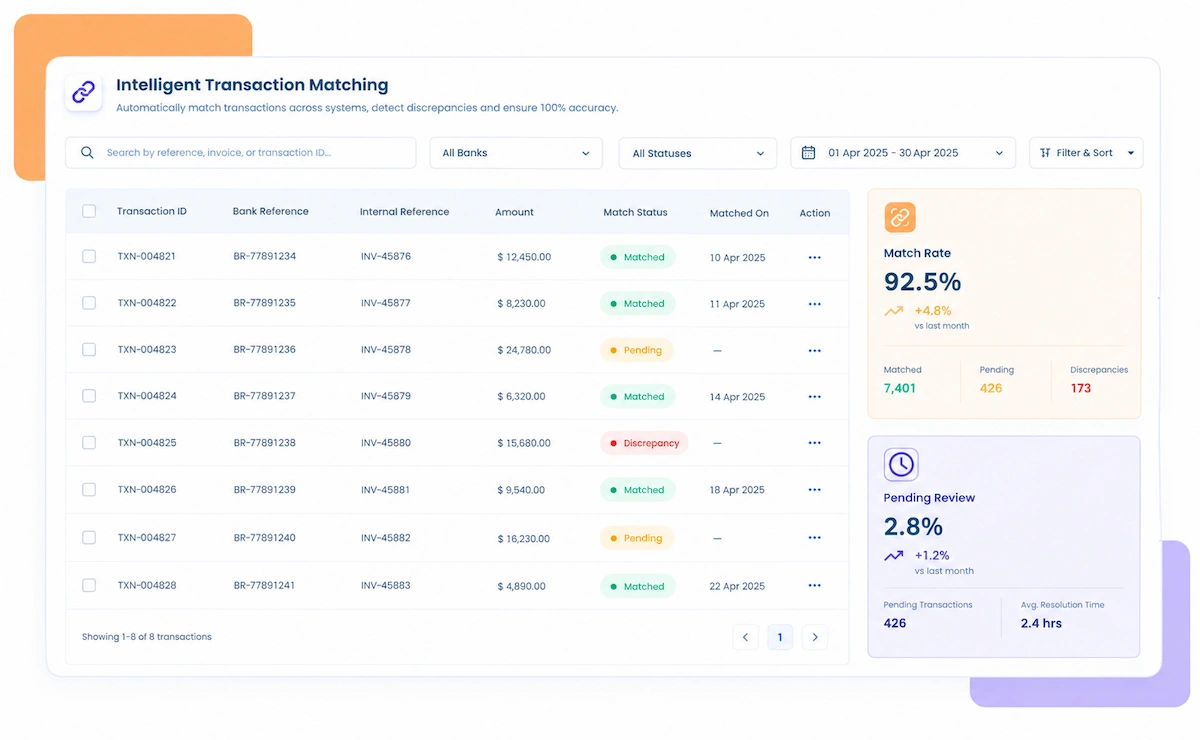
    A payables total that looks right at a glance can still be hiding vendor accounts that are wrong in opposite directions. Checking every vendor against its source documents catches what a total review won't.

    A payables review usually checks whether the total outstanding looks reasonable against budget, not whether each vendor's invoices were actually matched to a PO and goods receipt. Two vendors can be wrong in opposite directions and still leave the total looking fine. Vendor-level reconciliation checks the invoice, the PO, and the GRN against each other instead of trusting that the overall balance tells the whole story.

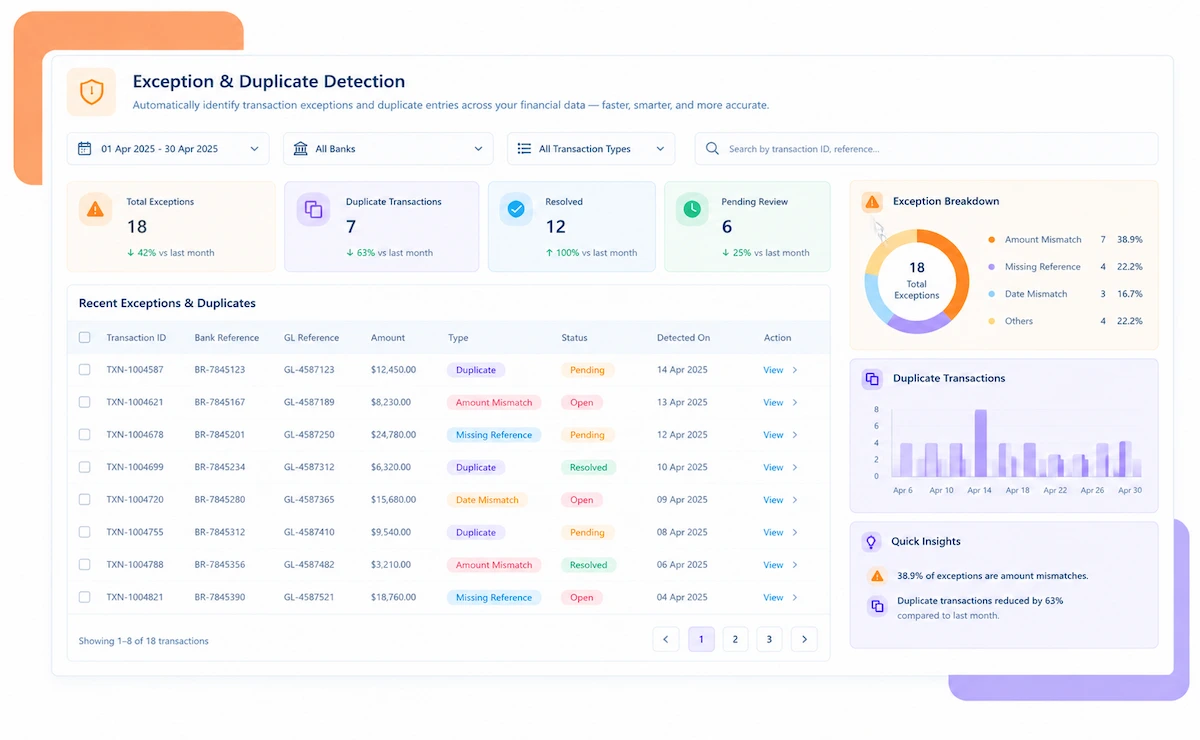
    Duplicate invoices are the clearest example. A near-duplicate submitted a few weeks after the original, with a slightly different reference number, can slip past a total-level review entirely. Left unchecked, that's a direct cash loss rather than a timing difference that resolves itself.

    Three-way invoice matching illustration

    Who Actually Needs Accounts Payable Reconciliation Software

    It's the number of vendors and the invoice volume together, more than either alone, that tends to force this issue.

    1

    Businesses With High Invoice Volume

    Once invoice volume climbs, eyeballing a three-way match on every bill turns into a backlog within a single cycle.

    2

    Businesses Working With Many Vendors

    Each vendor's statement needs checking against your ledger on its own terms.

    3

    Finance Teams Worried About Duplicate Payments

    Near-duplicate invoices need catching before they're approved, not after they're paid.

    4

    Procurement-Heavy Businesses

    High PO volume needs a reliable three-way check at every stage of approval.

    5

    Teams Under Pressure to Close Faster

    Vendor-level matching is what actually shortens AP close time, not more hours worked.

    6

    Growing Procurement Operations

    Onboarding a new vendor should plug into the existing matching rules, not start a fresh manual process.

    Accounts Payable Reconciliation Software: An Honest Assessment

    This tool is built to catch mismatched invoices and duplicate payments fast. The vendor negotiations and procurement policy behind those invoices are still your team's call.

    Three-way matching

    Matches Invoices at the Line Level

    A payables total can look fine while two vendor invoices inside it are off in opposite directions — matching at the line level is what catches that.

    Duplicate prevention

    Catches Duplicate Invoices Automatically

    A near-duplicate invoice is flagged before it's approved for a second payment.

    Vendor mapping setup

    Vendor and PO Mapping Takes Setup

    Vendor records and purchase order data need to be configured correctly before matching runs well.

    Procurement discipline

    Procurement Discipline Still Matters

    Matching works best when POs and goods receipts are raised consistently in the first place.

    What Is Accounts Payable Reconciliation Software?

    Accounts payable reconciliation software matches vendor invoices against purchase orders and goods receipt notes, and checks the AP sub-ledger against the GL control account, rather than approving a payment based on the invoice alone. A finance team working with many vendors ends up with invoices, POs, and receipts arriving at different times, and a payables total that looks reasonable can still be hiding individual vendor accounts that are badly wrong in opposite directions. Kosh AI pulls in invoices, purchase orders, and goods receipts automatically, matches them vendor by vendor, and separates a genuine mismatch from a timing difference that will resolve on its own.

    Accounts payable reconciliation illustration

    Manual vs. Automated Accounts Payable Reconciliation

    Run one AP cycle through a manual three-way check, then compare it to one that matches every invoice against its PO and GRN automatically. The duplicates caught alone tell the story.

    Feature Automated AP Reconciliation Manual AP Reconciliation
    Three-Way MatchingEvery invoice matched against its PO and GRN automatically.Teams usually sample invoices for a three-way check, not every one.
    Duplicate DetectionNear-duplicate invoices flagged before approval.Duplicate payments are often caught only during a later audit.
    Vendor Statement MatchingVendor statements checked against your ledger automatically.Statement reviews happen occasionally, usually when a vendor complains.
    Multi-Entity CoverageA controller opens one report and sees every entity's AP reconciled side by side.Getting that same picture usually means chasing down a separate analyst's numbers per entity.
    Sub-Ledger-to-GL AccuracyAP sub-ledger matched against the GL automatically, every period.Sub-ledger-to-GL ties are often done once, right before close.
    Adding New VendorsA new vendor is matched under the same three-way rules as every vendor already set up.A new vendor usually means someone builds that vendor's matching checks from a blank sheet.

    Reconcile Every Vendor Invoice in Days, Not Weeks

    Connect your procurement system and ERP inside Kosh AI, and the next invoice starts getting matched against its PO and GRN automatically.

    Schedule a Quick Demo
    Loreal Touchless

    Accounts Payable Reconciliation Software FAQs

    What does accounts payable reconciliation software do?

    Accounts payable reconciliation software matches vendor invoices against purchase orders and goods receipts, and ties the AP sub-ledger back to the GL. Kosh AI does this automatically and classifies the gaps it finds.

    Does it prevent duplicate payments?

    Yes, invoices are checked against prior submissions, including near-duplicates with minor changes, before approval.

    Can it reconcile against vendor statements?

    Yes, vendor statements are matched against open items in your AP ledger, and gaps are flagged on both sides.

    Does AP reconciliation work across multiple entities?

    Each entity runs its own three-way match locally, and that still rolls into one consolidated AP view for the group.

    What happens when an invoice fails to match?

    They're routed to the right approver with the PO, GRN, and invoice detail attached, instead of sitting in a shared inbox.

    Does this replace our procurement system or ERP?

    No, it reconciles the invoices, POs, and GRNs already inside your procurement system and ERP against each other.

    What systems can it pull vendor and invoice data from?

    It connects to ERPs and procurement platforms such as SAP, Oracle, and NetSuite, pulling purchase orders, receipts, and invoices from each.

    Does this work for a small vendor list?

    A short vendor list works from day one; the savings get bigger as both the vendor count and invoice volume grow.

    How soon does invoice matching run without a person?

    Your top vendor accounts are usually matching on their own within two to three weeks of connecting procurement and ERP data.

    What should actually decide which AP tool you pick?

    Start with whether it runs a true three-way match and catches duplicates before approval, not just whether the payables total looks reasonable. Kosh AI is built around exactly that, but the checklist applies to any option you're comparing.

    See Exactly Which Invoices Are Driving Your AP Variance

    Bring a recent vendor statement to the call. We'll walk through it live and show you which lines are timing differences and which are real discrepancies.

    Book a Demo