Financial Reconciliation Software That Closes the Gap Between Every Ledger

Bank Says One Thing. The General Ledger Says Another. Kosh AI Finds the Entry That Explains the Difference

  • Matches Bank, Sub-Ledger, and General Ledger Balances Automatically
  • Clears Suspense and Unidentified Entries Before They Pile Up
  • Flags Duplicate, Missing, or Out-of-Period Journal Entries
  • Runs the Same Checks Every Close, Without a Rebuilt Spreadsheet
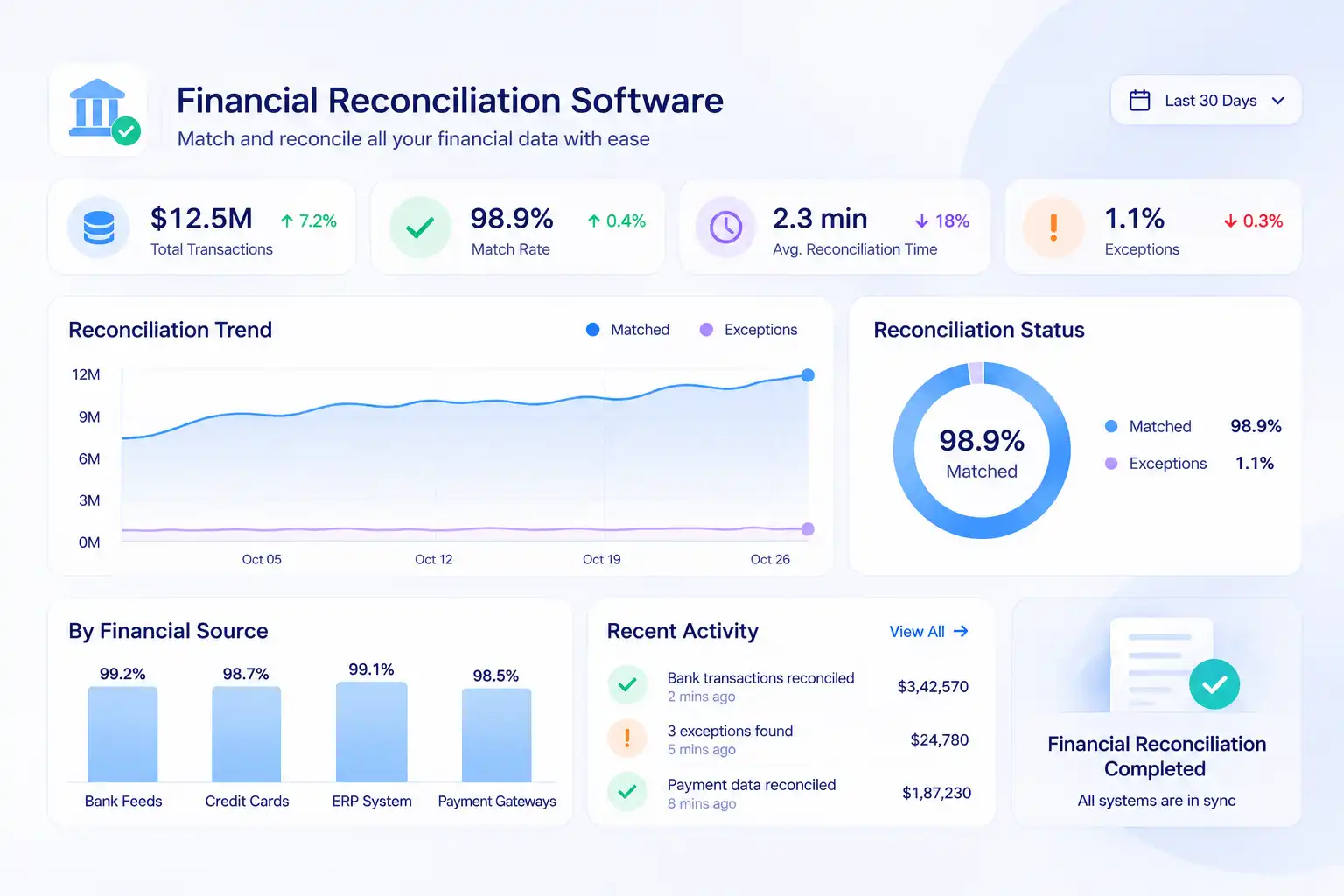
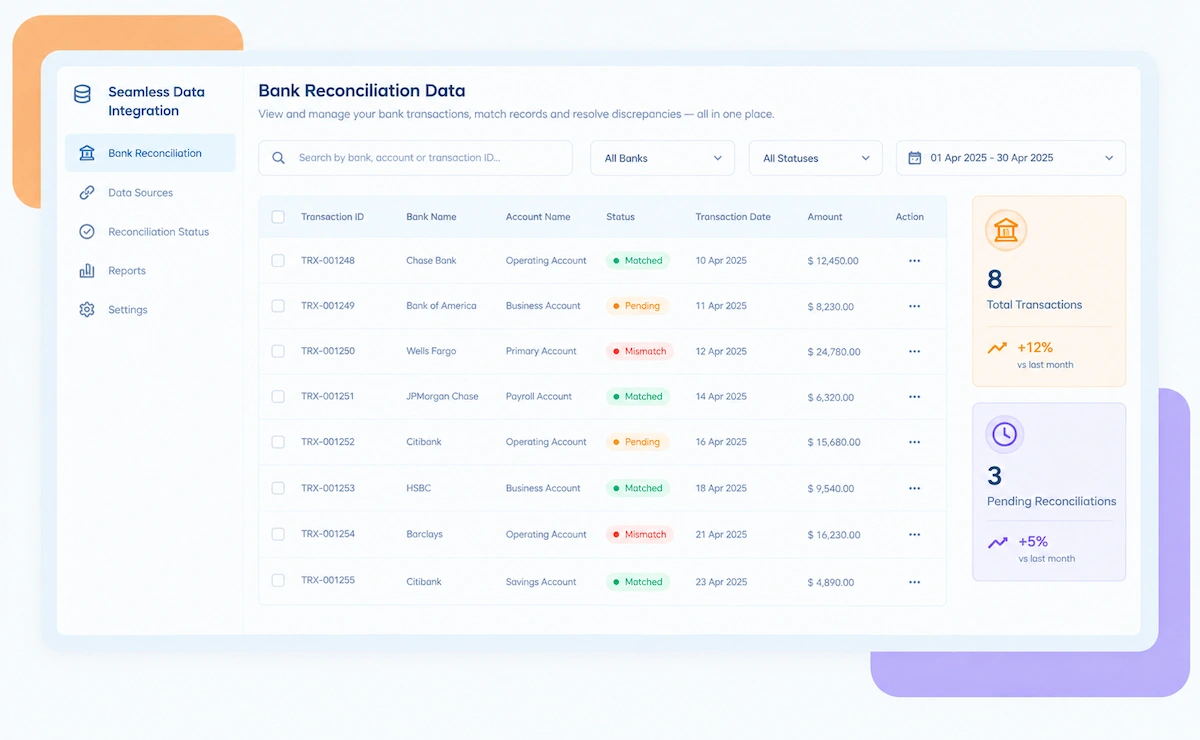
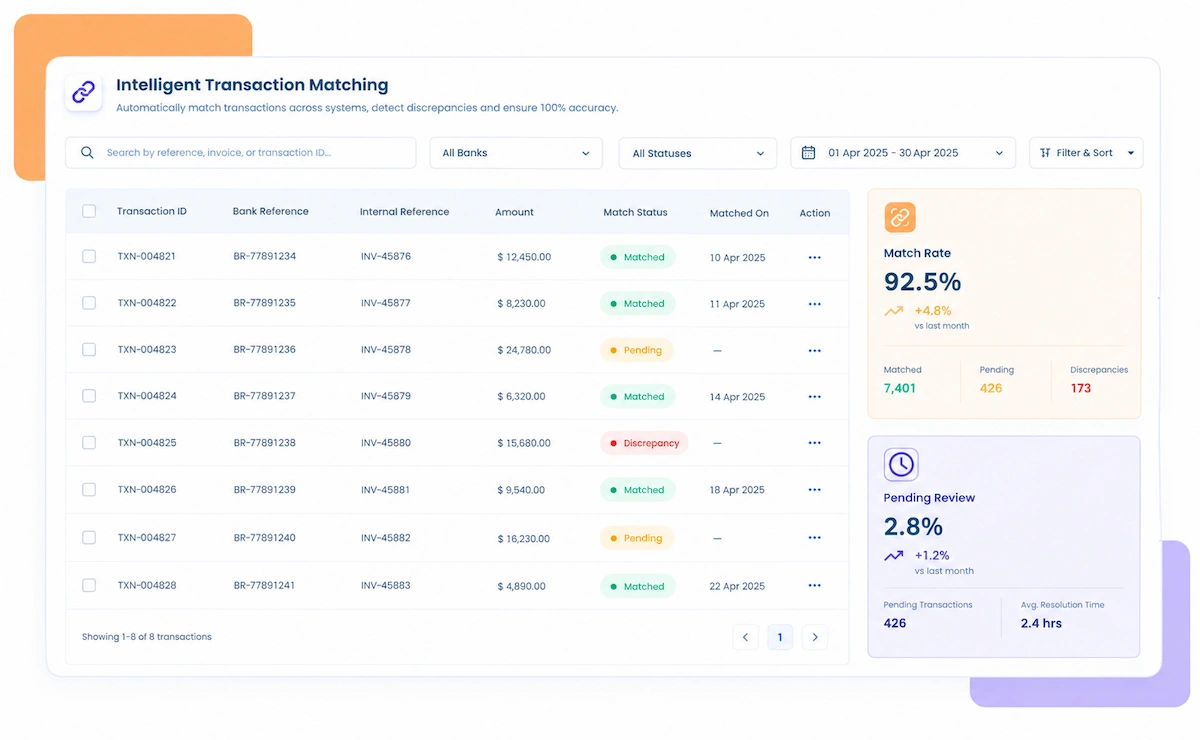
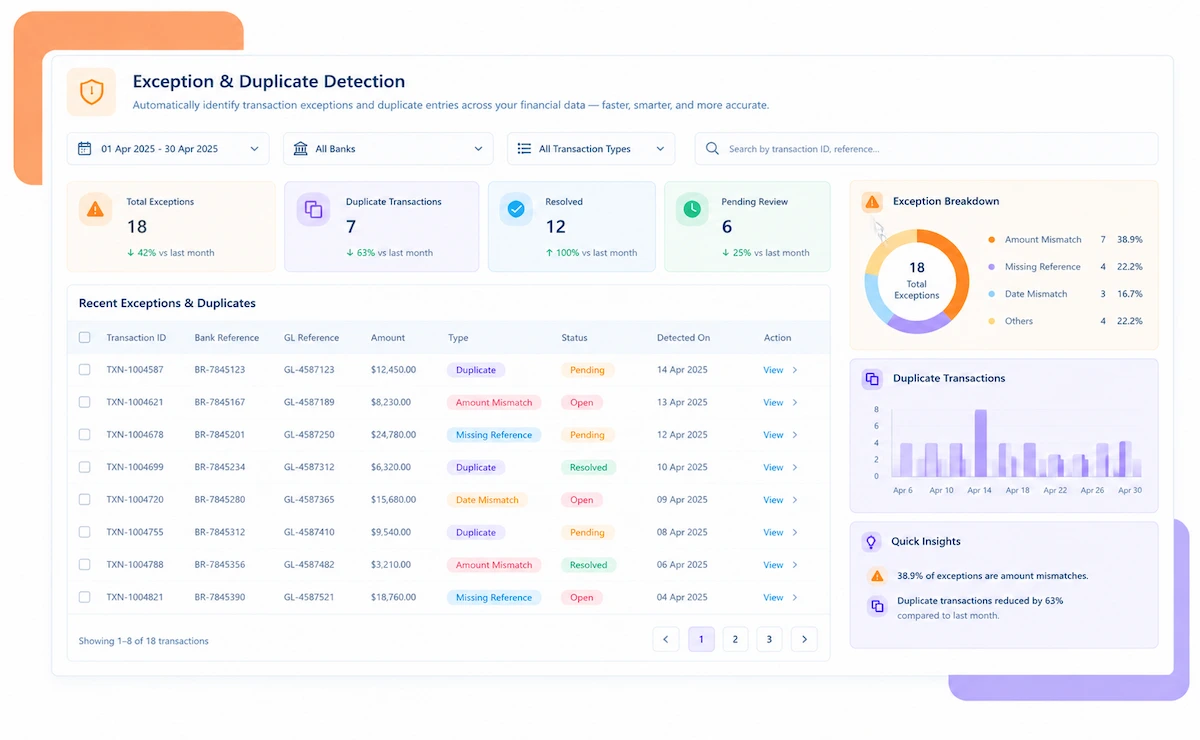
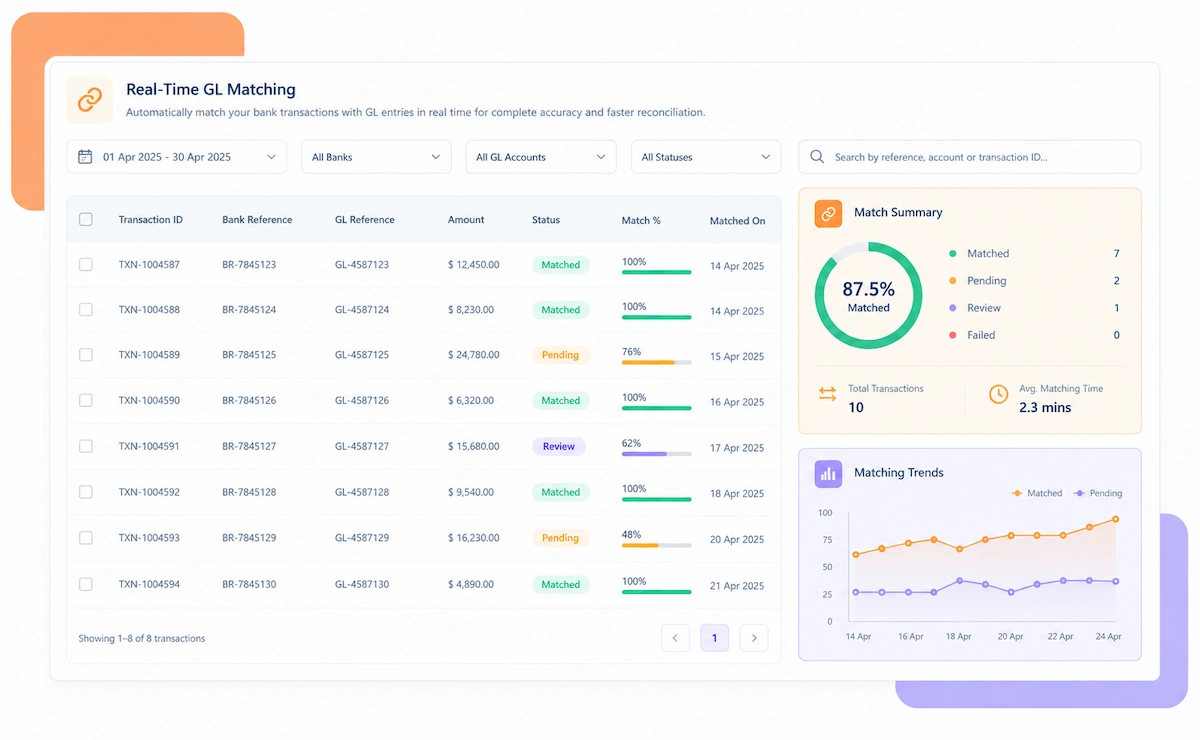
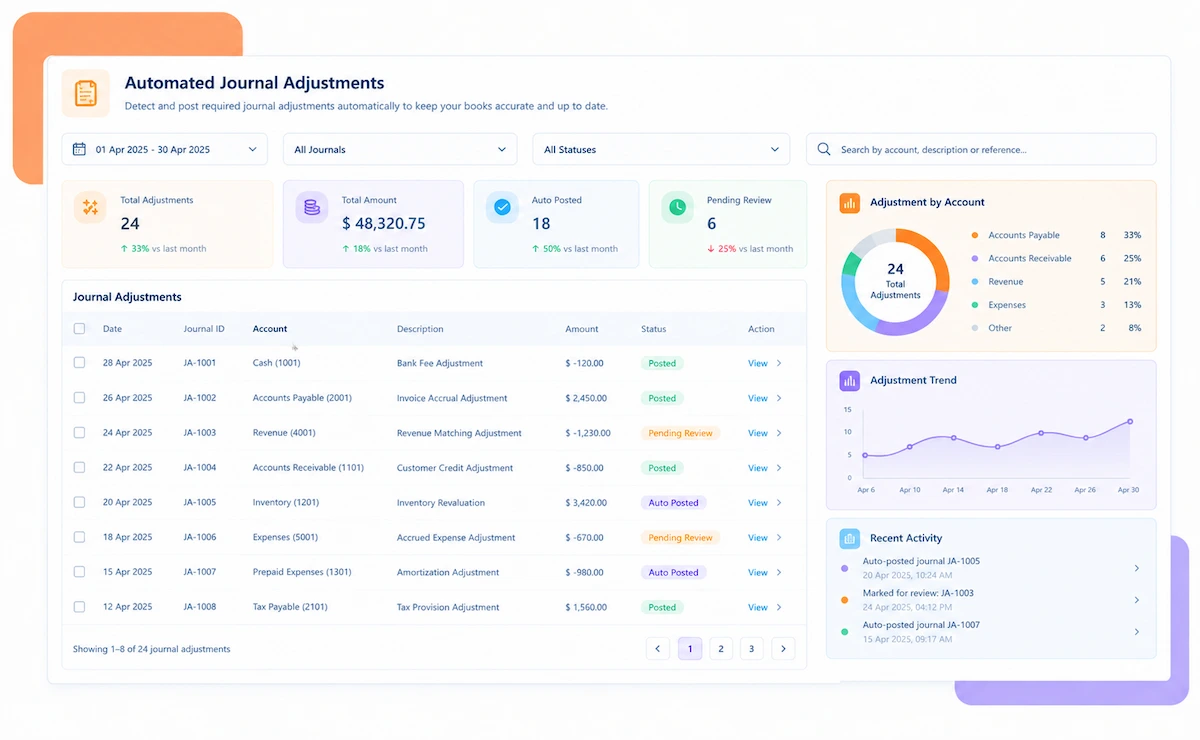
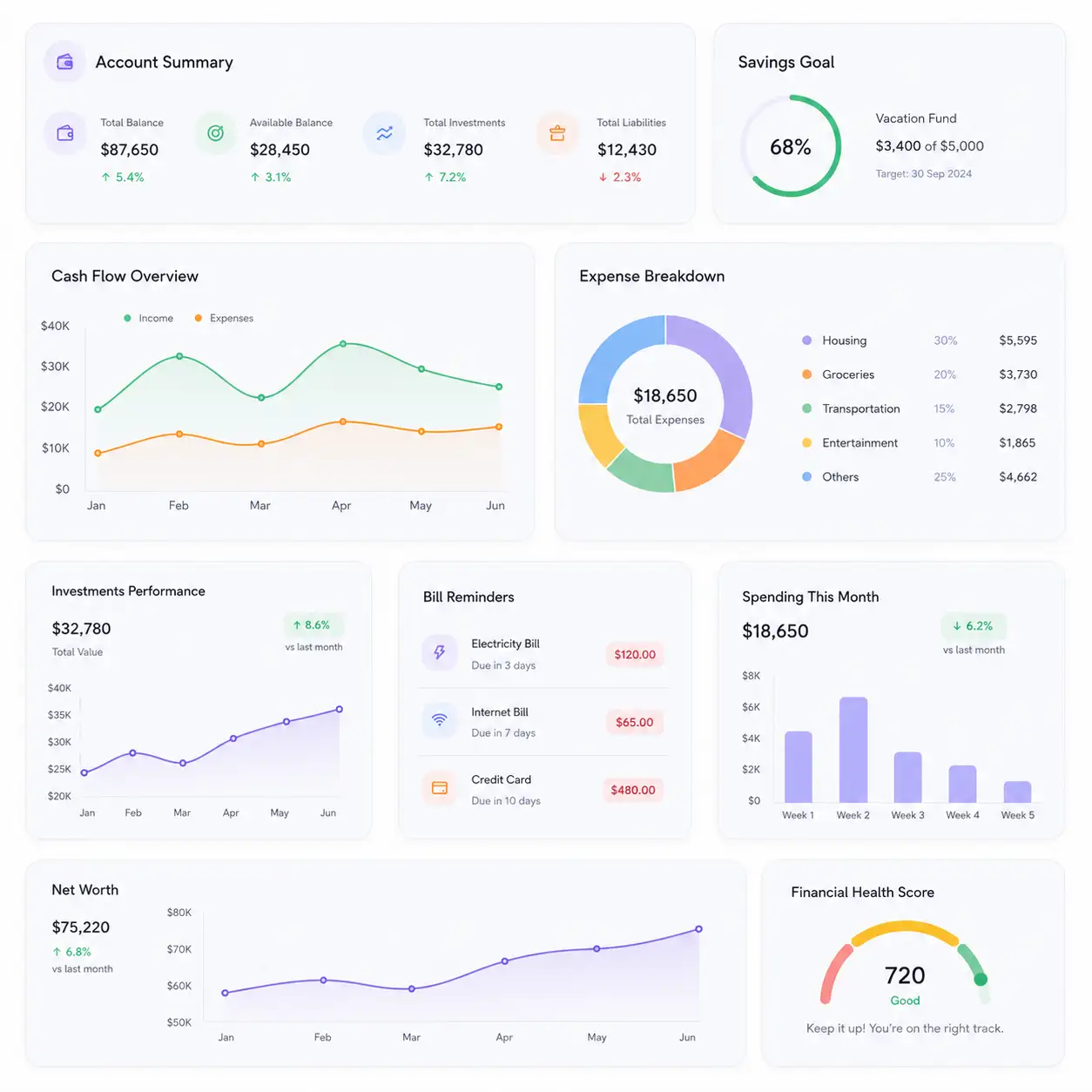
Financial reconciliation software dashboard

NEW 2026 Financial Reconciliation Tool

Still Closing the Books With Three Spreadsheets Open?

Every close involves the same ritual: pull the bank file, pull the ledger, line up the two by hand, and chase down whatever doesn't match. Kosh AI runs that match automatically and tells you exactly which entry caused the gap.

What Financial Reconciliation Software Automates

A close that depends on someone manually tying out spreadsheets breaks the moment volume grows. Kosh AI checks every account against its source records on its own.

See How Businesses Like Yours Use Kosh AI

Konica Minolta Business Solutions, U.S.A., Inc.
Ring Container
Conference Direct

How Financial Reconciliation Software Runs the Close

Four steps take every account from a raw balance to a signed-off reconciliation, without anyone rebuilding a spreadsheet from scratch.

  • Bank Feeds Connected: Statements arrive automatically instead of through a monthly download.
  • Ledger Data Synced: GL and sub-ledger balances are pulled in from your ERP on the same schedule.
  • Supporting Documents Attached: Invoices and journal backup come in alongside the balances they explain.
  • Every Entity Covered: Multiple entities and currencies feed into one consolidated pull.
  • Entries Get Checked, Not Just Totals: The system looks underneath each account's balance at the actual postings behind it, instead of taking the summary figure on faith.
  • Timing Differences Separated: In-transit and timing items are told apart from genuine variances.
  • Rules Set by Your Team: Matching tolerances follow your existing close policy, not a generic default.
  • History Retained: Each period's matches stay available for the next review cycle.
  • Root Cause Assigned: Every unmatched item is classified by the reason it's open, not left as a flat variance.
  • Owners Notified: The right account owner is alerted instead of the whole close team.
  • Aging Tracked: Items open past a set number of days get escalated automatically.
  • Priority by Value: High-value variances surface before small timing differences.
  • Sign-Off Captured: Each account's reconciliation is signed off with a full audit trail.
  • Status Visible to Leadership: Close progress is visible in one place instead of a status call.
  • Evidence Preserved: Supporting documentation for every match stays attached, not scattered across inboxes.
  • Faster Next Period: What was learned this close carries into the next one automatically.

Financial Reconciliation Across Every Close Cycle

A small finance team closing one entity and a controller's office closing twenty both need the same account-level check, just run at a different pace.

Monthly Close Teams

The same reconciliation runs every month instead of being rebuilt from scratch.

Fast-Close Organizations

Account-level matching finishes early enough to actually shorten the close calendar.

Multi-Entity Groups

Each entity reconciles on its own books, then rolls into one group-wide view.

Shared Service Centers

One team reconciles accounts for several business units without losing ownership clarity.

Banks and NBFCs

High transaction volume reconciles at the account level instead of a sampled review.

Manufacturing and Distribution

Inventory, AP, and AR sub-ledgers tie out to the GL on the same cadence.

Retail and E-Commerce

High transaction counts reconcile without slowing down the close calendar.

SaaS and Subscription Businesses

Deferred revenue and billing accounts reconcile against the GL automatically.

Reconciliation at Scale

Kosh AI reconciles hundreds of accounts without adding headcount to the close.

  • Match every account to its source records from one consolidated view.
  • Catch suspense and duplicate entries before they're written off.
  • Keep a documented trail behind every account sign-off.
  • Reconciliation for Lean Teams

    A two-person finance function gets the same entry-level checking a large team would build in-house, without hiring for it.

  • Skip the spreadsheet tie-out and let the matching run on its own.
  • Bring on a new account without adding a line to anyone's to-do list.
  • Have a usable close checklist after the very first cycle, not the third.
  • What Changes When Accounts Reconcile Automatically

    A reconciliation that lives in a spreadsheet doesn't mean the gap behind it got explained. Automating the match changes what actually happens by close day.
    1

    Know Why Each Account Is Off

    Every variance gets classified as timing, a duplicate, or a genuine error instead of a flat number.

    2

    Clear Suspense Before It Piles Up

    Unidentified entries get matched back to their source instead of sitting for a quarter.

    3

    Catch Duplicate Journals Early

    A journal posted twice is flagged before it distorts the close, not after.

    4

    Shorten the Close Calendar

    Account-level matching finishes early enough to actually move the close date.

    5

    Give Leadership a Real-Time View

    A controller checks one dashboard instead of calling five reviewers for a status update.

    6

    Scale Without Adding Headcount

    Onboarding a newly acquired entity's accounts takes a configuration step, not a new hire.

    The Results of Automating Financial Reconciliation

    65%Faster Month-End Close
    88%Of Accounts Matched Automatically
    90%Fewer Unexplained Suspense Entries

    Integrate Seamlessly with Your Existing ERP Systems

    Kosh AI connects directly with all major banks and ERPs, enabling real-time data sync for faster, more accurate reconciliations—no manual uploads, no delays.

    Why Financial Reconciliation Takes More Than a Trial Balance Review

    A trial balance that looks right at a glance can still be hiding offsetting errors inside individual accounts. Here's what account-level reconciliation catches that a summary review won't.

    A trial balance review checks whether debits equal credits, not whether each account's balance is actually correct. Two accounts can be wrong in opposite directions and still leave the trial balance looking clean. Account-level reconciliation checks each balance against its own source records instead of trusting that the totals line up.

    Suspense accounts are the clearest example. An entry that doesn't match anything gets parked there, and a trial balance review won't flag it as a problem as long as the account itself is small. Left unreconciled long enough, that balance becomes a write-off decision instead of a five-minute fix.

    Account-level reconciliation illustration

    Who Actually Needs Financial Reconciliation Software

    It's rarely the biggest finance team that struggles most with reconciliation. It's usually the one whose close calendar hasn't caught up with its transaction volume.

    Multi-entity finance teams

    Finance Teams Closing Multiple Entities

    Each entity's accounts need their own check before they roll into a group close.

    High transaction volume

    Businesses With High Transaction Volume

    Once transaction counts climb past a few hundred a day, eyeballing a tie-out line by line stops being something a person can finish before the close deadline.

    Fast close organizations

    Teams Under Pressure to Close Faster

    A faster close comes from checking accounts at the entry level, not from the team logging longer hours during close week.

    Growing finance teams

    Finance Teams Adding New Entities

    Bringing in another entity shouldn't mean someone spends a week building its reconciliation steps from a blank page.

    Financial Reconciliation Software: An Honest Assessment

    No reconciliation tool replaces a finance team, and this one doesn't pretend to. Here's what it genuinely changes, and what it leaves for you to still get right.

    • Matches Accounts at the Source Level: A trial balance can tie out while still hiding two errors that happen to cancel each other — checking at the account level is what catches that.
    • Clears Suspense Automatically: Unidentified entries get matched back to their source instead of parked indefinitely.
    • Keeps a Full Audit Trail: Every sign-off carries the evidence behind it, ready for the next audit.
    • Chart of Accounts Mapping Takes Setup: Each account needs to be mapped correctly before matching runs well.
    • Posting Accuracy Still Starts With You: The tool will surface a bad entry once it's posted, but getting the coding right the first time is still on the person who entered it.
    • Source Data Discipline Still Matters: Matching works best when bank feeds and ERP exports stay consistent and on schedule.

    What Is Financial Reconciliation Software?

    Financial reconciliation software matches an organization's bank, general ledger, and sub-ledger balances against each other and the source records behind them, so a variance gets explained instead of written off. A finance team closing several entities ends up with accounts, journals, and bank feeds moving at once, and a trial balance that looks balanced can still be hiding individual accounts that are badly wrong in opposite directions. Kosh AI pulls in bank statements, ledger balances, and supporting documents automatically, matches them account by account, and classifies what's left as timing, a duplicate, or a genuine error that needs a human decision.

    Financial reconciliation illustration

    Manual vs. Automated Financial Reconciliation

    Run one close through a manual tie-out, then compare it to a close that matches every account against its source automatically. The time and the error rate both tell the same story.

    Feature Automated Financial Reconciliation Manual Financial Reconciliation
    Account-Level MatchingEvery account matched against its source records automatically.Most teams only confirm the trial balance balances, not that every account behind it is individually correct.
    Suspense ClearingUnidentified entries matched back to their source as they land.Suspense balances often sit untouched until someone has time to dig in.
    Duplicate DetectionA journal posted twice is flagged before it's approved.Duplicates are usually caught only when a downstream report looks wrong.
    Multi-Entity CoverageA controller sees every entity's close status on one screen.Getting a group-wide view usually means a status call with five reviewers.
    Audit TrailEvidence attached to every sign-off automatically.Evidence is often reconstructed after the fact when an auditor asks.
    Adding New EntitiesA newly acquired entity is onboarded into the same reconciliation rules in days.Folding a new entity into the close usually means weeks of mapping its accounts by hand.

    Reconcile Every Account in Days, Not Weeks

    Connect your bank feeds and ERP inside Kosh AI, and the next close starts reconciling against source records automatically.

    Schedule a Quick Demo
    Loreal Touchless

    Financial Reconciliation Software FAQs

    What is financial reconciliation software?

    Financial reconciliation software matches bank, ledger, and sub-ledger balances against their source records. Kosh AI does this automatically and classifies the gaps it finds.

    Does it work across multiple entities?

    Yes, every entity reconciles on its own books and rolls into one consolidated group view.

    Can it handle suspense accounts?

    Yes, unidentified entries are matched back to their source wherever possible, and aged items are flagged before they become a write-off.

    How are duplicate journal entries caught?

    Entries are checked against existing postings before approval, so a duplicate is flagged rather than discovered downstream.

    What happens when an account won't tie out on its own?

    It lands in that account owner's queue with the matching entries already pulled up beside it, so the investigation starts from the actual mismatch instead of a blank spreadsheet.

    Does this replace our ERP?

    No, it reconciles the accounts already inside your ERP and bank feeds against each other and flags what doesn't match.

    What systems does it pull data from?

    It connects directly to ERPs such as SAP, Oracle, and NetSuite, plus the bank feeds tied to those accounts, and keeps pulling fresh data on its own schedule.

    Is it worth it for a single legal entity?

    It still cuts the manual tie-out work for one entity, and the same setup carries over without rework the day a second entity gets added.

    How soon does the close actually get faster?

    The accounts you connect first start reconciling on their own within the first couple of weeks; the close timeline itself usually tightens by the second or third month-end after that.

    What should I actually compare before picking one?

    Ask whether it matches at the individual-entry level or just checks that two totals agree, and whether it explains why a variance happened or only flags that one exists. Kosh AI does the former on both counts, but that's the right test for any tool on your shortlist.

    See Your Close Variances Explained, Not Just Flagged

    Bring a recent trial balance to the call. We'll walk through it live and show you which lines are timing and which actually need fixing.

    Book a Demo