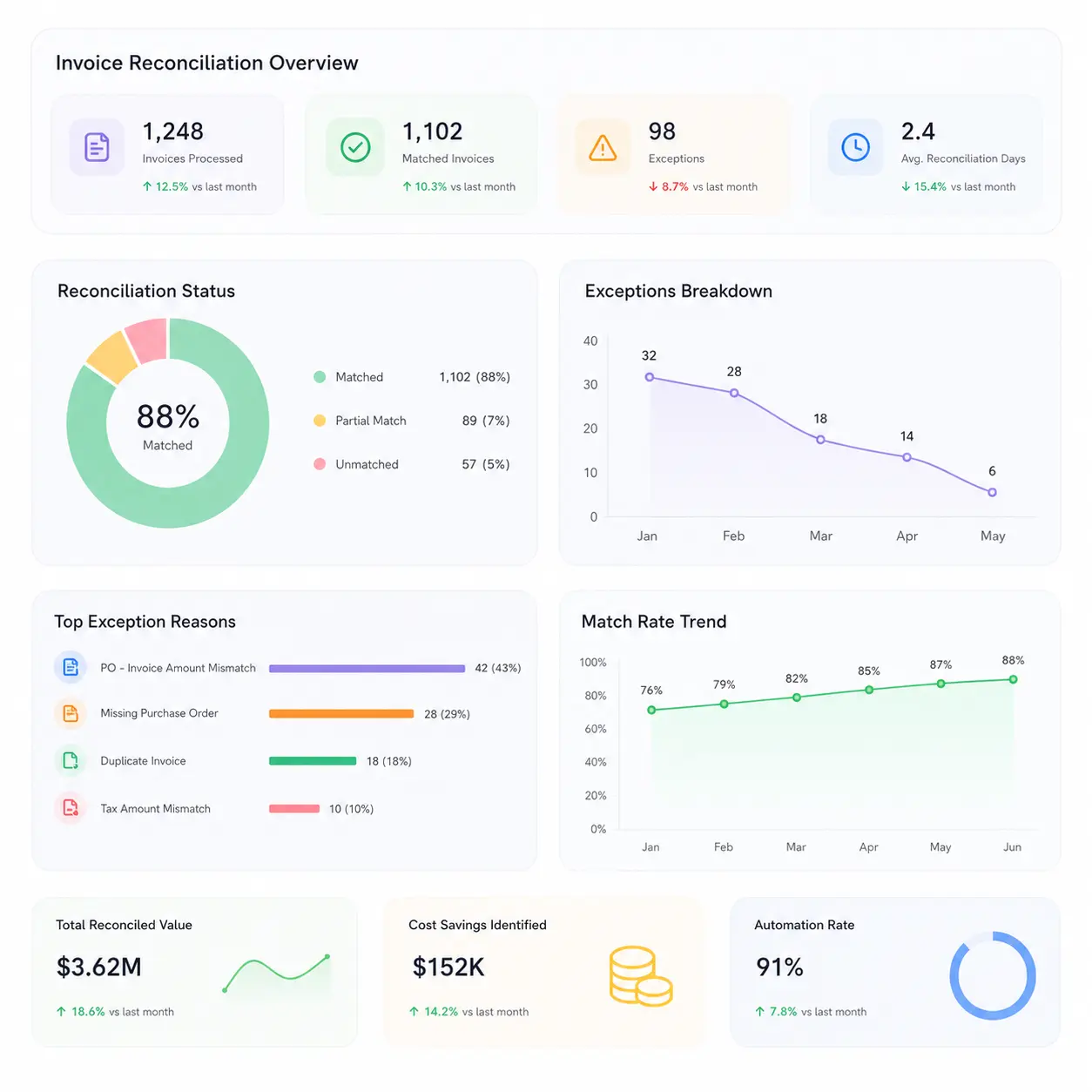
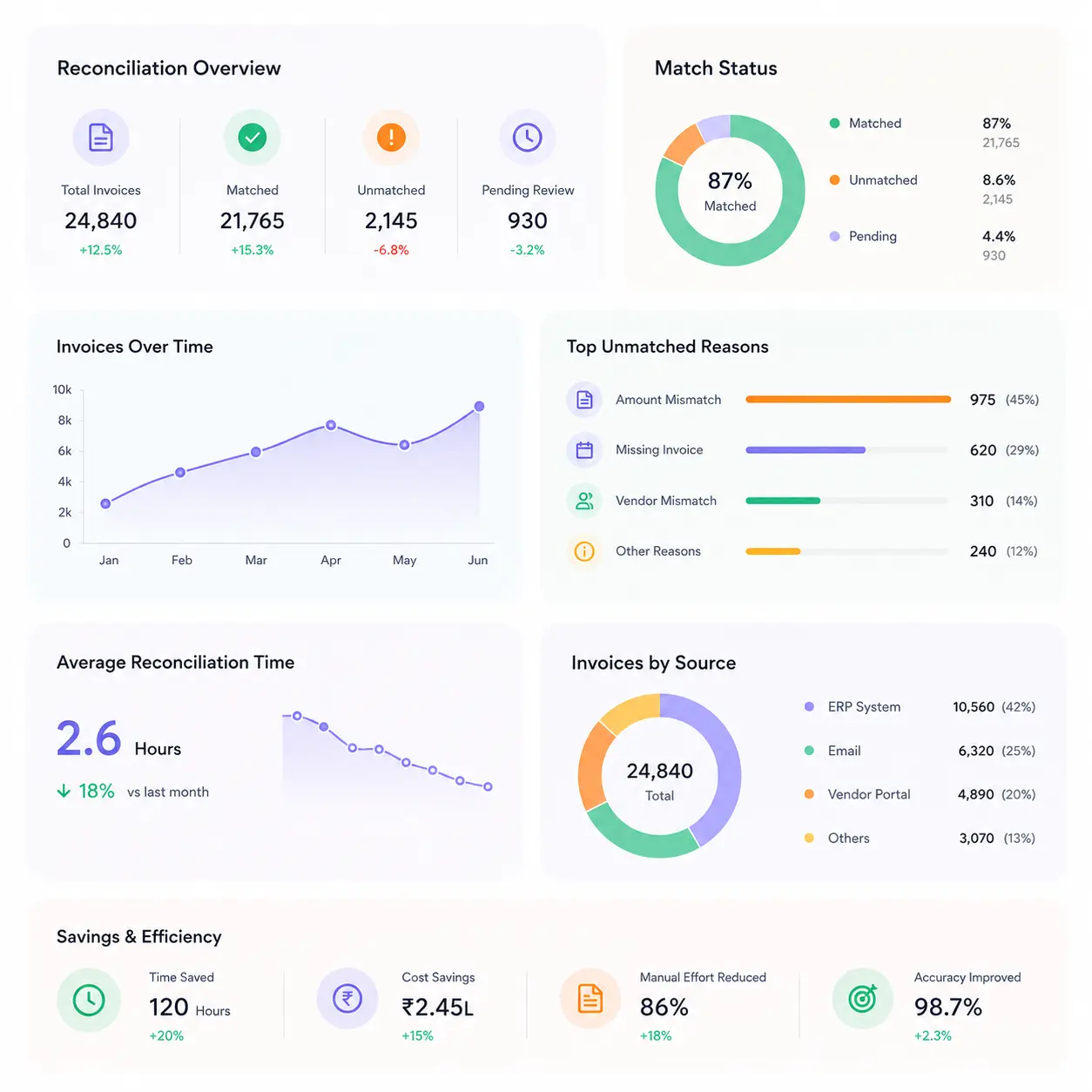
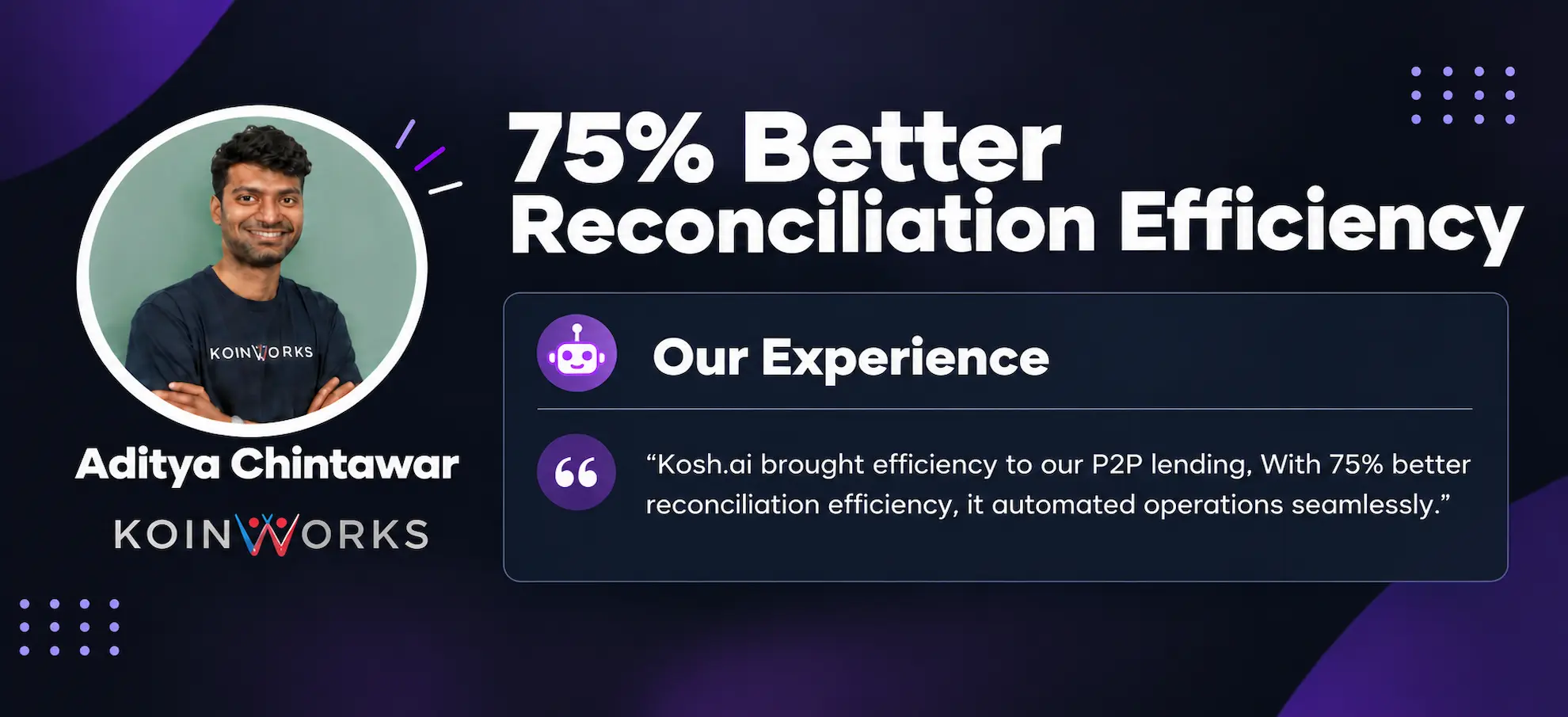
Order-to-Cash Reconciliation Software That Closes the Loop From Order to Payment

The Order Shipped. The Invoice Went Out. The Payment Doesn't Quite Match. Kosh AI Finds Exactly Where the Chain Broke

  • Matches Sales Orders, Invoices, and Payments End to End
  • Clears Unapplied Cash Against the Right Invoice Automatically
  • Separates Short Payments From Deductions and Genuine Errors
  • Runs the Same Check Across Every Customer, Not a Sample
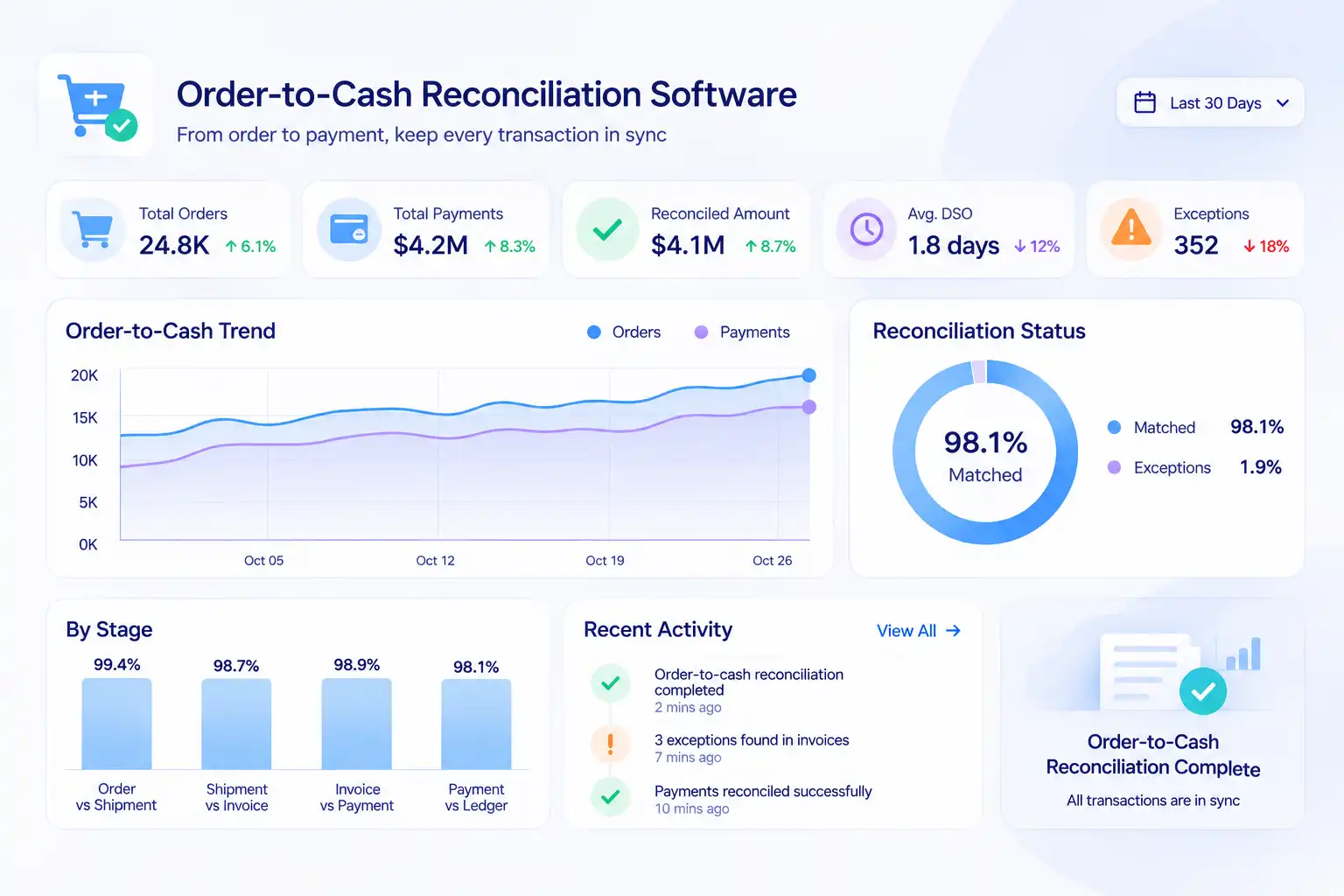
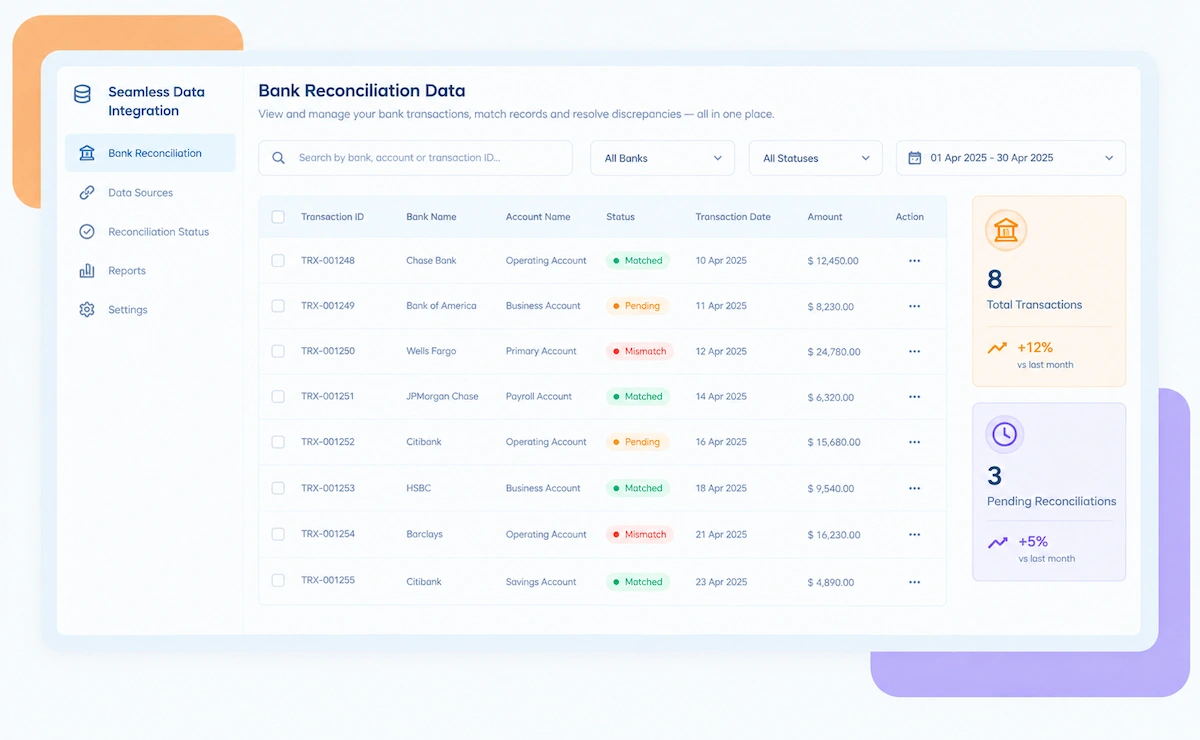
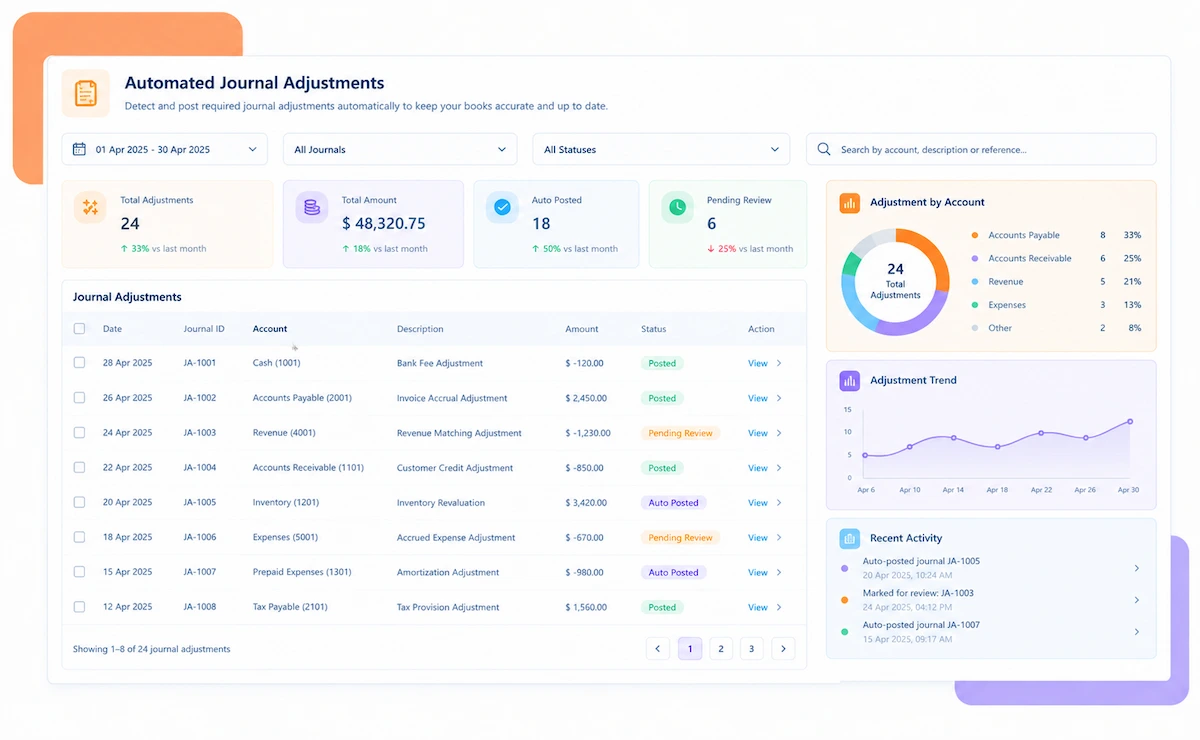
Order-to-cash reconciliation software dashboard

NEW 2026 Order-to-Cash Reconciliation Tool

Invoice Sent. Payment Doesn't Quite Add Up?

An order ships, an invoice goes out, and a payment eventually lands, but rarely in a way that matches cleanly across all three. Kosh AI checks the order, the invoice, and the payment against each other and tells you exactly where the chain broke.

What Order-to-Cash Reconciliation Software Checks

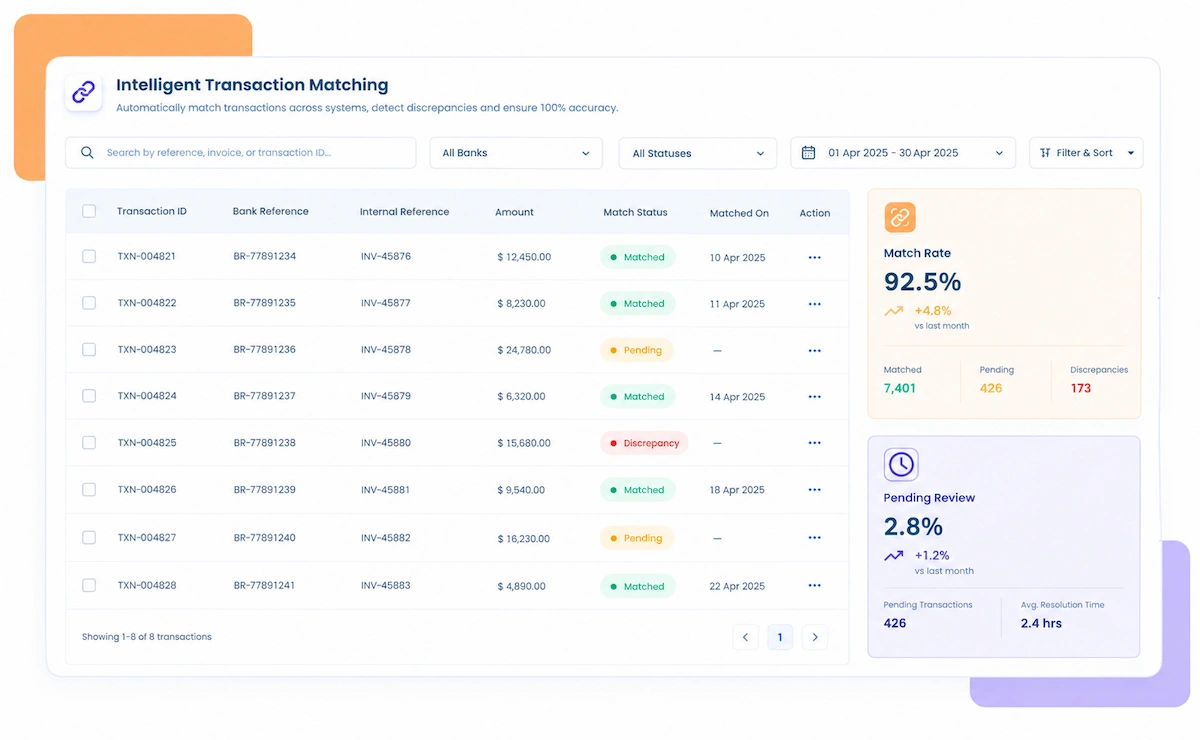
An order-to-cash cycle has three handoffs, and any one of them can drift from the others. Kosh AI checks each handoff on its own instead of comparing only the final balance.

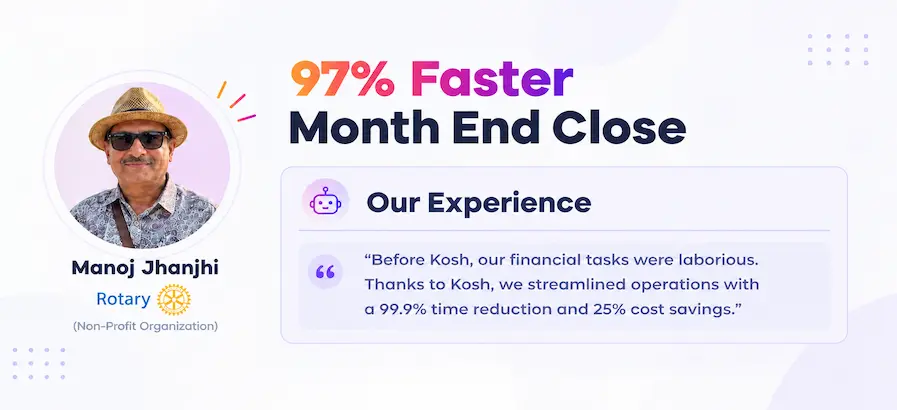
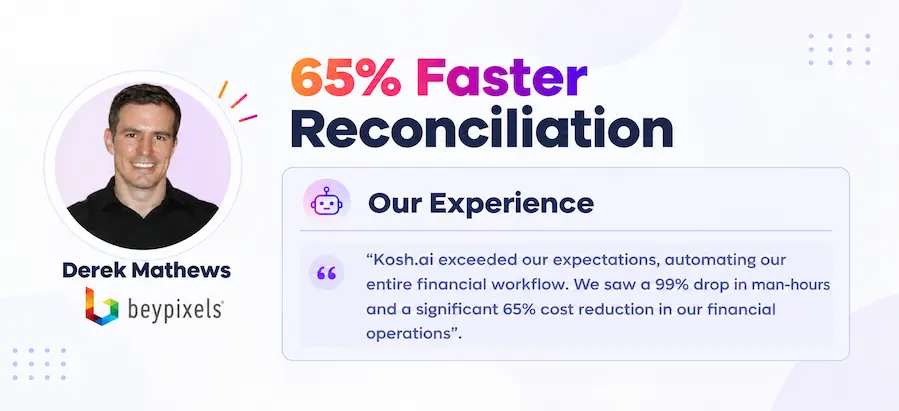
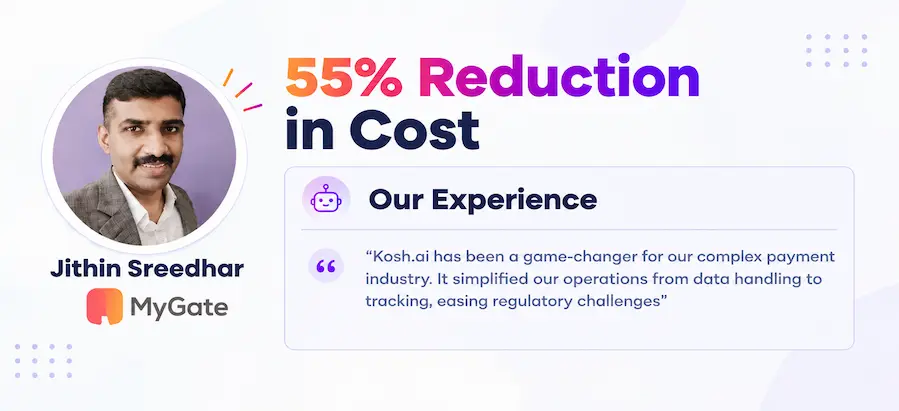
See How Businesses Like Yours Use Kosh AI

Konica Minolta Business Solutions, U.S.A., Inc.
Ring Container
Conference Direct

How Order-to-Cash Reconciliation Software Works

Four steps take a customer account from a scattered order, invoice, and payment trail to a fully explained match.

  • Sales Orders Imported: Order data comes in from your ERP or order management system as it's created.
  • Invoices Brought In: Invoices come in alongside the orders they were billed against.
  • Payments and Remittances Included: Bank receipts and remittance advice are pulled in from every payment channel.
  • Every Customer Covered: Every customer's open orders and invoices land in the same pull, so nobody is exporting account-by-account.
  • Order-to-Invoice Checked: Each invoice is matched against the order it was billed from, line by line.
  • Invoice-to-Payment Checked: Each payment is matched against the invoice it settles, using amount and reference.
  • Tolerances Set by You: What counts as an acceptable price or timing gap follows the thresholds your credit policy already sets.
  • Multi-Invoice Payments Split: A single payment covering several invoices is applied to each one correctly.
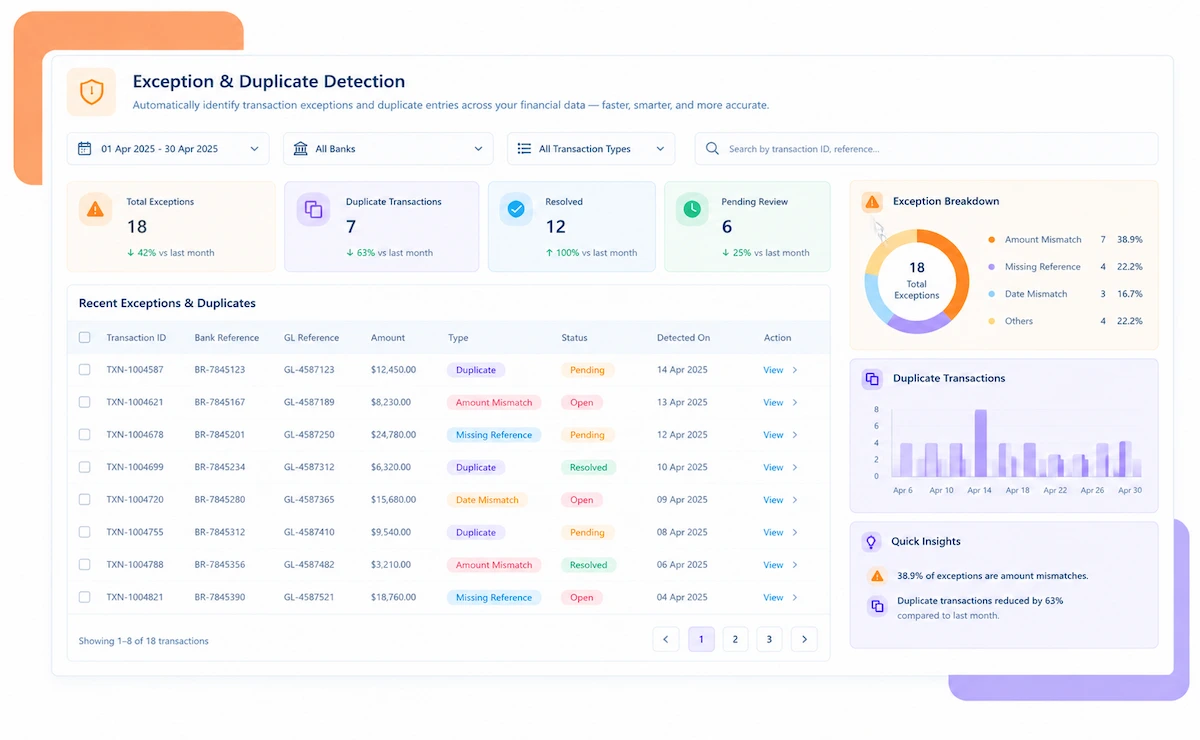
  • Deductions Separated From Errors: A valid deduction is classified differently from a short payment that needs chasing.
  • Unapplied Cash Flagged: A receipt that can't be matched to an invoice is raised for manual review.
  • Pricing Discrepancies Raised: An invoice priced differently from the order is surfaced before it affects collections.
  • Priority by Value: A five-figure short payment gets a reviewer's attention before a few dollars of rounding does.
  • One View Across Customers: Every customer account's reconciled position rolls into a single cash application report.
  • Review Simplified: You work from explained mismatches instead of a raw order-to-payment gap.
  • Full Trail Preserved: Each cleared receipt keeps its full history, from the original sales order through to the payment that closed it.
  • Ready for Collections: Unexplained shortfalls are handed off with the supporting detail attached.

Order-to-Cash Reconciliation for Every Kind of Business

A business invoicing a handful of accounts and one running thousands of orders a month both need the same order-invoice-payment check, just at a different scale.

B2B Distributors

A distributor pushing hundreds of orders a day still gets every invoice checked against its payment, automatically.

Manufacturers

Partial shipments and staged billing reconcile against the original order.

Subscription and SaaS Businesses

Recurring invoices reconcile against recurring payments automatically.

Growing Sales Operations

A newly signed customer account slots into the same matching rules the rest of the book already runs on.

Retail and Wholesale

High-volume orders reconcile against payments without slowing down the credit team.

Logistics and Distribution

Freight and delivery charges reconcile against the original order terms.

Industrial and Manufacturing

Long payment cycles and partial deliveries reconcile without losing track of the balance.

Technology and Services

Usage-based and milestone invoices reconcile against the contract terms automatically.

Reconciliation at Scale

Kosh AI reconciles orders, invoices, and payments across thousands of customer accounts without manual spreadsheet work.

  • Match every order to its invoice and payment from one consolidated view.
  • Catch short payments and deductions before they're written off.
  • Produce a customer-by-customer trail an auditor can follow without extra prep.
  • Reconciliation for Smaller Credit Teams

    Kosh AI gives smaller finance teams order-to-cash matching without a dedicated collections hire.

  • Stop manually splitting remittances across multiple invoices.

  • Bring on new customers without a new manual tie-out step.
  • Start from the ERP and payment exports you already pull today.
  • What Changes When Order-to-Cash Reconciles Automatically

    An invoice marked paid doesn't mean the cash behind it was actually applied correctly. Automating the match changes what actually happens by month-end.

    1

    Know Exactly Where the Chain Broke

    Every mismatch gets traced to the order, the invoice, or the payment, instead of a flat variance.

    2

    Clear Unapplied Cash Faster

    Receipts that can't be matched automatically are narrowed down instead of sitting unresolved.

    3

    Separate Deductions From Real Shortfalls

    A valid deduction is classified differently from a payment that genuinely needs chasing.

    4

    Catch Pricing Errors Before Collections

    An invoice priced differently from the order is flagged before it reaches the customer.

    5

    Close Faster Across Customer Accounts

    A regional controller can see every customer's order-to-cash status without opening a dozen separate account sheets.

    6

    Scale Without Growing the Credit Team


    Signing a new customer account is a configuration step, not a reason to add a collections hire.

    The Results of Automating Order-to-Cash Reconciliation

    70%Faster Cash Application
    87%Of Payments Matched Automatically
    90%Less Unapplied Cash at Month-End

    Integrate Seamlessly with Your Existing ERP Systems

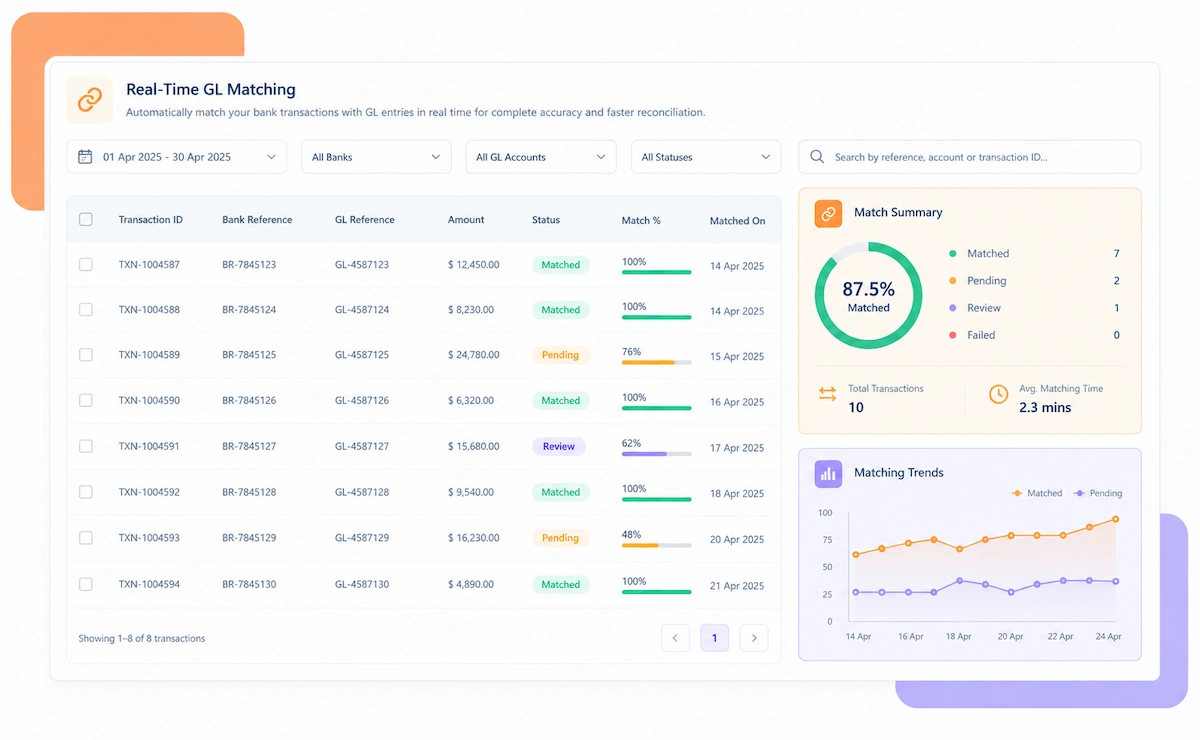
    Kosh AI connects directly with all major banks and ERPs, enabling real-time data sync for faster, more accurate reconciliations—no manual uploads, no delays.

    Order-to-Cash Reconciliation Across Every Customer Account

    A customer account that nets out to zero over a quarter can still be hiding individual invoices that never actually got paid correctly. Checking the full order-to-cash chain catches what a balance review won't.

    A customer account review usually checks whether the running balance looks reasonable, not whether each invoice was actually settled by the payment it claims to match. Two invoices can be mismatched in opposite directions and still leave the account balance looking fine. Chain-level reconciliation checks the order, the invoice, and the payment against each other instead of trusting that the net balance tells the whole story.

    Unapplied cash is the clearest example. A receipt that doesn't carry a clean reference gets parked as unapplied, and an account-level review won't flag it as a problem as long as the overall balance looks manageable. Left unapplied long enough, that cash becomes a dispute with the customer instead of a quick match.

    Order-to-cash chain illustration

    Who Actually Needs Order-to-Cash Reconciliation Software

    It's the makeup of the customer book, not order count alone, that usually surfaces this first.

    1

    Businesses With High Order Volume

    Once order volume climbs, manually matching remittances to invoices turns into a backlog before anyone notices.

    2

    Businesses Offering Trade Deductions

    Valid deductions need separating from real shortfalls, account by account.

    3

    Businesses With Frequent Partial Shipments

    Staged billing needs checking against the original order at every stage.

    4

    Finance Teams Carrying Unapplied Cash

    Receipts that don't carry a clean reference need narrowing down before they age out.

    5

    Subscription and Recurring-Revenue Businesses

    Recurring invoices need matching against recurring payments without manual review every cycle.

    6

    Growing Sales Operations

    A newly signed account should plug into the existing matching rules, not trigger a new manual routine.

    Order-to-Cash Reconciliation Software: An Honest Assessment

    This tool is built to catch mismatches across the order-invoice-payment chain fast. The credit terms and collections calls behind those mismatches are still your team's to run.

    • Matches the Full Chain: An account balance can look settled while two invoices inside it are still mismatched in opposite directions — checking the full chain is what catches that.
    • Separates Deductions From Errors: Valid deductions get classified differently from a shortfall that needs chasing.
    • Clears Unapplied Cash Faster: Receipts without a clean reference are narrowed down instead of sitting unresolved.
    • Deduction Code Mapping Takes Setup: Reason codes need to be configured correctly before classification runs well.
    • Invoice Accuracy Still Starts Upstream: The tool will flag a pricing error once it reaches a payment, but getting the invoice right the first time is still on whoever billed it.
    • Remittance Quality Still Matters: Matching works best when customers send consistent payment references.

    What Is Order-to-Cash Reconciliation Software?

    Order-to-cash reconciliation software matches sales orders, invoices, and payments against each other end to end, and checks the deductions and remittance details behind any gap, rather than writing off a variance without knowing where in the chain it started. A business invoicing many customer accounts ends up with orders, invoices, and payments moving at different paces, and an account balance that looks fine can still be hiding individual invoices that were never actually settled correctly. Kosh AI pulls in orders, invoices, and payments automatically, matches them customer by customer, and separates a valid deduction from a shortfall that still needs collecting.

    Order-to-cash reconciliation illustration

    Manual vs. Automated Order-to-Cash Reconciliation

    Run one customer account through a manual tie-out, then compare it to one that matches the order, invoice, and payment automatically. The time to clear unapplied cash tells the story.

    Feature Automated Order-to-Cash Reconciliation Manual Order-to-Cash Reconciliation
    Full-Chain MatchingOrder, invoice, and payment matched against each other automatically.Teams usually check the account balance, not each invoice.
    Deduction HandlingValid deductions classified separately from genuine shortfalls.Both tend to get written off the same way without a closer look.
    Unapplied CashReceipts narrowed down to likely invoices automatically.Unapplied cash is often caught only when a customer disputes a balance.
    Multi-Customer CoverageEvery customer account reconciles into one consolidated view.Each account is usually reconciled separately, often by a different analyst.
    Remittance MatchingMulti-invoice payments split and applied correctly in one pass.Split payments are often applied manually, invoice by invoice.
    Adding New AccountsA new customer account slots into the matching rules already running for the rest of the book.A new customer account usually means someone copies and tweaks last quarter's reconciliation sheet.

    Reconcile Every Customer Account in Just Days

    Connect your ERP and payment channels inside Kosh AI, and the next order starts reconciling against its invoice and payment automatically.

    Schedule a Quick Demo
    Loreal Touchless

    Order-to-Cash Reconciliation Software FAQs

    What is order-to-cash reconciliation software?

    Order-to-cash reconciliation software matches sales orders, invoices, and payments against each other end to end. Kosh AI does this automatically and classifies the gaps it finds.

    Does it clear unapplied cash?

    Yes, receipts that don't carry a clean reference are narrowed down against open invoices automatically.

    Can it separate deductions from genuine errors?

    Yes, valid deductions are classified by reason code and matched against the agreement that allows them.

    How are multi-invoice payments handled?

    A single payment covering several invoices is split and applied to each one correctly, instead of being matched manually.

    What happens when a payment can't be auto-applied?

    It goes into the collections owner's queue with the order and invoice history already pulled up, so the follow-up starts with context instead of a search.

    Does this replace our ERP or billing system?

    No, it reconciles the orders, invoices, and payments already inside your ERP against each other and flags what doesn't match.

    Can order-to-cash reconciliation software connect to our ERP and bank?

    Yes — it connects to ERPs such as SAP, Oracle, and NetSuite along with the bank feeds tied to your receivables accounts.

    Does this work for a single customer account?

    It handles one customer account fine from the start; the time saved compounds as the customer list and order count grow.

    How soon does cash application stop needing a person?

    Your highest-volume customer accounts are usually applying payments on their own within two to three weeks of connecting the ERP.

    How do I choose the right order-to-cash reconciliation software?

    Start with whether it matches the full order-invoice-payment chain and classifies deductions correctly, not just whether it checks the account balance. Kosh AI is built around exactly that, but the checklist applies to any option you're comparing.

    Find Out What's Really Behind Your Unapplied Cash

    Bring a recent customer statement to the call. We'll trace the unapplied balance live, order by order, and show you where it actually sits.

    Book a Demo