The AR Sub-Ledger Says One Balance. The GL Says Another. Kosh AI Finds the Entry That's Pulling Them Apart
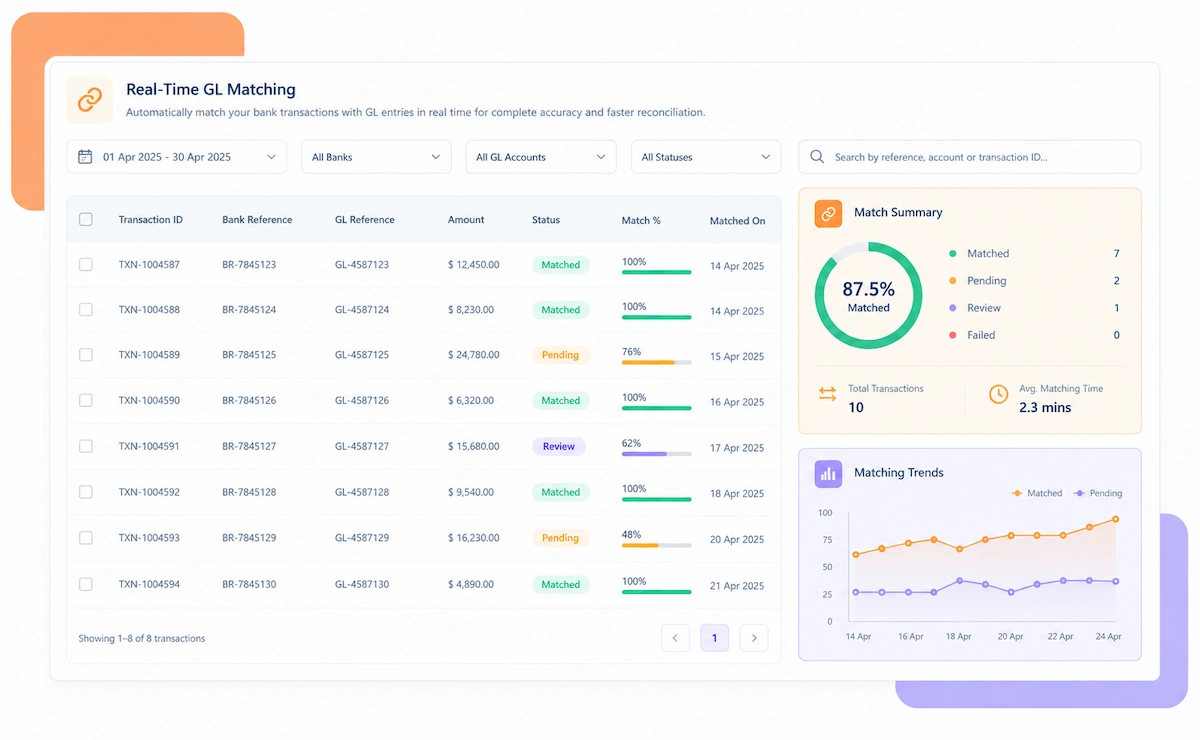
An AR balance that looks fine in total can still be wrong account by account. Kosh AI checks every customer ledger against its source transactions.
Four steps take the AR sub-ledger from a standalone balance to a fully tied-out account, with every customer's transactions checked along the way.
A business invoicing a small customer base and one managing thousands of accounts both need the same sub-ledger-to-GL check, just at a different scale.
Even a small customer base benefits from automatic sub-ledger-to-GL matching.
Each subsidiary ties out its own AR locally, and a group controller still gets one combined view without extra consolidation work.
A shared service center reconciles AR for several business units while each unit still owns its own exceptions.
A newly signed customer account follows the same reconciliation rules as the rest of the book from day one.
High invoice volume reconciles against customer payments without a manual tally.
Recurring billing reconciles against recurring receipts automatically.
Partial payments and adjustments reconcile against the original claim or invoice.
Milestone and retainer invoices reconcile against payments as they come in.
Kosh AI reconciles AR across thousands of customer accounts without manual spreadsheet work.
A two-person AR function keeps up with account-level matching without adding a body during close week.
A sub-ledger that nets close to the GL doesn't mean every customer account is actually right. Automating the match changes what actually happens by close day.
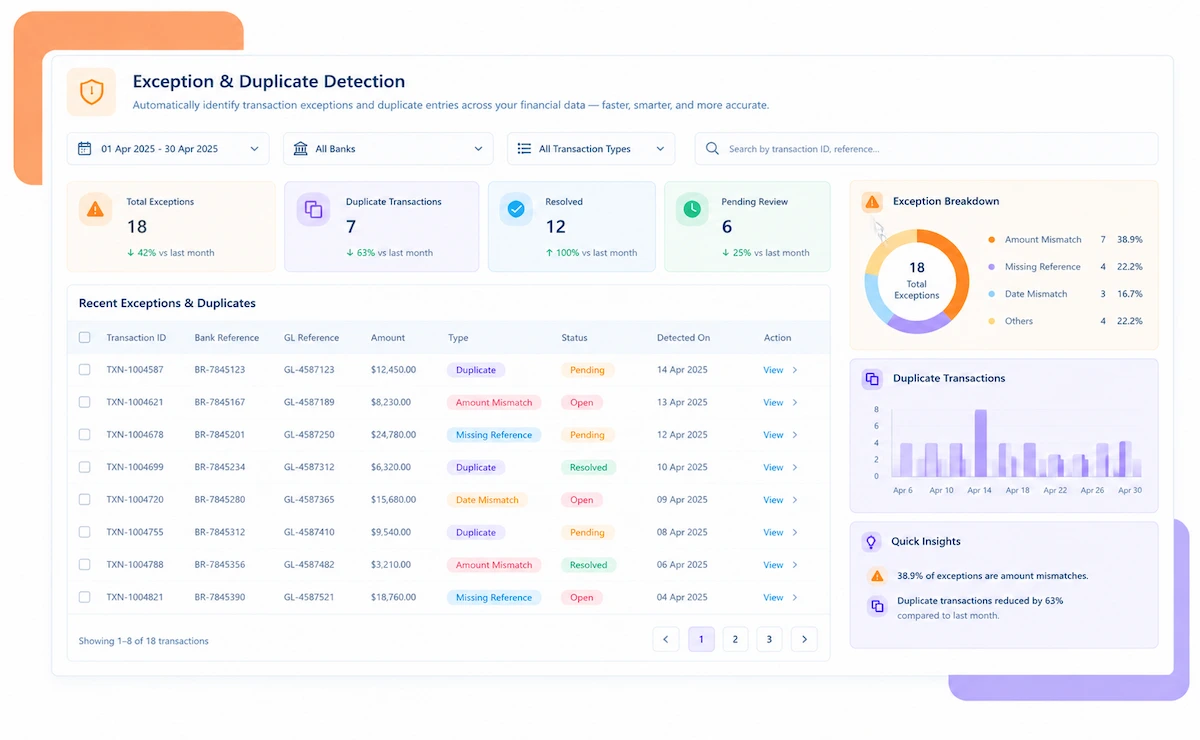
Every variance gets classified as timing, a misapplied payment, or a genuine error.
Receipts without a clean reference get narrowed down instead of sitting unresolved.
A payment on the wrong account is flagged before it distorts a collections call.
Buckets update as matches happen, not just once a month.
An AR lead checks every customer's status from a single screen instead of switching between account-level sheets.
Adding another customer account is a setup step, not a reason to grow the AR headcount.
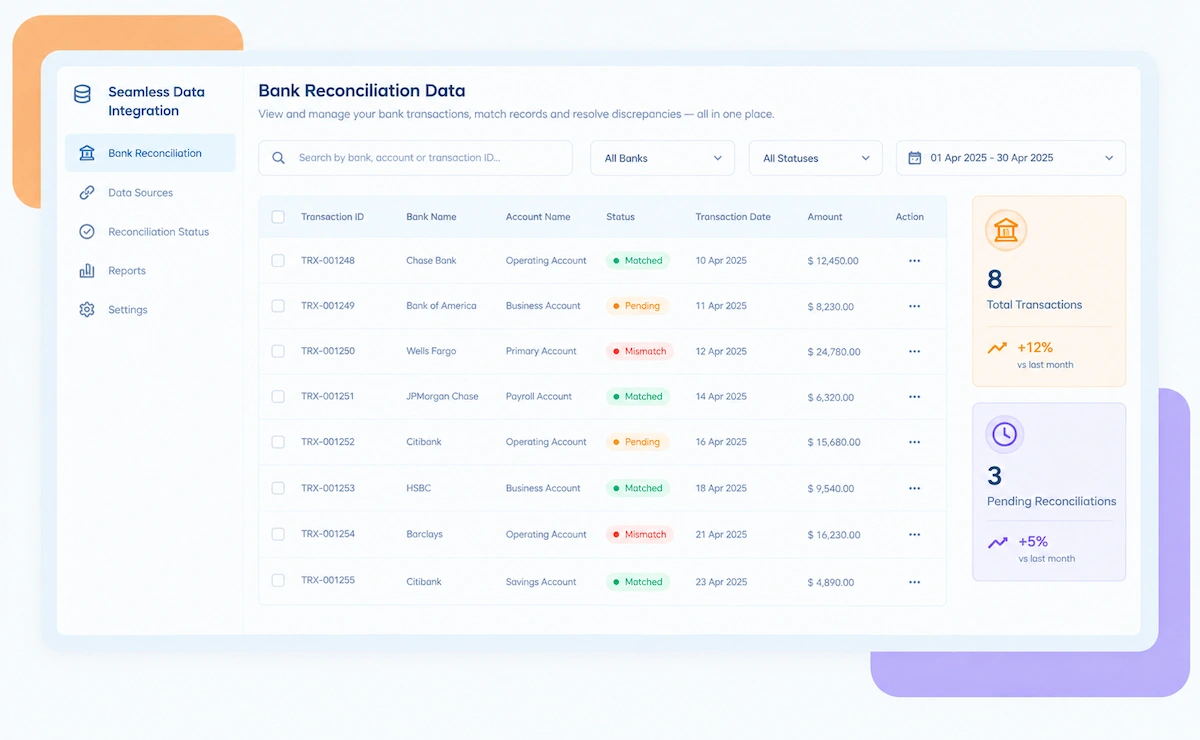
Kosh AI connects directly with all major banks and ERPs, enabling real-time data sync for faster, more accurate reconciliations—no manual uploads, no delays.


A sub-ledger total that matches the GL can still hide individual customer accounts that are badly wrong in opposite directions. Here's what account-level reconciliation catches that a total check won't.

It's usually the mix of unapplied cash and customer count together, not either one alone, that pushes this up the priority list.
Past a certain customer count, checking each account by hand turns into a backlog that never fully clears.
Receipts without a clean reference need narrowing down before they age out.
What actually shortens the AR close is matching at the account level, not asking the team to work later hours.
Picking up new customers shouldn't mean someone builds that account's reconciliation steps from scratch.
This tool is built to tie out customer accounts and clear unapplied cash fast. The billing accuracy and collections calls behind those balances still belong to your team.
A sub-ledger total can balance while two customer accounts inside it are off in opposite directions — matching at the account level is what catches that.
Receipts without a clean reference get narrowed down instead of sitting unresolved.
Each customer account needs to be mapped correctly before matching runs well.
Reconciliation can catch a misapplied payment, but someone still has to bill correctly in the first place.
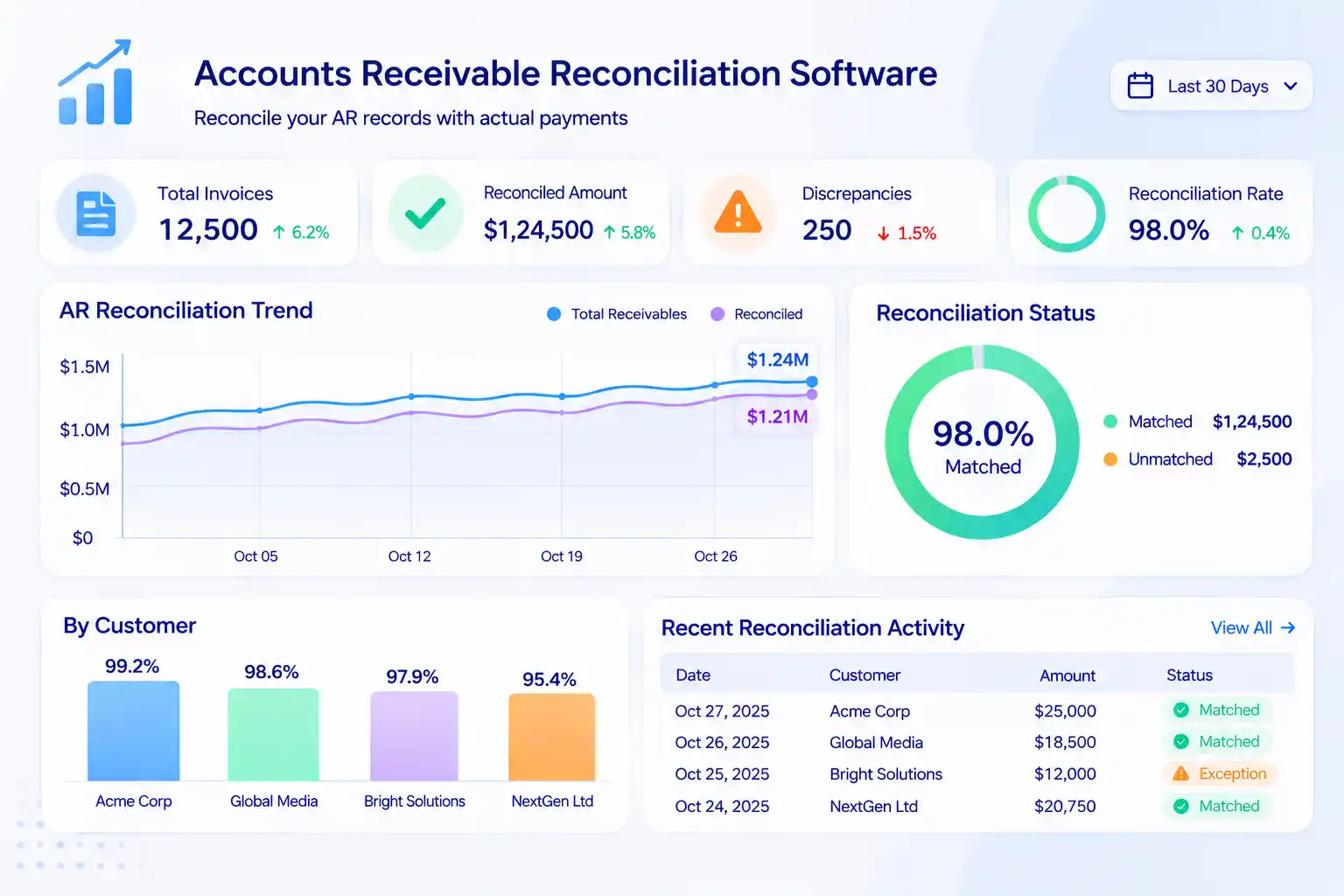
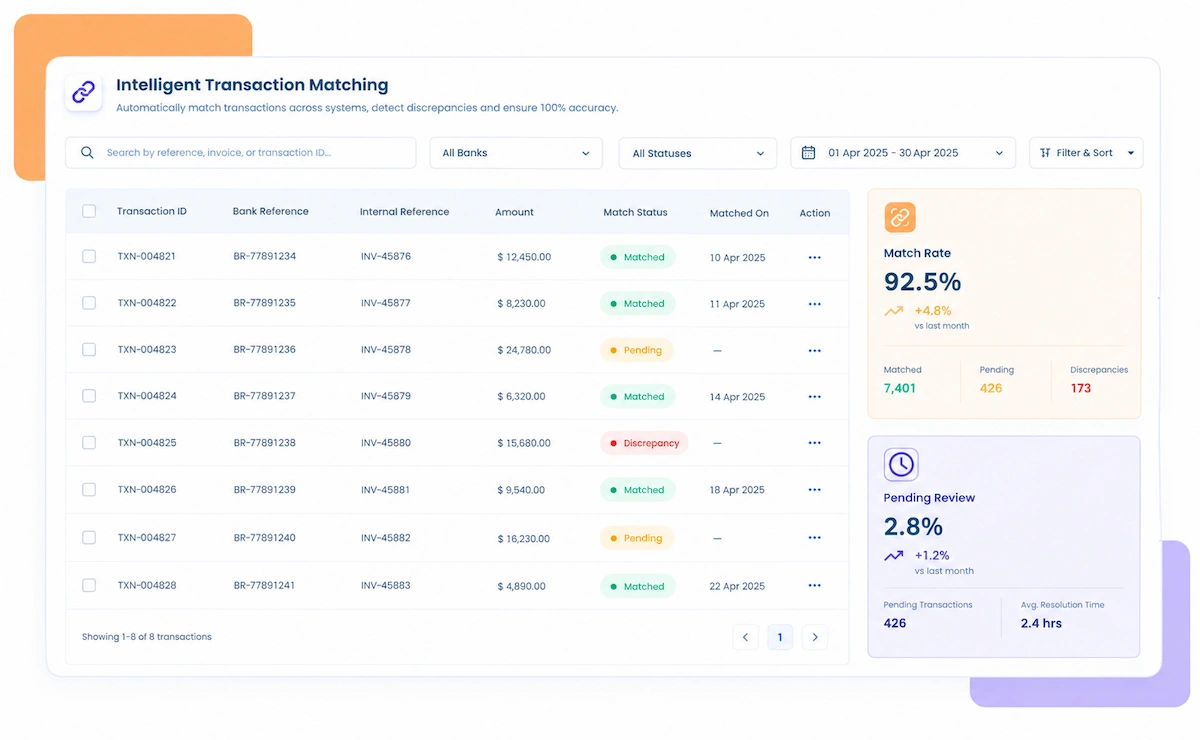
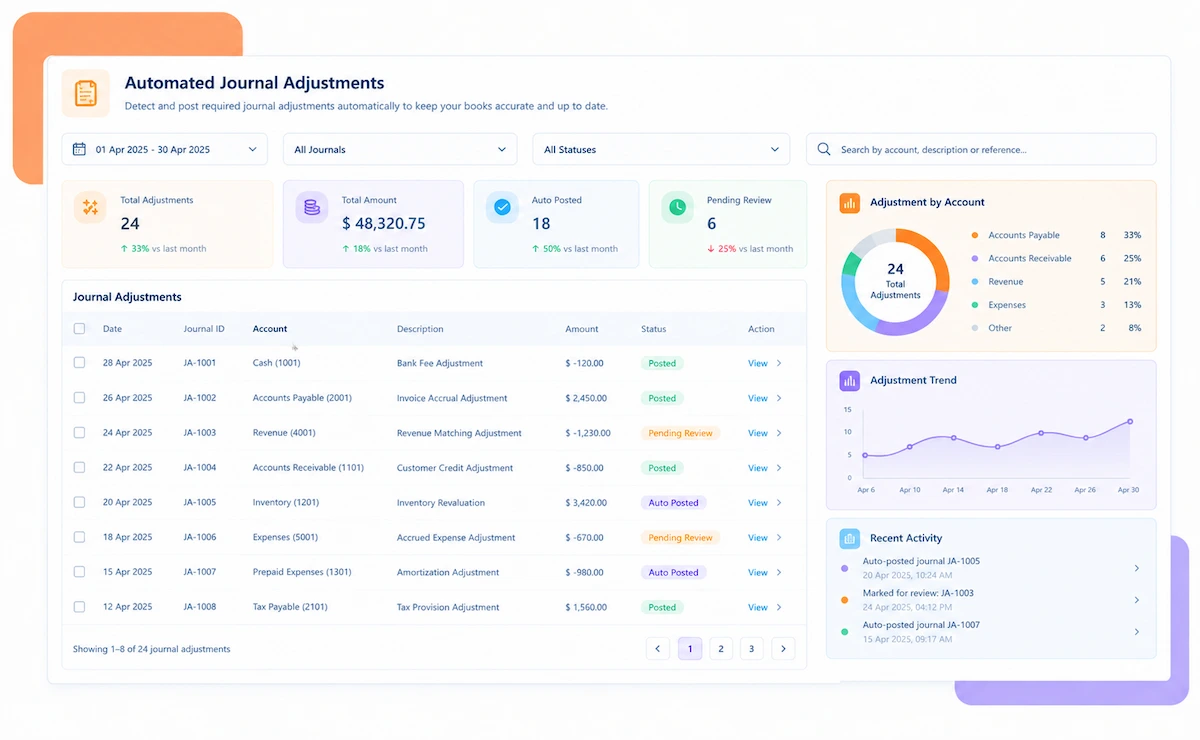
Accounts receivable reconciliation software matches the AR sub-ledger against the general ledger control account, and checks the customer payments and credit memos behind any gap, rather than writing off a variance without knowing which account caused it. A finance team managing many customer accounts ends up with payments, credits, and invoices moving at once, and a sub-ledger total that matches the GL can still be hiding individual customer accounts that are badly wrong in opposite directions. Kosh AI pulls in sub-ledger balances, GL data, and payment records automatically, matches them account by account, and separates a timing difference from a payment that was simply applied to the wrong place.

Run one AR close through a manual tie-out, then compare it to one that matches every customer account against the GL automatically. The gap between the two shows up fast.
| Feature | Automated AR Reconciliation | Manual AR Reconciliation |
|---|---|---|
| Account-Level Matching | Every customer account matched against the GL automatically. | Most teams only confirm the sub-ledger total ties to the GL, not that each customer account inside it is correct. |
| Unapplied Cash | A payment with no reference narrows down to the likely invoice on its own. | Unapplied cash often sits until a customer disputes a balance. |
| Misapplied Payments | A payment on the wrong account is flagged before it affects collections. | Misapplied payments are often caught only when a customer calls in. |
| Multi-Entity Coverage | A controller opens one screen and sees every entity's AR reconciled together. | Pulling that same view together usually means a status call with an analyst from each entity. |
| Aging Accuracy | Aging buckets update automatically as matches happen. | Aging is often recalculated only once a month, by hand. |
| Adding New Accounts | A new customer account ties out under the same rules as every account already running. | A new customer account usually means someone extends last quarter's tie-out sheet by hand. |
Connect your billing system and ERP inside Kosh AI, and the next payment starts reconciling against the AR sub-ledger automatically.
Schedule a Quick DemoBring a recent AR aging report to the call, and we'll show you how it breaks down account by account.
Book a Demo