Stop Rebuilding Payment Reports From Five Different Exports
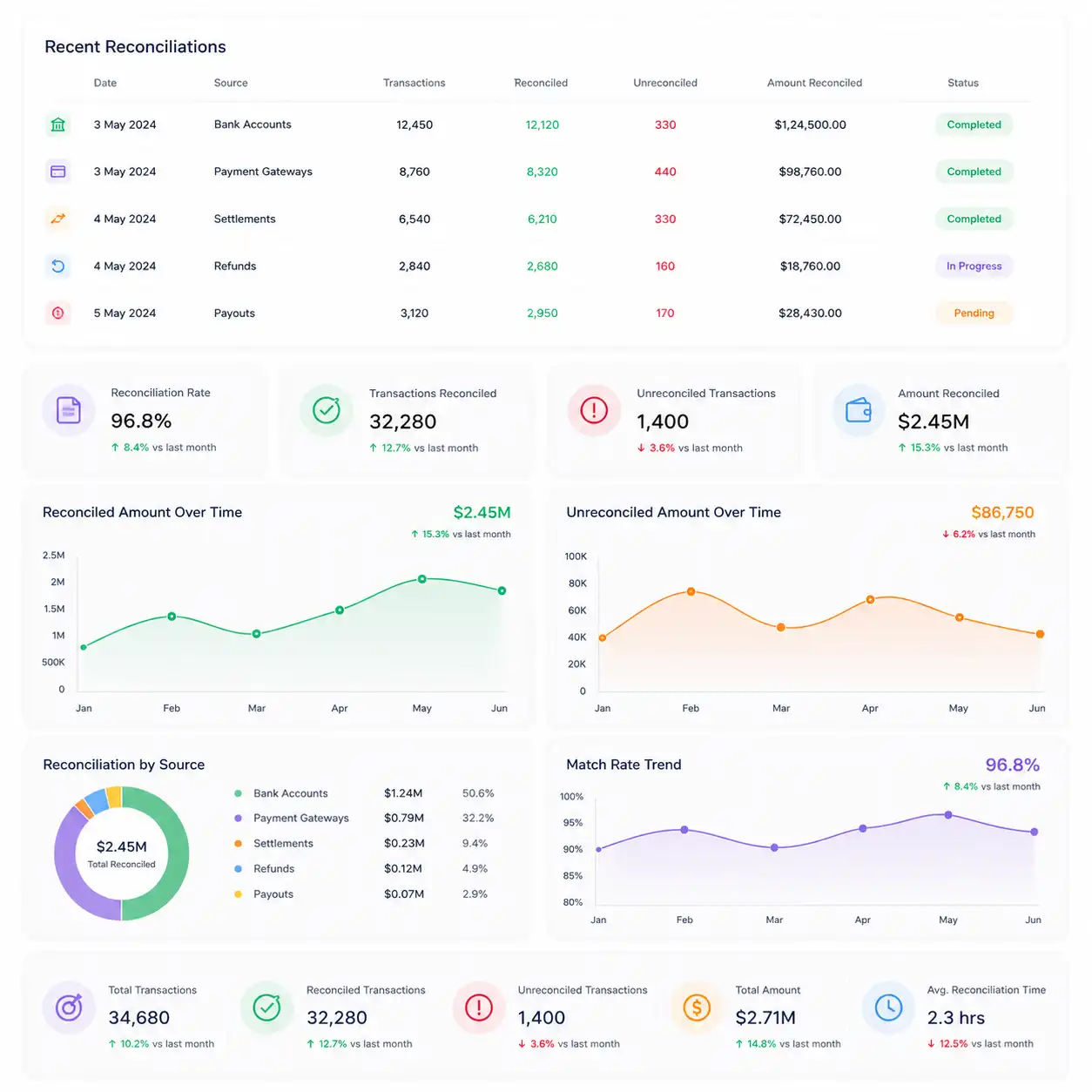
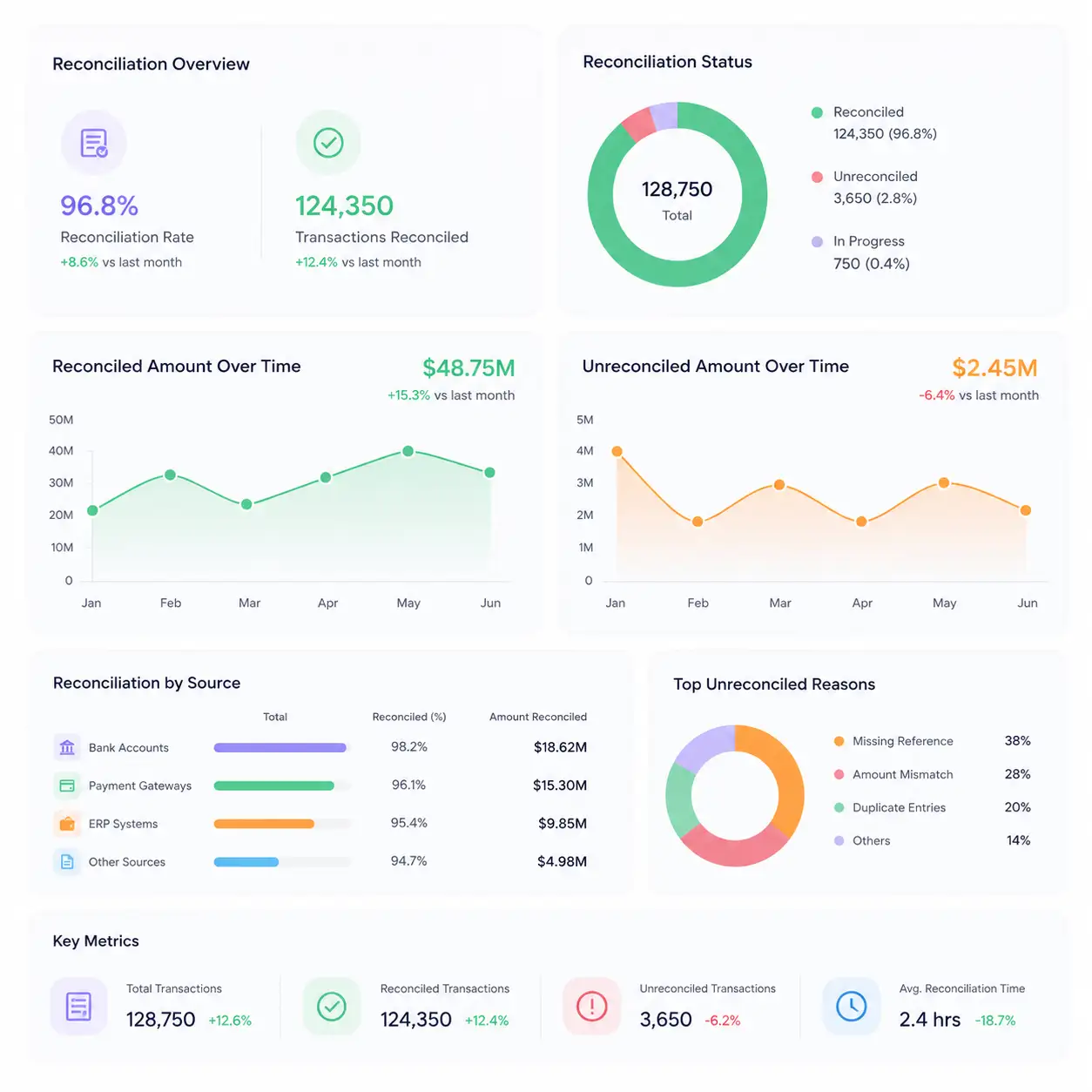
A payment report is only useful if it reflects what's actually happening right now. Kosh AI builds that view automatically from reconciled data.
The report updates itself. Here's what runs behind it.
Different teams need different slices of the same payment data.
A single view of cash movement across every channel, without waiting for someone to compile it.
Visibility into settlement timing and failed payments that affect cash positioning decisions.
A reliable, timestamped record of payment activity that doesn't require rebuilding from raw exports.
Status visibility from initiation through bank confirmation, without logging into a separate banking portal.
Settlement and fee detail from every connected payment gateway in one consolidated view.
High-volume, low-ticket transactions tracked without drowning the report in noise.
A reporting layer that scales as payment volume and channel count grow, without rebuilding it each time.
A consolidated view across entities, with each entity's own breakdown still available on demand.
Currency and settlement timing differences handled within the same reporting view.
The report builds itself from connected systems instead of five separate downloads.
See where a payment stands right now, not where it stood when the last export was pulled.
A scheduled report replaces a recurring request to finance for the latest numbers.
What shows up in the report has already been checked, not just pulled raw.
Drill down from a report total to the exact transaction behind it in seconds.
Adding a new channel or entity doesn't mean rebuilding the reporting process.
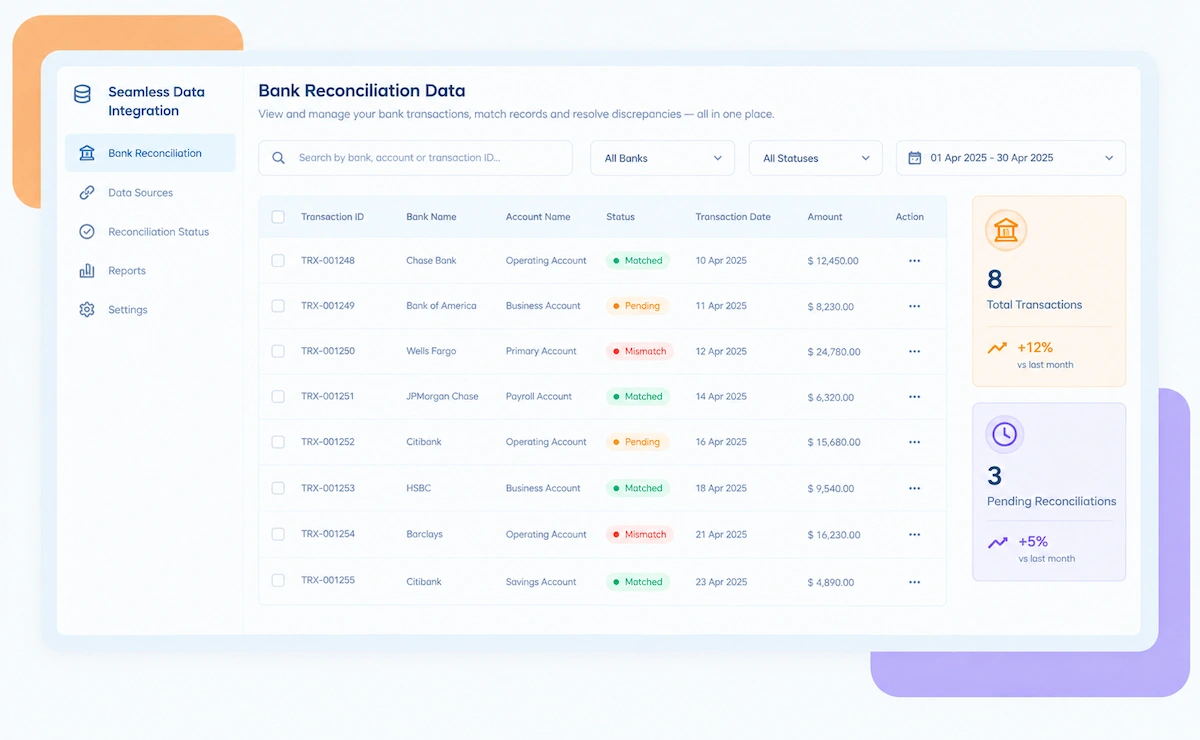
Kosh AI connects directly with all major banks and ERPs, enabling real-time data sync for faster, more accurate reconciliations—no manual uploads, no delays.


Building a payment report automatically is more than scheduling an export. Kosh AI understands what the numbers mean.
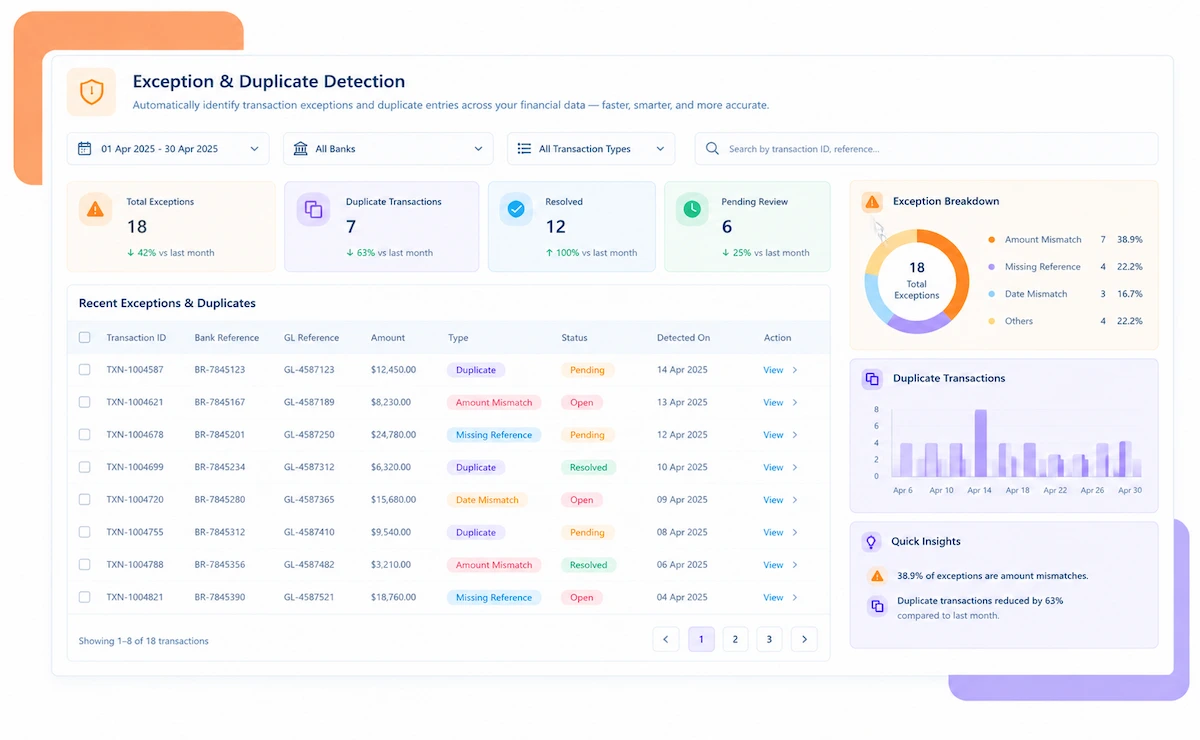
Surfaces unusual payment patterns, like a spike in failed transactions, before someone has to notice it manually in a report.
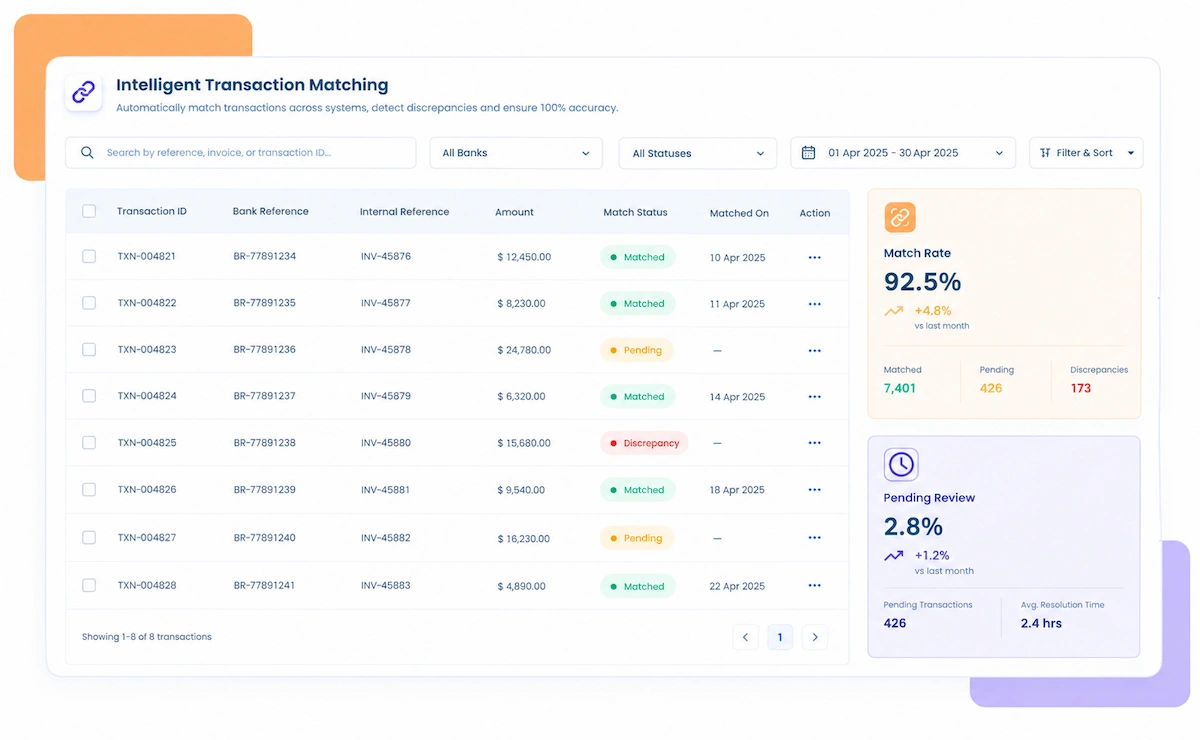
Understands the difference between a payment that's delayed and one that's actually failed, instead of reporting both the same way.
Learns how your team classifies payment exceptions over time and applies that pattern to future reports automatically.
Builds different views for different audiences from the same underlying reconciled data, without separate manual setups.
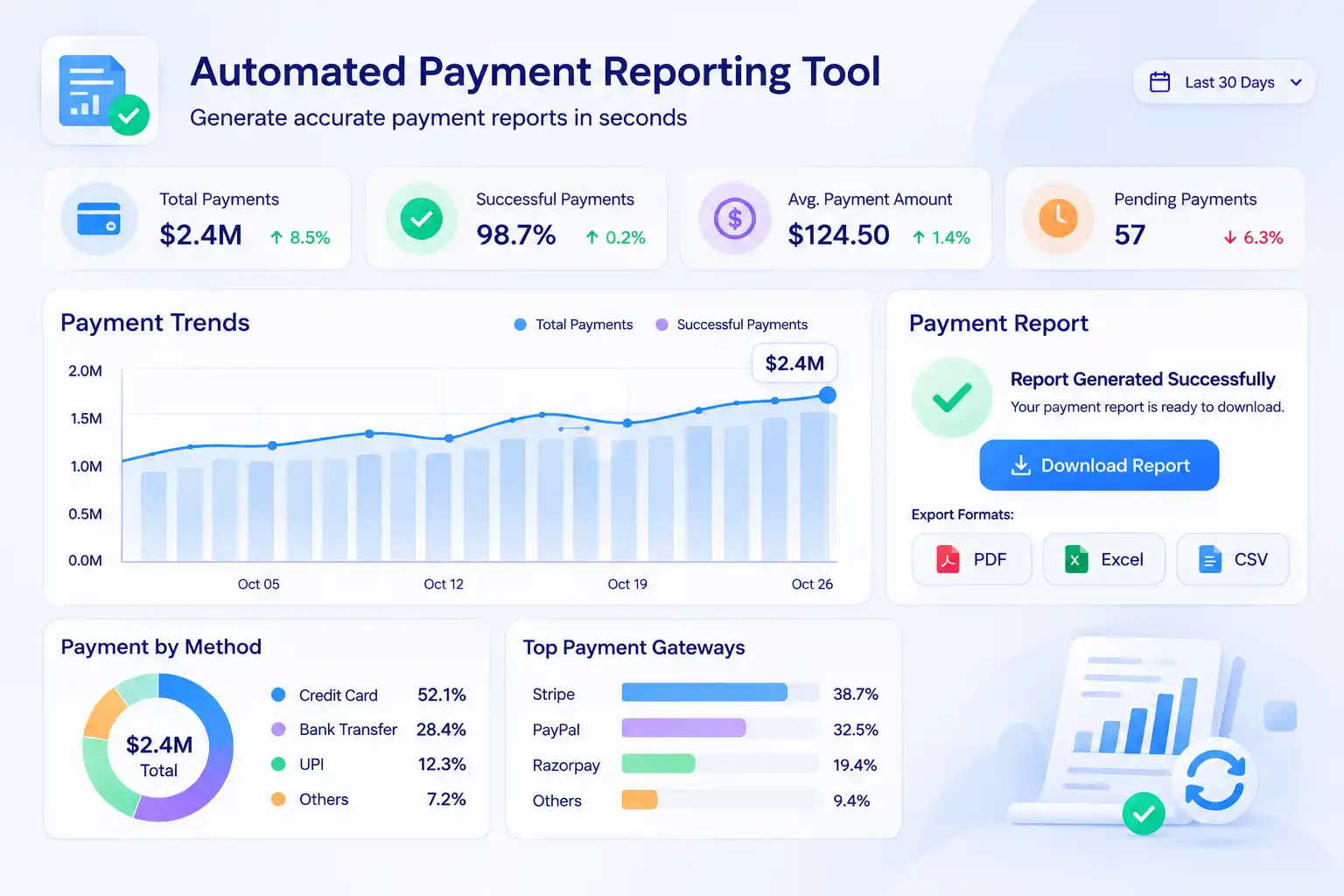
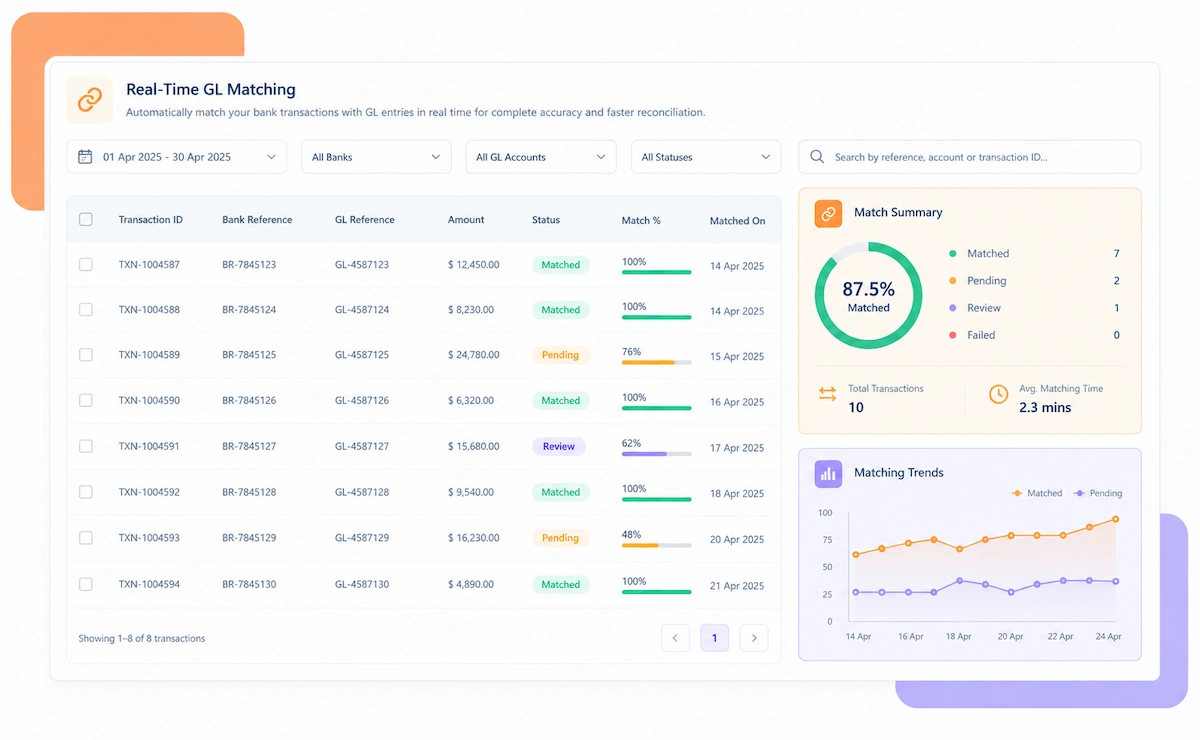
An automated payment reporting tool pulls payment data from every channel your business uses, be it bank transfers, card payments, UPI, or gateway payouts, and builds a continuously updated view of where every payment stands. Instead of someone exporting data from each system and combining it by hand, the report reflects what's actually happening in real time.
The difference between this and a basic export script is what sits underneath the report. A tool that just dumps raw transaction data into a spreadsheet will carry forward any errors, duplicates, or unmatched entries in that data. A tool built on reconciled data reports numbers that have already been checked against source records, so the report itself is something people can actually trust.
Kosh AI builds its automated payment reporting on top of its own reconciliation engine, which means the figures in every report, whether it's a daily settlement summary or a monthly cash movement view, reflect transactions that have already been matched and verified, not raw numbers that still need a second look.

Build one payment report by hand, then compare it to one that updates itself. The gap shows up immediately in both time and accuracy.
| Feature | Automated Payment Reporting | Manual Payment Reporting |
|---|---|---|
| Data Sources | Banks, gateways, and ERPs pulled into one live view automatically. | Each system exported separately, then combined by hand. |
| Report Freshness | Updates continuously as payments process. | Accurate only as of whenever the last export was pulled. |
| Error Risk | Built on reconciled, verified data. | Carries forward whatever errors exist in the raw export. |
| Delivery | Scheduled and sent automatically to the right people. | Someone has to remember to build and send the report. |
| Drill-Down | Any number traces back to its source transaction instantly. | Finding the detail behind a number means a separate manual lookup. |
| Scaling to New Channels | A new payment channel plugs into the same report automatically. | A new channel usually means rebuilding part of the report by hand. |
Most finance teams don't realize how much time goes into payment reporting until they try to automate it. The weekly report that takes an afternoon to assemble, the recurring Slack message asking 'can you pull the latest numbers', the leadership deck that needs a fresh export every quarter — all of it adds up to hours that could go toward actual analysis instead of data assembly.

The bigger risk isn't the time, though. It's that a manually assembled report is only as current as its last update, and it's only as accurate as whatever errors happened to be sitting in the source export that day. A number presented in a board meeting that turns out to be wrong because of an unreconciled discrepancy is a credibility problem, not just an inconvenience.
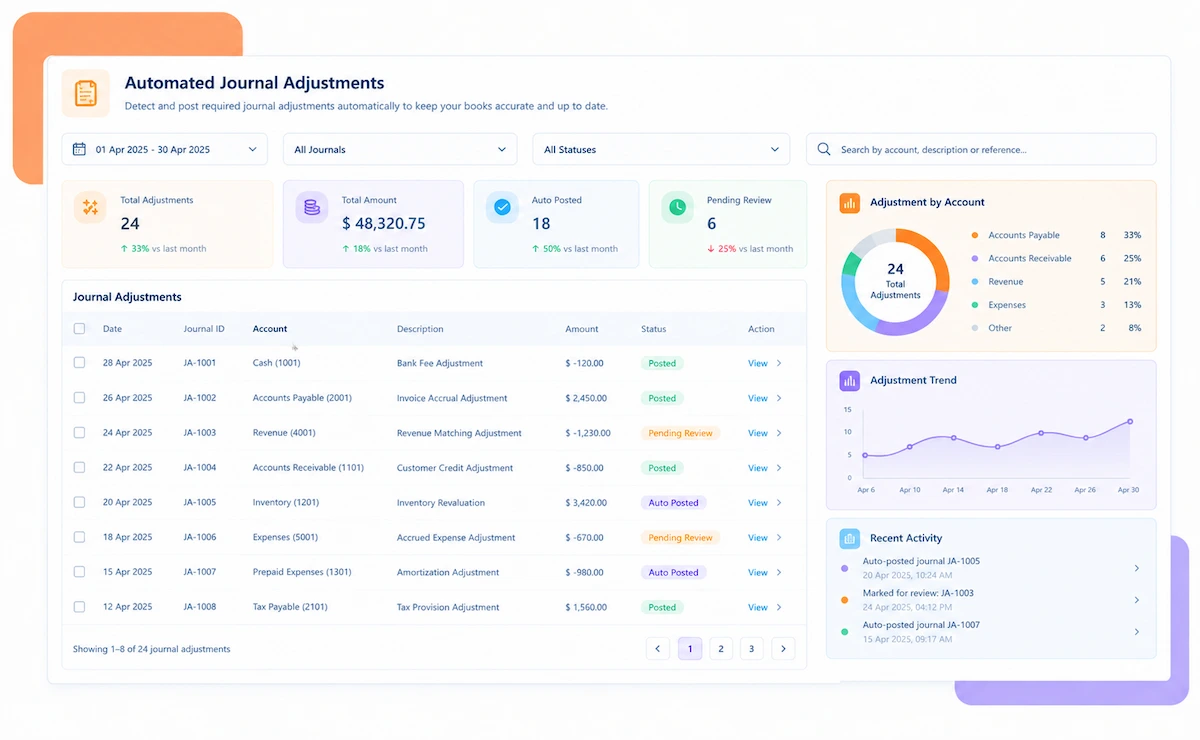
Kosh AI removes both problems by building reports directly from reconciled payment data that updates continuously. The report a controller pulls on a Tuesday afternoon reflects the same live, verified state as the one someone else pulls on Thursday morning, because there's no manual assembly step in between to introduce a gap.


Payment reporting gets harder as channels and entities multiply. Here's what a tool actually needs to handle.
Bank, card, UPI, and wallet payments need to show up in one report, not five separate ones.
A holding company with several subsidiaries needs one rolled-up view without losing entity-level detail.
A report that only shows successful payments is hiding half the picture.
Different people need different slices of the same data, delivered on their own schedule.
A summary number is only useful if someone can trace it back when it looks off.
Reporting on unreconciled data just moves the error further down the pipeline instead of catching it.
Automated reporting removes the manual assembly work. These habits make sure the output stays trustworthy.
A report built on unreconciled data will always need a disclaimer. Match and verify transactions first, then report from that clean base.
A CFO and an AP clerk don't need the same report. Build views around who's reading, not just how often it's sent.
A failed or reversed payment often needs faster attention than a routine success. Don't let it get buried in the report.
Someone questioning a number should be able to trace it themselves, rather than filing a request and waiting.
Bring last week's payment report to the call. We'll show you how it looks when it's built automatically instead of by hand.
Book a Demo