Checkbook Reconciliation Software That Keeps Your Register and Bank Balance in Sync

Match Every Check and Deposit Against Your Bank Statement Automatically

  • Register Matched Against Bank Statement Line by Line
  • Outstanding and Voided Checks Tracked Automatically
  • Deposits in Transit Flagged Until They Clear
  • Bank Fees and Charges Matched to Your Books
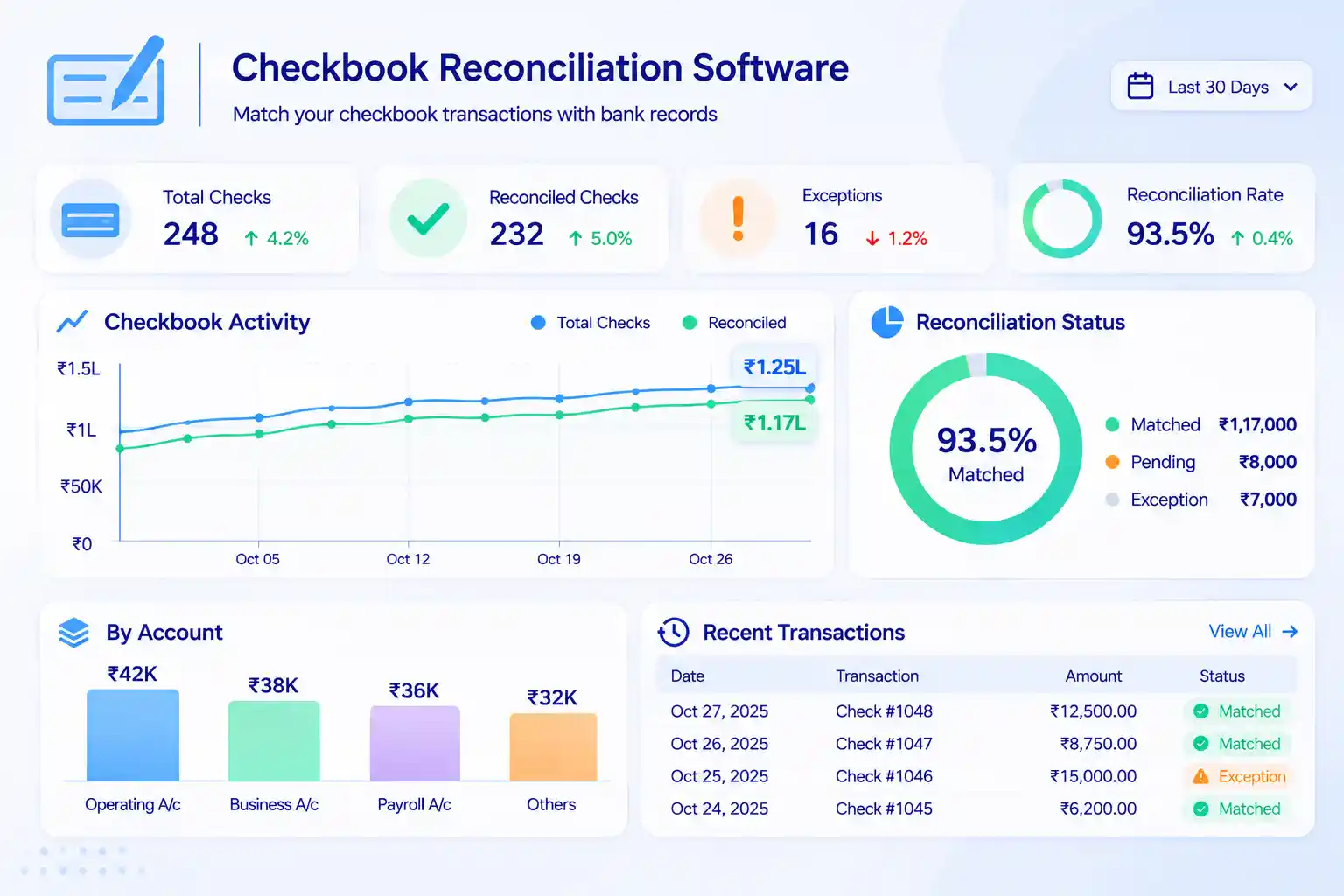
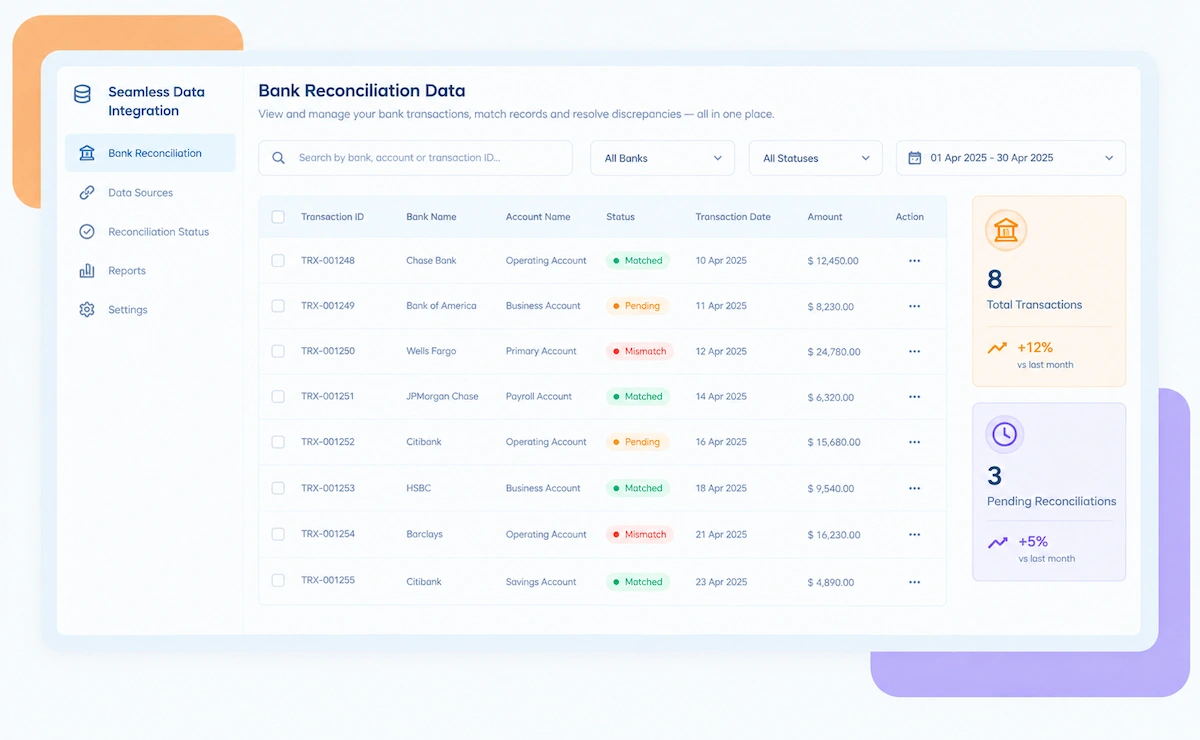
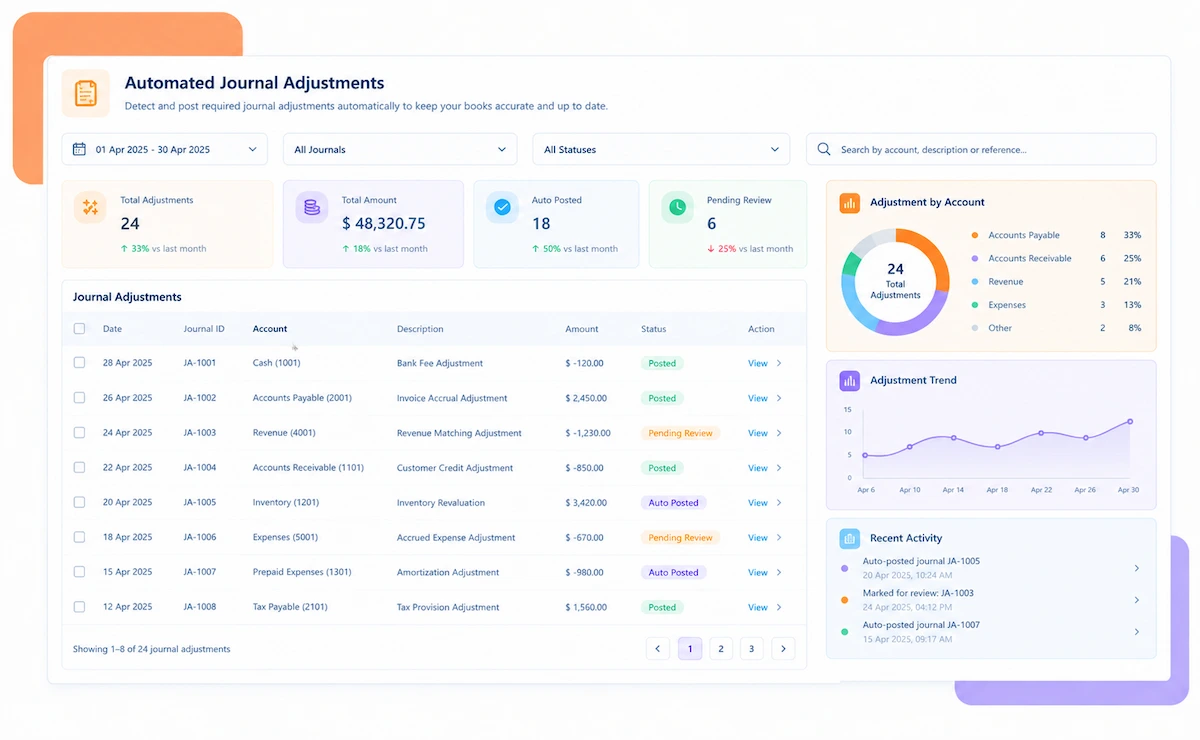
Kosh AI Checkbook Reconciliation Software Dashboard

A 2026 Checkbook Reconciliation Tool

Still Doing Checkbook Reconciliation by Hand Against the Bank?

A check gets written, a deposit gets made, and days later the bank statement shows something slightly different from what's in your register. Kosh AI matches every check and deposit automatically, so your book balance and bank balance actually agree.

What Checkbook Reconciliation Software Automates

Keeping a check register accurate used to mean ticking off line items by hand. Kosh AI does the matching for you.

How Kosh AI's Checkbook Reconciliation Software Works

Four steps that take your register from written-by-hand to fully reconciled.
  • Register and bank statement both brought in automatically: Connect your bank feed or upload a statement, and your check register data is pulled in alongside it.
  • No manual re-typing of check numbers or amounts: Every entry stays exactly as it was recorded, reducing the chance of a transcription error.
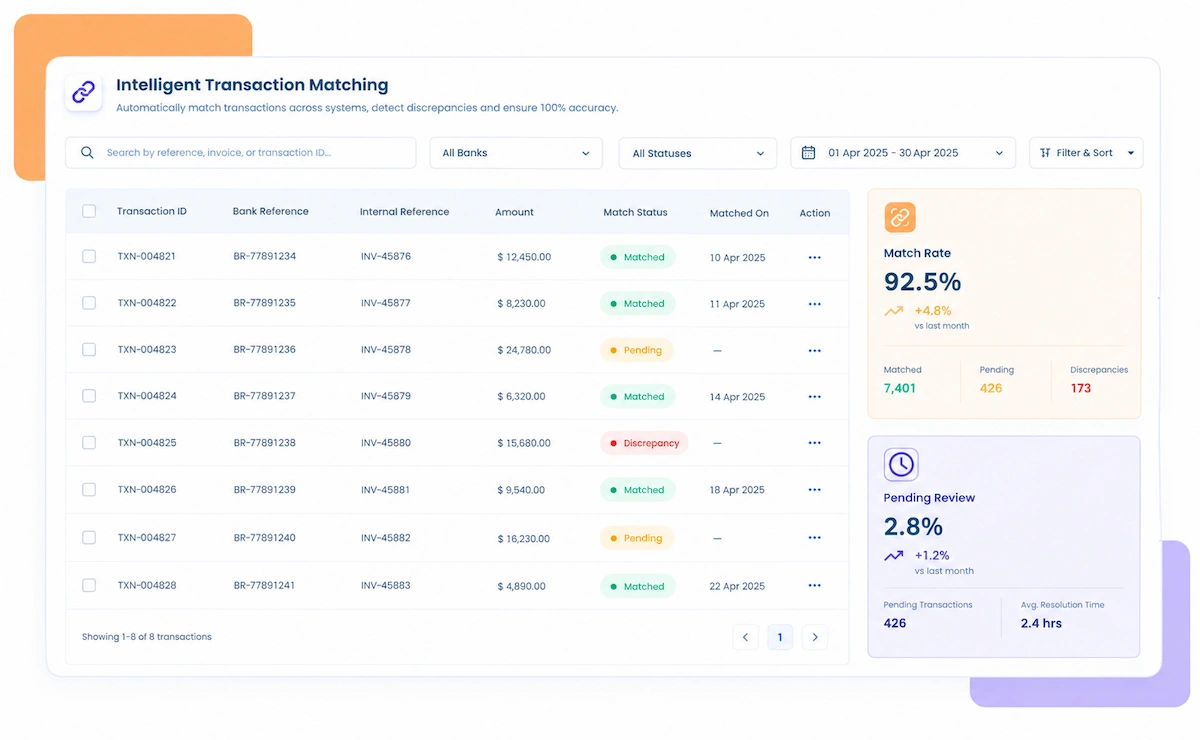
  • Checks and deposits matched automatically: Check number, amount, and date are compared against the bank statement entry by entry.
  • Clean matches cleared instantly: Anything that matches exactly needs no further attention from you.
  • Outstanding checks and deposits in transit tracked separately: Items that haven't cleared yet are kept visible instead of disappearing into a spreadsheet column.
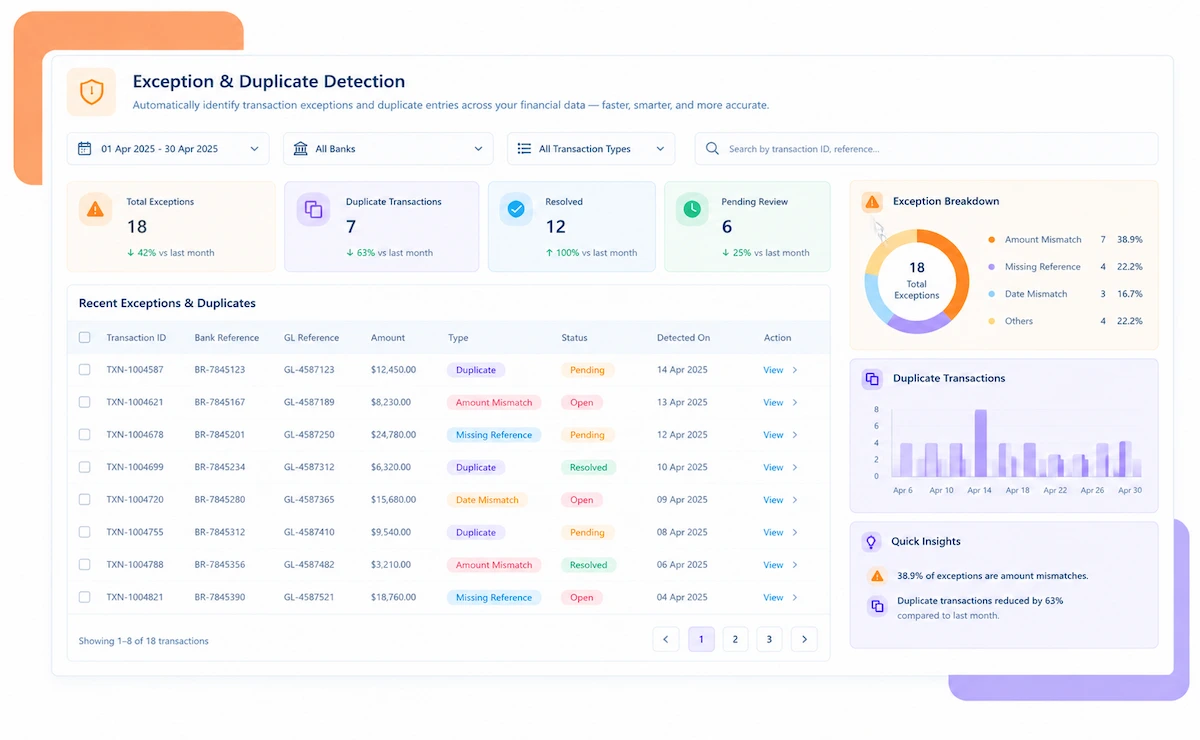
  • Bank fees and charges identified automatically: Anything on the statement that isn't yet in your register gets flagged for review.
  • Your true available balance calculated automatically: Outstanding items are factored in so you know exactly what you can spend.
  • A clear reconciliation summary, ready whenever you need it: No more building a reconciliation report from scratch each time.

Checkbook Reconciliation Software Use Cases Across Account Types

Keeping a register accurate matters whether it's a single operating account or several accounts across a growing business.

Business Checking Accounts

Operating accounts with frequent checks and deposits that need to stay reconciled every month.

Sole Proprietors & Freelancers

A single account handling both business and personal transactions that still needs a clean reconciliation.

Small Business Multi-Account Setups

Payroll, operating, and savings accounts that each need their own register reconciled against the bank.

Business Owners

A quick, accurate view of what's actually available to spend, without digging through a register by hand.

Bookkeepers

Reconciling several clients' registers each month without re-checking every line manually.

Office Managers

Keeping the company checkbook accurate between the bookkeeper's regular visits.

Weekly Reconciliation

Catching a discrepancy within days instead of waiting for the monthly statement to arrive.

Monthly Statement Cycles

The traditional reconciliation rhythm, done automatically instead of with a printed statement and a pen.

Growing Transaction Volume

A register that's outgrown manual tick-marks but doesn't need a full enterprise reconciliation platform.

Why Businesses Choose Kosh AI's Checkbook Reconciliation Software

1

Know Your True Balance

Outstanding checks and deposits in transit are factored in automatically, so you know what you can actually spend.

2

Catch Errors Early

A miswritten check amount or a missed deposit surfaces right away instead of at month-end.

3

No More Tick Marks

Matching happens automatically instead of checking off each line in a paper register by hand.

4

Fewer Bounced Payments

A clear, current balance means fewer surprises when a check you forgot about finally clears.

5

Faster Month-End Close

A reconciliation that used to take an afternoon now takes minutes.

6

Works for One Account or Several

Whether you're reconciling a single operating account or managing accounts for multiple clients, the process stays the same.

With Kosh AI's Checkbook Reconciliation Software, You Can Achieve

90%Less Time Spent on Manual Reconciliation
99%Match Accuracy on Register Entries
0Spreadsheets Needed to Track Outstanding Checks

Integrate Seamlessly with Your Existing ERP Systems

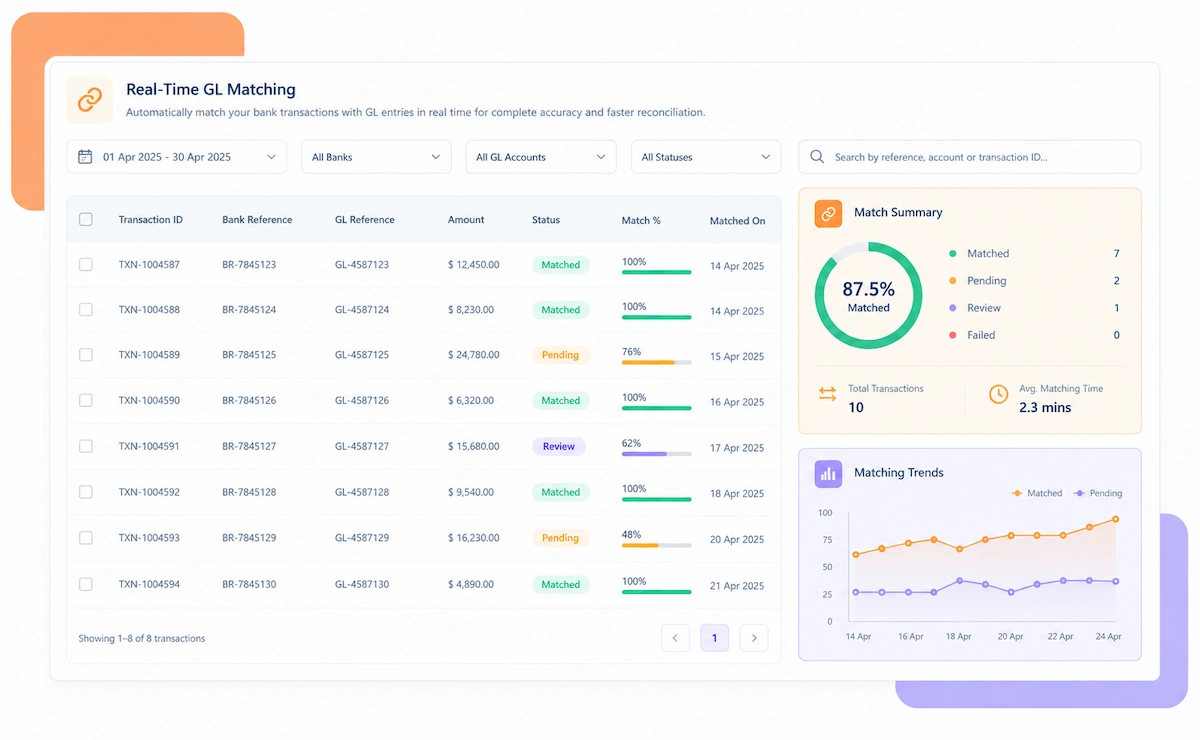
Kosh AI connects directly with all major banks and ERPs, enabling real-time data sync for faster, more accurate reconciliations—no manual uploads, no delays.

Smarter Checkbook Reconciliation Software Starts with AI

Matching a register against a bank statement isn't just a line-by-line check. Kosh AI understands the difference between a real discrepancy and a normal timing gap.

Pattern matching icon

Pattern-Based Check Matching

Learns the typical pattern of your check numbering and amounts to match entries faster, even with small formatting differences.

Timing recognition icon

Timing-Gap Recognition

Tells apart a deposit in transit from an actual missing entry, instead of flagging every timing difference as an error.

Fee detection icon

Recurring Fee Detection

Spots a recurring bank fee pattern and flags it for review, so it doesn't quietly repeat unnoticed month after month.

Stale check icon

Stale Check Alerts

Learns what counts as unusually long outstanding for your account activity and flags a check before it's forgotten entirely.

What Is Checkbook Reconciliation Software?

Checkbook reconciliation software compares your check register, the record of every check you've written and every deposit you've made, against your bank's statement, confirming that both tell the same story. It accounts for the normal timing gaps between writing a check and the bank processing it, so your records and the bank's eventually line up exactly.

Done by hand, this usually means printing a statement, going line by line with a pen, and ticking off every check and deposit that matches. It works, but it's slow, and it's easy to miss a transposed digit or a check that's been sitting outstanding for months without anyone noticing.

Kosh AI's checkbook reconciliation software does this matching automatically, tracking outstanding checks, deposits in transit, and bank fees as they happen, so you always know your true available balance without reaching for a calculator and a paper statement.

What is checkbook reconciliation software

Manual vs. Automated Checkbook Reconciliation Software – Why Make the Switch?

A paper register and a pen can work for a while. See what changes once reconciliation runs automatically instead.

Feature Automated Checkbook Reconciliation Manual Checkbook Reconciliation
Matching Checks & DepositsDone automatically, line by line.Checked off by hand against a printed statement.
Outstanding Check TrackingTracked continuously until cleared or voided.Easy to lose track of a check that's been outstanding for months.
Deposits in TransitIdentified and tracked separately from real discrepancies.Often mistaken for an error until the deposit posts.
Bank Fee MatchingFees identified from the statement and matched to your books.Fees are often missed until the balance doesn't add up.
True Balance VisibilityAdjusted balance always current and visible.Available balance has to be recalculated manually each time.
Time to ReconcileMinutes, even with a full month of transactions.Can take an hour or more per account per month.

Why Businesses Switch to Kosh AI's Checkbook Reconciliation Software

A check register sounds simple until you're actually responsible for keeping it accurate. Checks take days to clear, deposits don't always post the same day they're made, and bank fees show up on the statement without ever being entered into the register. Each of those small gaps is normal, but together they make manual reconciliation slow and easy to get wrong.

The real risk isn't a reconciliation that's off by a few dollars. It's not knowing your true available balance and writing a check against money that isn't actually there yet, or missing a fee that's been quietly draining the account for months.

Kosh AI's checkbook reconciliation software handles the matching automatically and keeps outstanding checks, deposits in transit, and bank fees visible the whole time, not just at month-end, so you always know what you can actually spend.

Why businesses switch to checkbook reconciliation software

What Your Checkbook Reconciliation Software Needs to Handle

A few specific situations make manual checkbook reconciliation harder than it should be.

Multiple accounts icon

Multiple Checking Accounts

Reconciling several accounts by hand each month adds up to hours that could be spent elsewhere.

Frequent checks icon

Frequent Check Writing

A business that still writes a lot of physical checks needs a faster way to track which ones have cleared.

Multiple clients icon

Bookkeepers Managing Multiple Clients

Reconciling several clients' registers manually every month doesn't scale well past a handful of accounts.

Growing volume icon

Growing Transaction Volume

A register that used to take ten minutes to reconcile now takes an hour, and it'll keep getting longer.

Best Practices for Using Checkbook Reconciliation Software

A few habits keep your register and your bank balance from drifting apart.

  • Weekly or monthly, pick a rhythm and stick to it: A register reconciled every week catches an error far sooner than one checked only at month-end.
  • Consistency matters more than frequency: A monthly habit followed reliably beats a weekly one that gets skipped half the time.
  • Don't let old outstanding checks sit unexamined: A check outstanding for several months may need to be voided and reissued.
  • Flag anything unusually old: An outstanding check that's been sitting for too long is worth a second look before it's forgotten entirely.
  • Enter fees into your register as soon as they appear: A fee that sits unrecorded for weeks makes your true balance look higher than it actually is.
  • Watch for patterns in recurring charges: A recurring fee you didn't expect is worth questioning, not just recording.

FAQs: Checkbook Reconciliation Software

What is checkbook reconciliation software?

It's software that automatically compares your check register against your bank statement, matching checks and deposits and tracking anything still outstanding, so your book balance and bank balance agree.

What's the difference between an outstanding check and a deposit in transit?

An outstanding check is one you've written that hasn't cleared the bank yet. A deposit in transit is a deposit you've recorded that the bank hasn't posted yet. Both are normal timing differences, not errors.

Can it handle multiple checking accounts?

Yes. Kosh AI can reconcile multiple accounts, which is useful for businesses with several accounts or bookkeepers managing multiple clients.

How does it handle bank fees and charges?

Fees and charges on the bank statement are automatically identified and matched against your register, or flagged if they haven't been entered yet.

Do I need accounting software to use this?

No. It works directly from your check register and bank statement data, though it can also connect to accounting software if you use one.

How often should I reconcile my checkbook?

Weekly is ideal for catching issues early, but monthly, matched to your bank statement cycle, works well too as long as it's done consistently.

What happens to a check that's been outstanding for months?

Kosh AI flags checks outstanding beyond a configurable number of days, so you can decide whether to follow up or void and reissue them.

Is this suitable for a small business with one account?

Yes. It works just as well for a single operating account as it does for businesses managing several accounts at once.

Ready to Try Kosh AI's Checkbook Reconciliation Software?

Bring your last bank statement and register. We'll show you exactly how Kosh AI would have reconciled it automatically.

Book a Demo