SAP Account Reconciliation Tool Built to Match GL, Bank, and Intercompany Data Natively

Your SAP Ledger Produces the Numbers. Kosh AI Confirms They Actually Tie Out, Account by Account

  • Pulls GL Balances and FI Documents Directly From SAP ECC or S/4HANA
  • Reconciles Bank Statement Items Against SAP Bank Accounting Postings
  • Matches Intercompany Transactions Across SAP Company Codes
  • Flags Unreconciled Items Before They Reach the Close Checklist
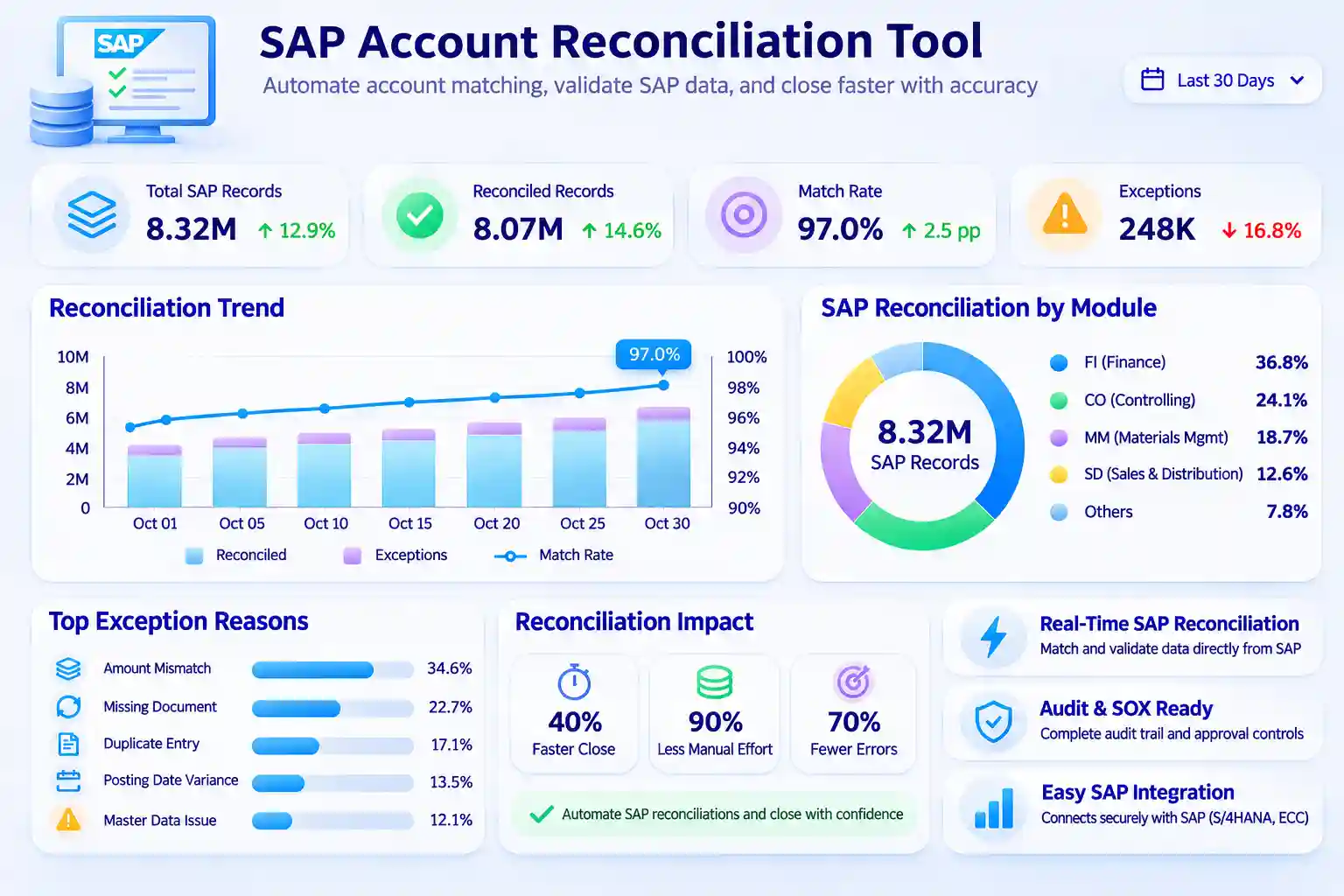
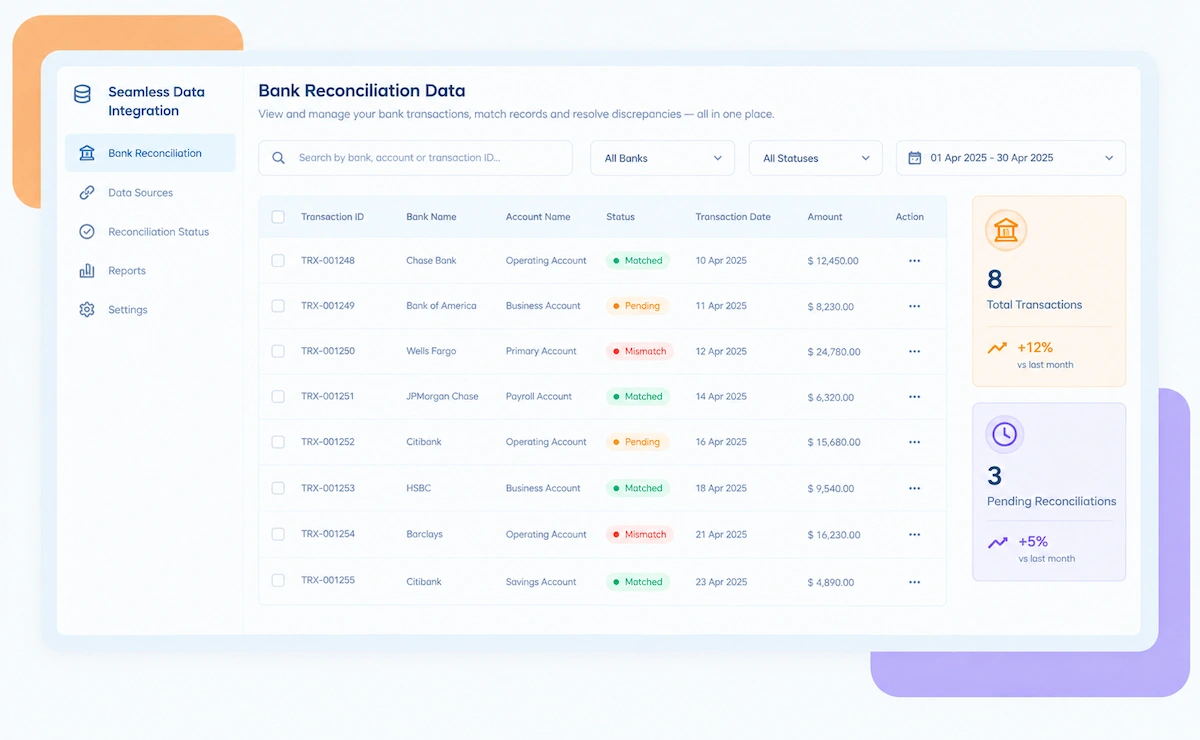
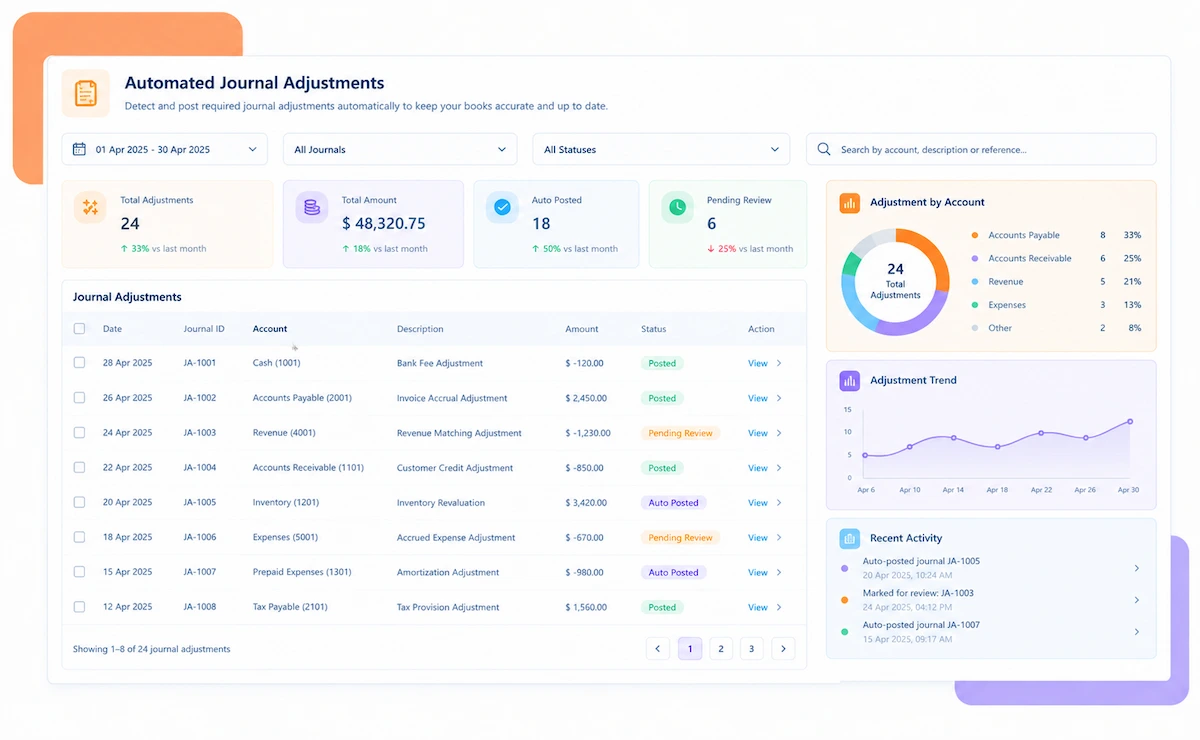
Kosh AI SAP Account Reconciliation Tool Dashboard

A 2026 SAP Account Reconciliation Tool

Your SAP GL Balanced. Does That Mean Every Account Actually Reconciles?

A balanced trial balance only confirms debits equal credits, not that every reconciliation account agrees with its sub-ledger or bank statement. Kosh AI connects directly to SAP and checks that underlying agreement account by account, every close cycle.

What a SAP Account Reconciliation Tool Automates

SAP keeps the ledger organized. Kosh AI confirms what's sitting in it actually matches the bank, the sub-ledger, and the other company code on the other side of an intercompany entry. Teams running a broader close process alongside this often use financial close software to manage the checklist around it.

How Kosh AI's SAP Account Reconciliation Tool Works

Four steps connect SAP's ledger data to a fully reconciled, close-ready position. For the sub-ledger side of accounts receivable, many SAP users also run accounts receivable reconciliation software alongside this.

  • FI documents and GL balances pulled automatically: Kosh AI connects to SAP ECC or S/4HANA and reads the data reconciliation actually needs, by account and company code.
  • Bank and sub-ledger data brought in alongside it: Electronic bank statements and sub-ledger detail come in on the same cycle as the GL data.
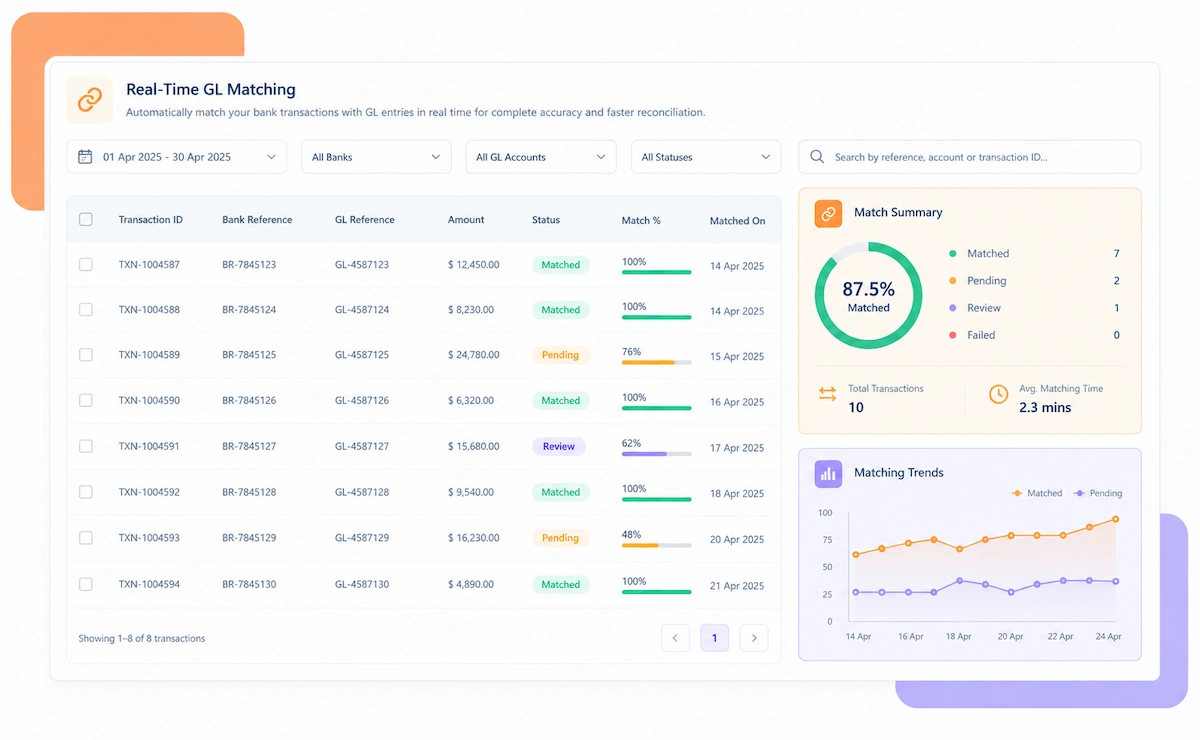
  • GL balances matched to sub-ledger detail: Every reconciliation account is checked against the records that should support its balance.

  • Intercompany pairs matched across company codes: Entries on both sides of an intercompany transaction are checked for agreement before consolidation.
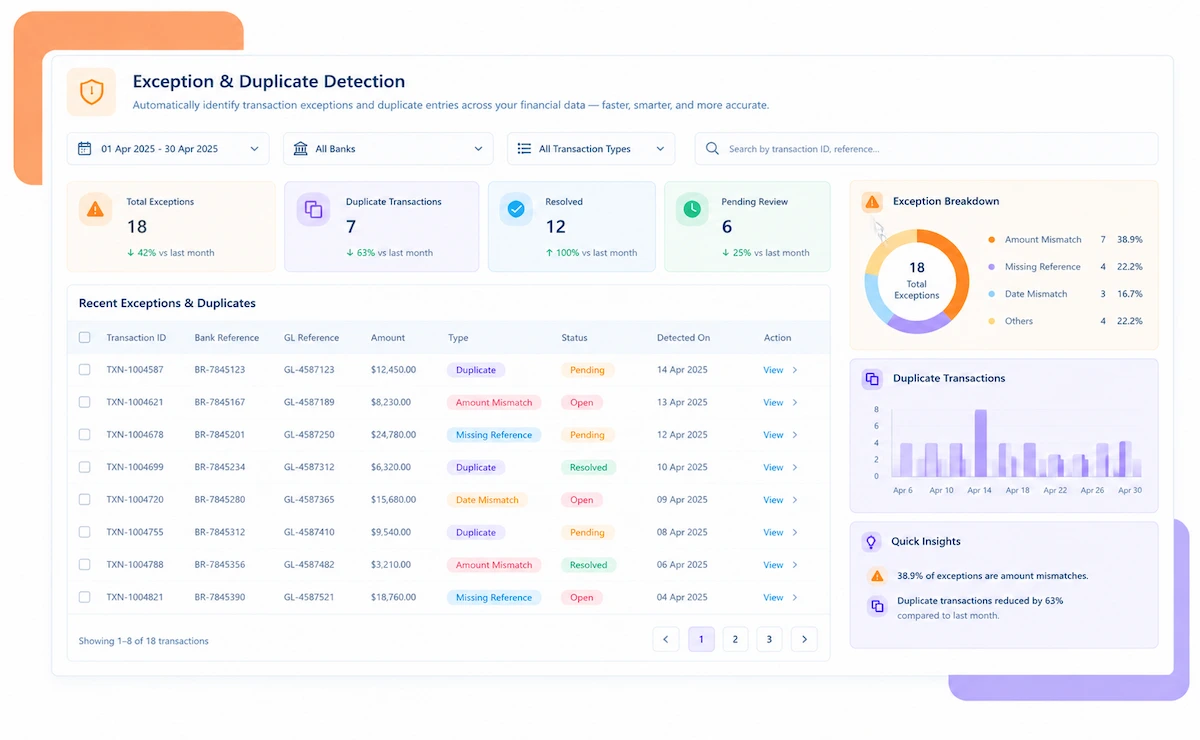
  • Unmatched items surfaced immediately: A variance is flagged the cycle it appears, not discovered during close sign-off.
  • Ownership assigned automatically: Exceptions route based on account, company code, or dollar exposure.
  • Account-level status visible before sign-off: Close doesn't start with a reconciliation scramble because the status is already known.
  • Audit trail preserved from document to resolution: Every matched and resolved item keeps its path back to the original SAP FI document.

SAP Account Reconciliation Across Different Finance Teams

What needs reconciling in SAP changes with company code count and transaction volume, but the underlying question stays the same. Many SAP finance teams also run intercompany reconciliation software for a deeper look at cross-entity matching specifically.

Single Company Code

Confirming GL balances tie out to sub-ledger and bank data every close cycle.

Multi-Company-Code Organizations

Reconciling intercompany postings consistently across every code before consolidation.

Multi-Currency SAP Environments

Matching bank and GL data across currencies without manual FX adjustment each cycle.

SAP Finance and Controlling Teams

Reconciling GL accounts against sub-ledgers as part of a standard close routine.

Intercompany Accounting Teams

Matching intercompany entries across company codes before elimination.

Controllers and Close Managers

Seeing account-level reconciliation status before close sign-off, not after.

SAP Reconciliation at Scale

Kosh AI reconciles high transaction volumes across company codes without manual review.

  • GL, bank, and intercompany data matched in one consolidated view.
  • Exceptions aged and routed before they reach close.
  • Full audit trail maintained from FI document to resolution.
  • SAP Reconciliation for Leaner Teams

    Kosh AI gives smaller SAP finance teams enterprise-grade reconciliation without added headcount.

  • No custom ABAP reports needed to extract reconciliation data.
  • Standard reconciliation templates ready from day one.
  • Go live without a dedicated SAP integration project.
  • With Kosh AI's SAP Account Reconciliation Tool, Teams Achieve

    88%Of GL Accounts Reconciled Automatically Each Cycle
    70%Faster Intercompany Matching Across Company Codes
    0Unreconciled Items Carried Silently Into Close

    Integrate Seamlessly with Your Existing ERP Systems

    Kosh AI connects directly with all major banks and ERPs, enabling real-time data sync for faster, more accurate reconciliations—no manual uploads, no delays.

    Smarter SAP Reconciliation Starts with AI

    SAP tells you what was posted. Kosh AI tells you whether what was posted actually agrees with the bank, the sub-ledger, and the other side of the intercompany entry.

    Native SAP connection icon

    Native SAP ECC and S/4HANA Connectivity

    Reads FI documents and GL balances directly, without manual exports or custom ABAP reports.

    Intercompany matching icon

    Cross-Company-Code Matching

    Checks both sides of an intercompany entry against each other before consolidation runs.

    Aging tracking icon

    Exception Aging Visibility

    Surfaces an open item before it's carried forward silently for another cycle.

    Close readiness icon

    Close-Ready Account Status

    Shows which accounts are reconciled and which still need attention before sign-off.

    What Is a SAP Account Reconciliation Tool?

    A SAP account reconciliation tool connects to SAP ECC or S/4HANA and checks that general ledger reconciliation accounts actually agree with the sub-ledgers, bank statements, and intercompany entries behind them, rather than relying on the trial balance simply being in balance. SAP itself handles posting and bank statement import well, but confirming that a reconciliation account's balance genuinely ties out to its supporting detail is a separate task, and one that's easy to under-resource as transaction volume and company code count grow.

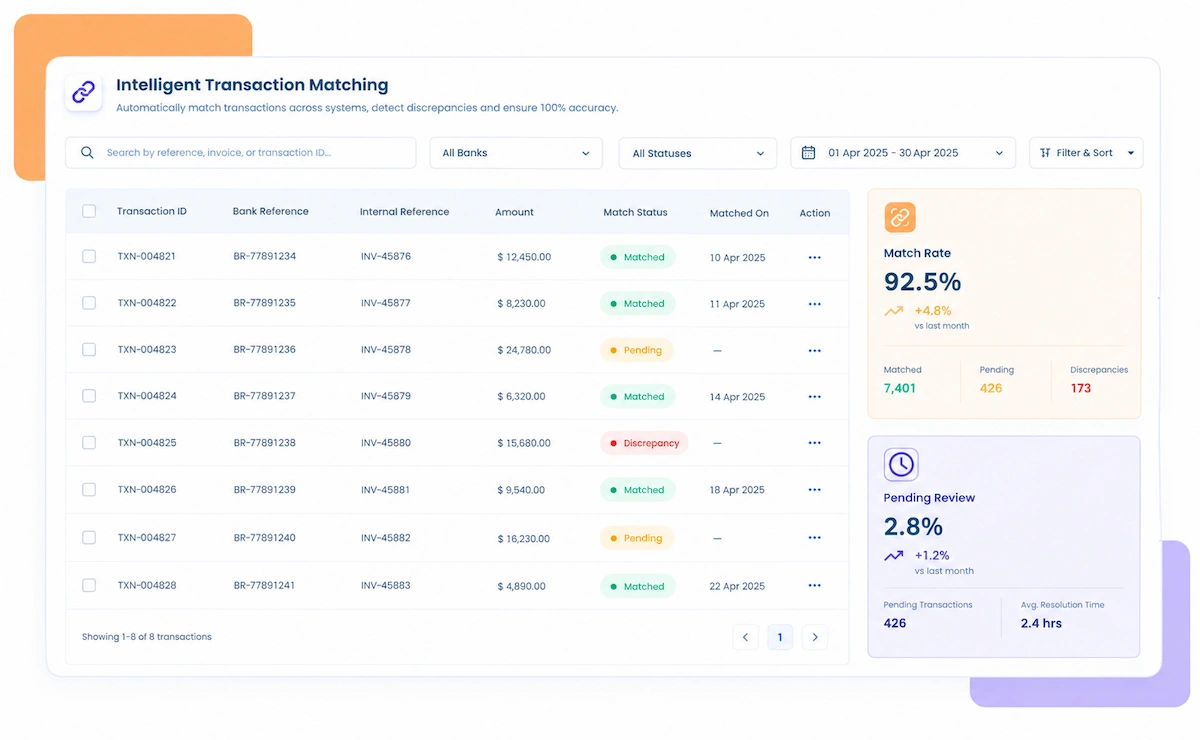
    Kosh AI connects directly to SAP's financial data, pulls FI documents and GL balances by account and company code, and checks them against bank statements, sub-ledger detail, and intercompany postings on the other side of the entry. Variances are isolated to the specific document rather than buried in an account total, and exceptions route automatically so nothing ages silently into the close.

    SAP account reconciliation illustration

    Manual vs. Automated SAP Account Reconciliation

    SAP reports tell you what's posted. See what changes when the reconciliation itself is automated on top of that data. The same real-time matching also powers bank reconciliation software, for teams reconciling bank data outside of SAP as well.

    Feature Automated SAP Reconciliation Manual SAP Reconciliation
    GL-to-Sub-Ledger MatchingMatched automatically by account and company code.Checked manually against exported SAP reports.
    Bank Statement MatchingBank postings matched against the actual statement continuously.Reviewed periodically, often only at month-end.
    Intercompany MatchingBoth sides of an entry checked automatically before consolidation.Reconciled manually, often discovered out of balance during close.
    Exception AgingTracked automatically so items don't carry forward unnoticed.Tracked in spreadsheets, if tracked consistently at all.
    Audit TrailPreserved automatically from FI document to resolution.Reconstructed manually when an auditor asks for it.
    Close ReadinessAccount-level status known before close sign-off.Reconciliation often finishes during the close crunch itself.

    Reconcile Your SAP Ledger in Just Weeks

    Connect your SAP system once, and by the next close cycle, GL accounts, bank statements, and intercompany entries are already being checked automatically.

    Schedule a Quick Demo
    Conference Direct customer success story

    Why SAP Finance Teams Are Automating Reconciliation

    A balanced SAP trial balance hides a few recurring problems that only show up once someone checks the underlying detail:

    • A reconciliation account's balance can look fine while individual open items underneath it have been aging for months
    • Intercompany entries that balance within one company code can still be out of agreement with the mirrored entry on the other side
    • Electronic bank statements post automatically, but a posting isn't the same as a confirmed match against the actual bank record
    • Custom ABAP reports built to extract reconciliation data tend to break quietly when someone changes an underlying table
    • Open items with no assigned owner are the ones most likely to still be sitting there when the close deadline arrives
    Why SAP finance teams automate reconciliation

    What Your SAP Reconciliation Process Needs to Handle

    The right time to automate this isn't tied to company size alone. Company code count and transaction volume tend to matter more.

    Multiple company codes icon

    Multiple SAP Company Codes

    Each additional company code adds another set of intercompany entries that need to agree with each other.

    High transaction volume icon

    High Transaction Volume

    Past a certain volume, checking reconciliation accounts against sub-ledger detail by hand stops being realistic.

    Multiple banks icon

    Multiple Bank Accounts or Currencies

    Each bank account and currency combination adds its own reconciliation cadence to track.

    Fast close icon

    Teams Working Toward a Faster Close

    Reconciliation that finishes before close starts, rather than during it, is what actually shortens the cycle.

    Best Practices Built Into Kosh AI's SAP Reconciliation Approach

    A few habits keep SAP reconciliation accurate as company codes and transaction volume grow.

    • Check accounts as transactions post: Waiting until close to look at a reconciliation account means discovering problems with the least time to fix them.
    • Catch bank timing differences early: A posting that looks off today is easier to investigate than one from three weeks ago.
    • Document which company codes trade with each other: An undocumented intercompany relationship is the most common source of unexplained out-of-balance pairs.
    • Review elimination logic as entities change: A new company code or a restructured entity can shift what the matching logic needs to expect.
    • No reconciliation account without a named owner: An account nobody is explicitly responsible for is the one most likely to age unresolved.
    • Track aging, not just current status: An item that's been open for three cycles deserves more attention than one from yesterday.
    • Document resolutions against the original FI document: Reconstructing why a variance was cleared months later is far harder than documenting it at the time.
    • Keep reconciliation history available, not archived away: An auditor's question about last quarter shouldn't require a separate data-retrieval project.

    FAQs: SAP Account Reconciliation Tool

    What is a SAP account reconciliation tool?

    It's software that connects to SAP ECC or S/4HANA and checks that GL reconciliation accounts agree with sub-ledgers, bank statements, and intercompany postings, rather than relying on the trial balance alone.

    Does it work with both SAP ECC and S/4HANA?

    Yes. Kosh AI connects to both SAP ECC and S/4HANA environments to pull FI documents and GL balances for reconciliation.

    Can it reconcile intercompany entries across company codes?

    Yes. Kosh AI matches both sides of an intercompany transaction across SAP company codes and flags out-of-balance pairs before consolidation.

    Does it replace SAP's electronic bank statement posting?

    No. SAP still posts the bank statement. Kosh AI confirms that what was posted actually matches the underlying bank record, rather than assuming the posting itself was correct.

    Do I need custom ABAP reports to use this?

    No. Kosh AI connects directly to SAP's standard financial data without requiring a custom reporting or extraction project.

    How does it handle multiple currencies?

    Bank and GL data across different currencies are reconciled on their own cadence, with variances surfaced by currency and account.

    Does it support month-end and quarter-end close?

    Yes. Account-level reconciliation status is visible before close sign-off, so close doesn't start with a reconciliation backlog.

    How soon can a SAP finance team expect this working?

    Most teams see their main reconciliation accounts running automatically within a few weeks of connecting their SAP system.

    See Your Own SAP Ledger Reconciled Live

    Bring a recent close cycle's GL data. We'll show you how Kosh AI would have matched it against your bank statements and sub-ledgers automatically.

    Book a Demo