Check Reconciliation Software Built for Organizations Issuing Checks at Volume

A Check Register in a Spreadsheet Works Until You're Issuing Thousands of Checks Across Several Bank Accounts. Kosh AI Matches Every One Against What the Bank Actually Clears

  • Matches Issued Checks Against Bank Clearing Data Across Every Account
  • Ages Outstanding and Stale Checks Automatically, No Manual Tracking
  • Tracks Voided, Reissued, and Stop-Payment Checks Through to Resolution
  • Keeps an Audit-Ready Record of Every Check From Issue to Clearance
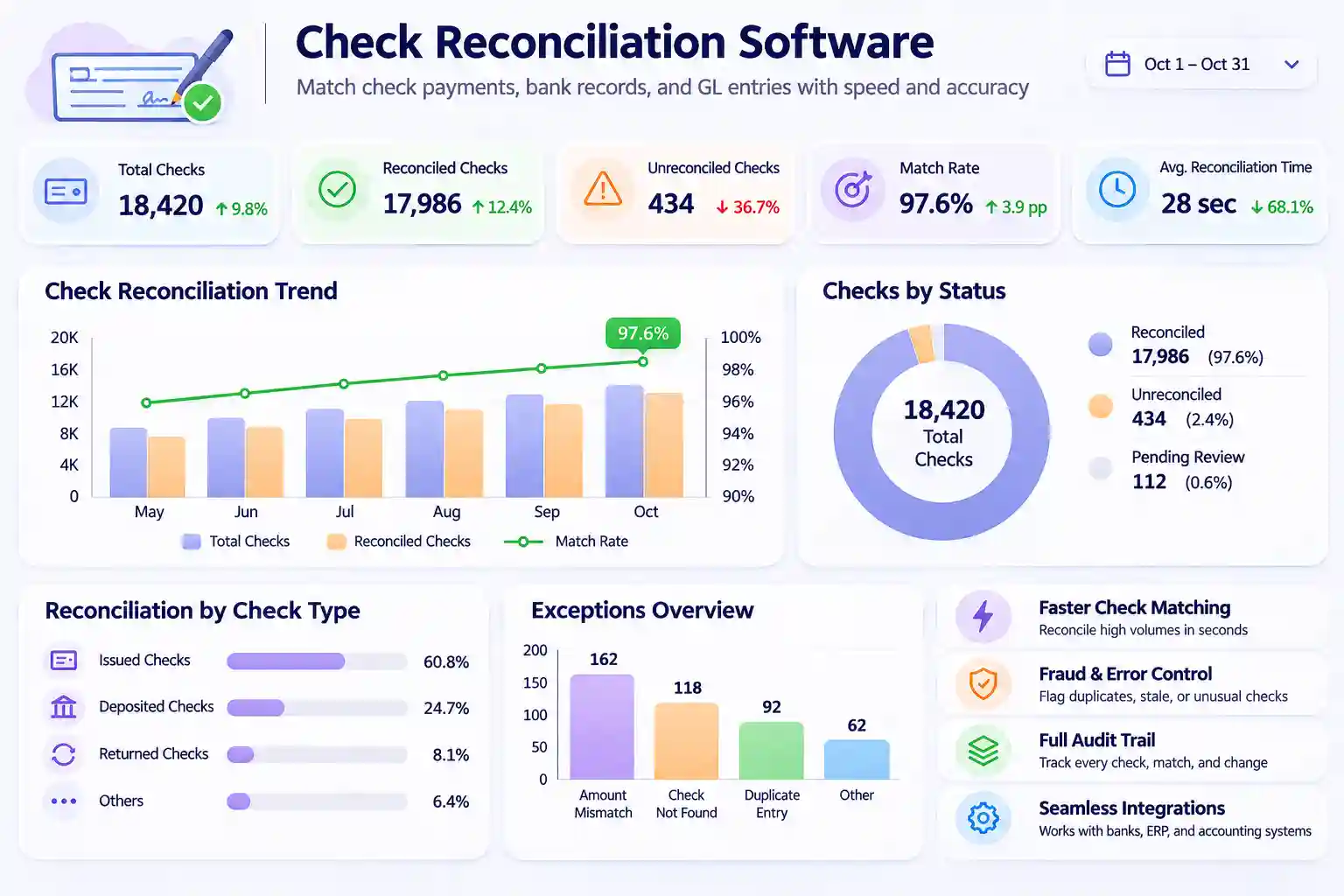
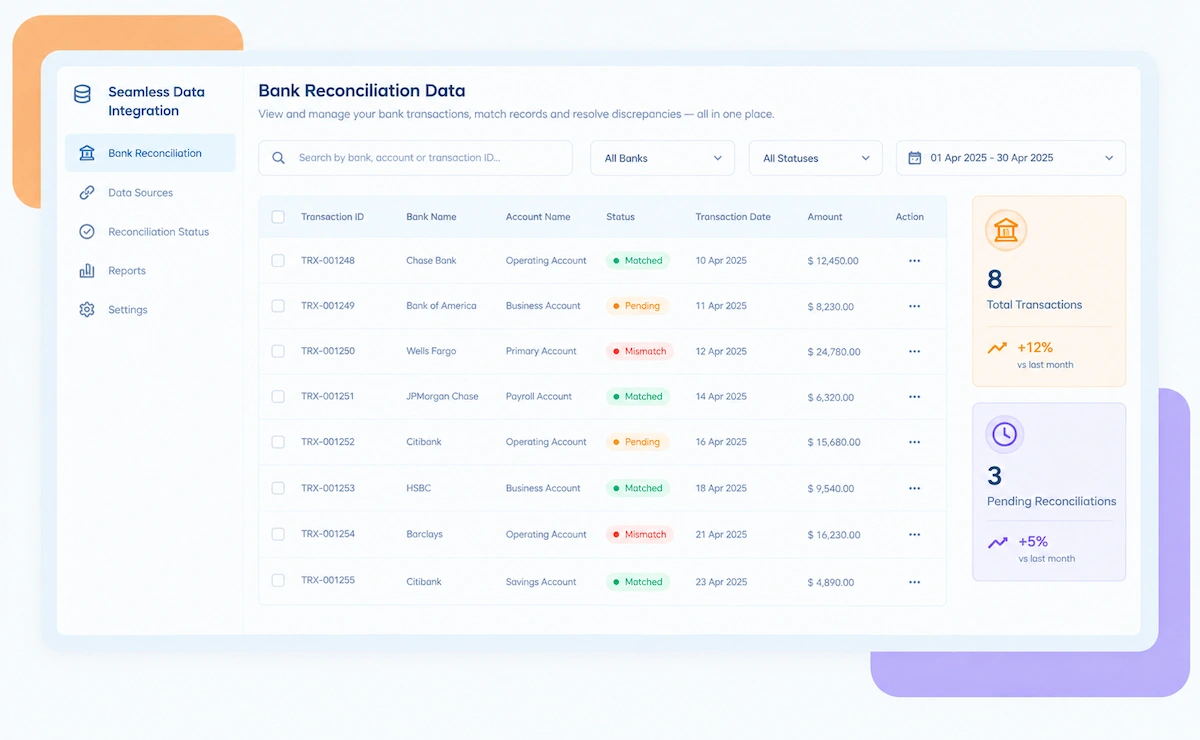
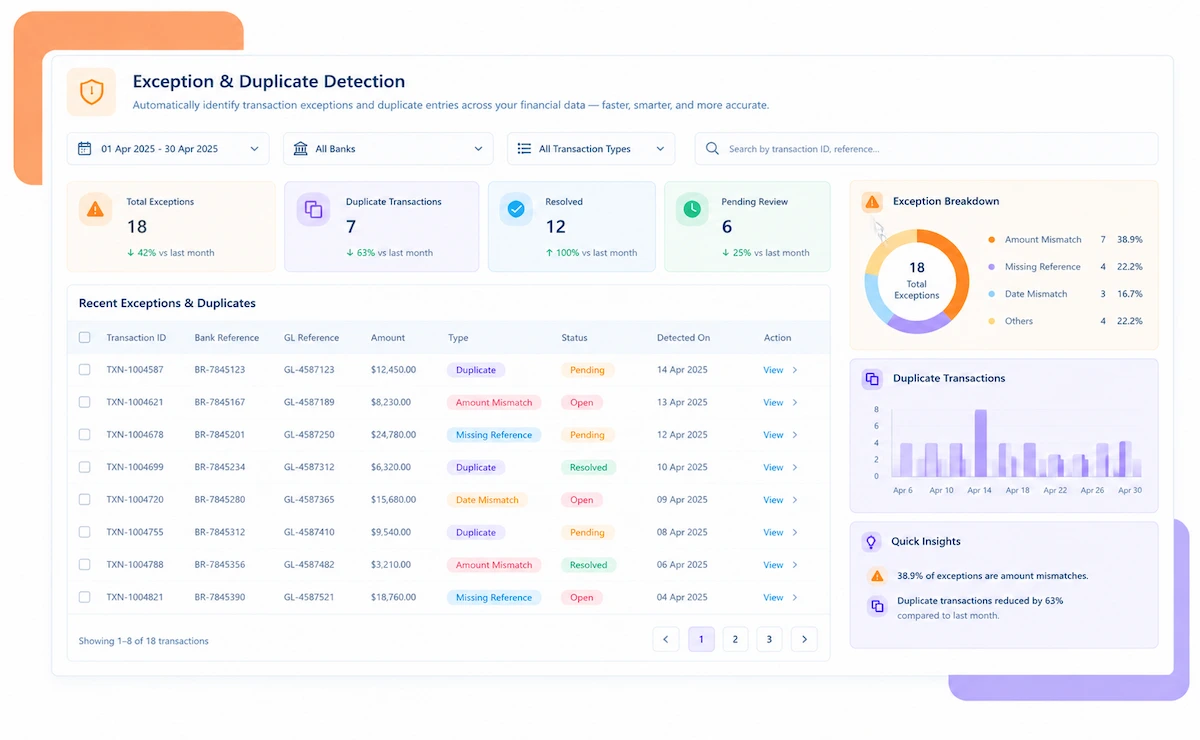
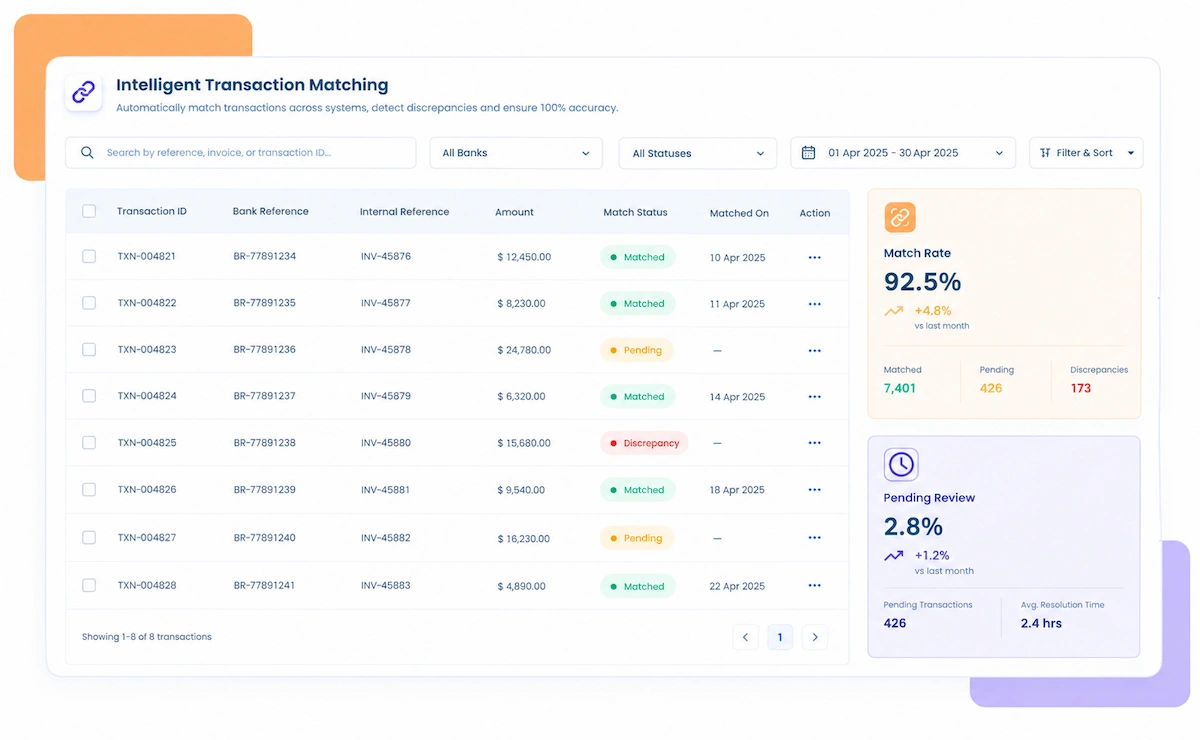
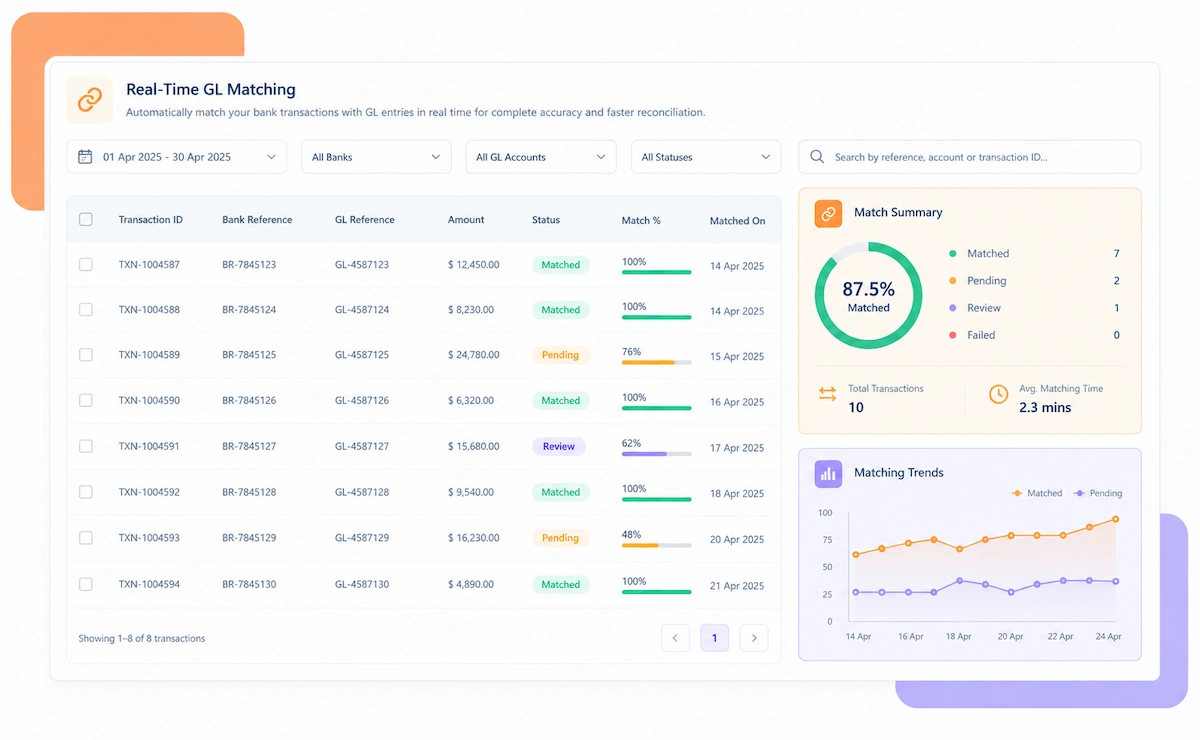
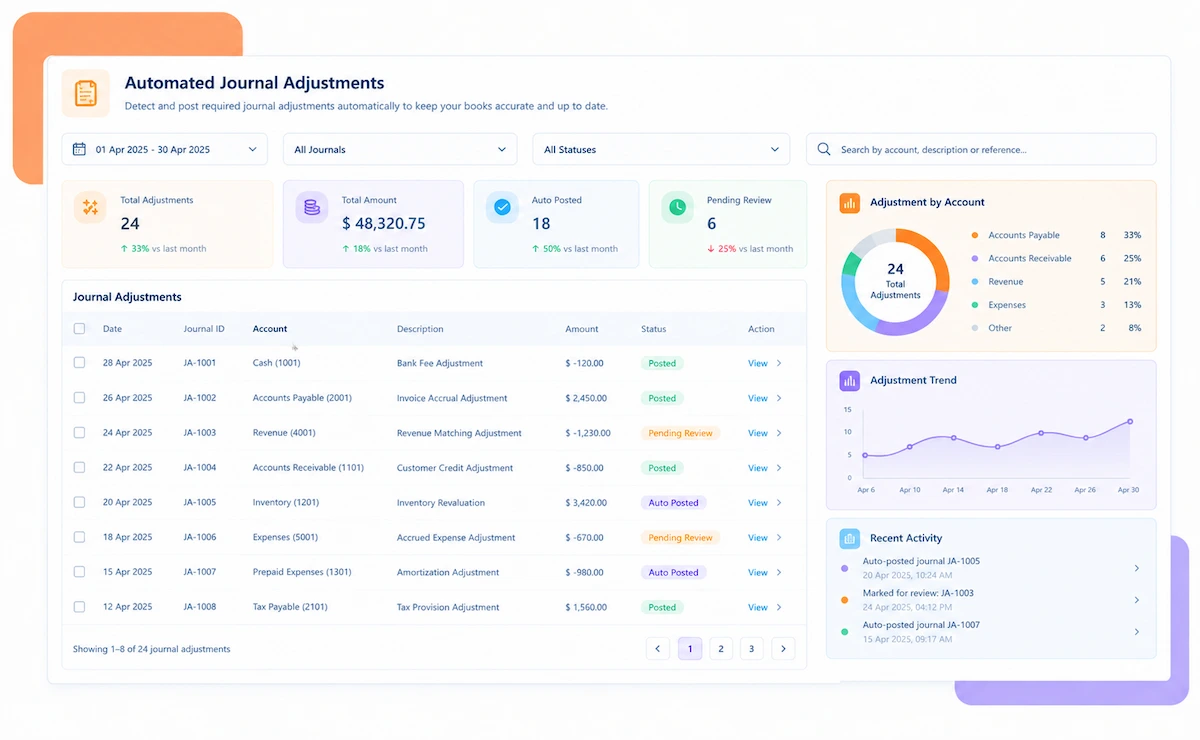
Kosh AI Check Reconciliation Software Dashboard

A 2026 Check Reconciliation Platform

A Check Cleared Three Weeks Ago. Does Your Ledger Know Yet?

Checks don't clear the moment they're issued, and a ledger that assumes otherwise drifts further from the bank with every batch run. Kosh AI matches every issued check against actual bank clearing data, so the gap between what you recorded and what the bank confirms never has room to grow.

What Check Reconciliation Software Actually Automates

Reconciling checks at volume means tracking a check from issuance through clearing, across however many bank accounts and entities your organization runs. Teams reconciling the broader bank account alongside checks typically add bank statement reconciliation software for the full set of transaction types.

How Kosh AI's Check Reconciliation Works

Four steps keep your check register and your bank's clearing records in constant agreement. Organizations managing both incoming and outgoing checks often extend this with accounts payable reconciliation software for the vendor side of the ledger.

  • Every account linked in one place: Bank feeds and your existing check issuance system or ERP connect without a separate project per account.

  • Historical data imported for context: Past outstanding checks carry forward instead of starting the aging clock over.
  • Automatic matching by check number, amount, and payee: A cleared transaction is tied back to the exact check that was issued, not just a similar amount.
  • Discrepancies flagged immediately: A partial clear or amount mismatch surfaces the moment it's detected, not at month-end.
  • Outstanding checks aged automatically: Every unclear check is tracked against the date it was issued, no manual spreadsheet required.
  • Voids and reissues followed through: A voided check is tracked to its replacement, closing the loop instead of leaving two open items.
  • A clear reconciled position by account: Every bank account shows a confirmed reconciled balance or a specific list of open items.

  • The record stays available: What cleared, what's outstanding, and what was resolved stays on file for the next audit.

Where Check Reconciliation Software Gets Used

Check volume and the risk it carries both scale with the same few factors. Teams managing broader cash positions alongside checks usually add cash reconciliation software to cover every cash movement, not just checks.

High-Volume Vendor Check Runs

Reconciling thousands of checks a month without the outstanding list growing unmanageably.

Payroll Check Issuance

Matching payroll checks against clearing data separately from vendor payment checks.

Escheatment and Unclaimed Property Review

Identifying stale checks that may need to be reported as unclaimed property before deadlines pass.

Treasury Teams

Keeping cash position accurate across every account without waiting on manual bank reconciliation.

AP and Disbursement Teams

Confirming vendor checks cleared as issued, without chasing bank statements line by line.

Internal Audit Teams

Reviewing a complete, timestamped history of every check from issuance to clearance.

Multi-Entity Treasury Operations

Kosh AI reconciles checks across every entity and account without losing account-level detail.

  • Each account reconciled independently.
  • A consolidated cross-entity view for treasury.
  • New accounts onboarded without extra setup work.
  • Growing Finance Teams

    Kosh AI gives a smaller finance team enterprise-grade check matching without added headcount.

  • No manual aging reports to maintain.
  • Voids and reissues tracked automatically.
  • Audit-ready records available at any time.
  • What Changes When Check Reconciliation Stops Being Manual

    A monthly bank statement review catches what someone remembered to check. Automated matching catches every check, every time.

    1

    No Check Left Unaccounted For

    Every issued check is matched to its clearing record or tracked as a specific, visible exception.

    2

    Outstanding Checks Age Automatically

    No one has to manually track how long a check has been sitting unclear.

    3

    Voids Never Turn Into Duplicate Payments

    A voided check that somehow clears gets flagged immediately, not discovered weeks later.

    4

    Every Account Reconciled the Same Way

    Multiple entities and bank accounts follow one consistent, repeatable process.

    5

    Faster Treasury Close

    A confirmed reconciled position is available without waiting on a manual bank tie-out.

    6

    Audit-Ready at Any Moment

    Every check's full history is available without reconstructing it from bank statements and emails.

    With Kosh AI's Check Reconciliation Software, Finance Teams Achieve

    97%Of Issued Checks Matched to Clearing Data Automatically
    70%Less Time Spent on Manual Bank Tie-Outs
    0Voided Checks That Clear Without Being Flagged

    Integrate Seamlessly with Your Existing ERP Systems

    Kosh AI connects directly with all major banks and ERPs, enabling real-time data sync for faster, more accurate reconciliations—no manual uploads, no delays.

    What Is Check Reconciliation Software?

    Check reconciliation software matches every check your organization issues against the clearing data your bank reports back, so you know exactly which checks have cleared, which are still outstanding, and which need a closer look.

    For organizations issuing a handful of checks a month, a register and a bank statement are enough to track that by hand. Once check volume climbs into the hundreds or thousands, spread across several bank accounts or legal entities, manual tracking stops being reliable, and outstanding checks, voided items, and stale balances start slipping through unnoticed.

    Kosh AI automates that matching across every account you run, ages outstanding checks without a manual report, and keeps a complete, audit-ready record of every check from the moment it's issued to the moment it clears.

    What is check reconciliation software

    Manual vs. Automated Check Reconciliation – What Changes

    A single account and a modest check volume can be tracked in a spreadsheet. See what happens once volume and account count grow. The same matching engine also powers checkbook reconciliation software, built for keeping a single register and bank balance in sync at a smaller scale.

    Feature Automated Check Reconciliation Manual Check Reconciliation
    Check MatchingMatched automatically against bank clearing data by number and amount.Matched manually against bank statements line by line.
    Outstanding Check AgingAged automatically from the date of issue.Tracked in a spreadsheet, often updated inconsistently.
    Voided & Reissued ChecksLinked automatically to their replacement, closing the loop.Tracked separately, with duplicate payment risk if missed.
    Multiple Accounts & EntitiesEach reconciled independently with a consolidated view.Reconciled one account at a time, often by different people.
    Audit TrailEvery match and resolution logged automatically.Reconstructed from bank statements and emails when requested.
    Scaling With VolumeMatching accuracy holds as check volume grows.Manual review time grows roughly in proportion to volume.

    Reconcile Your Next Check Run in Under a Day

    Connect your bank accounts and check register, and Kosh AI shows you exactly which checks have cleared and which haven't, the same day.

    Schedule a Quick Demo
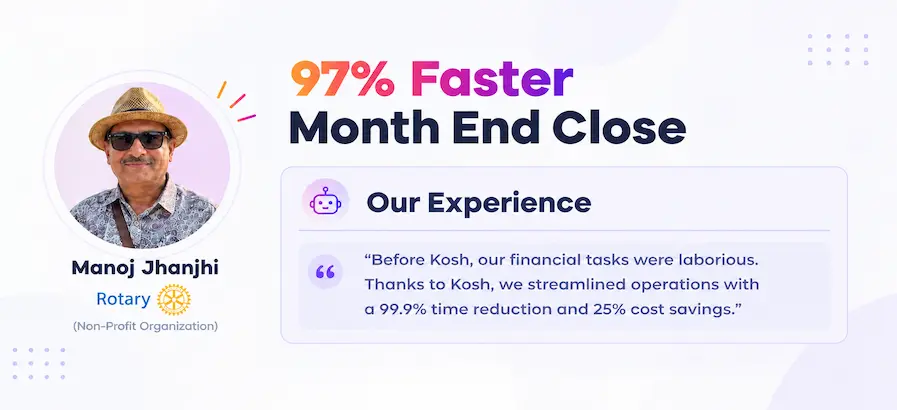
    Kosh AI customer success story for treasury and AP teams

    Why Finance Teams Are Automating Check Reconciliation

    Check reconciliation feels manageable right up until the volume outgrows what a spreadsheet and a bank statement can handle. A handful of checks a month is easy to track by eye. A few thousand checks a month, spread across several bank accounts and maybe a few legal entities, turns the same task into a standing operational risk.

    The problems that show up aren't usually obvious at first glance. A check that's been outstanding for four months with nobody tracking the clock. A voided check that gets cashed anyway because the void was never linked to a replacement. A bank account that hasn't been formally reconciled this quarter because the person who normally does it has been busy with something else.

    Kosh AI treats check reconciliation as a continuous, automated process rather than a periodic catch-up task. Every check gets matched against what the bank actually clears, every outstanding item ages automatically, and every account stays reconciled on the same schedule, regardless of how many checks or accounts that involves.

    Why finance teams automate check reconciliation

    What Your Check Reconciliation Process Needs to Handle

    The right trigger for automating this isn't check volume alone. It's how many accounts, entities, and exception types are involved.

    High check volume icon

    High-Volume Check Issuance

    Once checks run into the hundreds or thousands a month, manual bank tie-outs stop being sustainable.

    Multiple accounts icon

    Multiple Bank Accounts or Entities

    Each additional account multiplies the manual reconciliation work by roughly the same amount.

    Outstanding check tracking icon

    A Growing List of Outstanding Checks

    An aging list that's tracked inconsistently is where stale checks and compliance exposure start.

    Compliance documentation icon

    Teams That Need a Defensible Audit Trail

    Anywhere a check's history might get questioned later needs more than a bank statement glance.

    Best Practices for Reliable Check Reconciliation

    A few habits keep check reconciliation accurate as volume, accounts, and entities grow.

    Reconcile frequently icon

    Reconcile on a Fixed, Frequent Schedule

    Waiting until month-end to reconcile checks is exactly how discrepancies pile up unnoticed.

    Set stale thresholds icon

    Define a Clear Stale-Check Threshold

    Without an explicit aging cutoff, outstanding checks tend to get reviewed only when someone happens to notice.

    Close the loop on voids icon

    Always Link a Void to Its Reissue

    A voided check with no linked replacement is the most common path to an accidental duplicate payment.

    Standardize across accounts icon

    Reconcile Every Account the Same Way

    An inconsistent process across accounts is harder to audit and easier for errors to hide in.

    FAQs: Check Reconciliation Software

    What is check reconciliation software?

    It's software that matches checks your organization has issued against the clearing data your bank reports, confirming what's cleared, tracking what's still outstanding, and flagging anything that doesn't match cleanly.

    How is this different from checkbook reconciliation software?

    Checkbook reconciliation software is built for keeping a single register and bank balance in sync at a smaller scale. This page is built for organizations issuing checks at volume, across multiple bank accounts or legal entities.

    How does it track outstanding checks?

    Every unclear check is aged automatically from its issue date, so a check sitting outstanding for an extended period is flagged without anyone having to track it manually.

    What happens to voided or stopped checks?

    Voided and stop-payment checks are linked to their reissued replacement automatically, and the system flags the rare case where an already-voided check still clears.

    Can it handle multiple bank accounts and entities?

    Yes. Each bank account and legal entity is reconciled independently, with a consolidated cross-entity view available alongside the account-level detail.

    Does it keep an audit trail?

    Yes. Every match, exception, and resolution is logged with a timestamp and the user who acted, structured for internal and external audit review.

    Can it help with escheatment or unclaimed property reporting?

    Automatic aging of outstanding checks makes it easier to identify checks approaching the thresholds typically used for unclaimed property review, though specific reporting requirements vary by jurisdiction.

    How quickly can we get started?

    Most teams connect their bank accounts and check registers and begin automated matching within the same week, without a lengthy implementation project.

    See Your Own Checks Reconciled Live

    Bring a recent check run and bank statement, and we'll show you exactly what's cleared, what's outstanding, and what needs a closer look.

    Book a Demo