Pharmacy Reconciliation Software for Every Register, Claim, and Deposit

Match POS Sales, Third-Party Remittances, Inventory, and Bank Deposits Across Every Pharmacy Location

  • Daily Register Sales Matched Against Bank Deposits, Location by Location
  • Third-Party Payer Remittances Reconciled Against What Was Actually Billed
  • Shrinkage Surfaced by Comparing Inventory Drawdown to Sales and Fills
  • One Consolidated View Across Every Store in the Chain
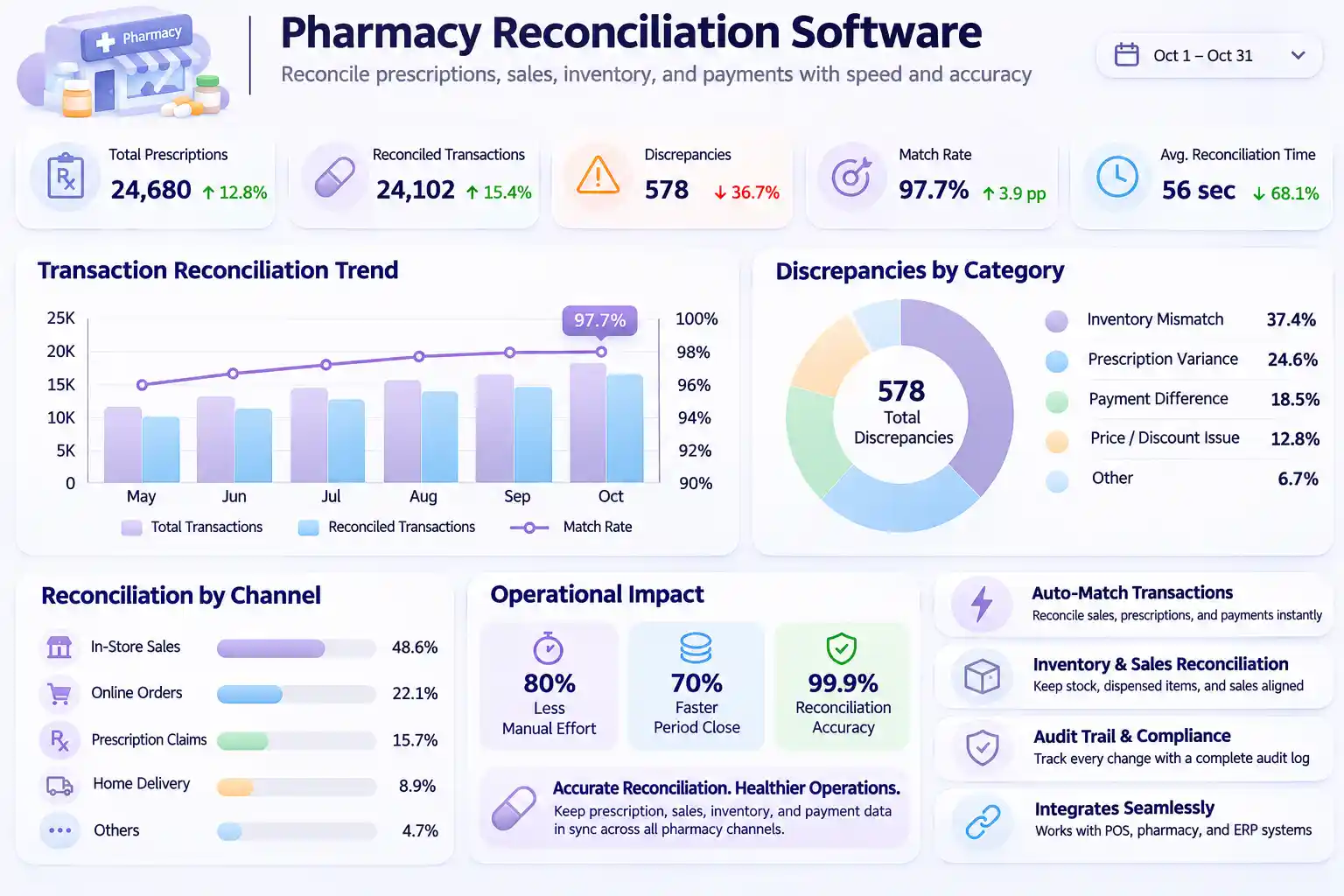
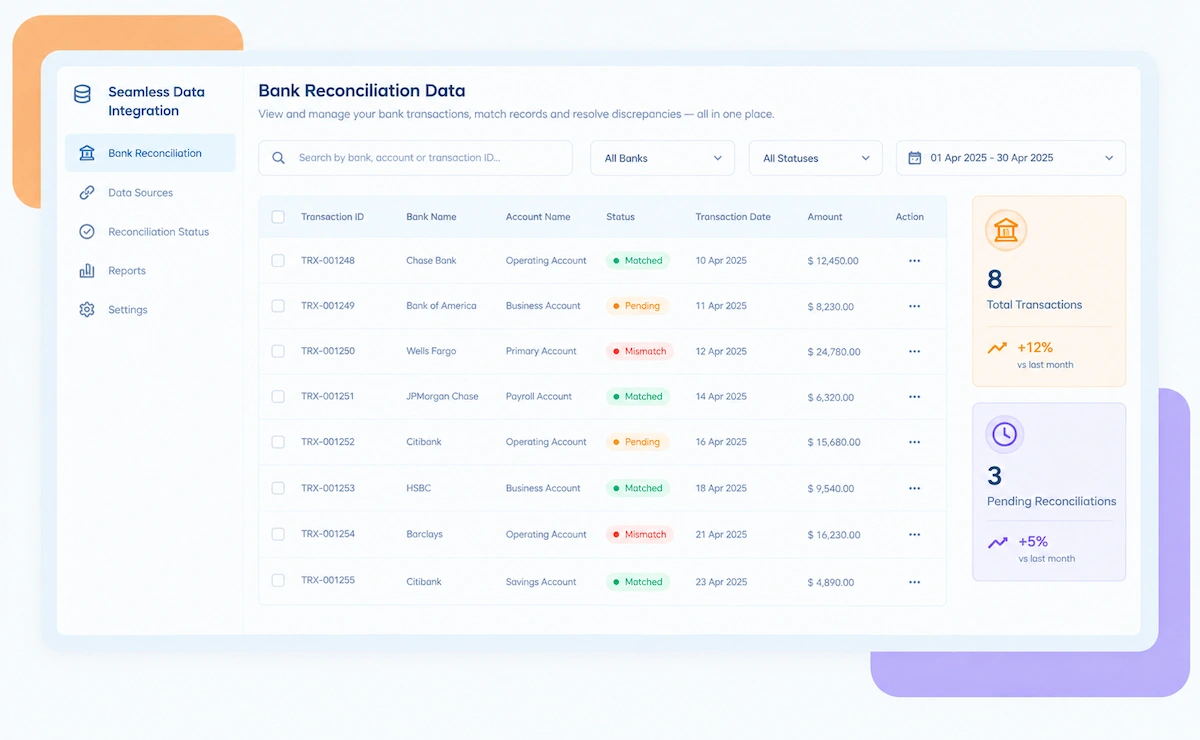
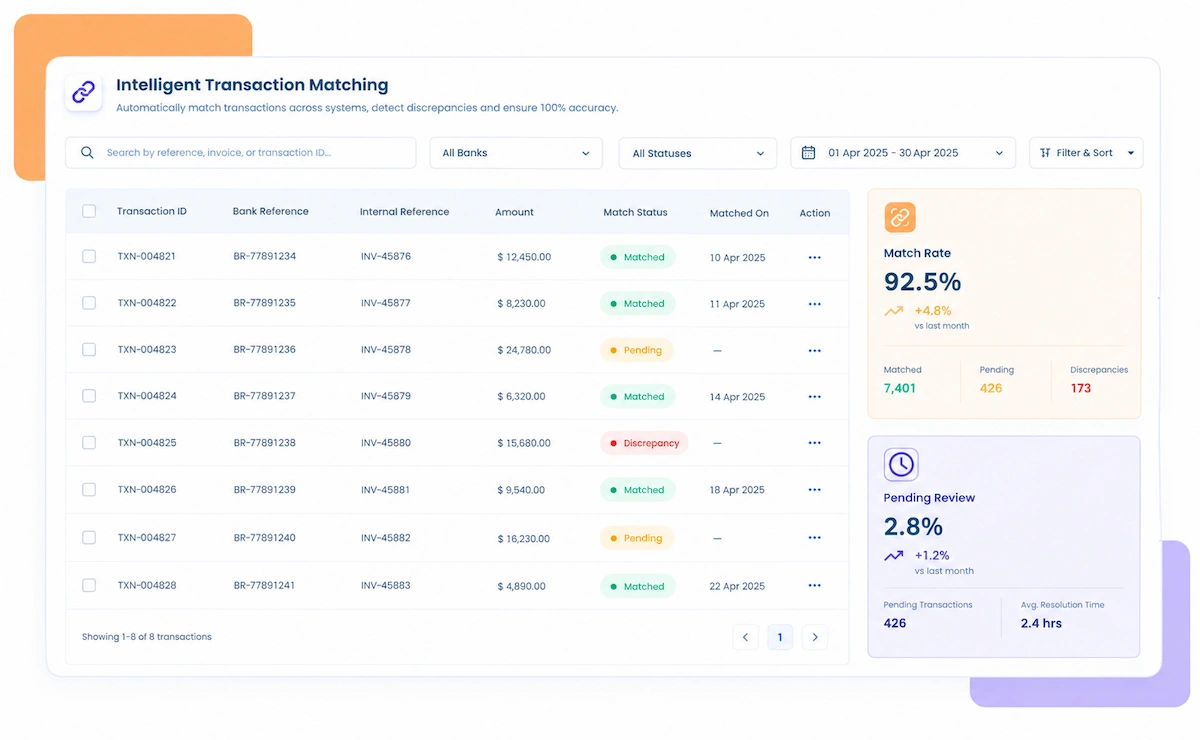
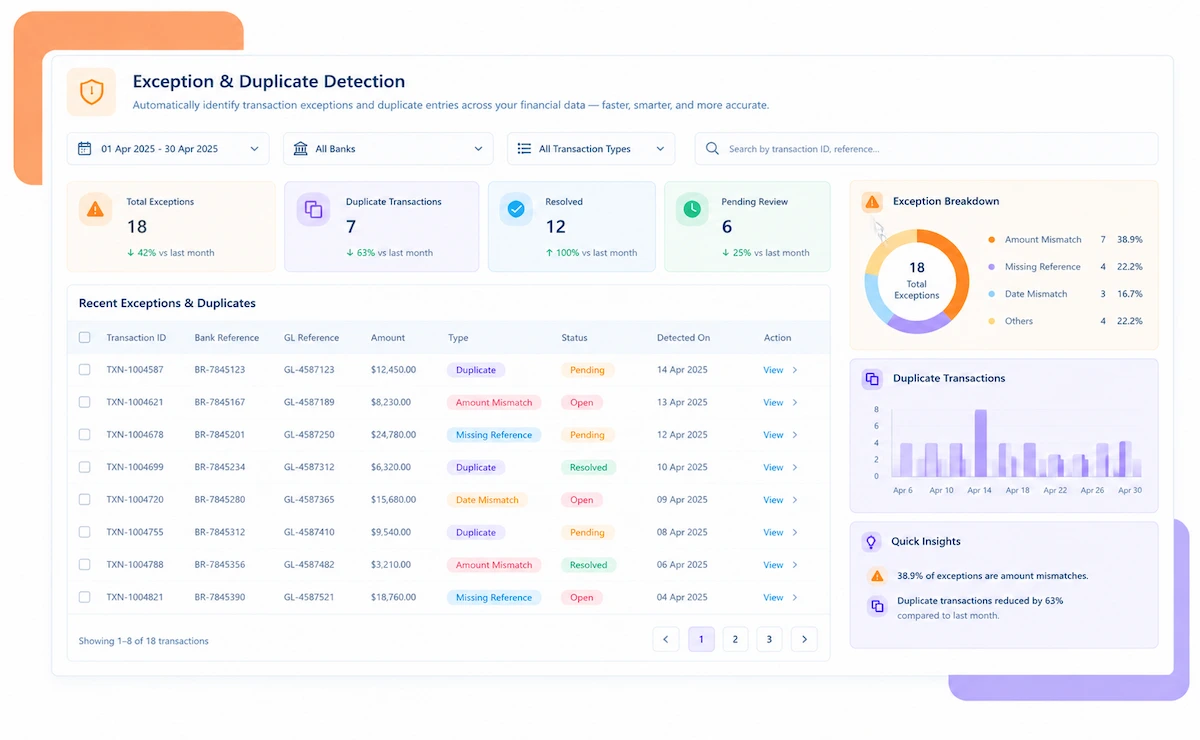
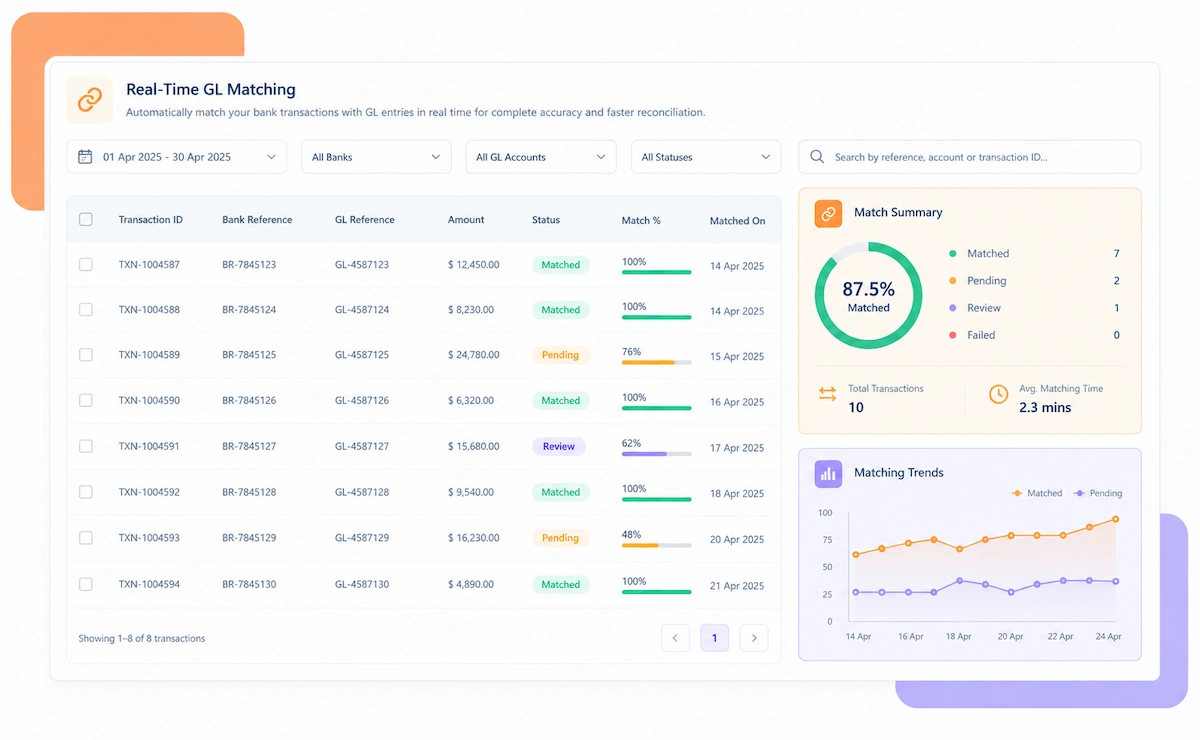
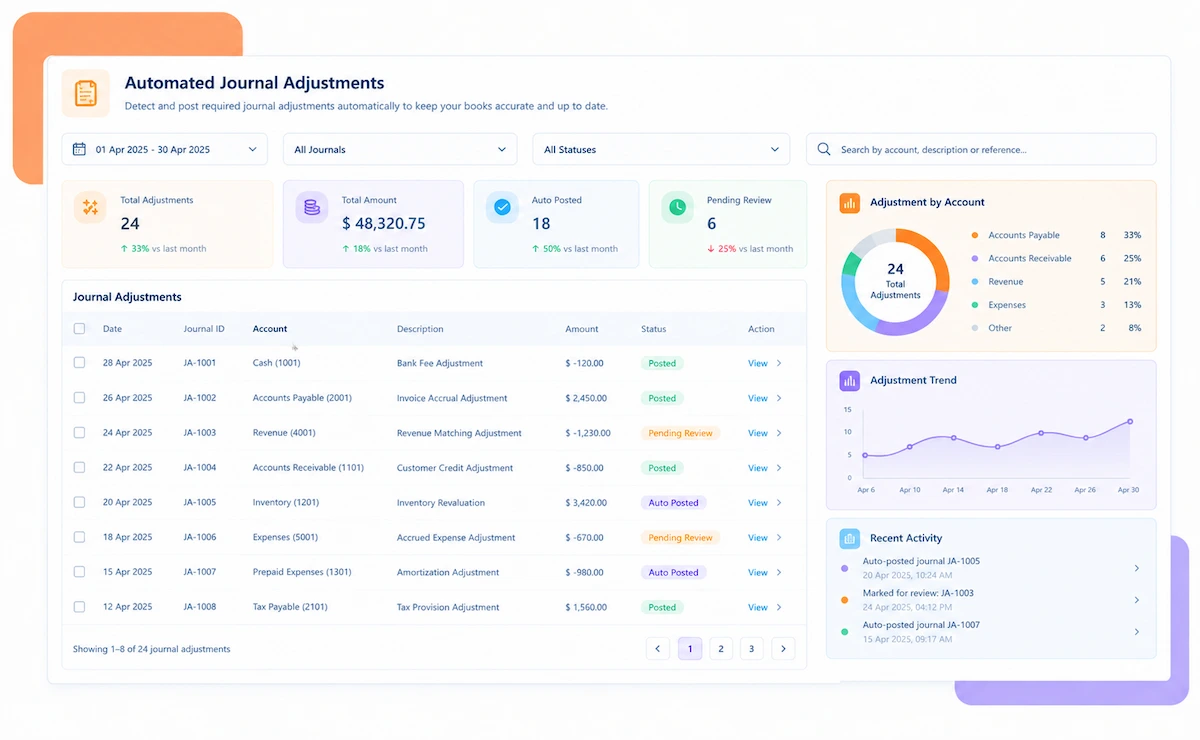
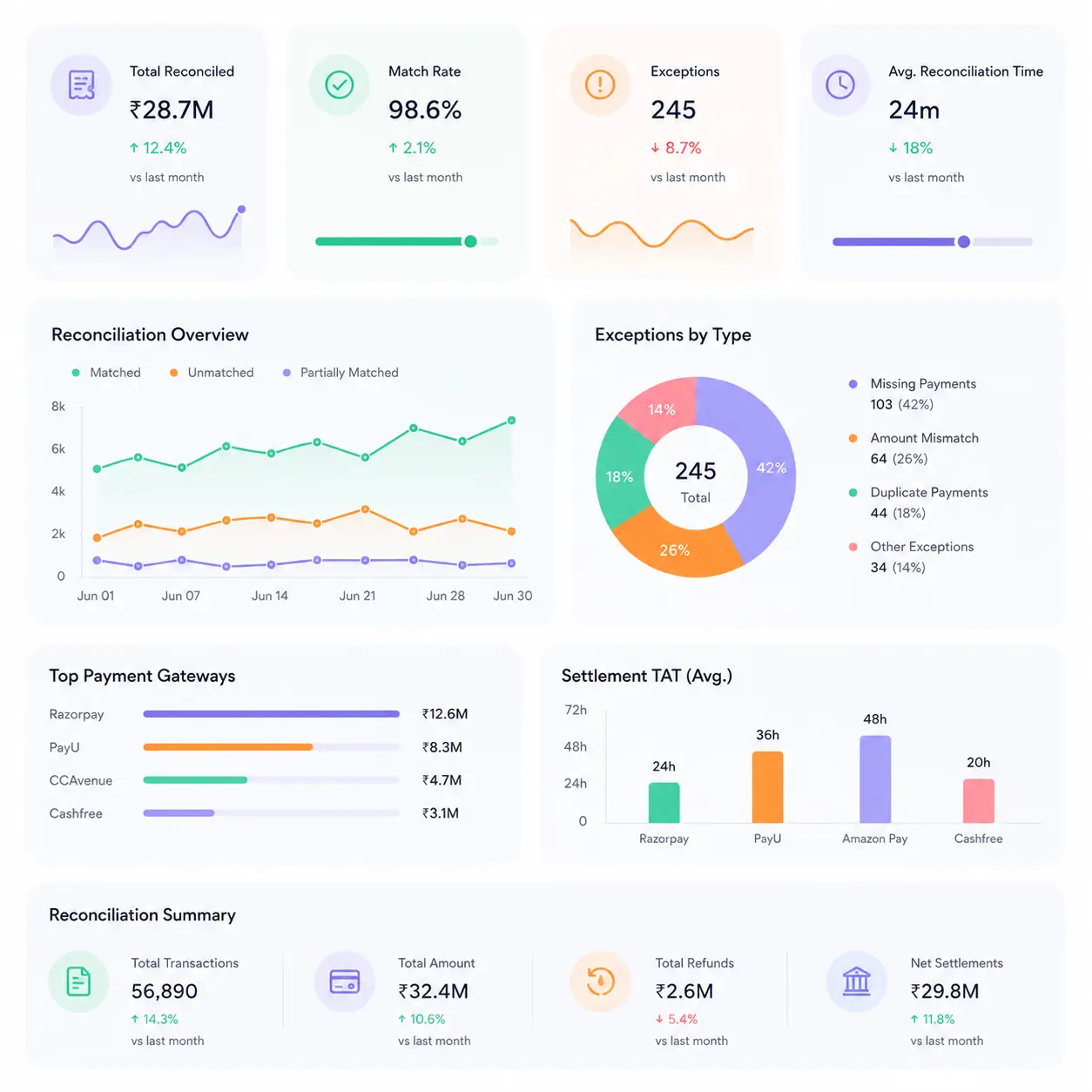
Kosh AI Pharmacy Reconciliation Software Dashboard

A 2026 Pharmacy Reconciliation Tool

Still Closing Each Pharmacy Location With a Separate Spreadsheet Every Night?

A single pharmacy location generates register sales, third-party claim remittances, inventory movement, and a bank deposit, all of which should tell the same story. Across a multi-location chain, reconciling that by hand means a separate spreadsheet per store, every single day. Kosh AI keeps all four connected automatically, for every location at once.

What Pharmacy Reconciliation Software Automates

A pharmacy's daily numbers come from four different places. Reconciliation means checking that all four agree, every day, for every location. For reconciling claims and DIR fees specifically across a member network, see how PSAO reconciliation software handles it end to end.

How Kosh AI's Pharmacy Reconciliation Software Works

Four steps that take a day's register sales, claims, and inventory movement to one reconciled, chain-wide view.

  • POS, payer remittance, and inventory feeds connected per location: Each store's data flows in without a manual export at close of day.
  • Bank deposit data pulled in alongside the rest: The deposit sits in the same reconciliation view as the sales that generated it.
  • Register totals matched to bank deposits daily: A shortage or overage is flagged by register and shift, not discovered weeks later.
  • Remittances matched to billed claims: Underpayments and rejections are surfaced as soon as a remittance posts.
  • Inventory drawdown checked against sales and dispensing continuously: A real variance stands out instead of waiting for a scheduled count.
  • Every flagged item routed with the context behind it: A store manager or finance team sees what to investigate and why.
  • Every location rolled into one chain-wide view: Leadership sees the full picture without waiting on a store-by-store report.
  • Store-level detail available on demand: A specific location's numbers are one click away from the chain-wide summary.

Pharmacy Reconciliation Software Use Cases Across Pharmacy Operations

What pharmacy reconciliation needs to cover depends on how many locations you run and how business actually comes in. Teams reconciling clinical medication records specifically, across orders, dispensing, and billing, usually turn to medication reconciliation software alongside this.

Multi-Location Retail Pharmacy Chains

Consolidating POS, claims, and deposits across dozens or hundreds of stores into one view.

Independent Pharmacies

Getting the same daily reconciliation rigor as a larger chain, without a larger back-office team.

Mail-Order and Specialty Pharmacies

Matching high-value dispensing against claims and inventory without a per-order manual check.

Pharmacy Finance Teams

Confirming every location's register total actually reached the bank account, every day.

Store Operations Managers

Catching inventory shrinkage early, before it shows up as a surprise at a physical count.

Billing and Claims Teams

Chasing underpayments and rejected claims the moment a remittance posts, not at month-end.

Growing Store Count

Chains adding locations faster than a spreadsheet-based daily close process can reasonably track.

Recurring Unexplained Variances

Operations seeing the same kind of shortage or shrinkage across stores without a clear cause.

Daily Close Pressure

Teams needing every location closed out same-day instead of catching up days later.

With Kosh AI's Pharmacy Reconciliation Software, You Can Achieve

90%Of Daily Deposits Matched to POS Totals Automatically
65%Faster Identification of Underpaid or Rejected Claims
100%Of Locations Reconciled From One Consolidated View

Integrate Seamlessly with Your Existing ERP Systems

Kosh AI connects directly with all major banks and ERPs, enabling real-time data sync for faster, more accurate reconciliations—no manual uploads, no delays.

What Is Pharmacy Reconciliation Software?

Pharmacy reconciliation software checks that a pharmacy's register sales, third-party payer remittances, inventory movement, and bank deposits all agree with each other, for every location, every day. When all four line up, the day is reconciled. When they don't, the software shows exactly where and by how much.

Done manually, this usually falls to a store manager or a central finance team cross-referencing a POS report, a payer remittance file, an inventory count, and a bank statement, location by location. For a single independent pharmacy, that's manageable. Across a chain with dozens or hundreds of locations, it becomes a daily spreadsheet exercise that's easy to fall behind on, and the gaps, a shortage at the register, an underpaid claim, a shrinking shelf, tend to compound quietly until someone goes looking.

Kosh AI's pharmacy reconciliation software connects POS, claims, inventory, and bank deposit data automatically across every location, flags discrepancies the same day they occur, and keeps a complete, audit-ready record chain-wide.

What is pharmacy reconciliation software

Manual vs. Automated Pharmacy Reconciliation Software – Why Make the Switch?

A spreadsheet per store can work for a single pharmacy. See what changes once reconciliation runs automatically across the whole chain. For reconciling what's billed against what's recorded across the rest of the business, see how billing reconciliation software handles it.

Feature Automated Pharmacy Reconciliation Manual Pharmacy Reconciliation
POS-to-Deposit MatchingChecked automatically for every register, every day.Verified by hand, often only when a shortage is obvious.
Third-Party ClaimsRemittances matched to billed claims as they post.Reviewed in batches, often well after the fact.
Inventory ShrinkageFlagged continuously by comparing drawdown to sales.Discovered only at a periodic physical count.
Multi-Location VisibilityOne consolidated view across every store.A separate spreadsheet or report per location.
Discrepancy ResolutionRouted with context the same day it's found.Investigated after the fact, with less information available.
Audit ReadinessRecords linked automatically as reconciliation happens.Reconstructed from separate systems before a review.

Why Pharmacy Chains Are Automating Daily Reconciliation

A pharmacy's daily numbers come from systems that don't naturally talk to each other, and the gap between them is where real money sits. Chains running the same process across every unit of a larger operation often pair this with enterprise reconciliation software, built for running reconciliation at scale across business units.

  • POS totals don't always reach the bank intact: Shortages at the register are easy to miss without a daily, location-by-location check.
  • Payer remittances rarely match what was billed exactly: Underpayments and rejections sitting unresolved are lost revenue that compounds across a chain.
  • Inventory drift is hard to see until a physical count: By the time shrinkage shows up at a count, it's already happened, repeatedly, without anyone noticing.
  • A growing store count outpaces a spreadsheet-based process: What works for five locations breaks down well before fifty.
  • Kosh AI keeps all four data sources connected automatically: POS, claims, inventory, and deposits are checked against each other every day, for every location, without a manual pass.
Why pharmacy chains automate daily reconciliation

What Your Pharmacy Reconciliation Process Needs to Handle

A few conditions make pharmacy reconciliation noticeably harder to keep up with manually.

Multiple locations icon

Multiple Locations to Reconcile Daily

Every additional store adds its own POS, claims, and deposit data that has to line up on its own.

Multiple payer icon

Claims Across Several Third-Party Payers

Each payer remits on its own schedule and format, making manual matching slower with every payer added.

High-value inventory icon

High-Value or Controlled Inventory

These are exactly the categories where a shrinkage gap carries the most financial and compliance weight.

Daily close pressure icon

Same-Day Close Requirements

A chain that needs every store closed out daily can't wait on a manual, location-by-location process.

Getting Started With Pharmacy Reconciliation Automation

A few steps take pharmacy reconciliation from a daily spreadsheet exercise to an automated, chain-wide process. For matching daily register totals against what actually lands in the bank account, see how bank reconciliation software handles it on its own.


  • POS, payer, and bank feeds connected per location: Reconciliation can only run on data that's actually flowing in from every source and every store.
  • Inventory systems brought in alongside sales and claims data: Drawdown needs to sit in the same view as what was sold and billed.
  • Matching logic configured to how each location actually operates: Register counts, payer mixes, and shift structures can vary store to store.
  • Discrepancy thresholds set to what's actually worth investigating: Small timing gaps shouldn't generate the same alert as a genuine shortage.
  • Every location reconciled the same day, automatically: Store managers and finance see discrepancies while they're still easy to investigate.
  • Results refined over the first few close cycles: Matching rules get tuned as real variance patterns show up per location.
  • New stores added to the same process without a separate setup: The reconciliation logic extends automatically as the chain expands.
  • Reporting available chain-wide or down to a single store: Leadership sees the rollup while a store manager still gets their own location's detail.

FAQs: Pharmacy Reconciliation Software

What is pharmacy reconciliation software?

It's software that matches a pharmacy's register sales, third-party payer remittances, inventory movement, and bank deposits against each other, flagging any discrepancy by location and by day.

How is this different from medication reconciliation software?

Medication reconciliation software focuses on clinical medication records, matching orders, dispensing, and billing for a single patient's medication list. Pharmacy reconciliation software focuses on the pharmacy's day-to-day business operations: register sales, payer remittances, inventory, and deposits across one or many locations.

Can it catch register shortages the same day they happen?

Yes. Daily POS totals are matched against the corresponding bank deposit automatically, with shortages and overages flagged by register and shift.

Does it handle multiple third-party payers?

Yes. Remittances from each payer are matched against billed claims, with underpayments and rejections flagged as soon as a remittance posts.

Can it detect inventory shrinkage before a physical count?

Yes. Inventory drawdown is checked against sales and dispensing records continuously, so a genuine variance surfaces well before the next scheduled count.

Does it work across multiple pharmacy locations?

Yes. Every location's data rolls into one consolidated view, while store-level detail stays available without rebuilding it separately.

Does it integrate with our existing POS and claims systems?

Yes. Kosh AI connects to common pharmacy POS, claims processing, and banking systems to pull data automatically.

How quickly can a pharmacy chain get this running?

Most chains have core daily reconciliation running within two to three weeks of connecting their POS, claims, and banking data. This pairs naturally with claims reconciliation tool, which is purpose-built for matching submitted claims against EOBs and contracted rates.

Ready to Try Kosh AI's Pharmacy Reconciliation Software?

Bring a recent day where a location's numbers didn't quite add up. We'll show you how Kosh AI would have caught it automatically.

Book a Demo